Chrome / Liquid Metal UI design style
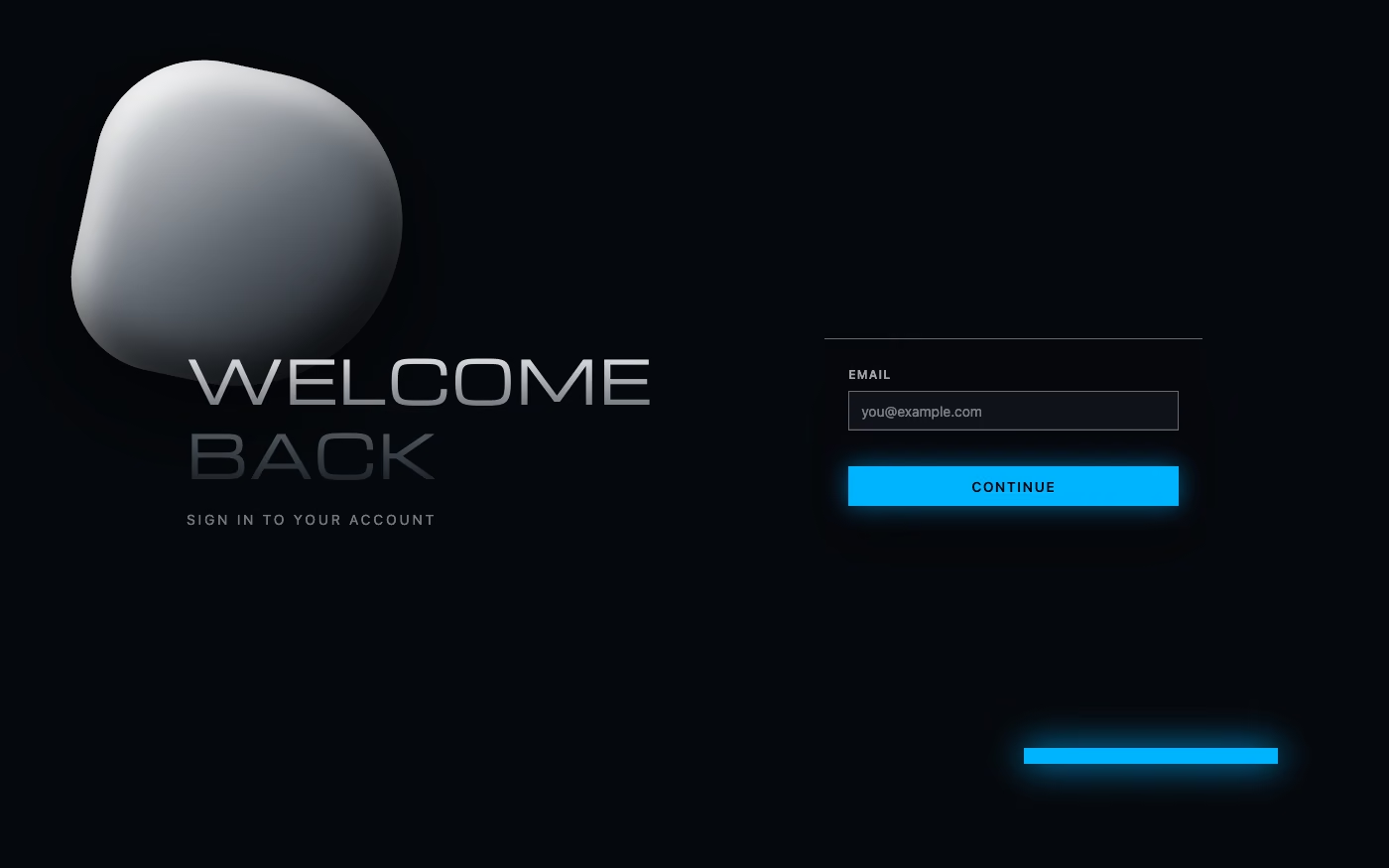
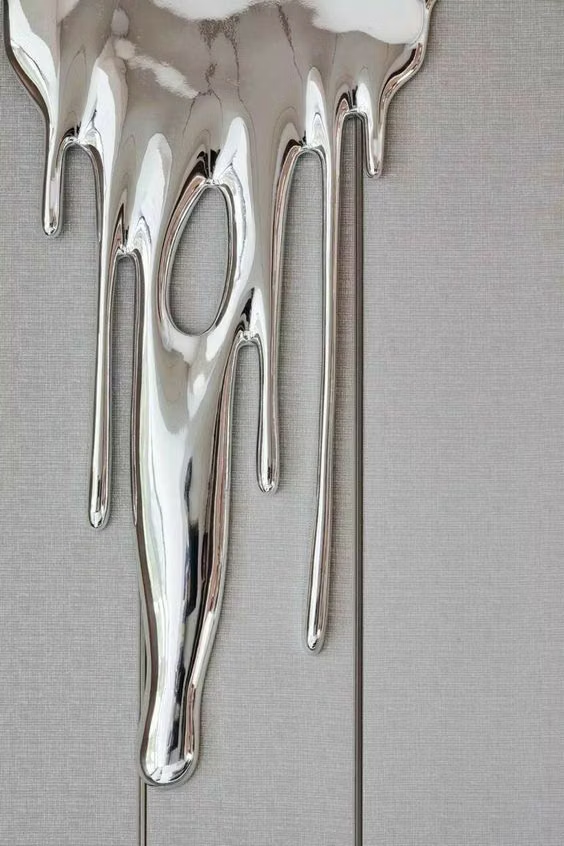
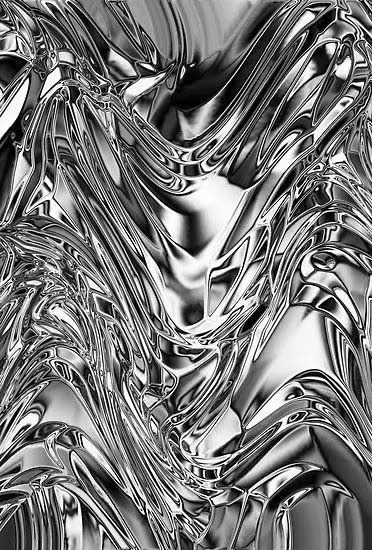
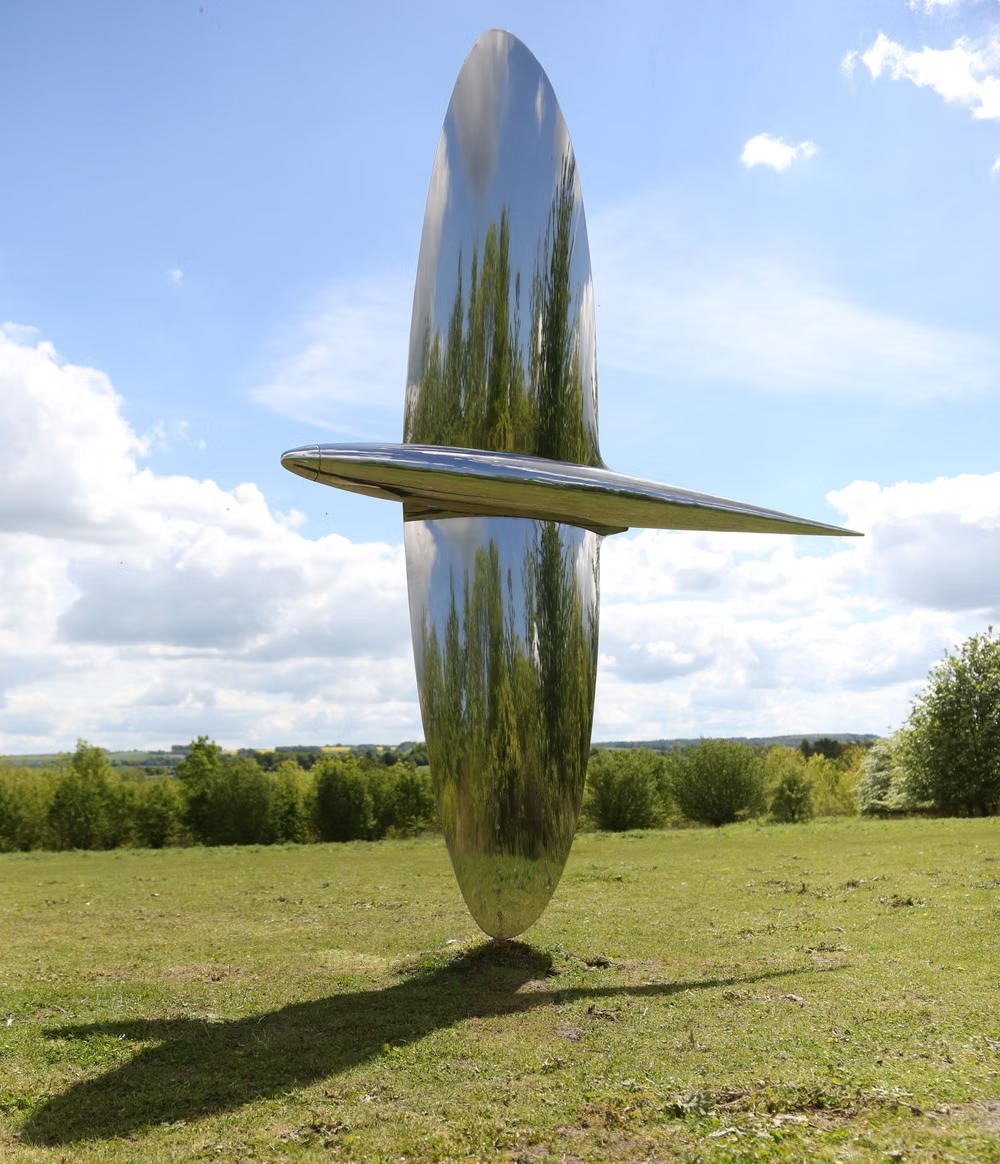
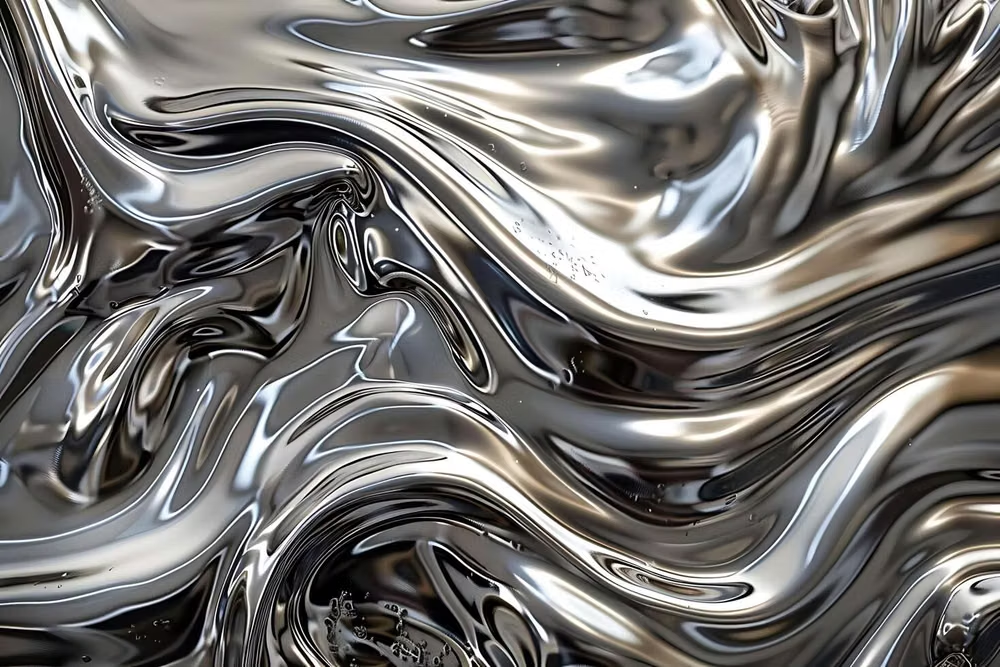
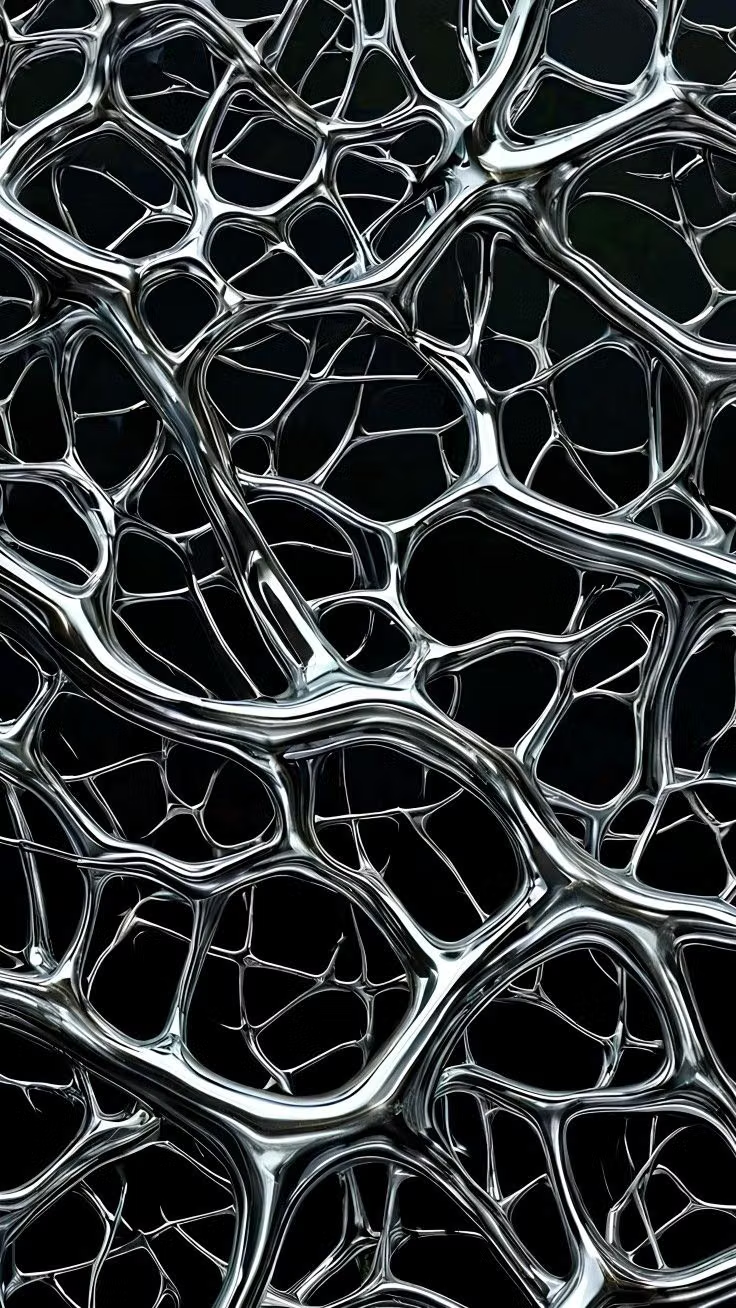
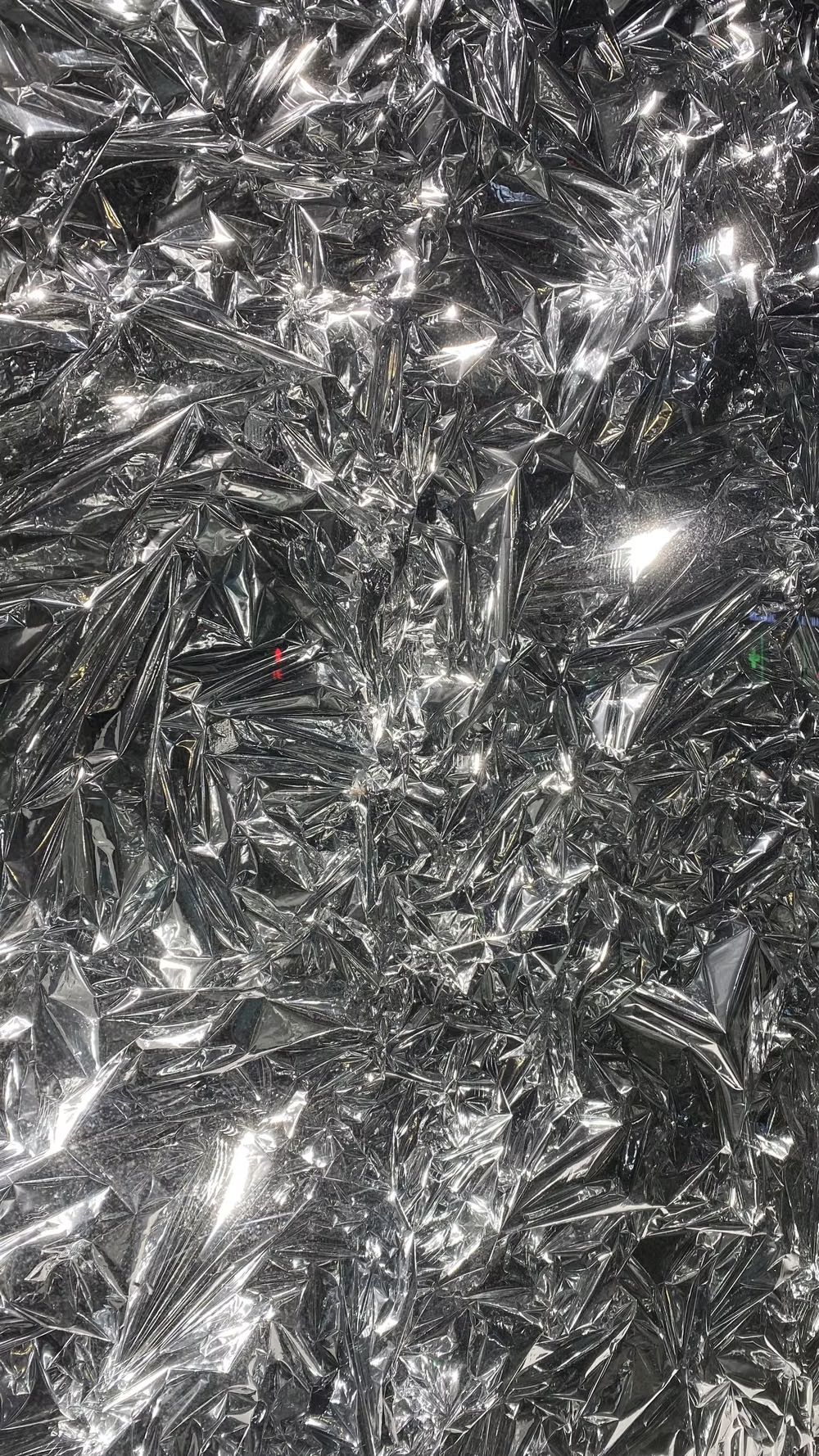
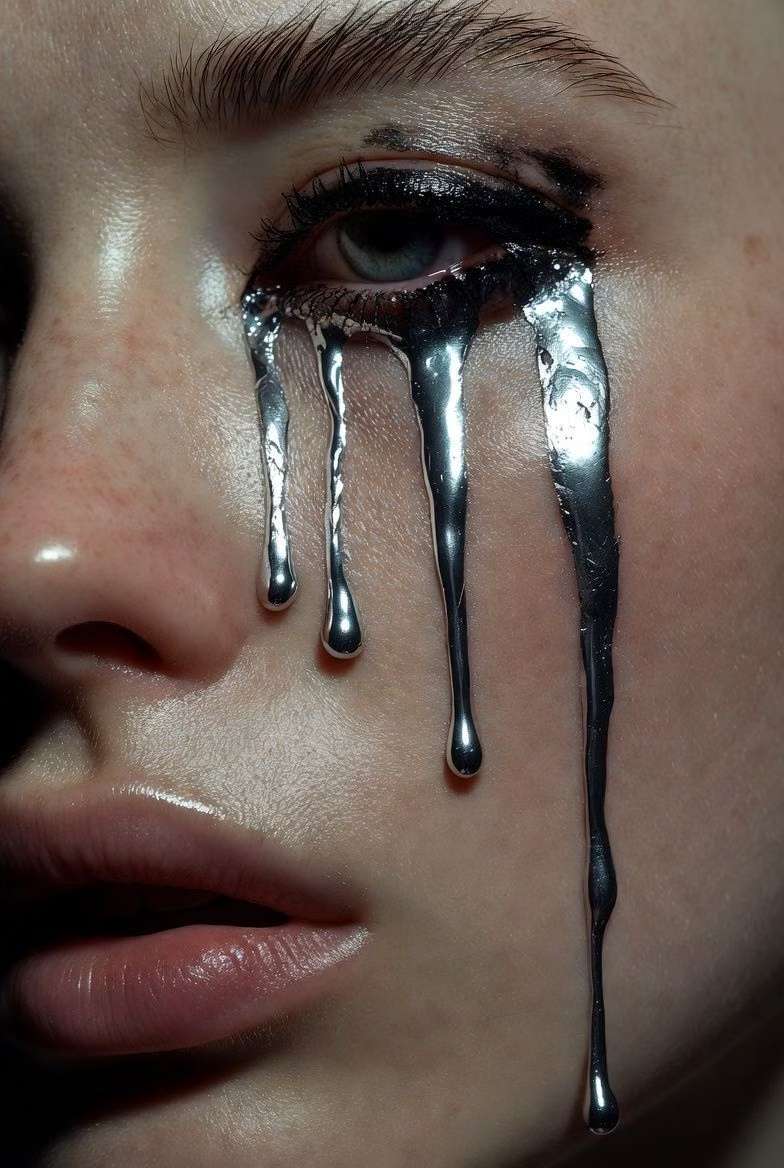
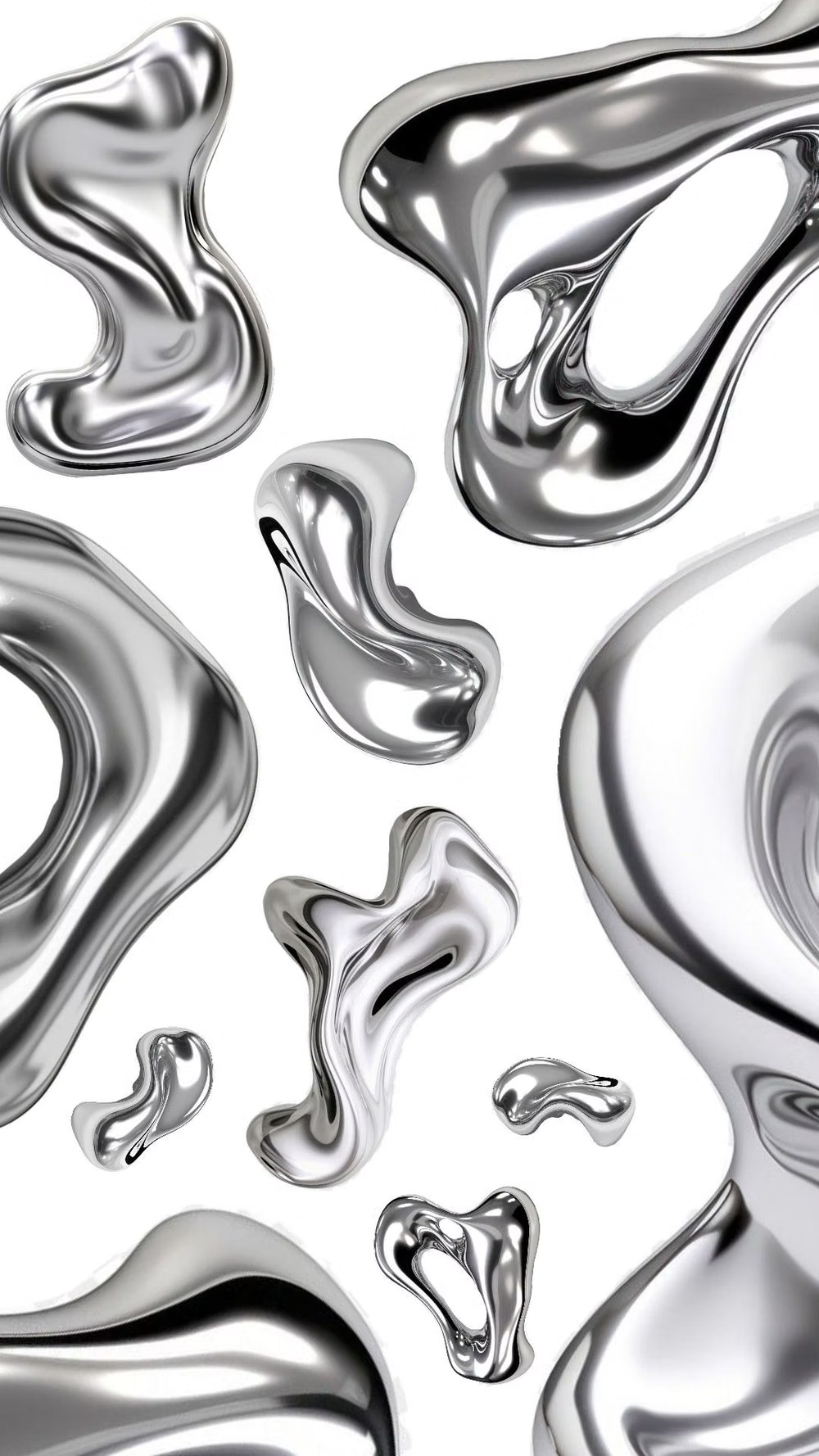
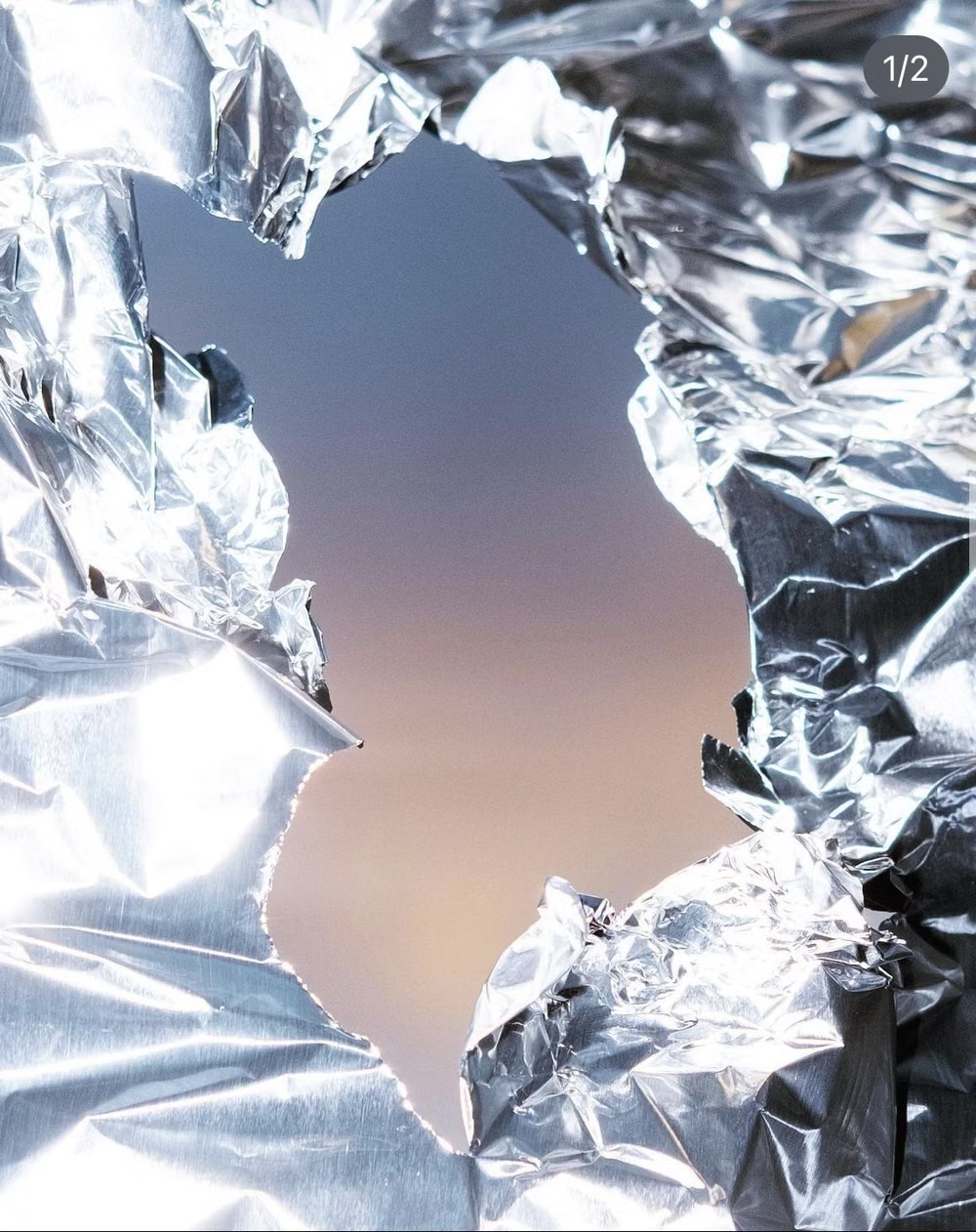
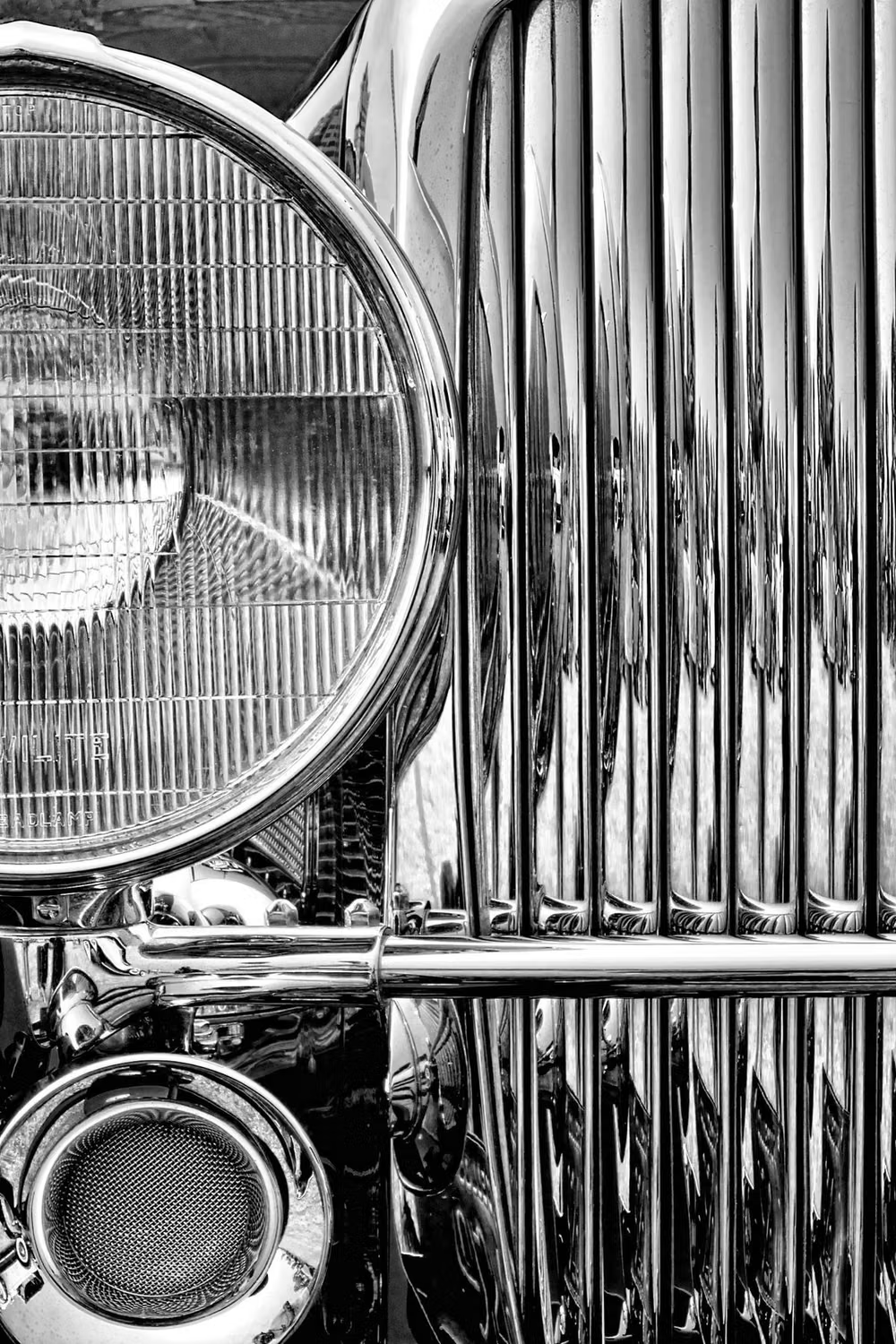
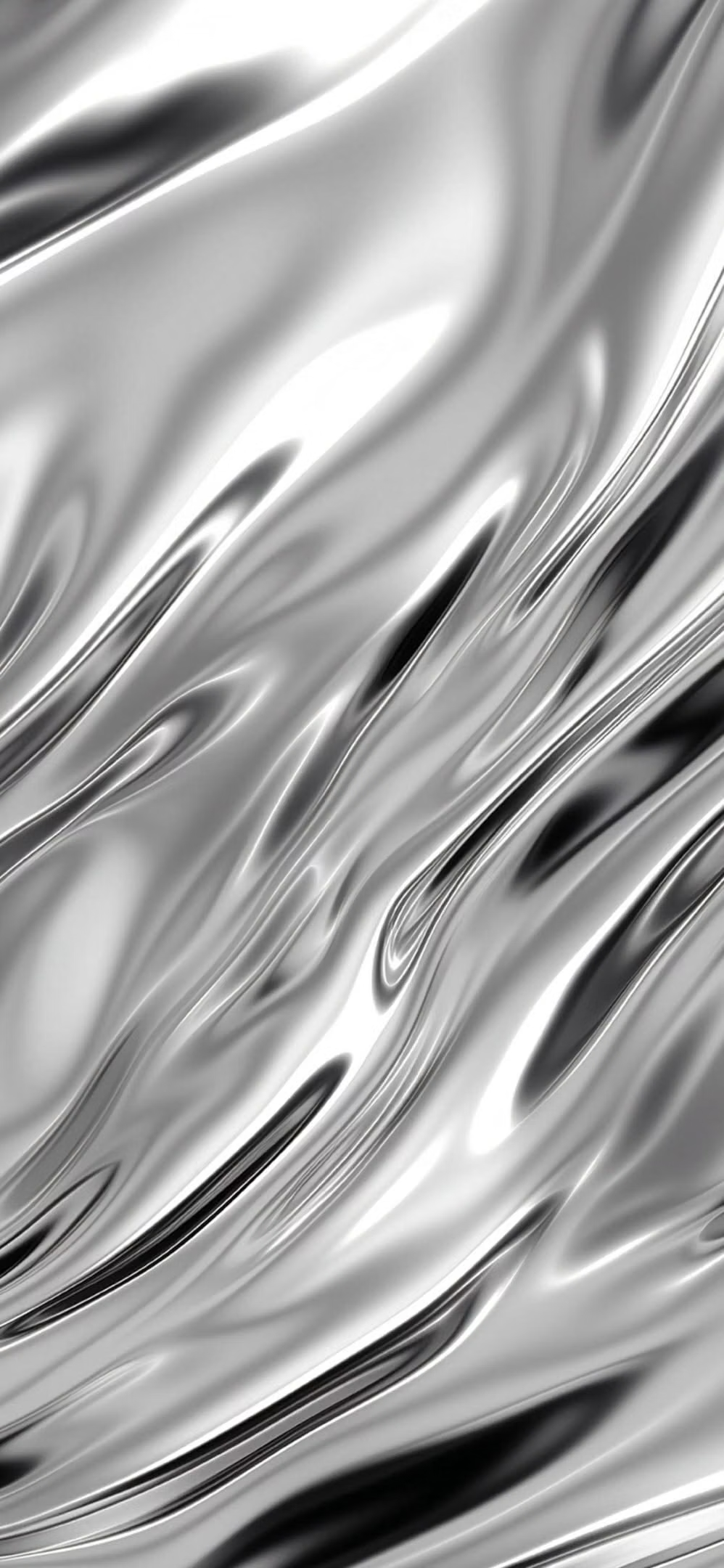
Mirror-like metallic surfaces, molten forms, sharp reflections, and high-contrast specular lighting.
Design overview
- Signature elements
- mirror reflections, molten metallic forms, liquid contours, sharp specular highlights, dark contrast, embossed type. In daisyUI themes, set `--depth: 1;`.
- Best suited to
- Automotive, fashion, music, gaming, luxury technology, and dramatic campaign sites.
- Layout principles
- Compose a cinematic stage around one oversized metallic object or wordmark, using asymmetric editorial blocks and deep negative space for supporting content.
History and origins
A fact-checked account of where this visual language came from, with links to the references used.
- Period
- Recurring since 1930s industrial styling; renewed digitally in the 2020s
- Origin
- Industrial design, airbrush graphics, and contemporary 3D design
Chrome and liquid-metal UI is a contemporary digital treatment, not one continuous historic movement. Its polished surfaces recall Streamline Moderne’s 1930s celebration of machines and speed, later chrome-heavy airbrush and music graphics, and the accessible 3D rendering tools that drove a new metallic branding cycle in the early 2020s.
Moodboard and visual references
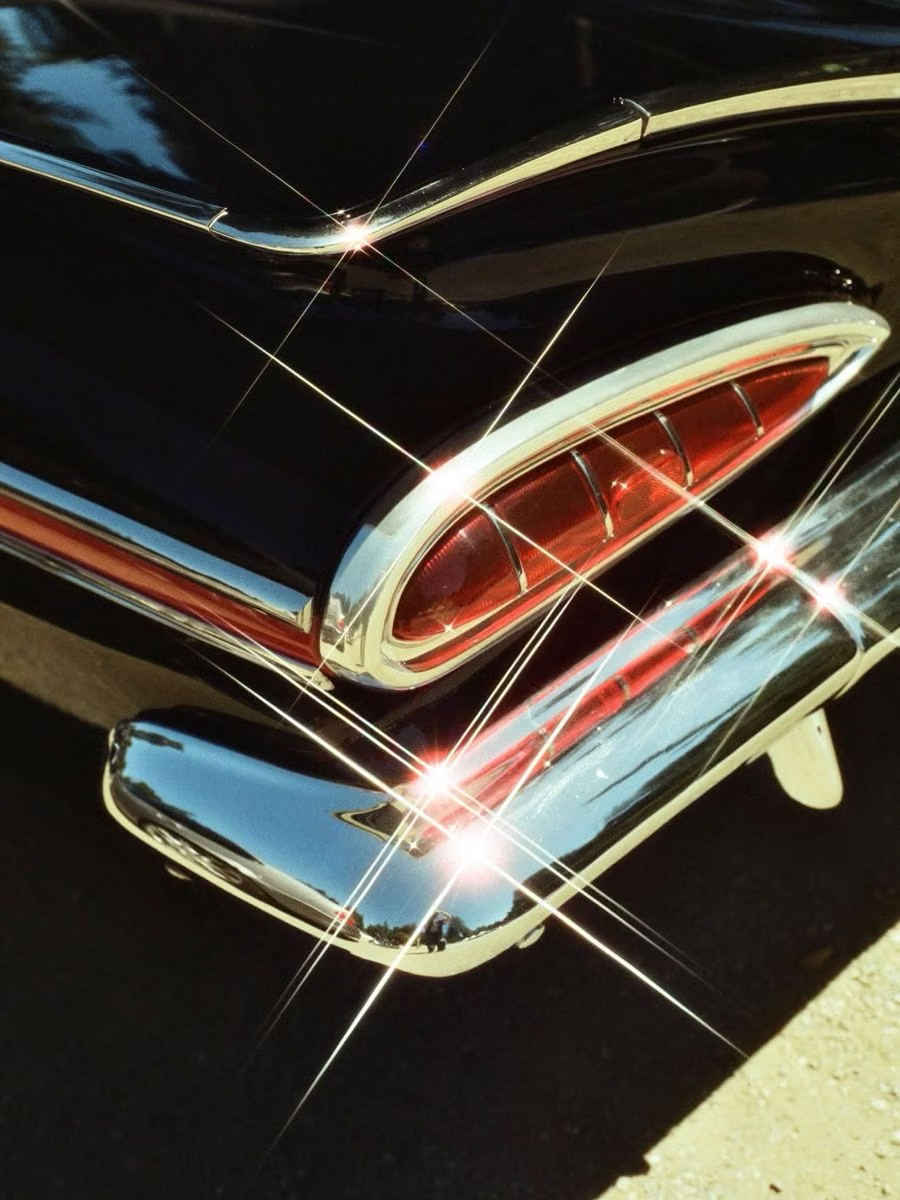
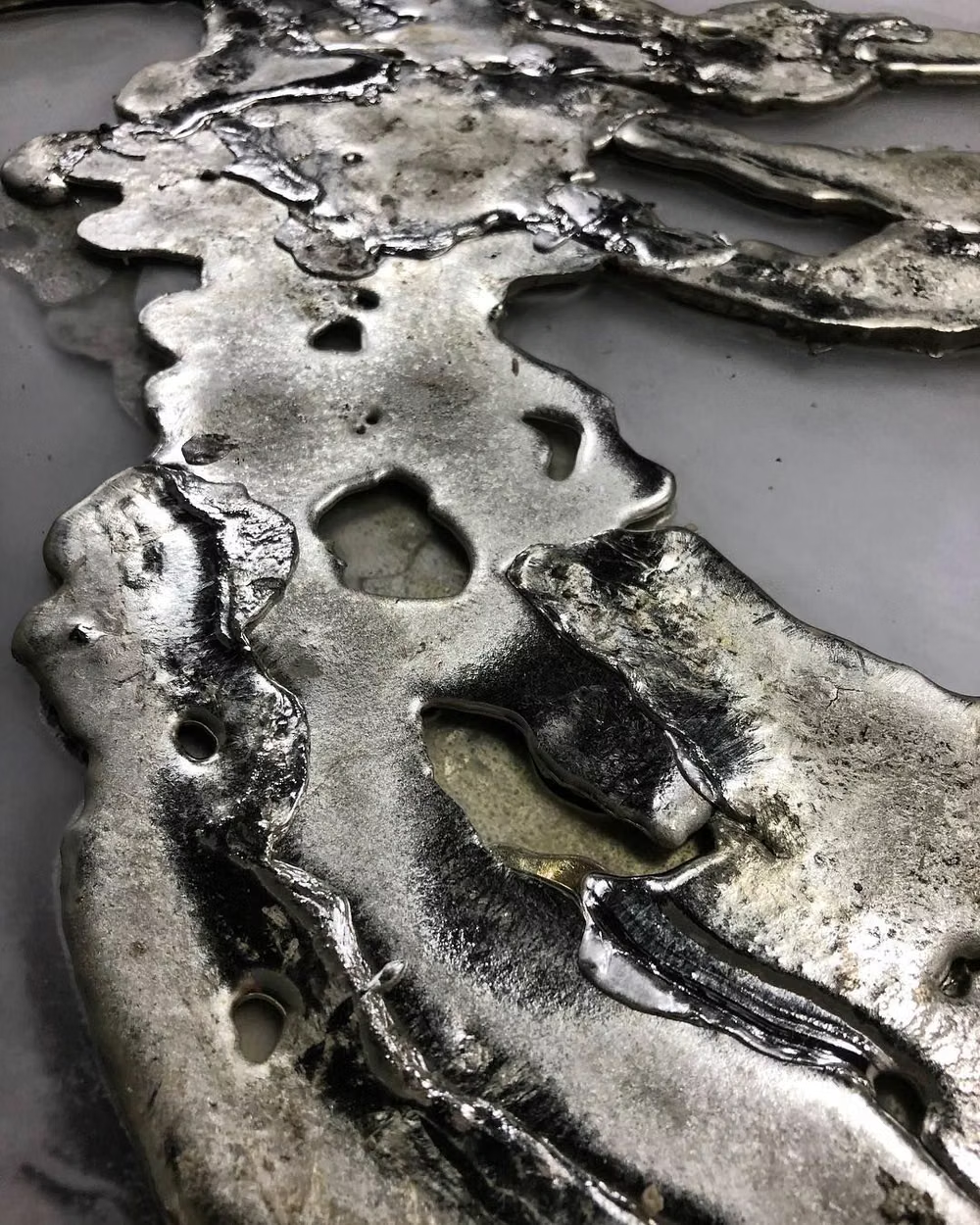
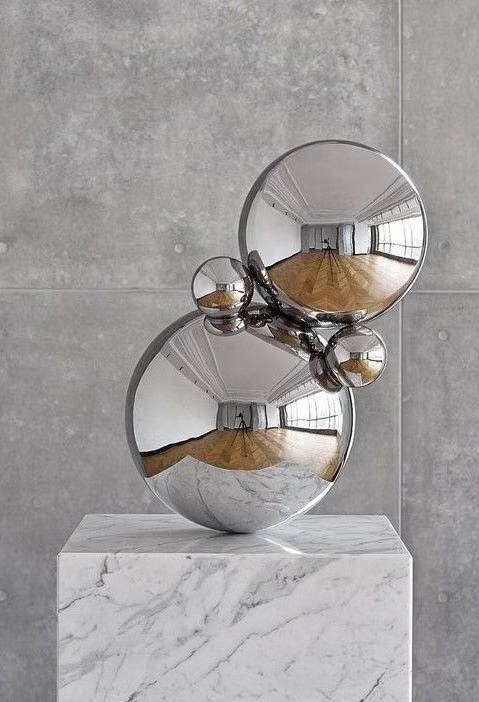
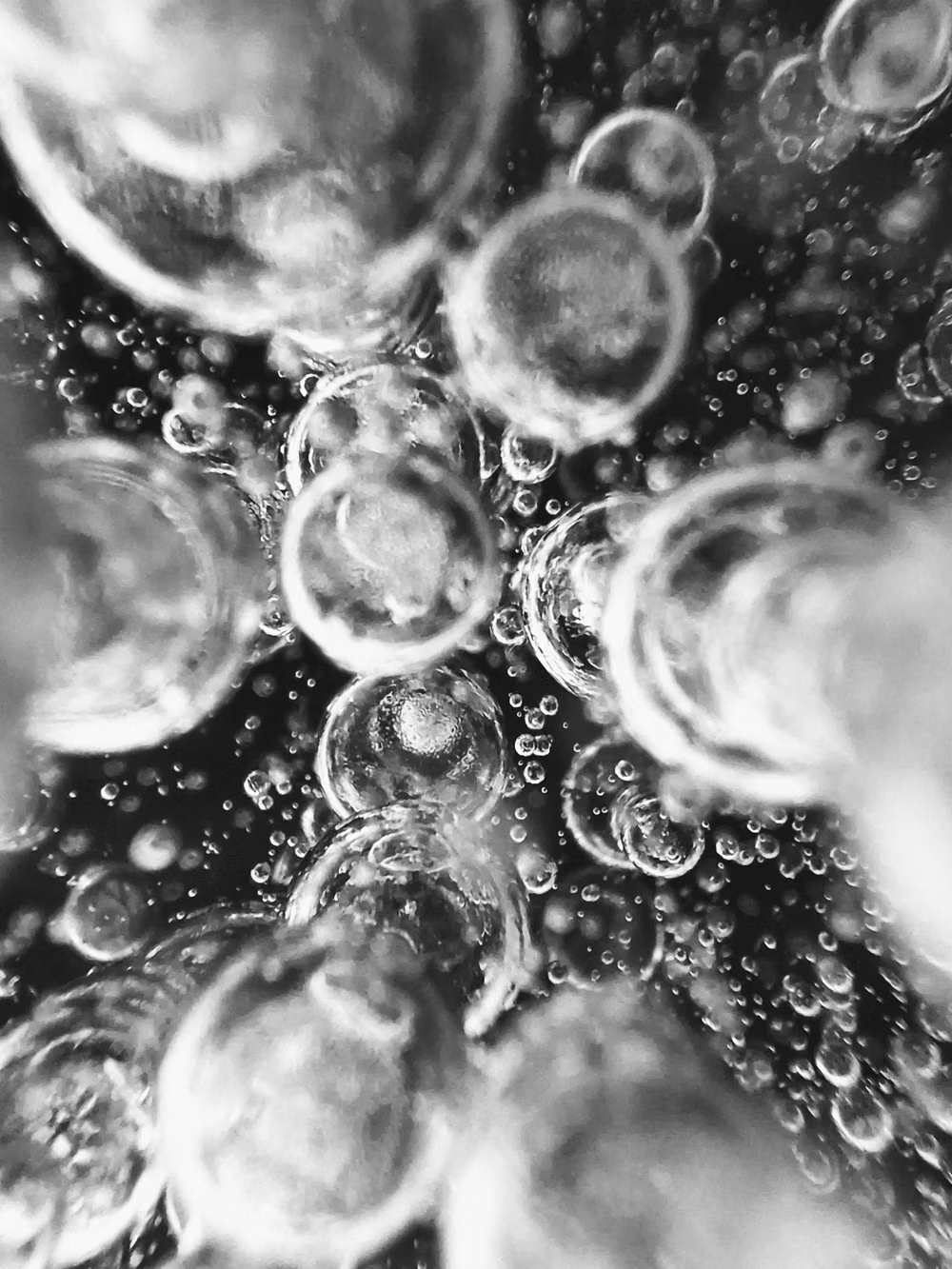
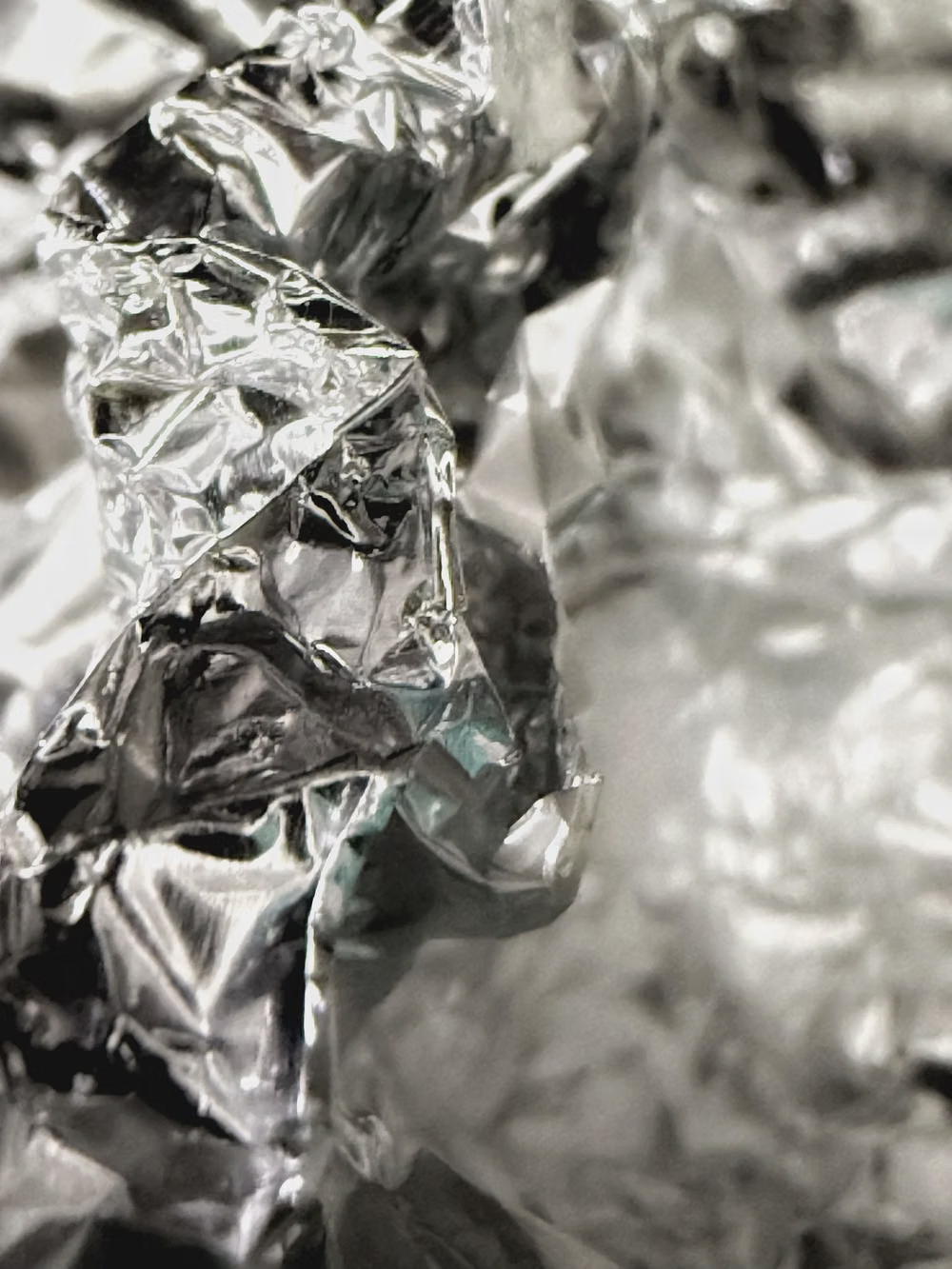
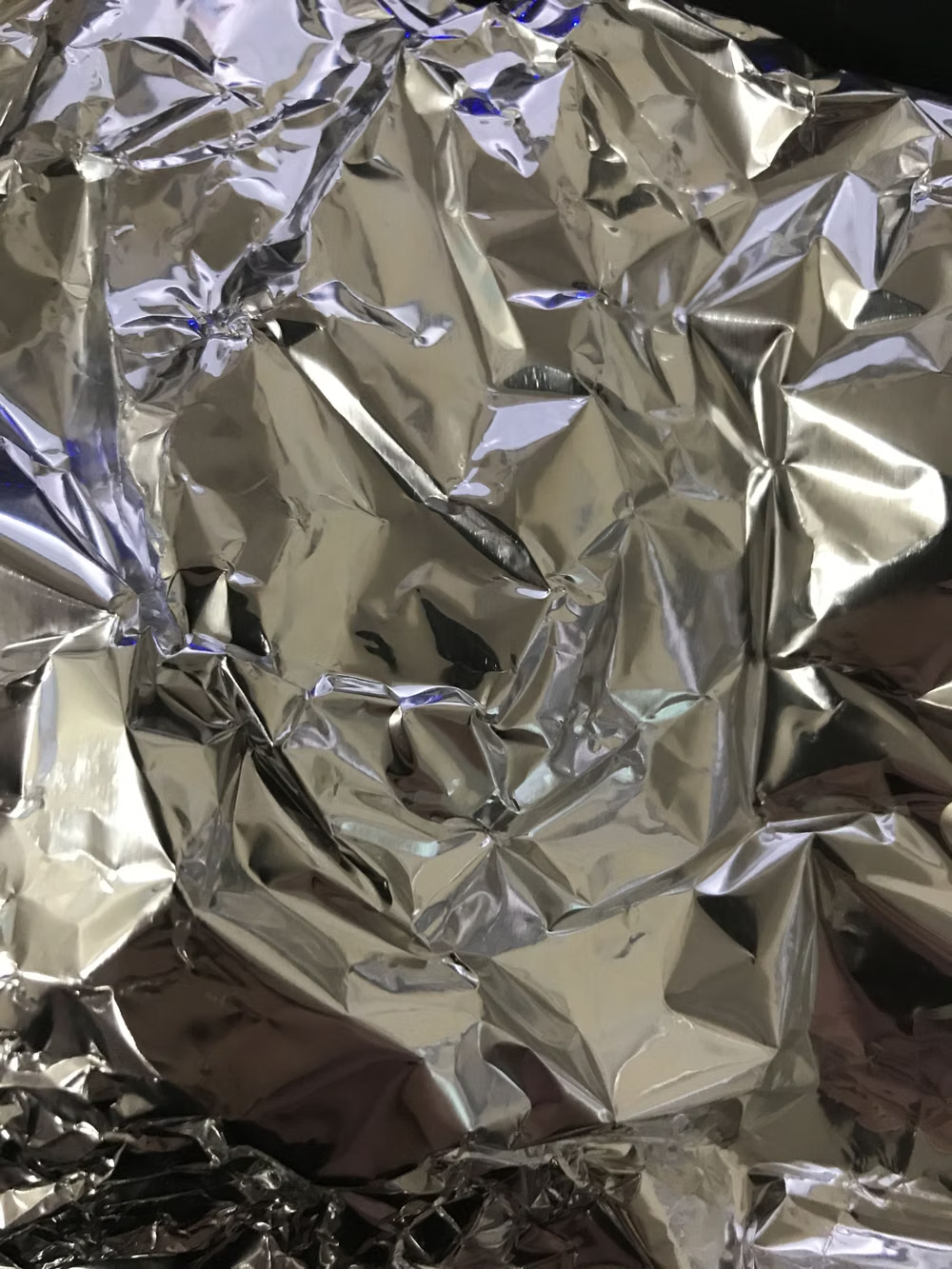
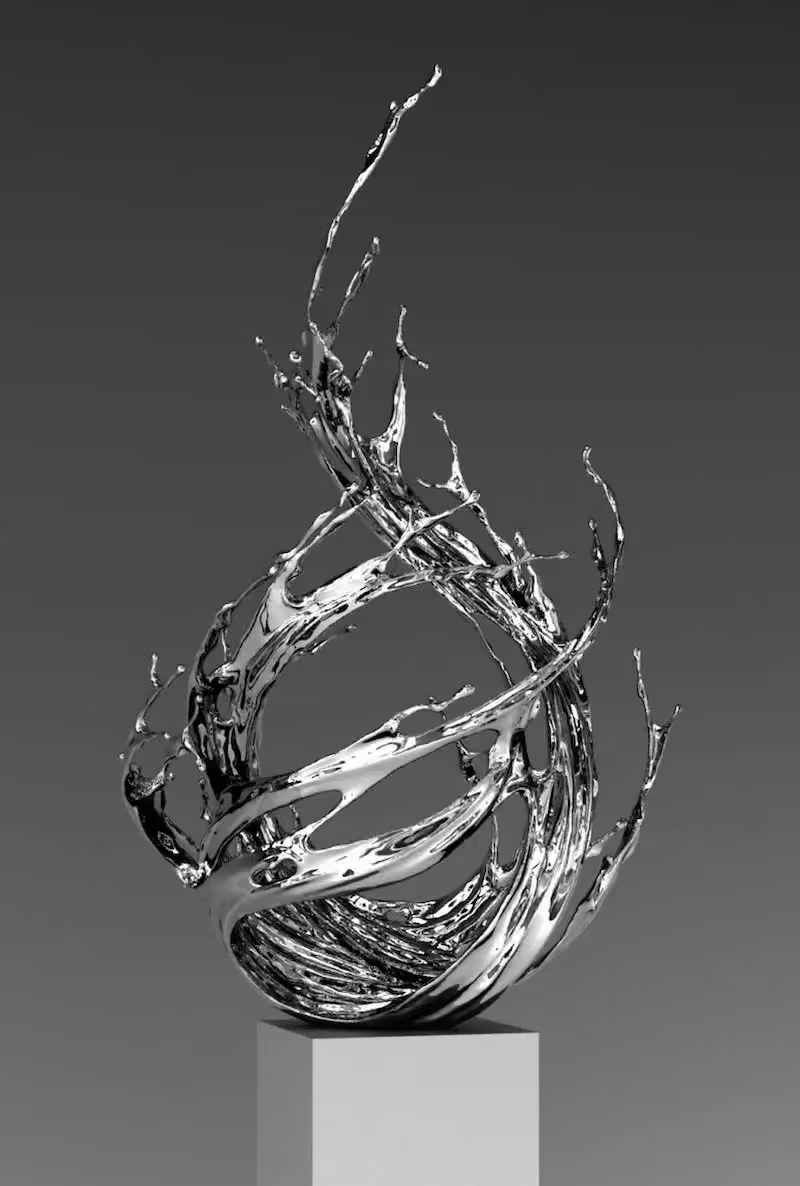
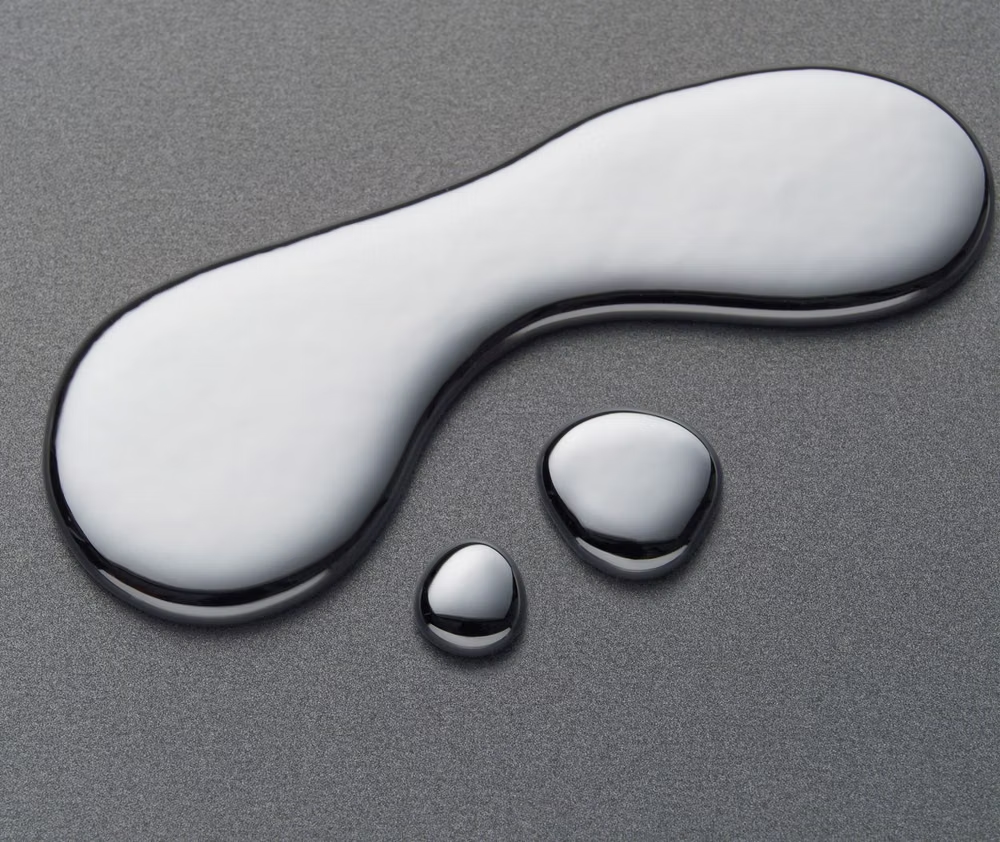
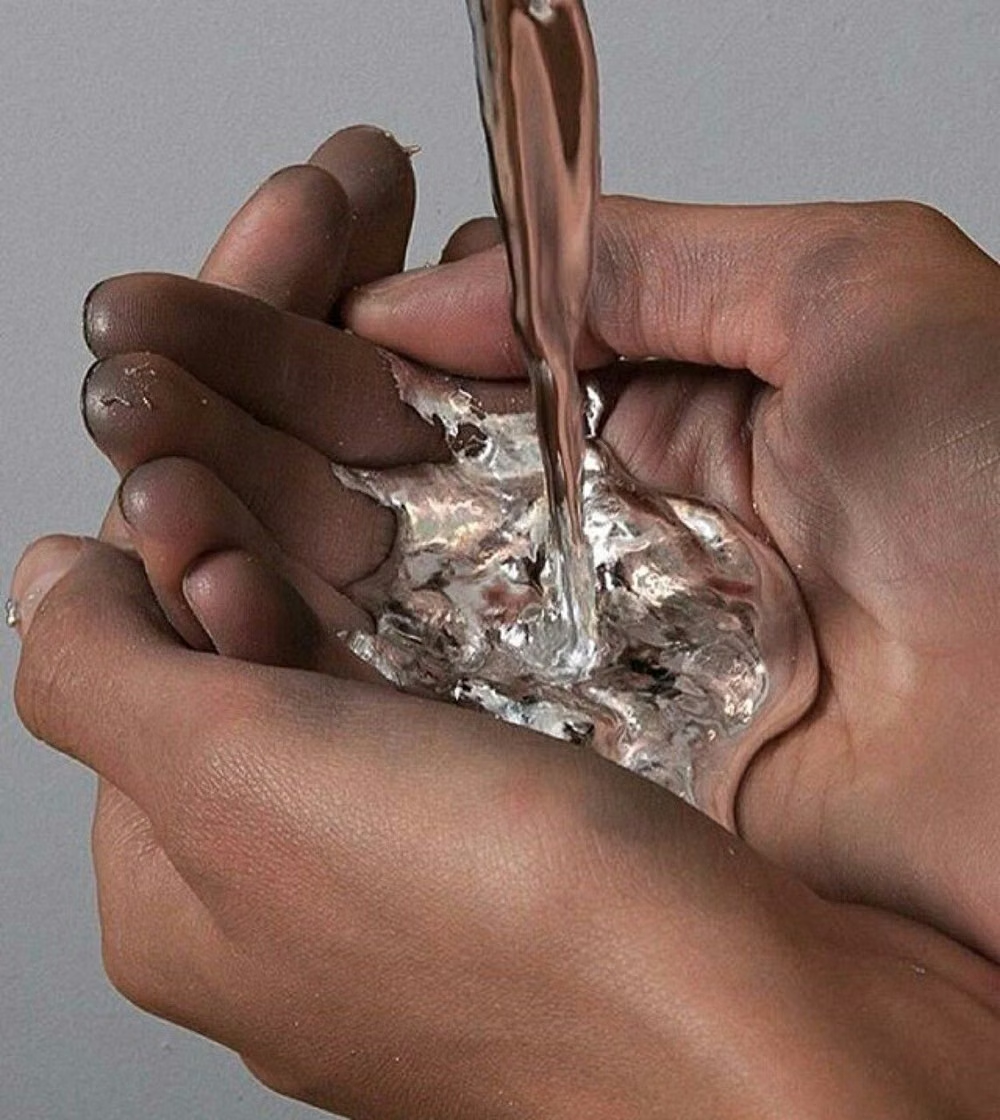
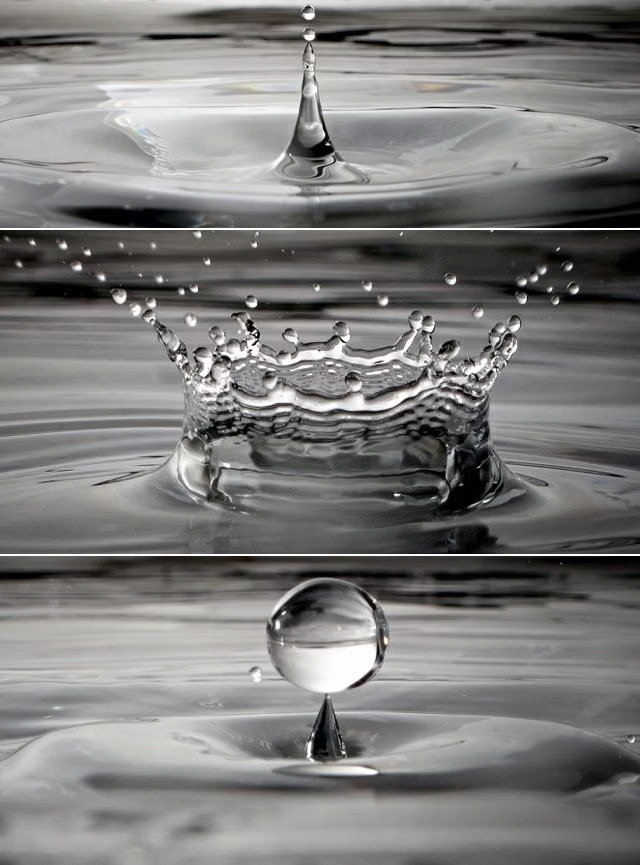
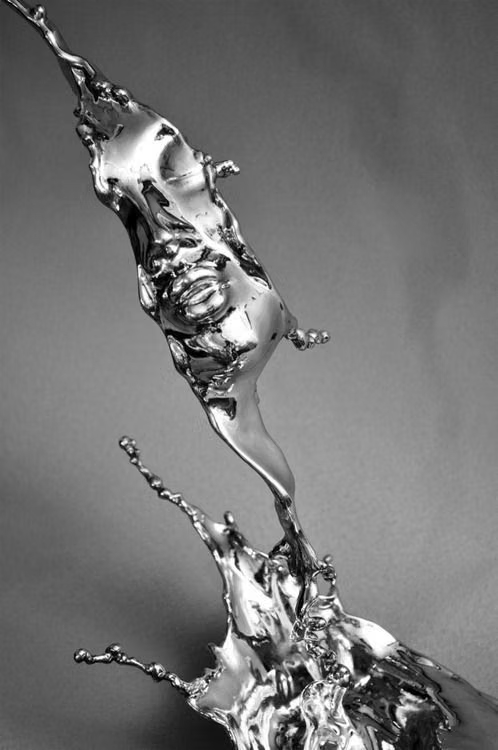
A visual study of the forms, inspirations, materials, colors, type, and cultural references associated with this UI design style.
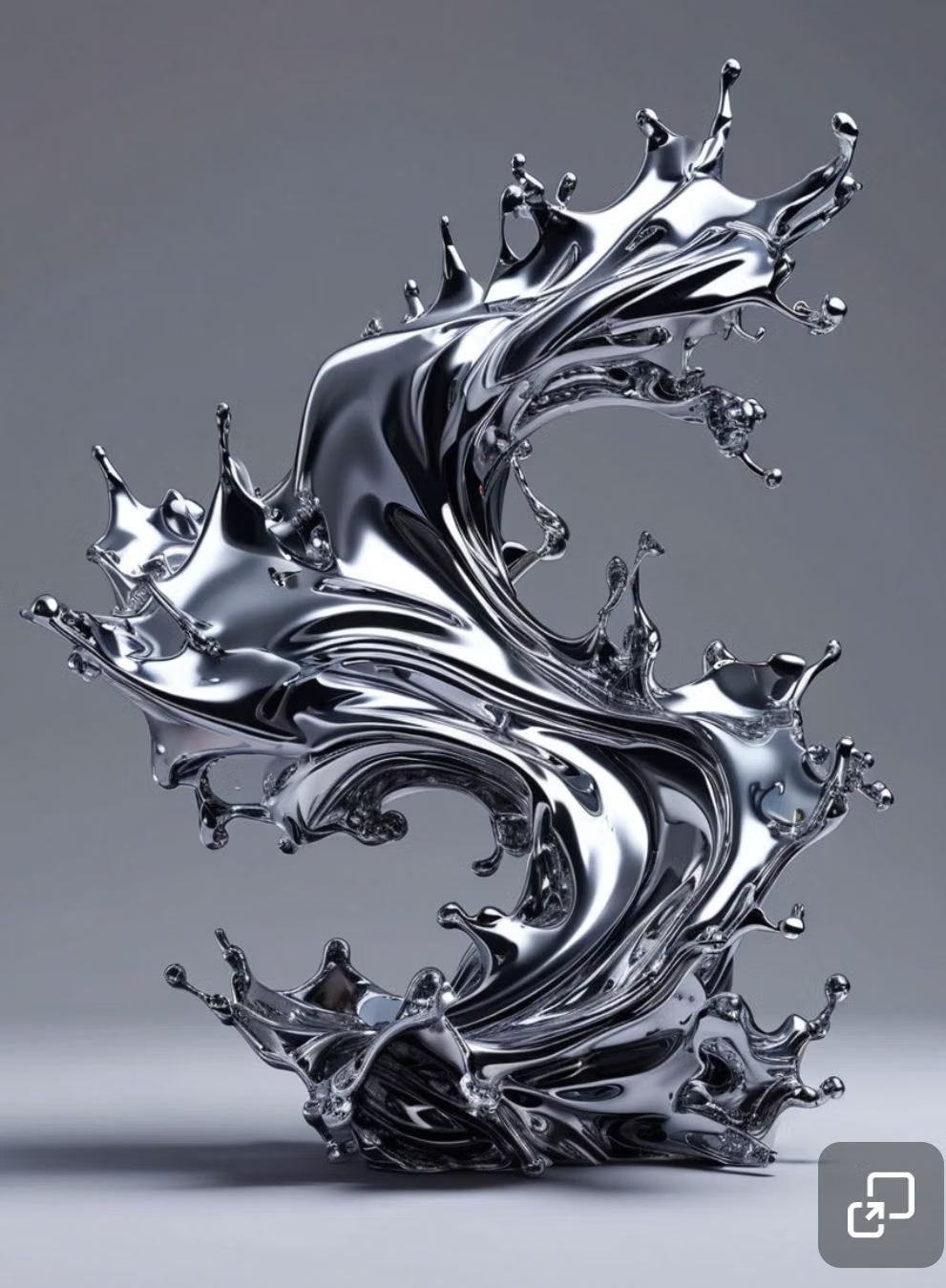
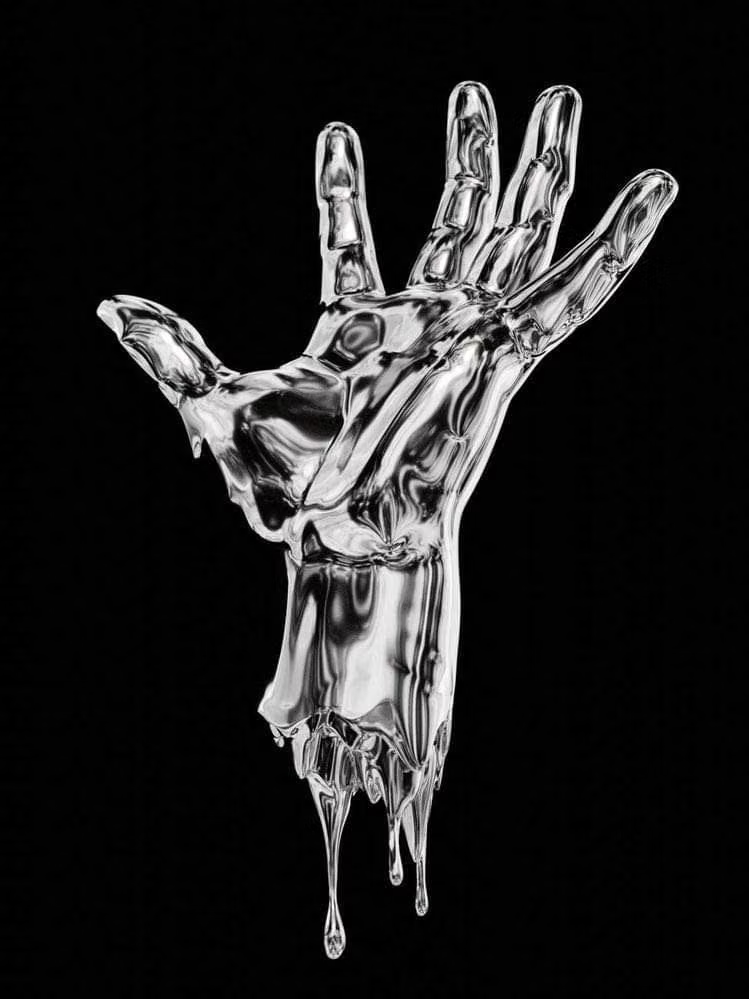
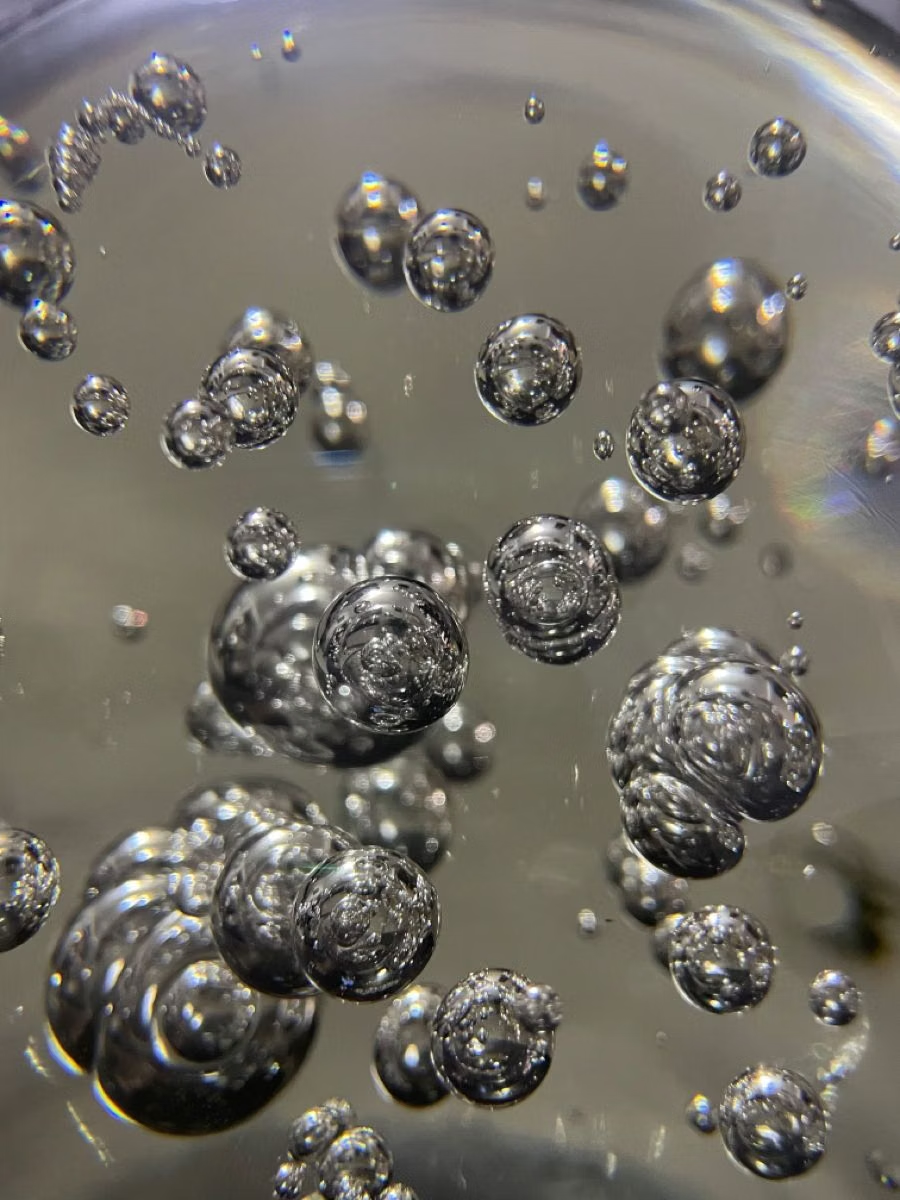
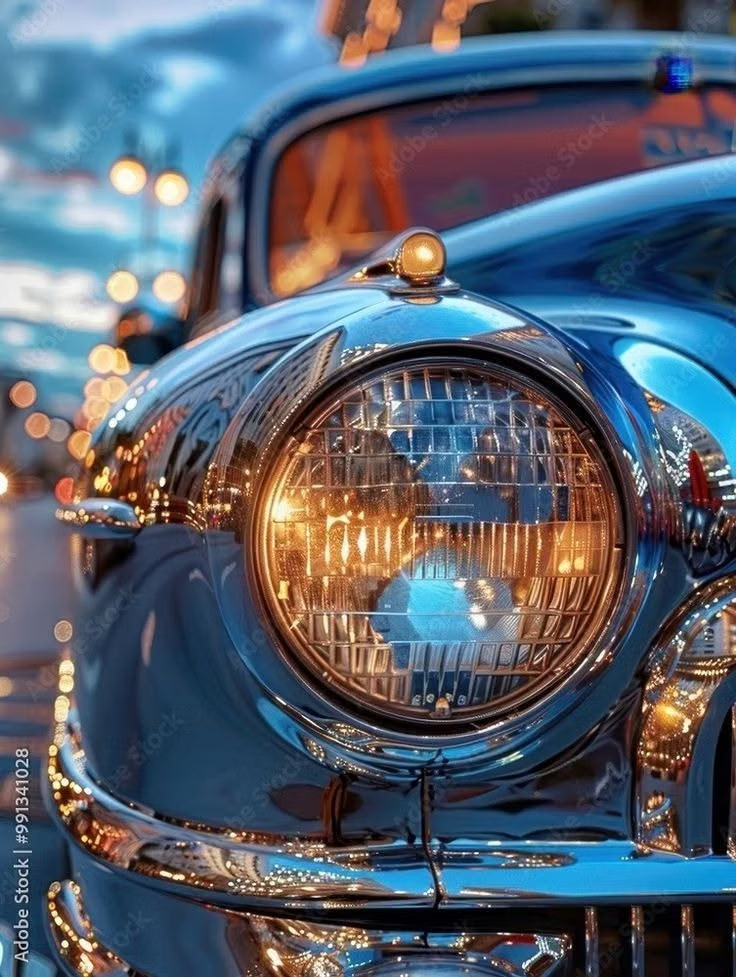
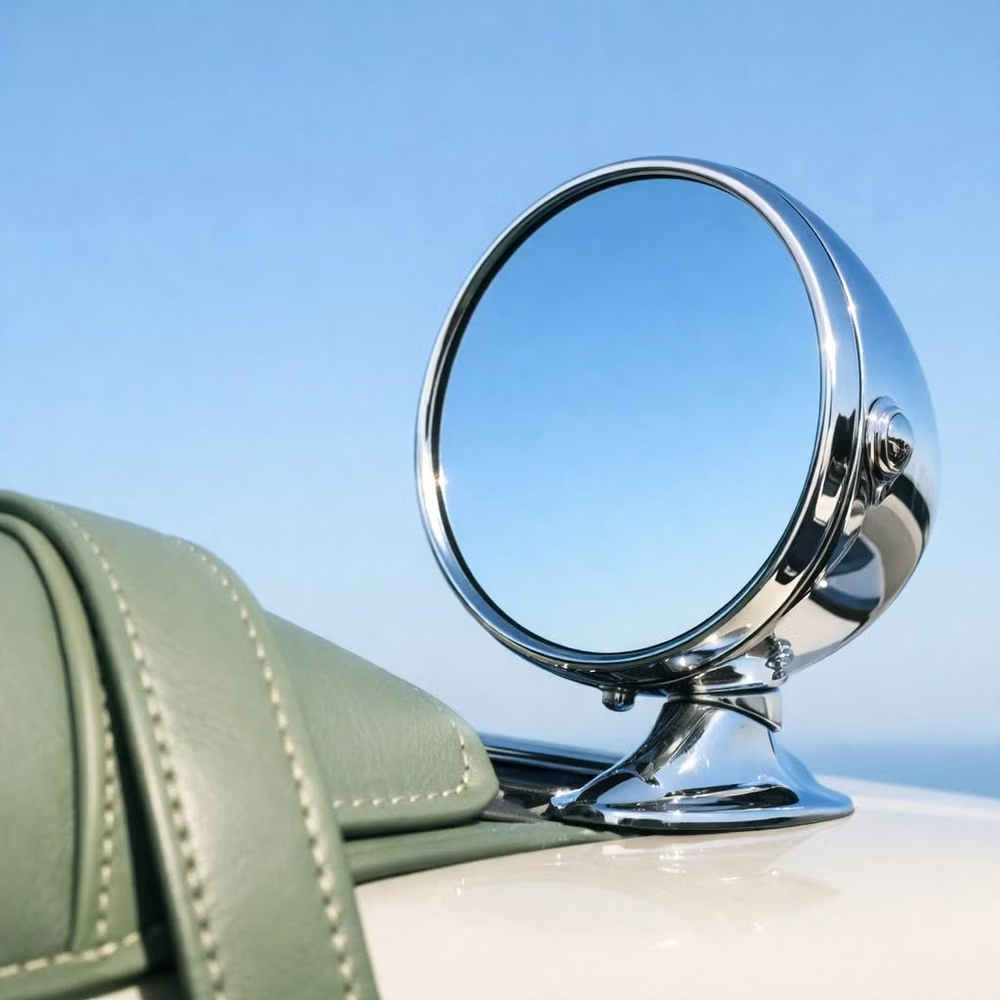
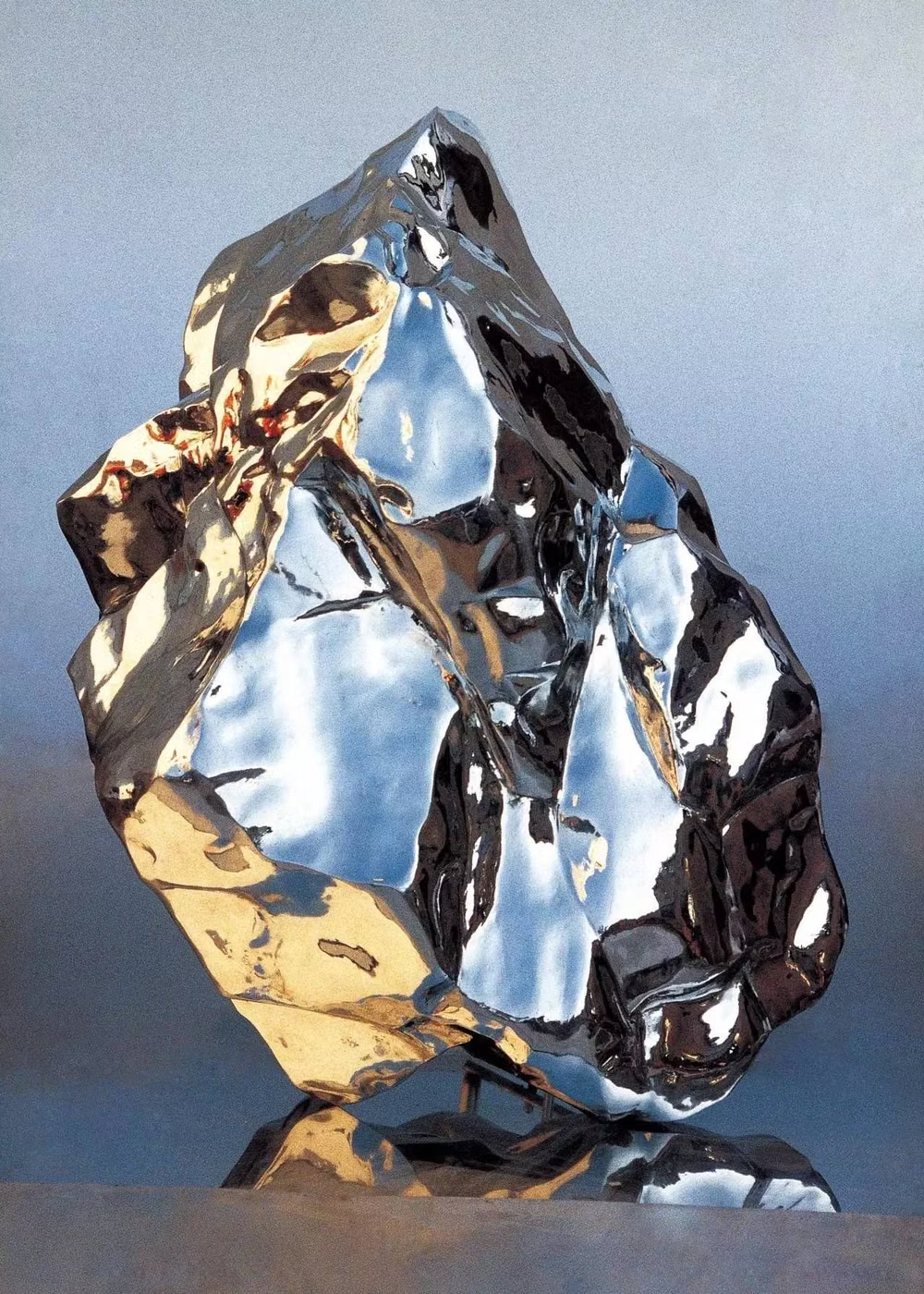
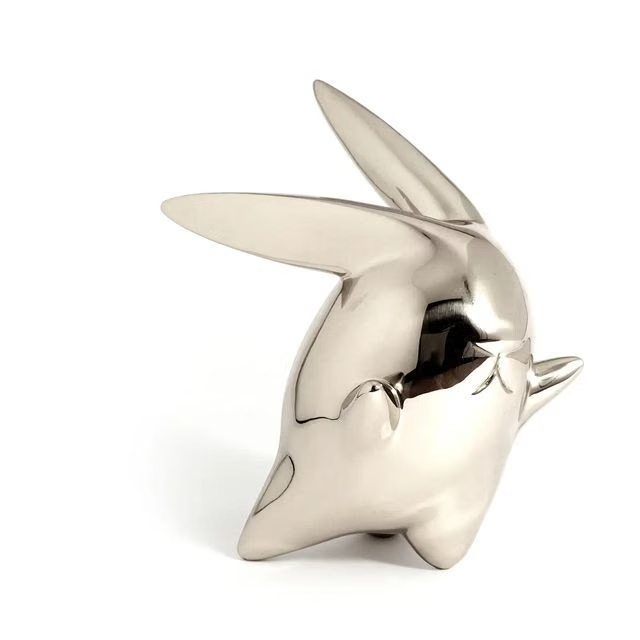
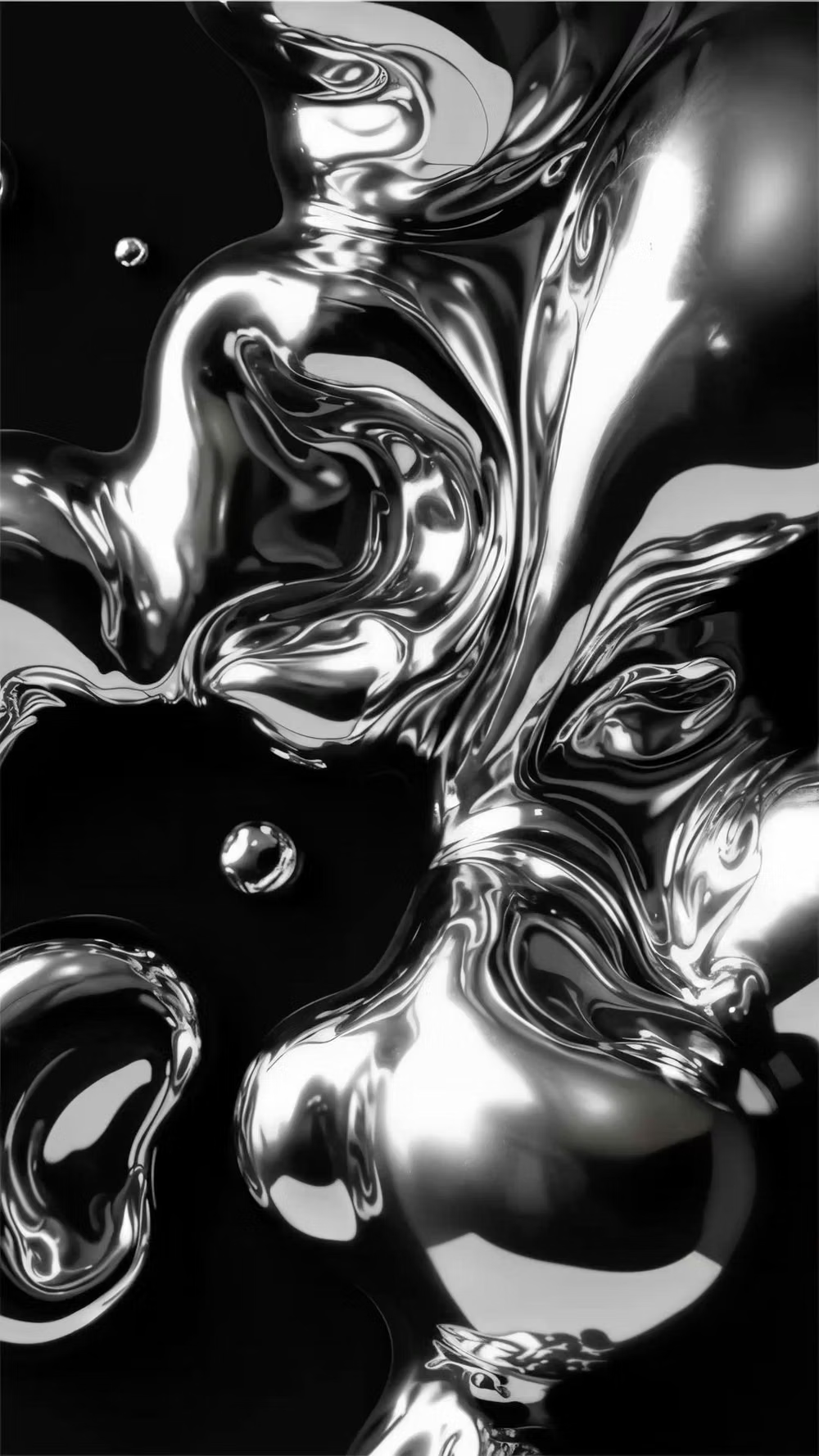
Design principles and implementation
Use these principles to write a focused AI UI design prompt instead of asking for a vague visual treatment.
Color direction
Build from black, gunmetal, silver, and blown white highlights, then introduce one hot accent such as electric blue, racing red, or acid green. In a daisyUI theme, use the chosen hot accent for `primary`, gunmetal or cool silver for `secondary`, and make `base-100`, `base-200`, and `base-300` a descending stack of graphite, near-black, and black.
Imagery direction
Use photoreal molten chrome, polished machinery, reflective products, and studio imagery with deliberately visible strip lights and hard specular edges.
Content density
Keep the opening experience sparse and dramatic, then shift detailed specifications or commerce content into quieter dark panels.
Motion direction
Sweep controlled reflections across surfaces, rotate objects slowly, and morph metal contours with heavy, viscous timing.
Shape language
Use liquid capsules, aerodynamic cuts, embossed plates, and smooth metallic bulges contrasted against razor-sharp framing lines. In daisyUI themes, set the `--radius-*` variables between `0.75rem` and `1.5rem`.
Typography rules
Choose extended geometric display faces, use embossed or mirrored treatments only at headline scale, and set technical copy in a restrained neutral sans-serif.
Suggested Typfaces
Michroma
Fresh daisies glow in warm sunlight
Fresh daisies glow in warm sunlight
1 2 3 4 5 6 7 8 9 0
Orbitron
Fresh daisies glow in warm sunlight
Fresh daisies glow in warm sunlight
1 2 3 4 5 6 7 8 9 0
Audiowide
Fresh daisies glow in warm sunlight
Fresh daisies glow in warm sunlight
1 2 3 4 5 6 7 8 9 0
Bruno Ace
Fresh daisies glow in warm sunlight
Fresh daisies glow in warm sunlight
1 2 3 4 5 6 7 8 9 0
Syncopate
Fresh daisies glow in warm sunlight
Fresh daisies glow in warm sunlight
1 2 3 4 5 6 7 8 9 0
Build a Chrome / Liquid Metal interface with daisyUI
The live example translates this direction into daisyUI components and semantic theme tokens.
To generate a full page in the same visual language, give the style name and the design rules above to Blueprint MCP.
Related UI design styles
Compare nearby visual languages that share typography, shapes, use cases, or signature elements.
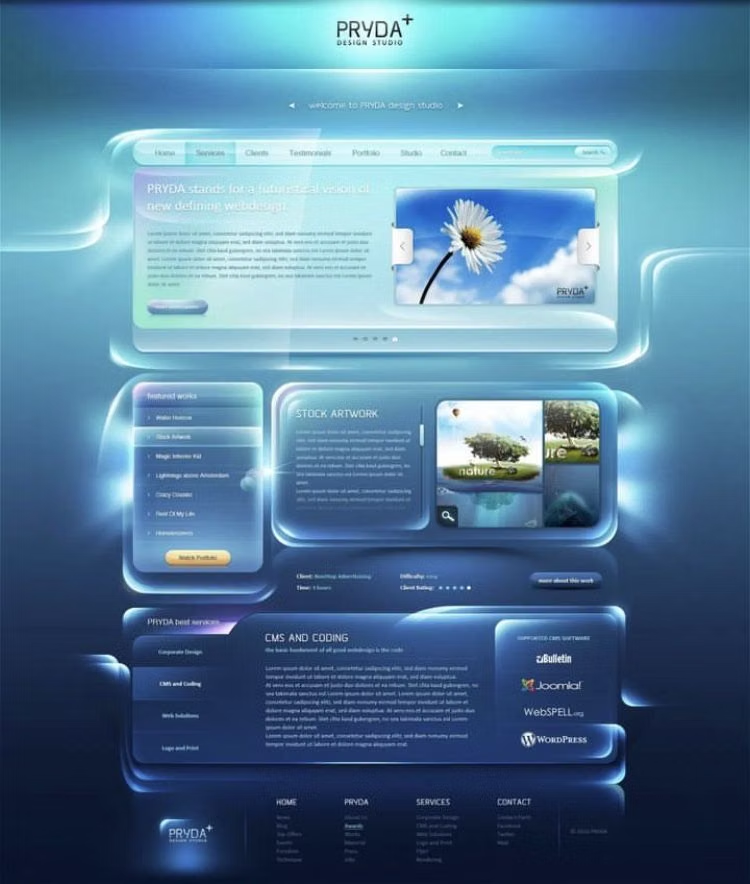
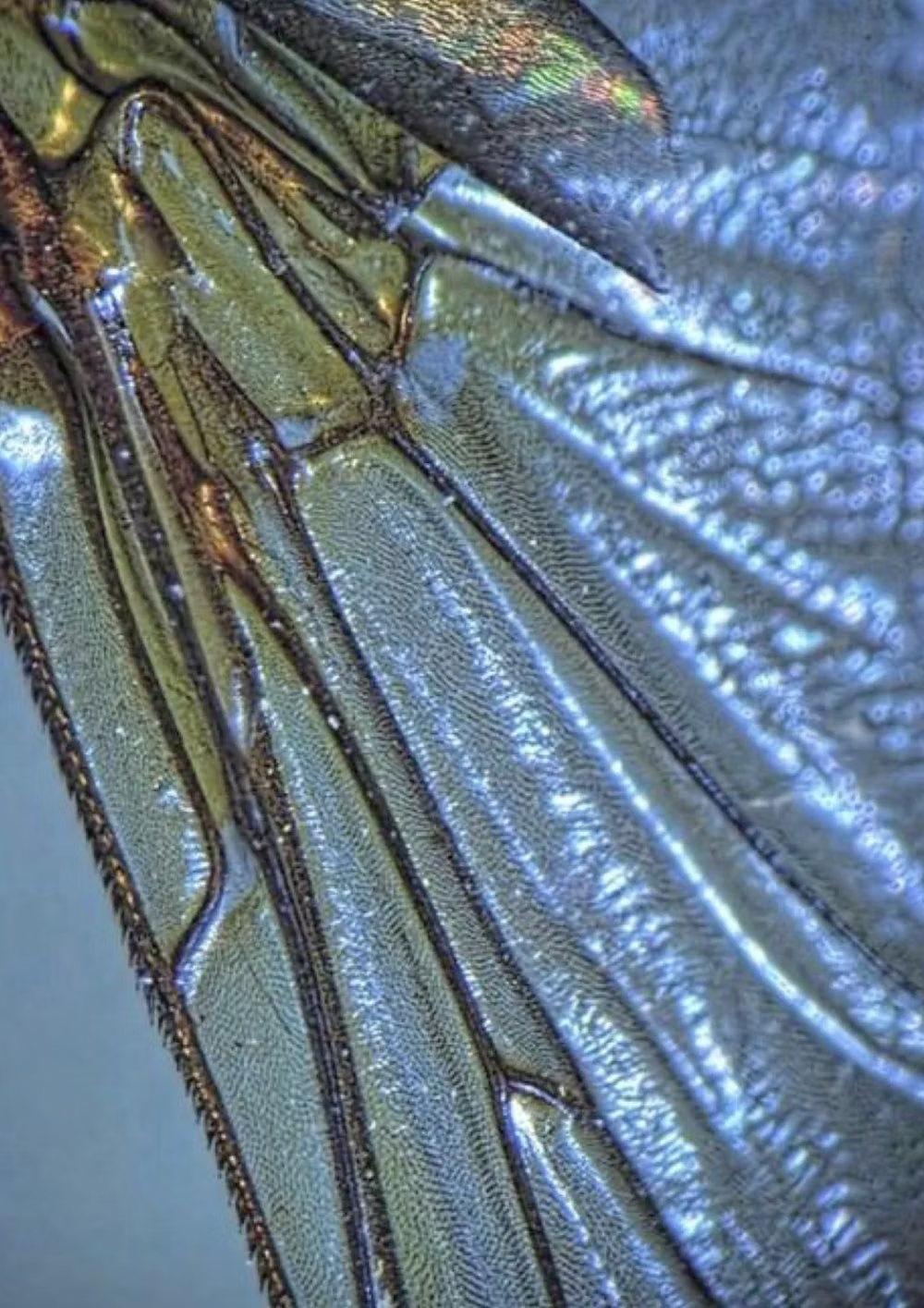
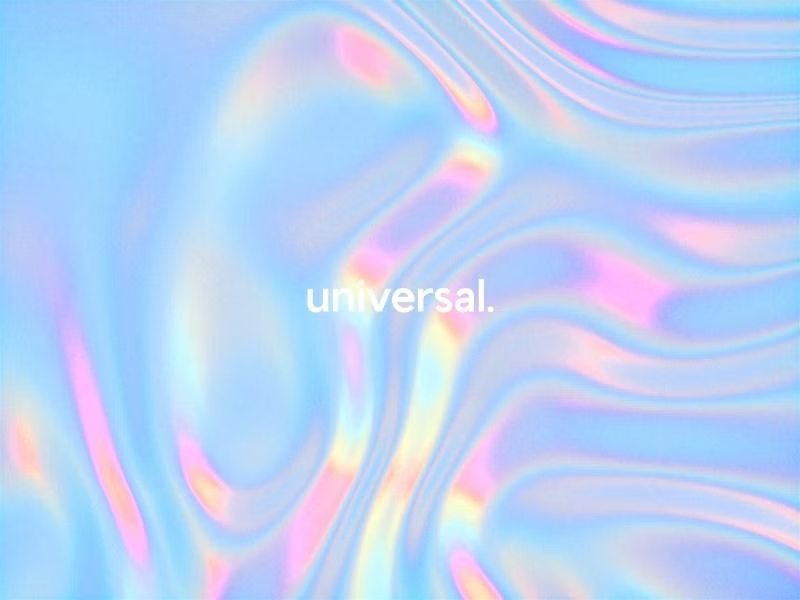
Holographic / Iridescent UI design style
Spectral color shifts, pearlescent gradients, reflective surfaces, diffraction, and futuristic light effects.
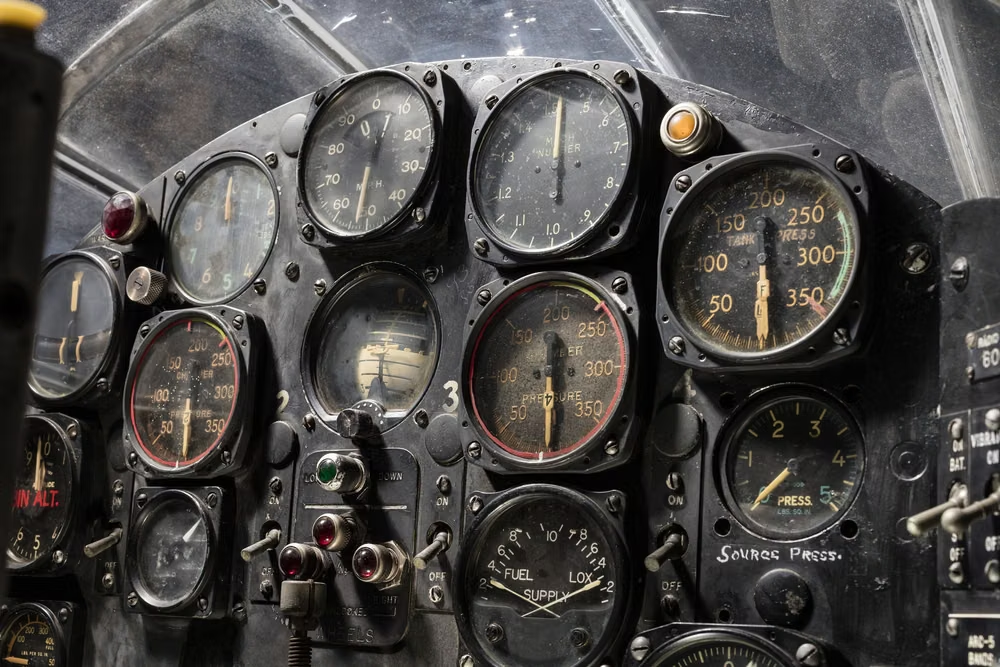
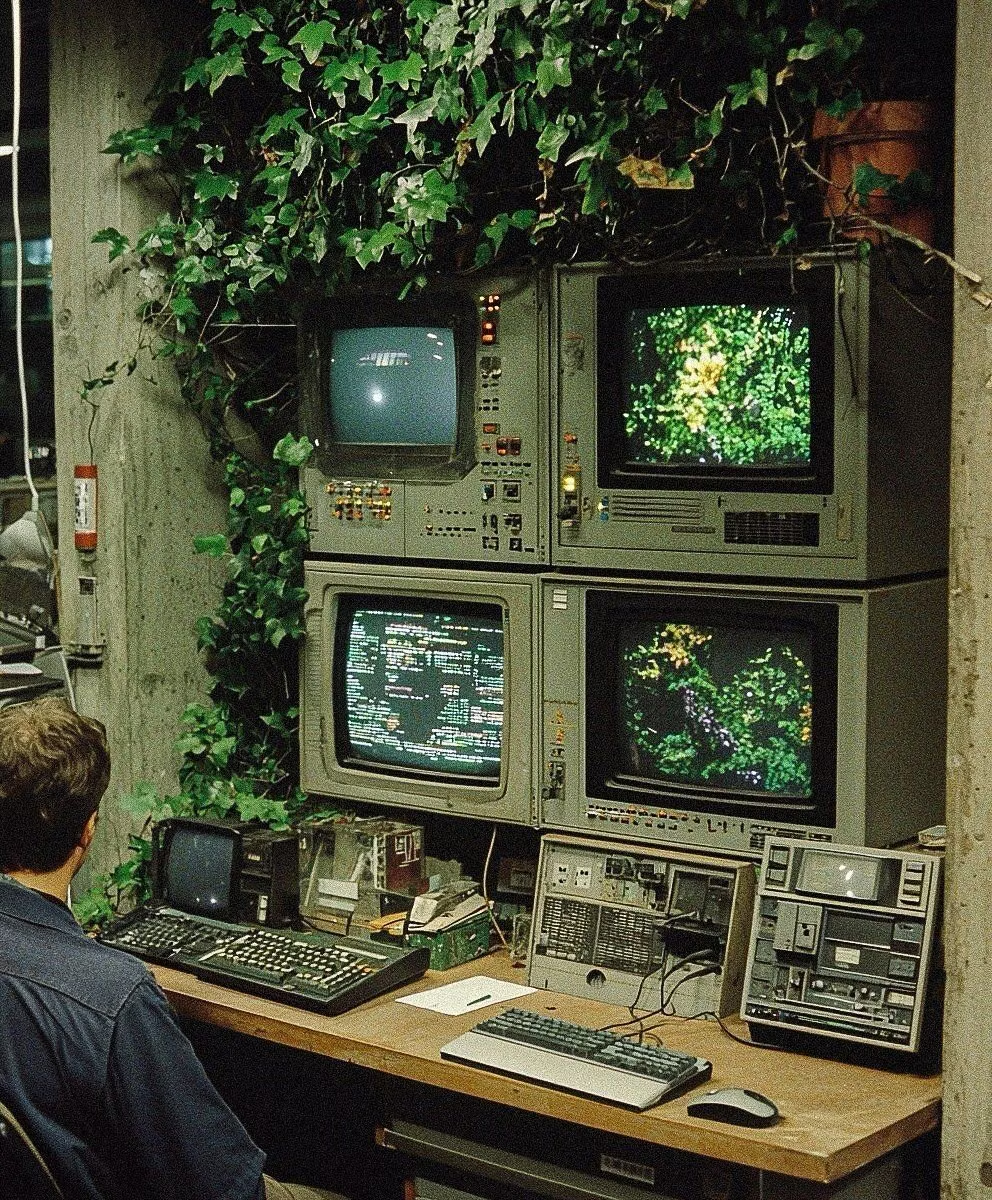
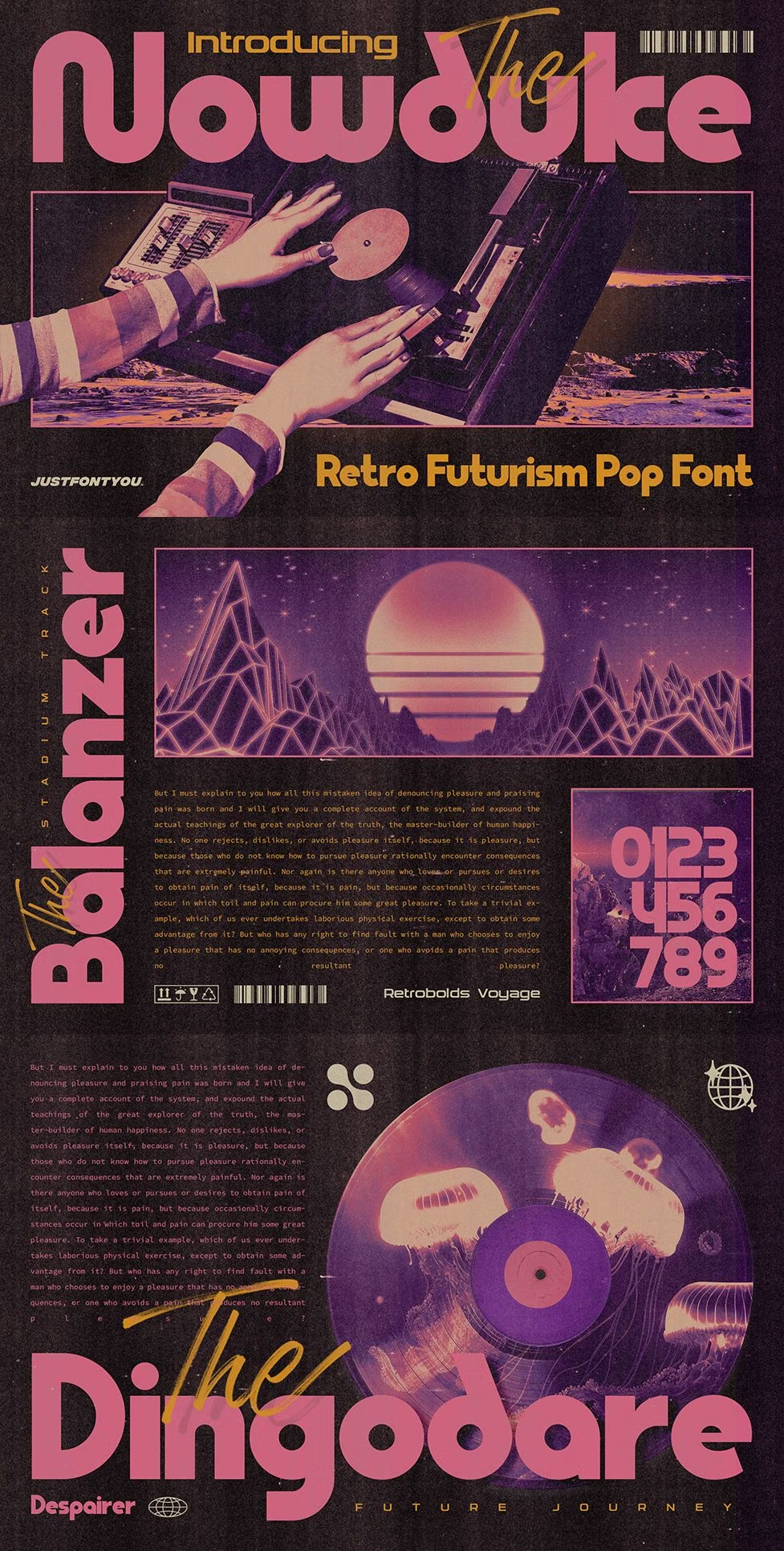
Retro-Futurism UI design style
Past visions of tomorrow are recombined through vintage technology, period typography, space-age forms, chrome, and imagined futures.
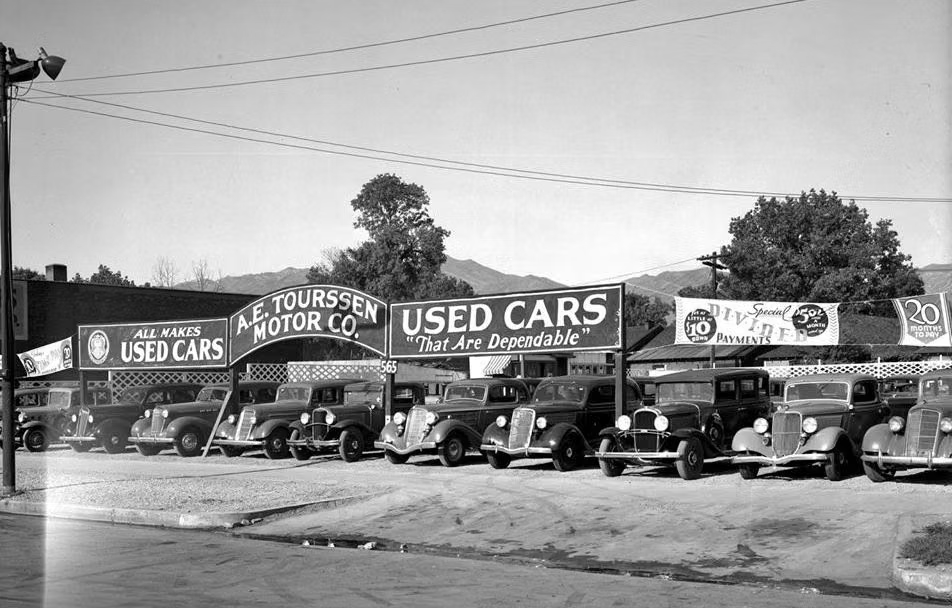
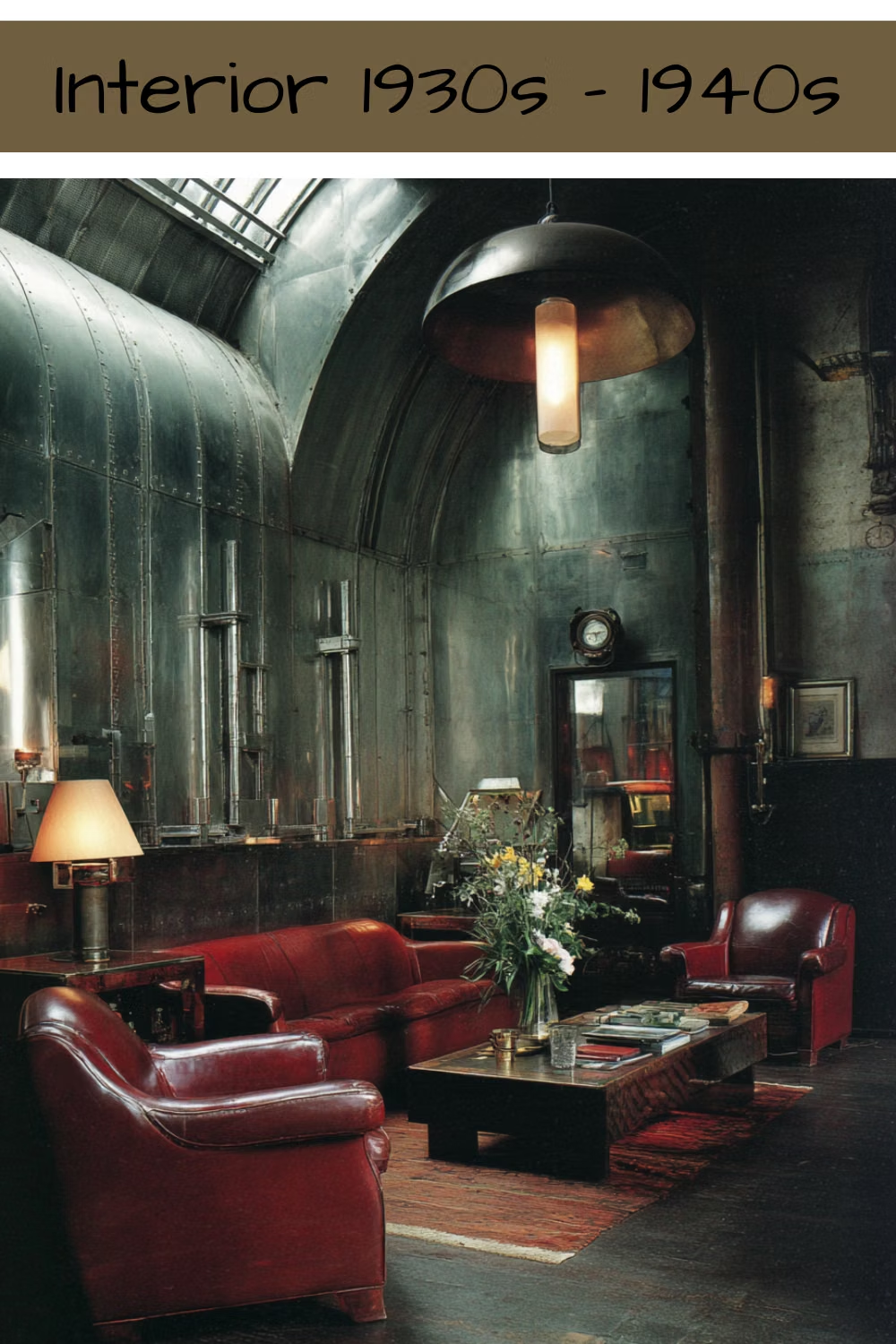
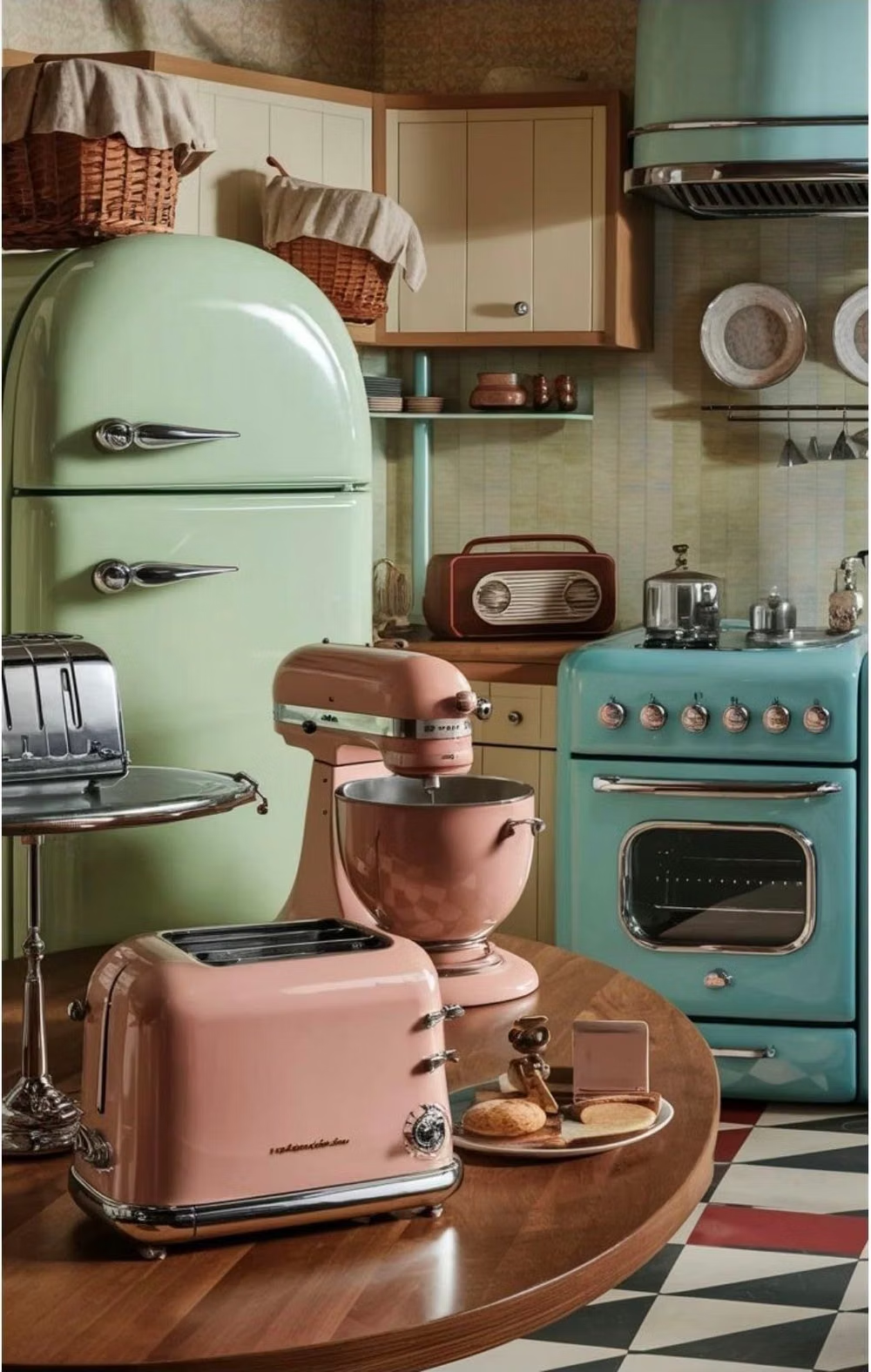
Streamline Moderne UI design style
Aerodynamic curves, horizontal bands, chrome, rounded corners, and machine-age speed simplify Art Deco ornament.