Minimal and functional UI design trends
These interface styles reduce visual noise through clear grids, disciplined spacing, restrained color, and direct information hierarchy. They range from calm product surfaces to compact expert tools.
14 UI design trends
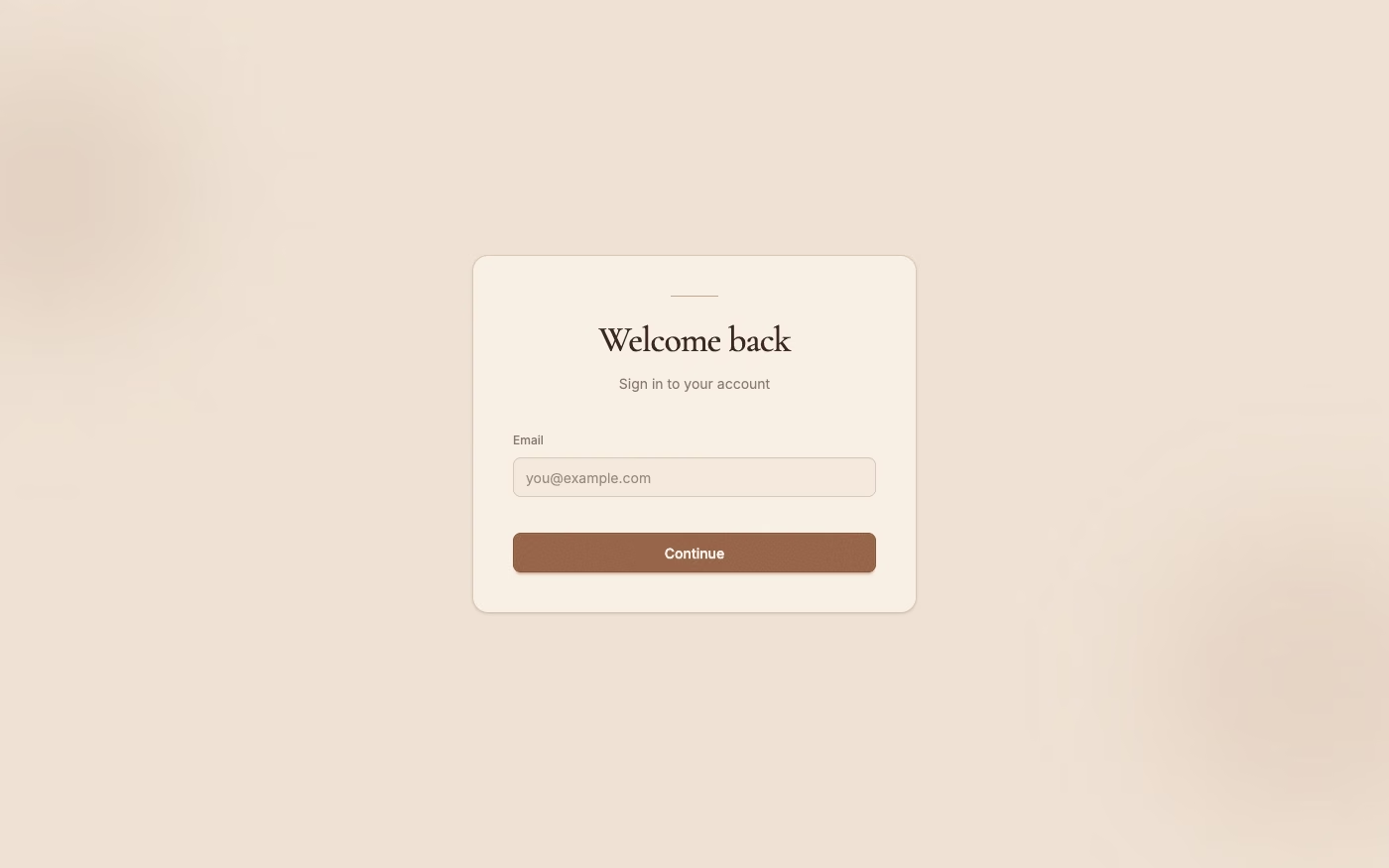
Millennial Beige UI design style
A calm tonal aesthetic layers cream, tan, sand, taupe, and greige with tactile natural details, soft contrast, and intentional empty space.
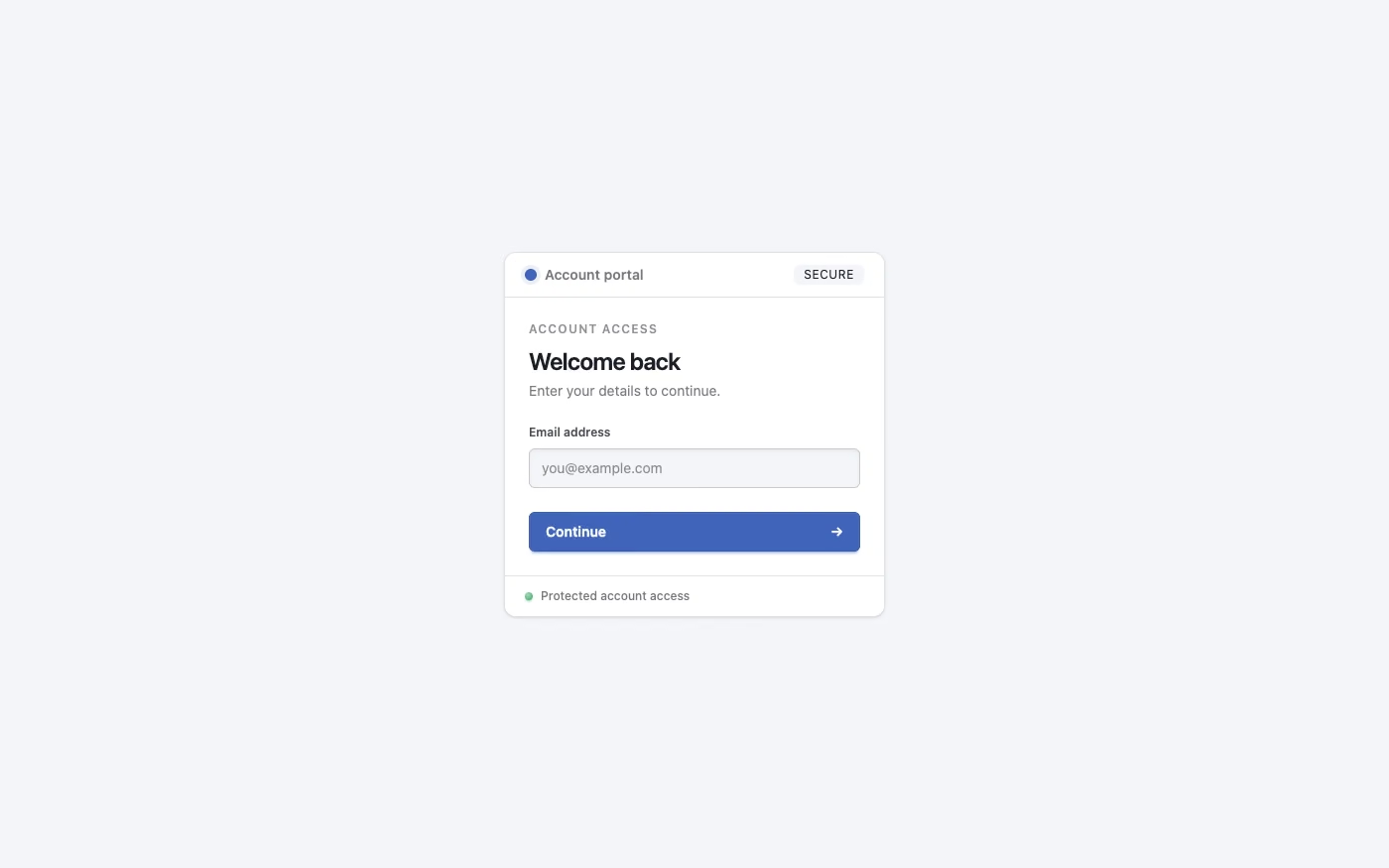
Clean UI design style
An engineered interface language pairs tightly controlled spacing, measured grids, layered neutral surfaces, and precise micro-details so dense information feels calm, airy, and aligned.
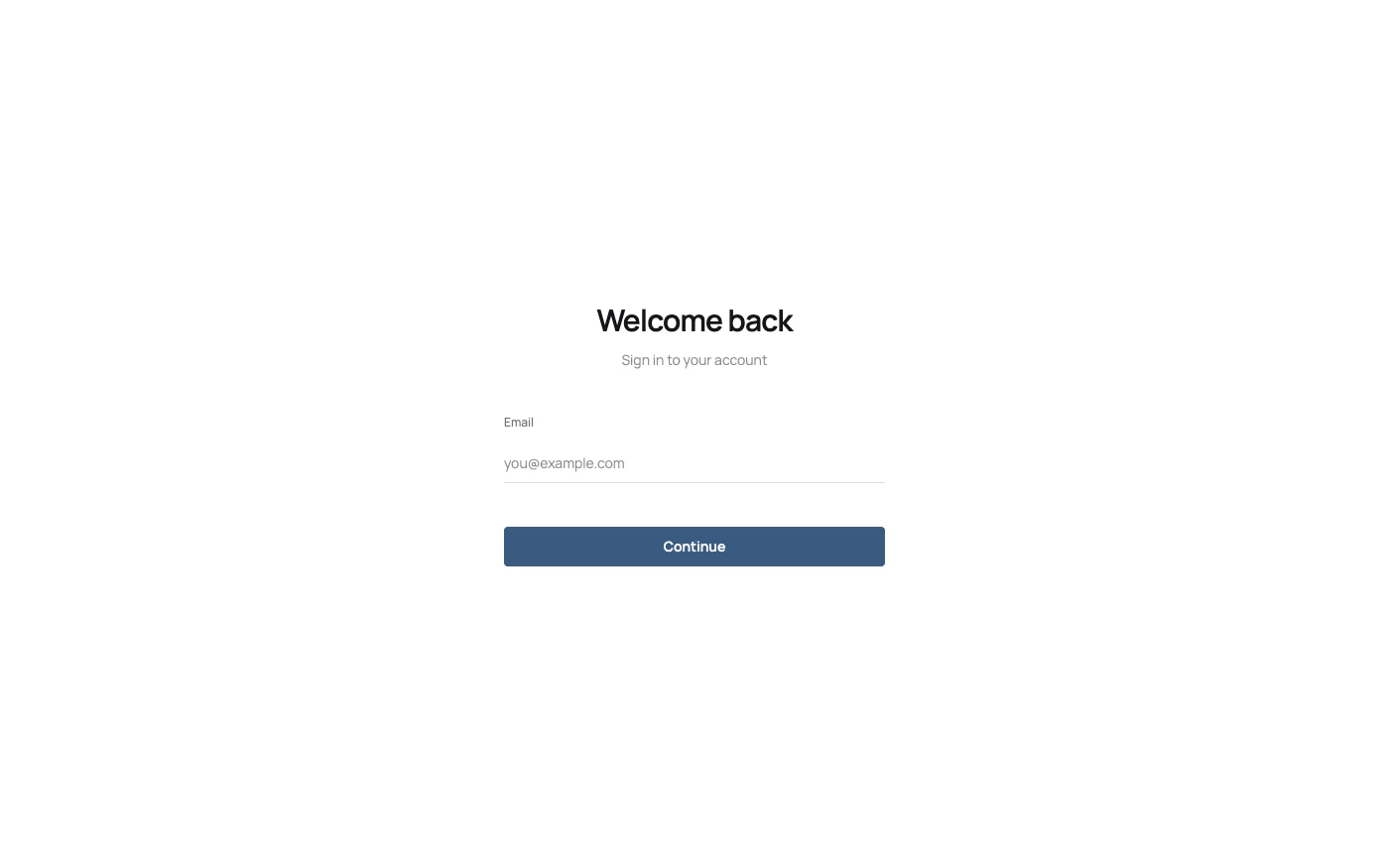
Minimalism UI design style
Deliberate reduction leaves only the content, controls, imagery, and structure needed for one focused experience.
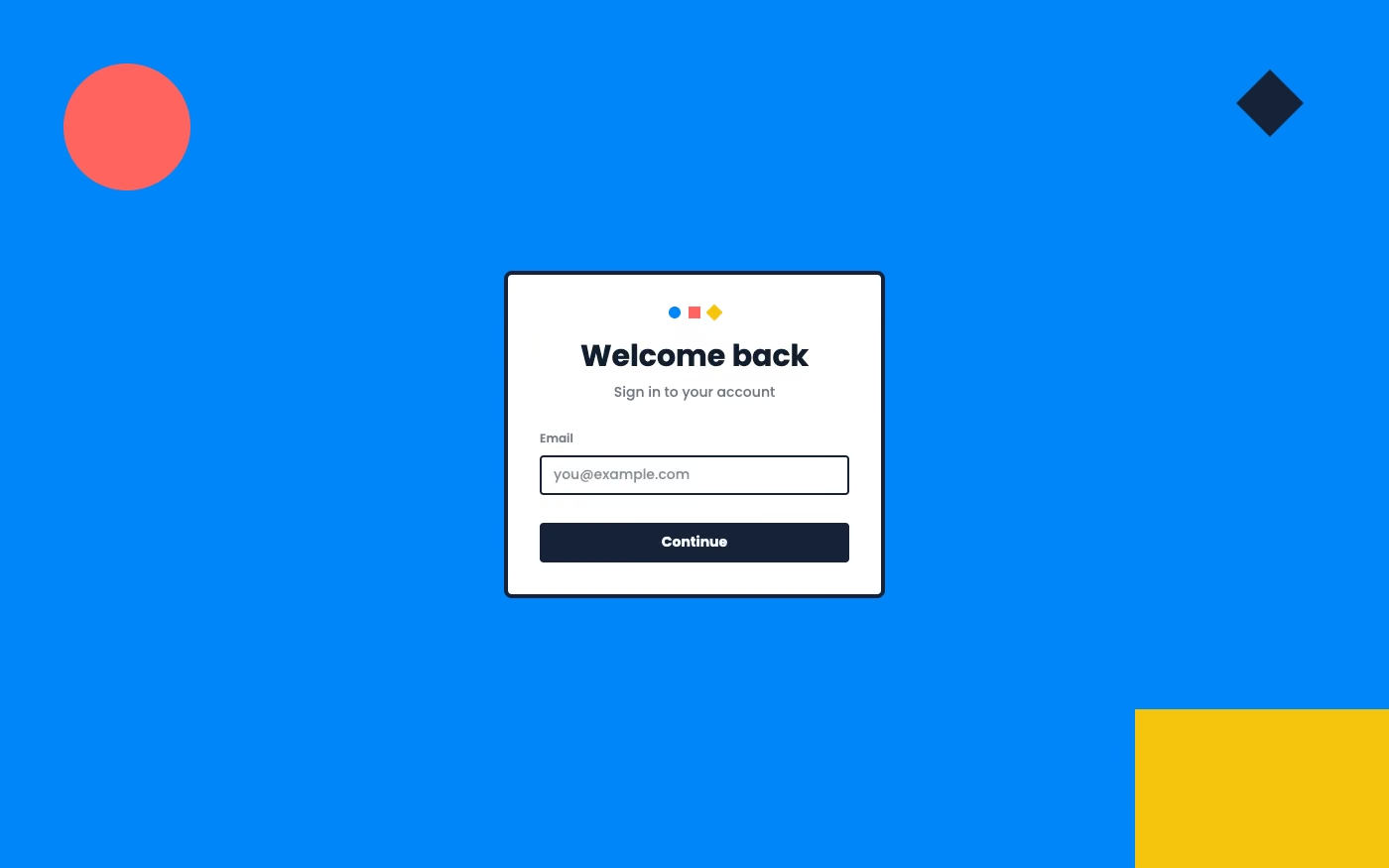
Flat Design UI design style
Simple two-dimensional shapes, solid colors, clean icons, and little or no simulated depth.
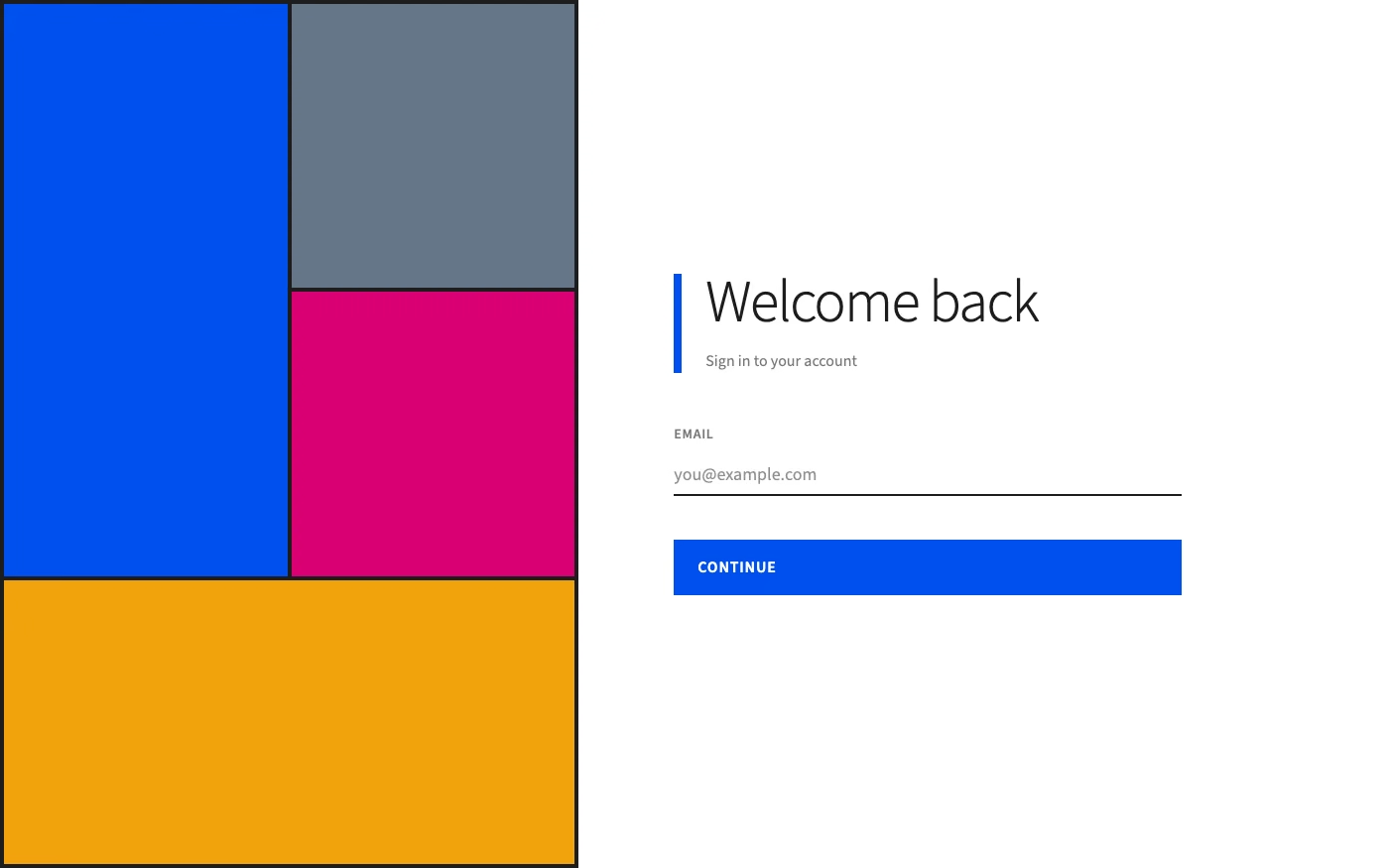
Metro / Modern UI design style
Typography-led layouts with flat tiles, edge-to-edge content, strong alignment, minimal chrome, and directional motion.
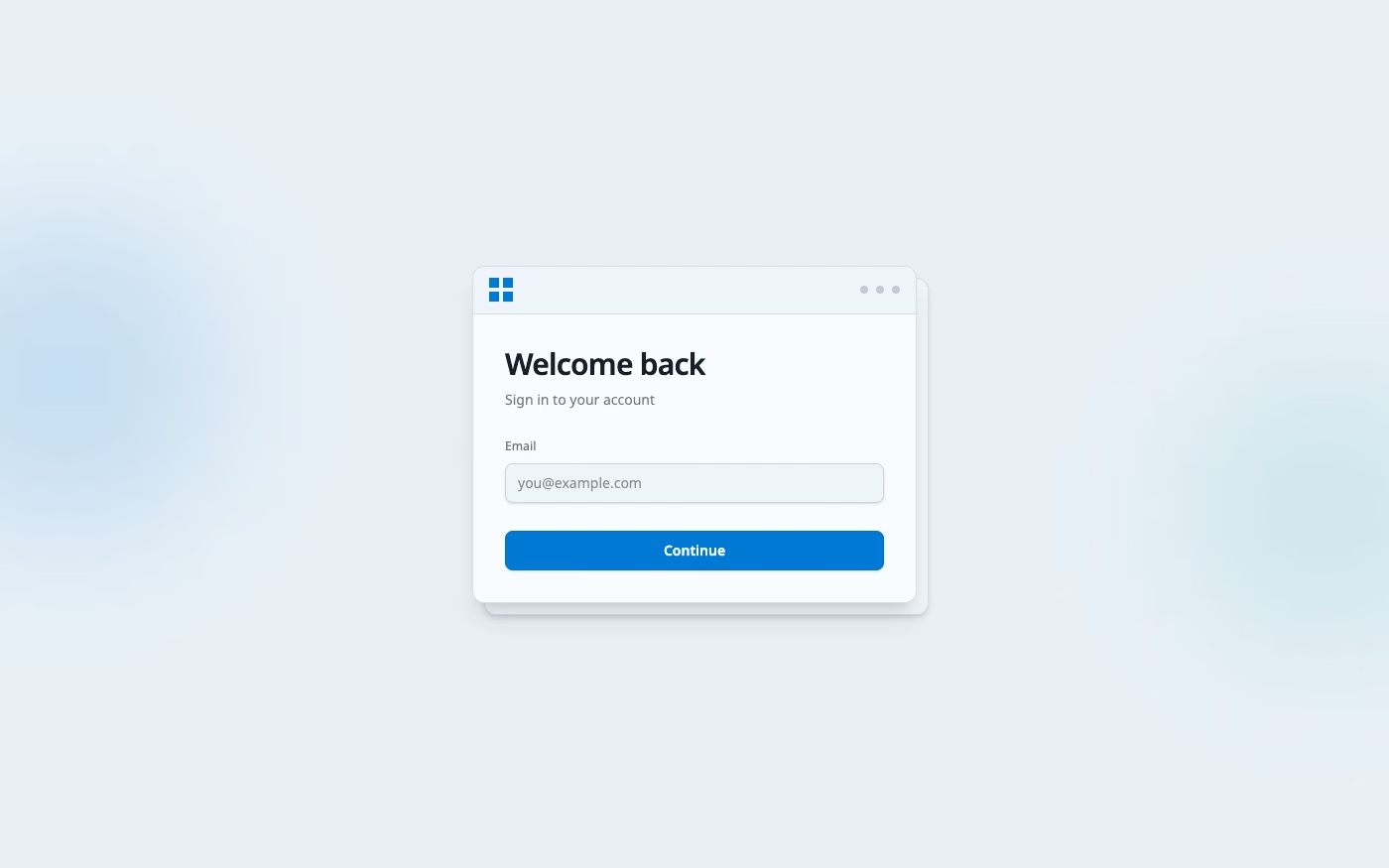
Fluent Design UI design style
Layered surfaces, adaptable components, soft depth, light, motion, and restrained translucent materials.
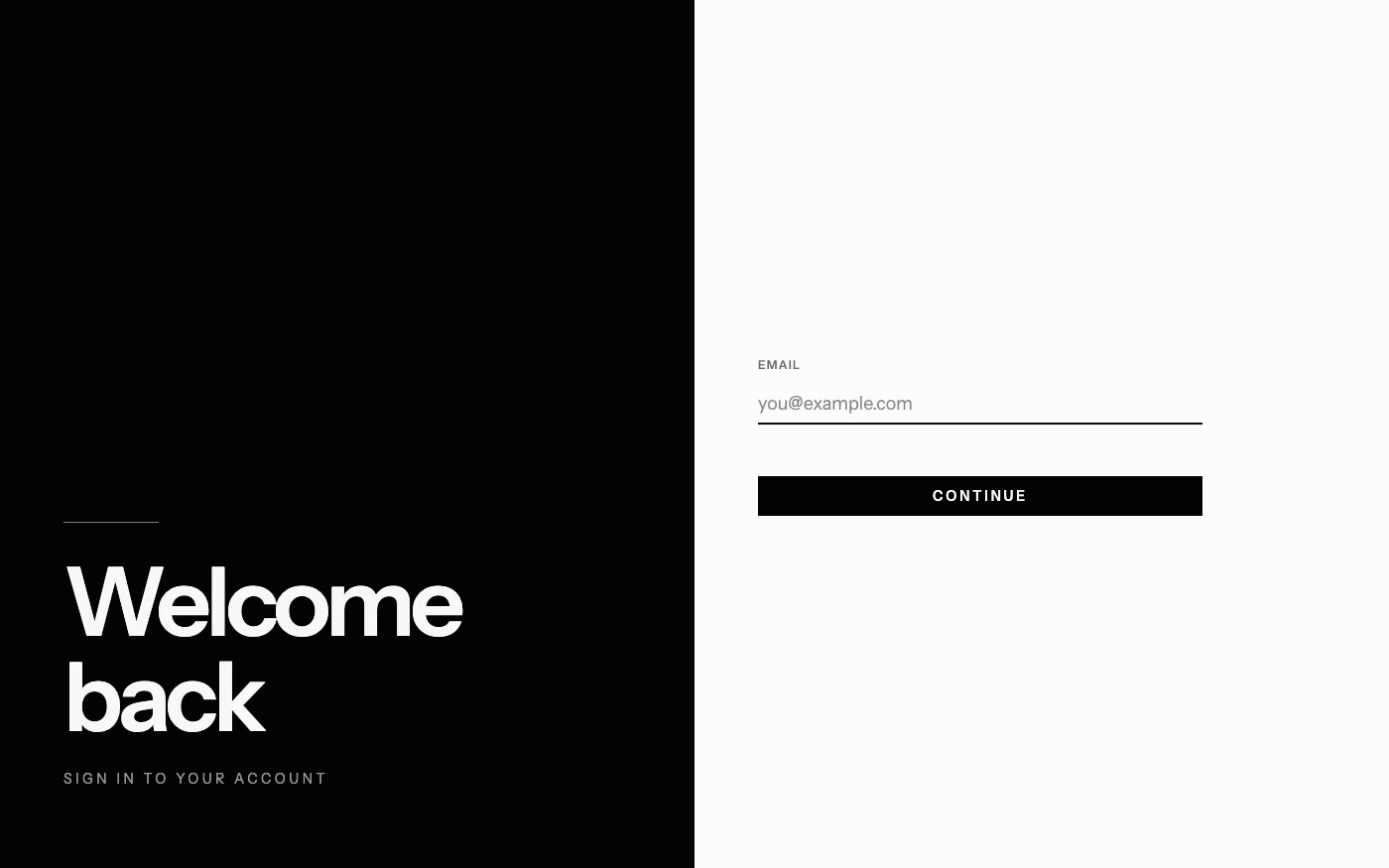
Monochrome UI design style
A single hue or neutral family creates hierarchy through tone, scale, texture, and contrast rather than varied color.
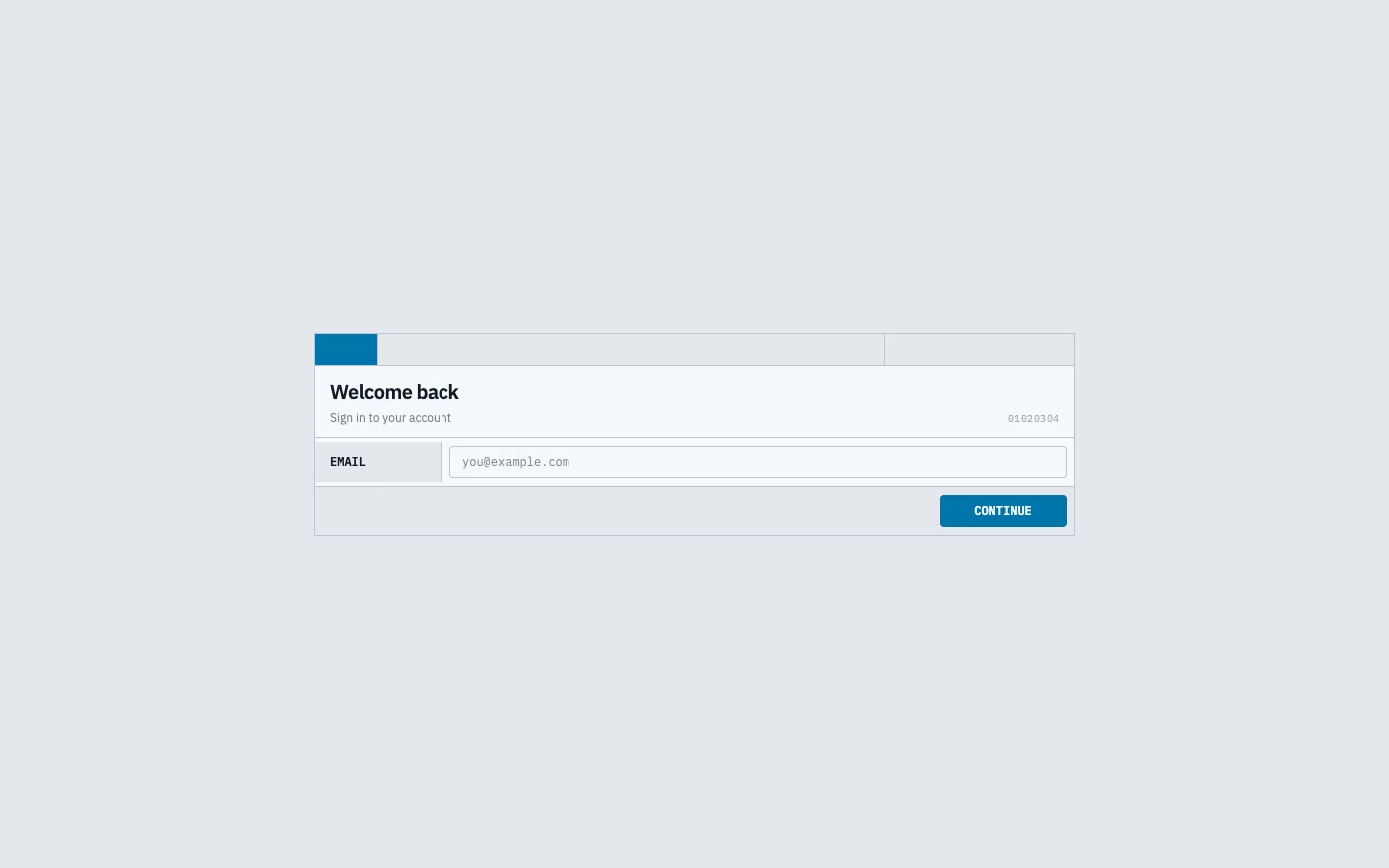
Data-Dense Utilitarian UI design style
Compact spacing, visible structure, tables, restrained colors, functional typography, and minimal ornamental styling.
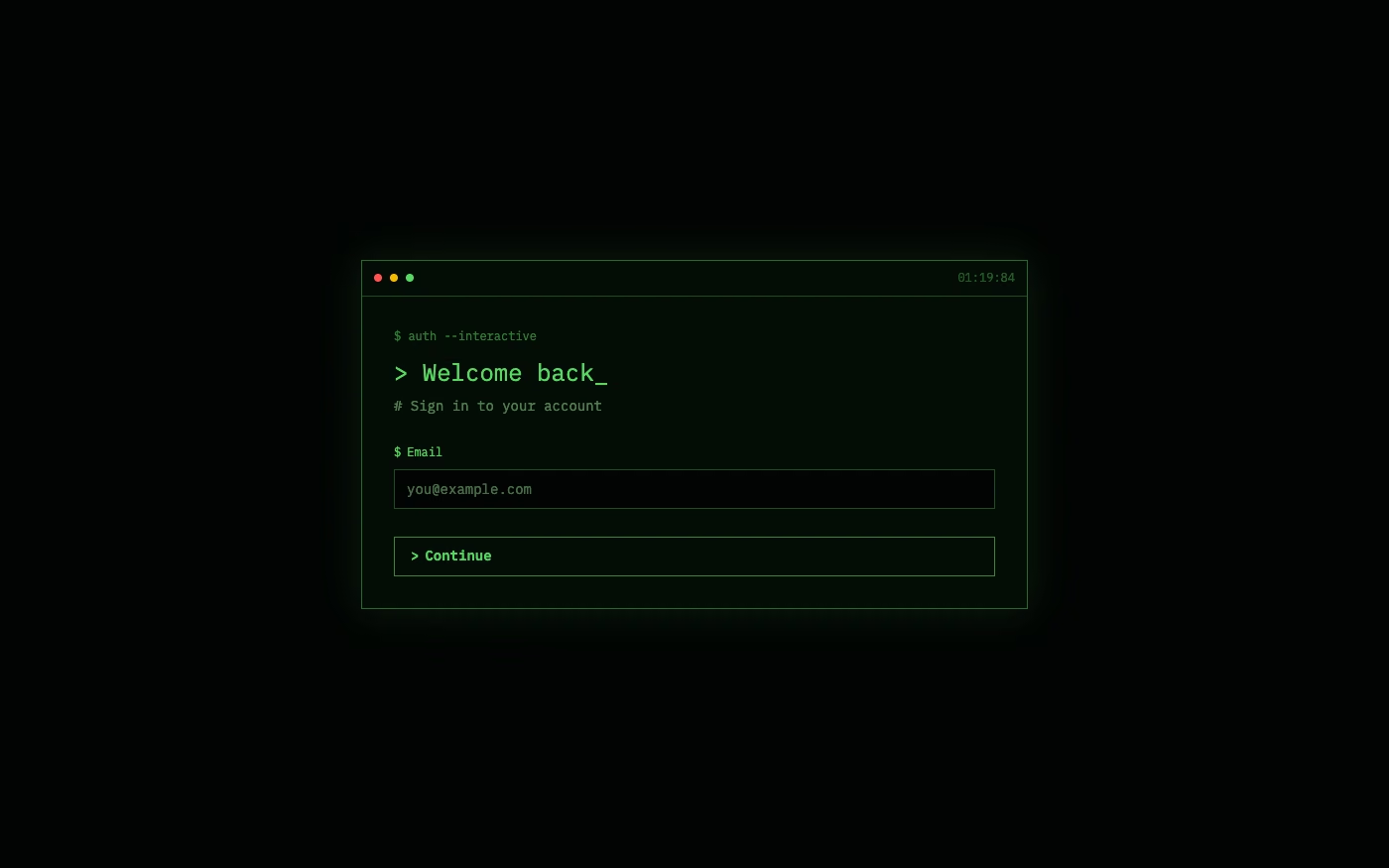
Terminal / CLI UI design style
Monospaced type, command prompts, phosphor-like color, cursor states, logs, and text-first interaction.
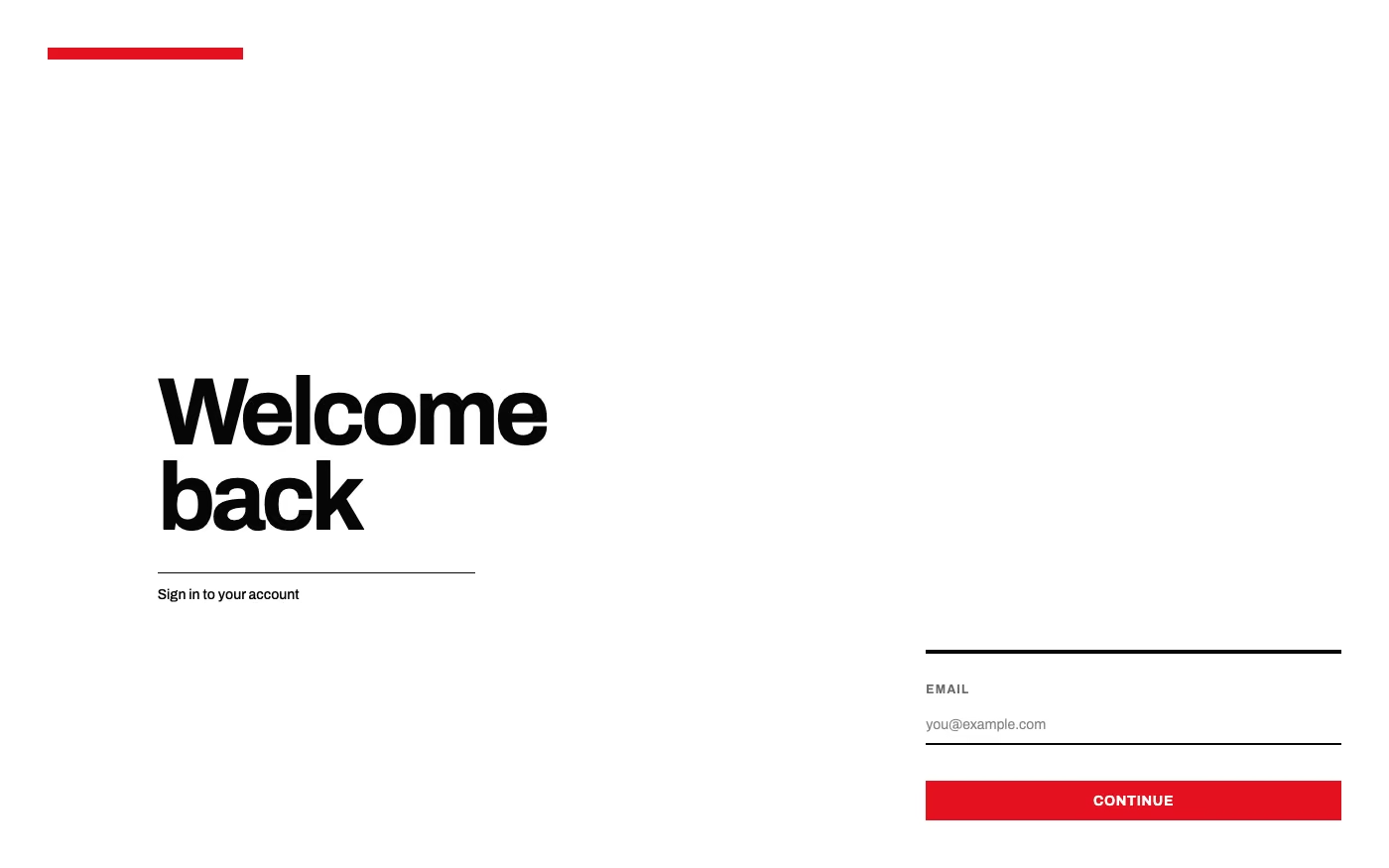
Swiss Style UI design style
Strict grids, generous whitespace, sans-serif typography, asymmetry, and objective information hierarchy.
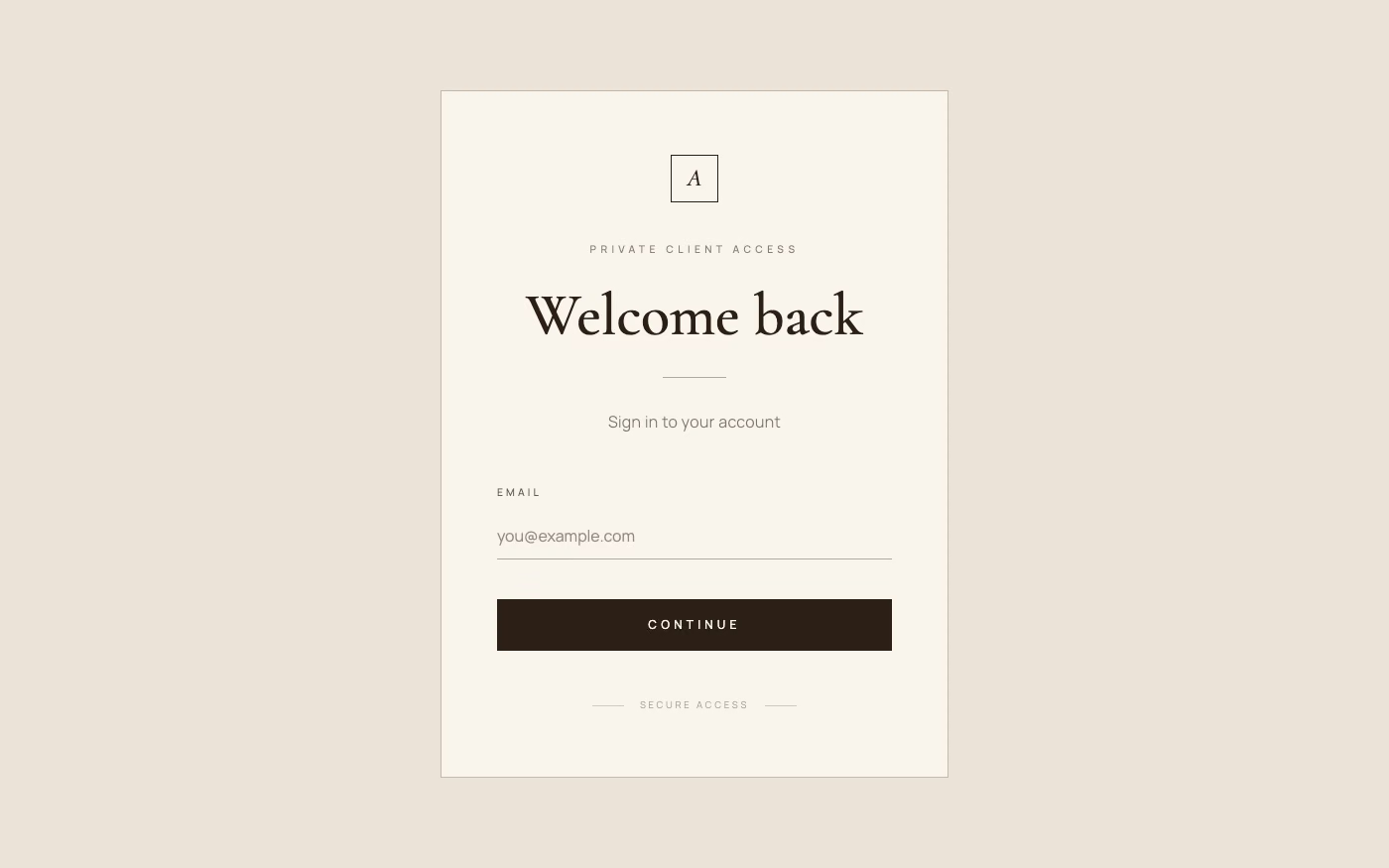
Quiet Luxury UI design style
Restrained palettes, refined serif or neo-grotesque type, generous space, subtle motion, and meticulous premium detail.
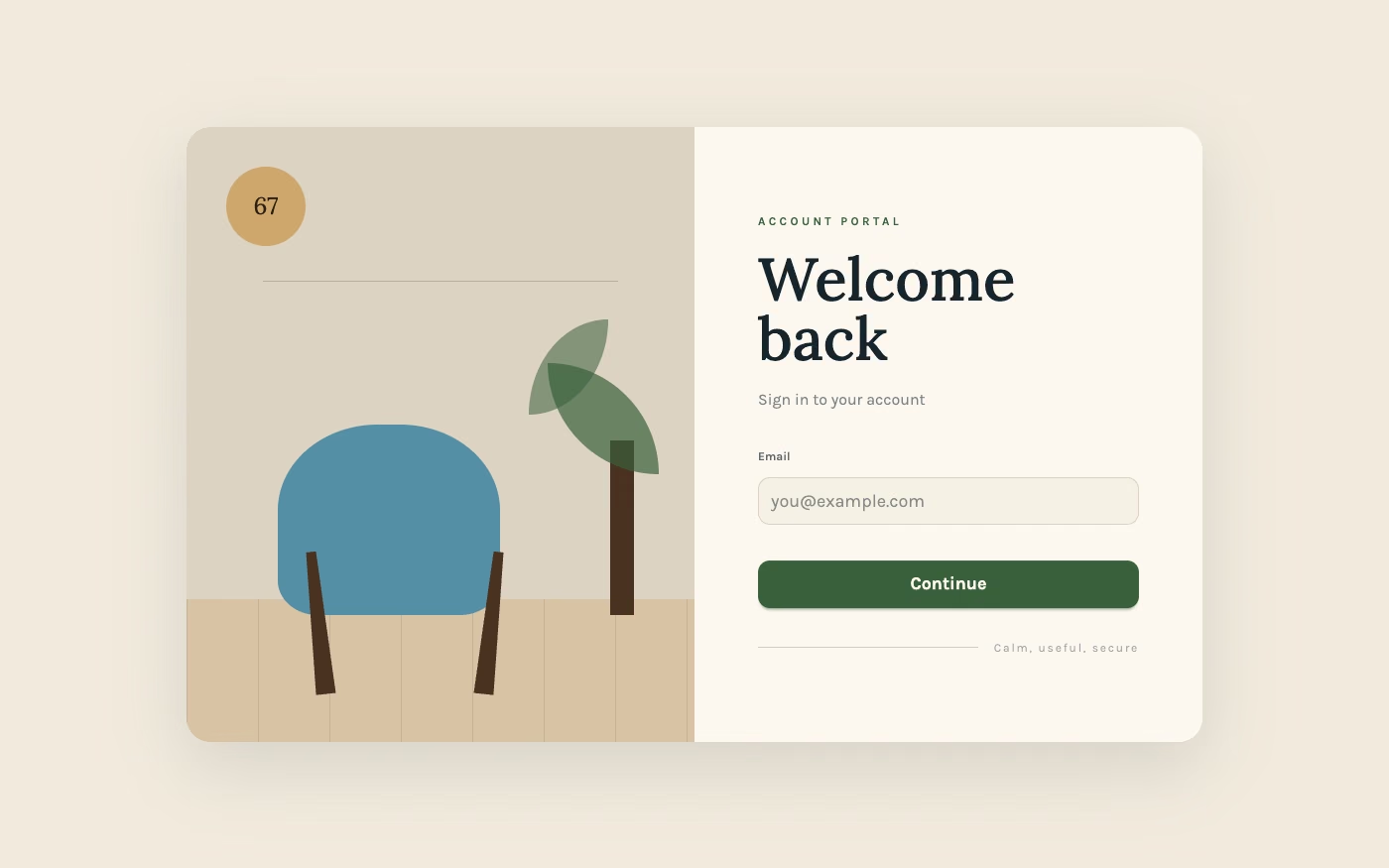
Scandinavian Modern UI design style
Functional simplicity, light palettes, warm natural materials, clean lines, and friendly human-centered restraint.
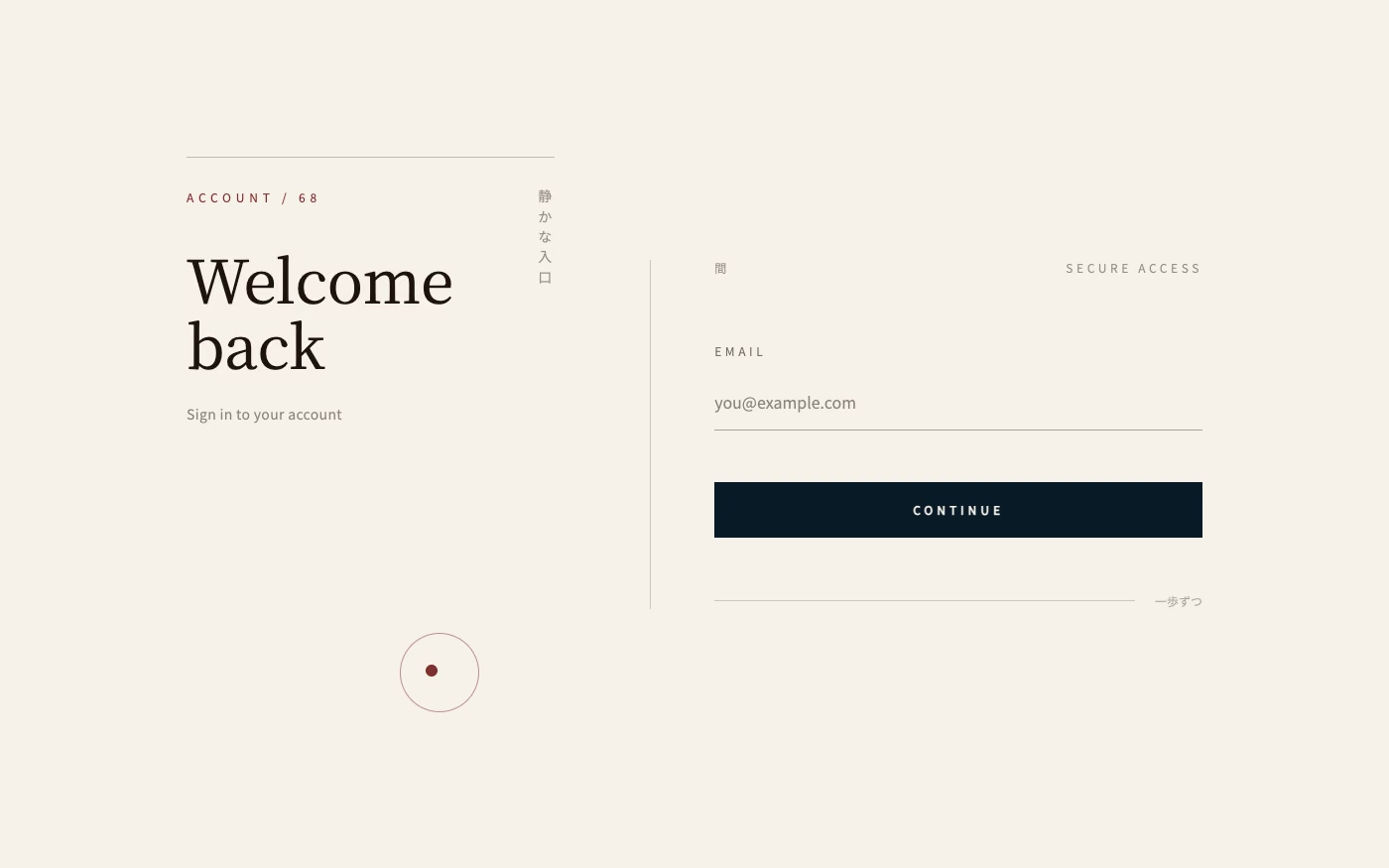
Japanese Minimalism UI design style
Disciplined reduction, calm neutral color, precise spacing, natural materials, and meaningful emptiness create quiet clarity.
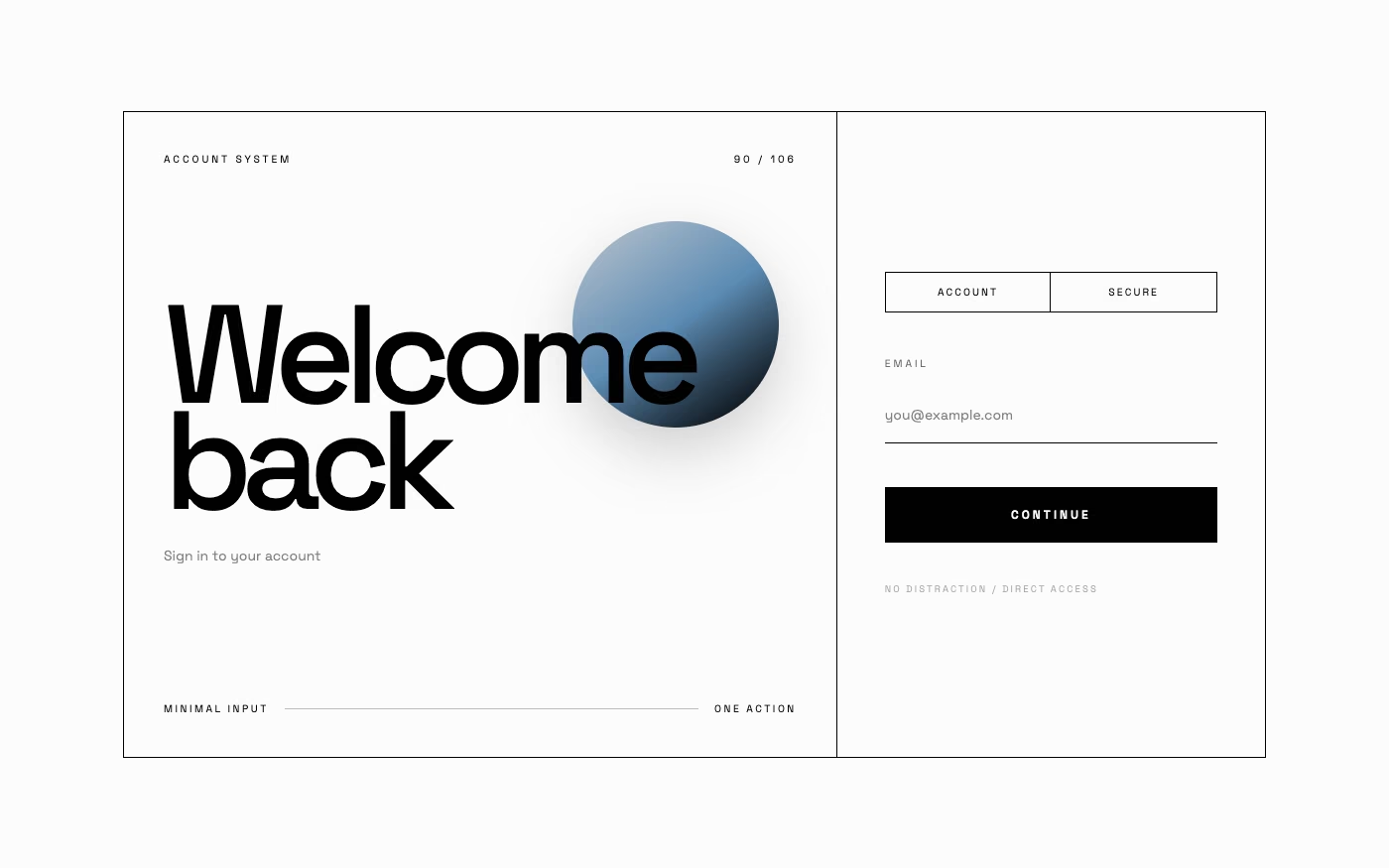
Cyberminimalism UI design style
Late-2010s hyper-minimal tech design reduces interfaces to black or white fields, large grotesque type, strict grids, sparse geometry, and an occasional controlled gradient or premium render.
Explore other UI trend categories
Compare three other visual families before choosing a direction.
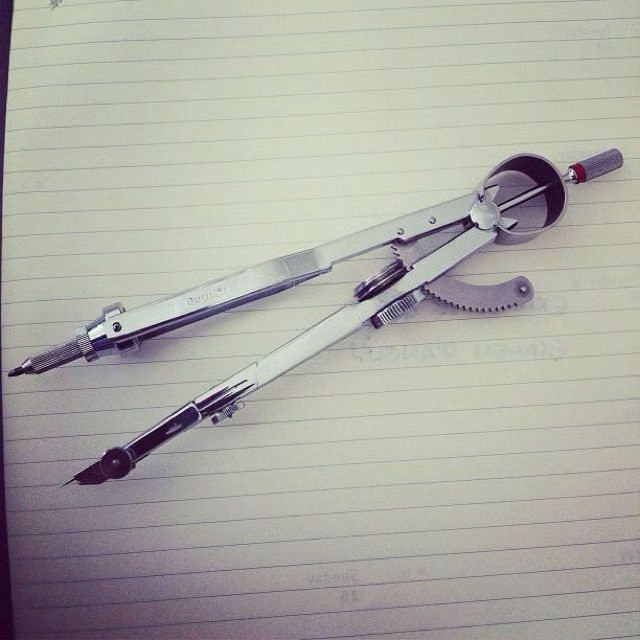
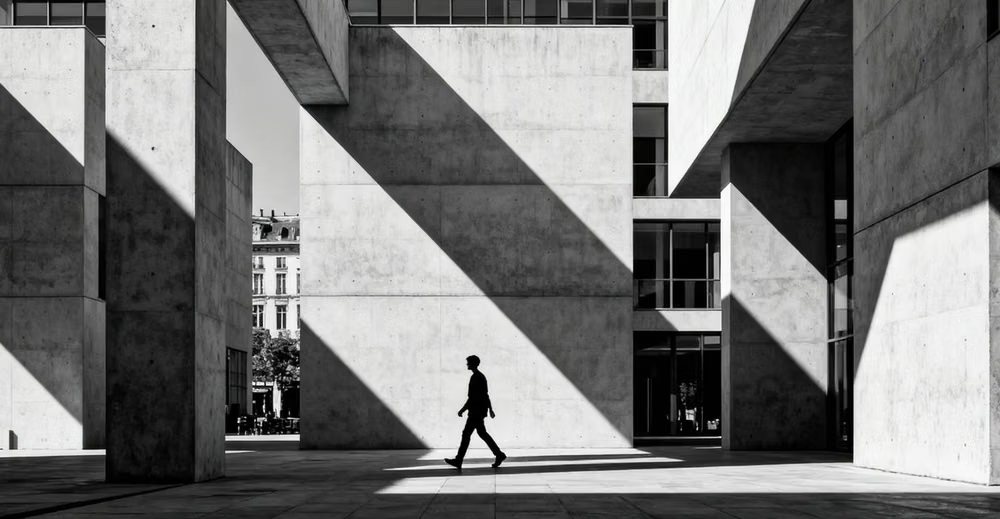

Bold and experimental UI design trends
Strong contrast, visible structure, dense composition, and rule-breaking graphics give these interfaces their energy. The best examples repeat a small set of bold decisions instead of adding random decoration.
Playful and illustrated UI design trends
Illustration, imperfect marks, character, and game-like graphics make these interfaces feel approachable. Consistent controls keep the experience usable beneath the playful surface.
Futuristic and sci-fi UI design trends
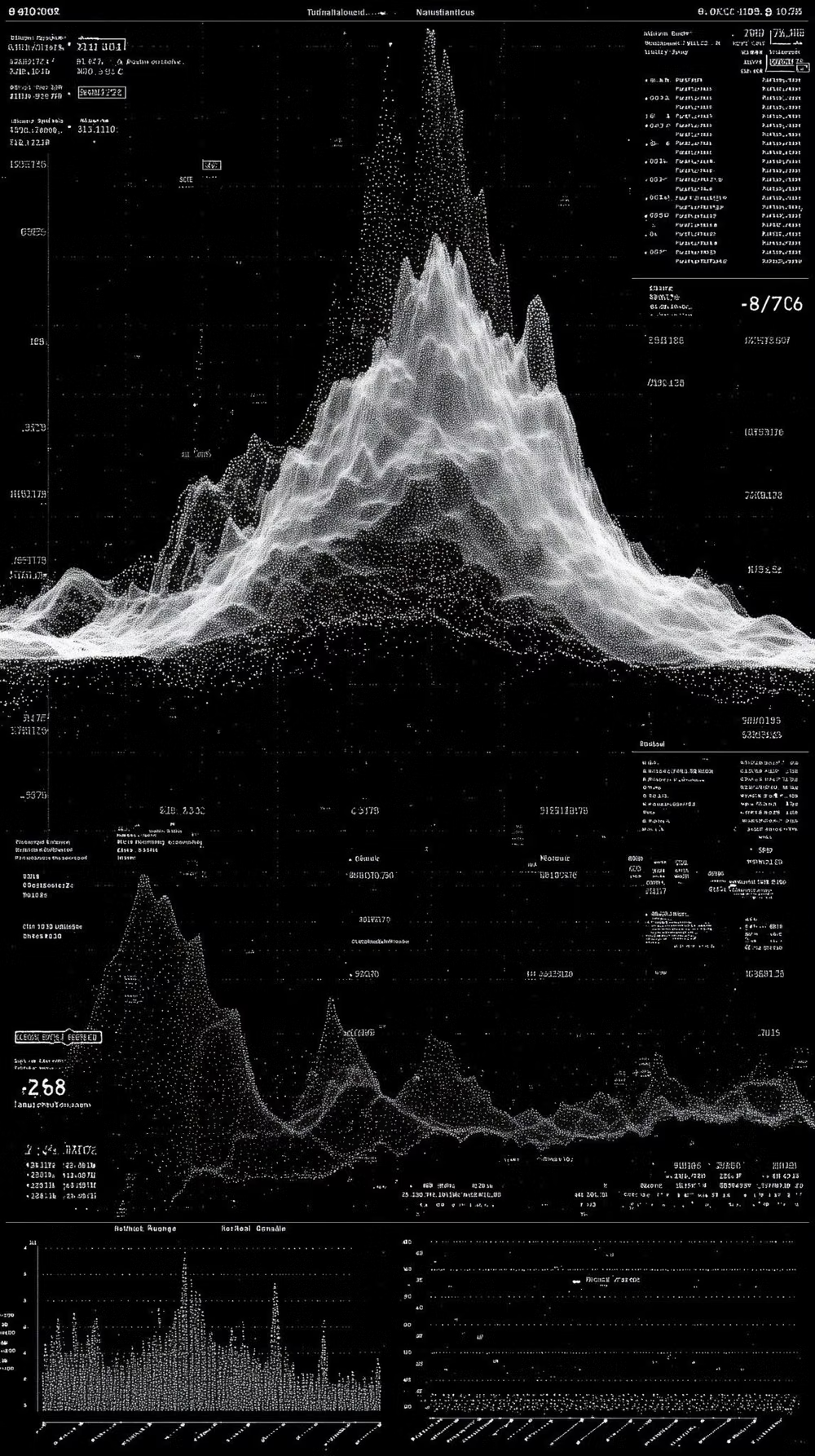
Speculative worlds, fictional systems, and imagined technology drive these interfaces. Each trend offers a different answer to how tools, dashboards, and digital environments can feel beyond the present.
Turn a visual direction into working UI
Study a trend's design rules, then write a prompt with enough structure for an AI coding agent to apply it consistently.