UI design prompts for distinctive AI interfaces
A useful UI prompt does more than request a clean landing page. It names the product, the user goal, the page structure, the visual language, and the rules that keep the result coherent. Use this guide to replace vague aesthetic requests with directions an AI coding agent can follow.
Need a visual direction first? Browse the UI design styles catalog and return with a style name that fits your product.
A prompt formula that gives AI useful constraints
Build the prompt in six short layers. Each layer removes a guess your coding agent would otherwise make for you.
- 01
Product and audience
State what you are building and who needs it.
- 02
Page goal
Name the primary task, conversion, or decision.
- 03
Required structure
List the sections, states, and content the screen must include.
- 04
Named visual style
Choose one visual language and describe the parts worth carrying over.
- 05
Interaction constraints
Call out responsive behavior, accessibility, density, and motion.
- 06
Implementation context
Name daisyUI, your framework, and Blueprint MCP so the agent uses the right system.
Reusable prompt structure
Build a [page type] for [product and audience]. The page must help users [primary goal] and include [required sections and states]. Use [named UI design style] for the visual direction, especially its [typography, color, shape, imagery, and layout traits]. Keep the interface responsive and accessible. Build it with daisyUI. Use Blueprint MCP.8 ready-to-adapt AI UI design prompts
Each example uses four moodboard references from the complete style page, so the visual direction matches the prompt instead of a single demo layout.
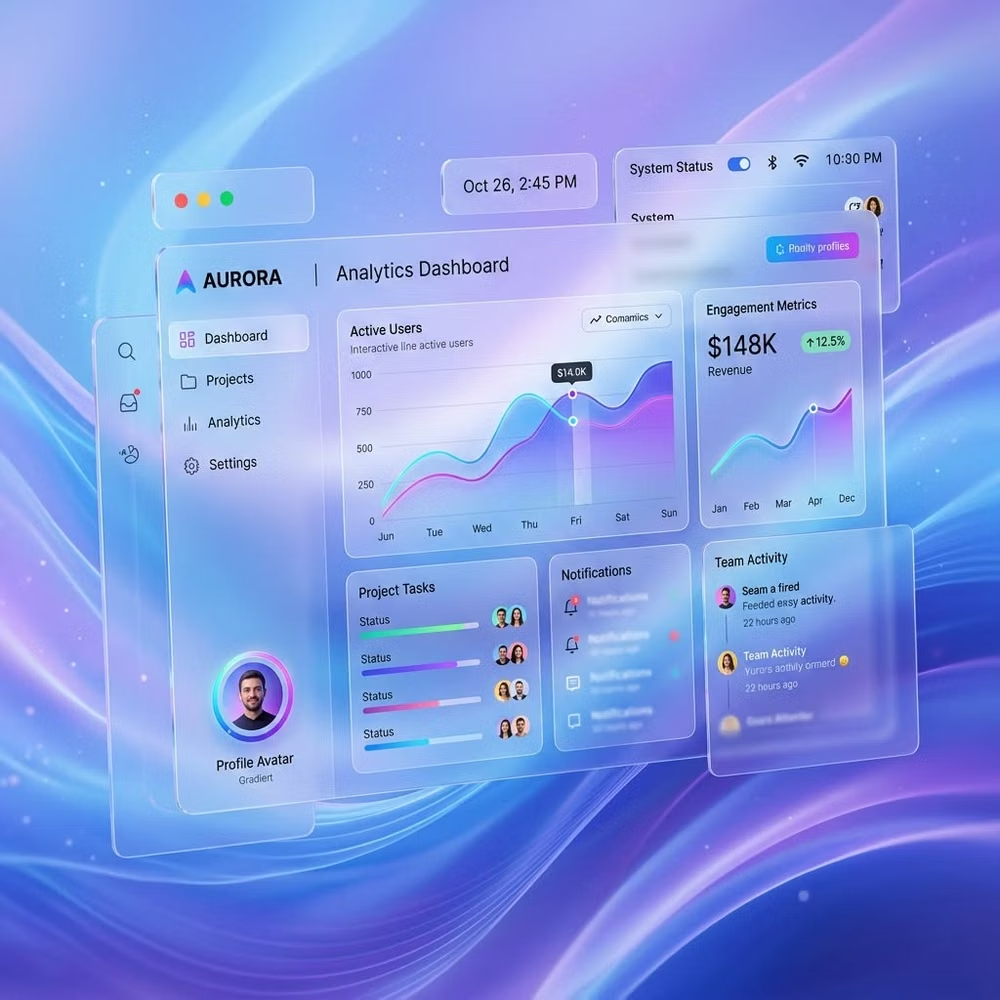

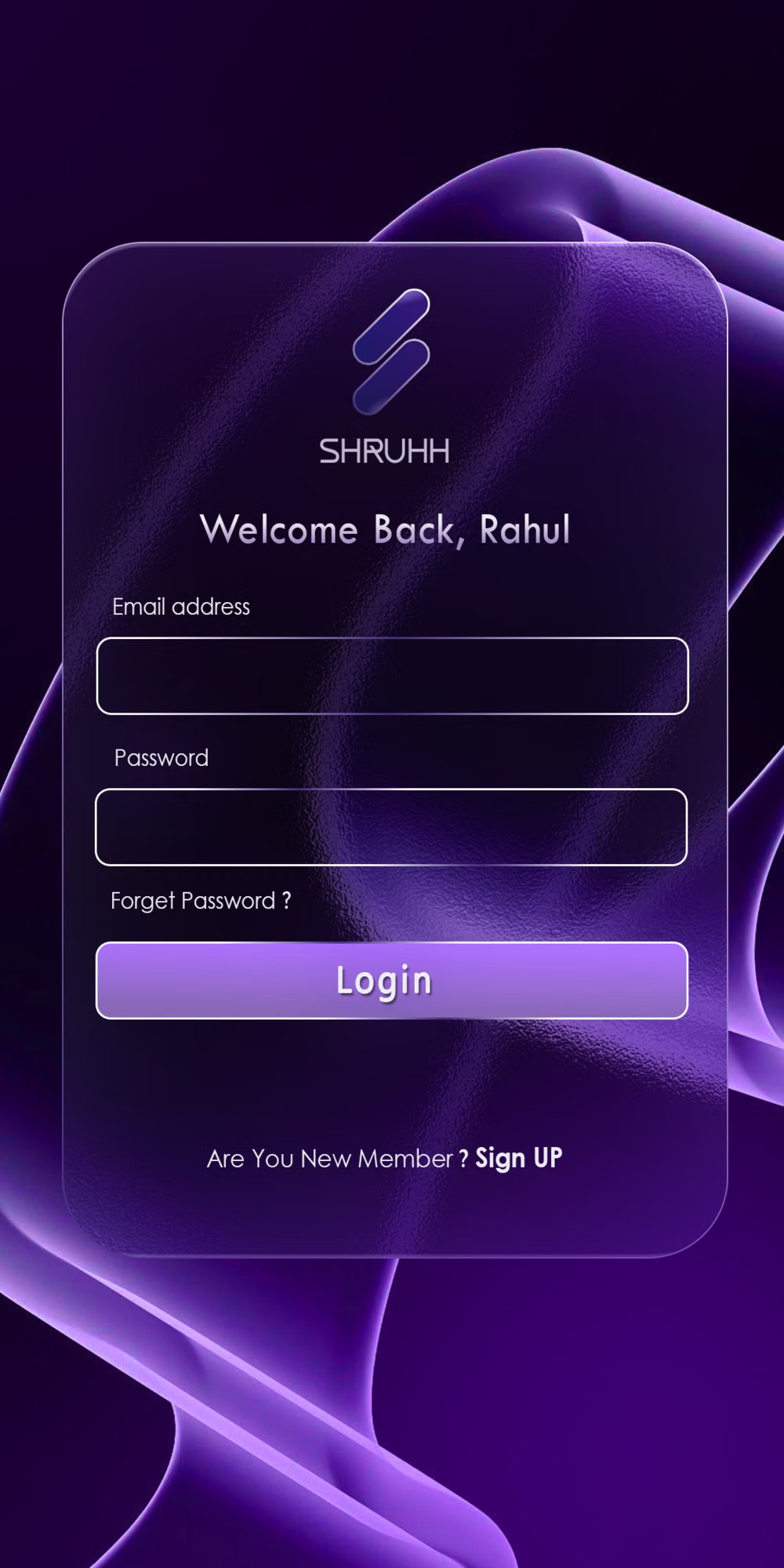
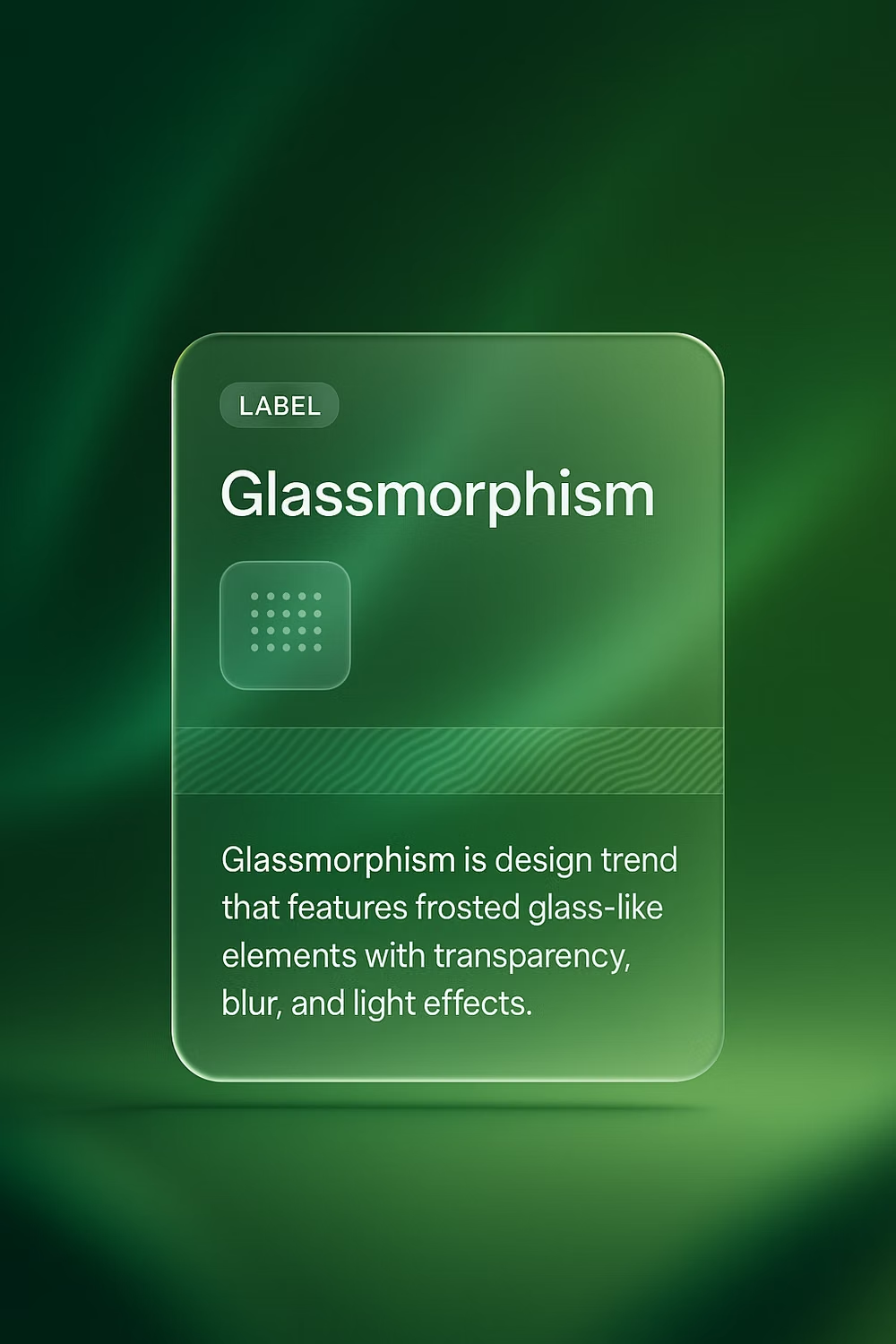
Glassmorphism UI design style
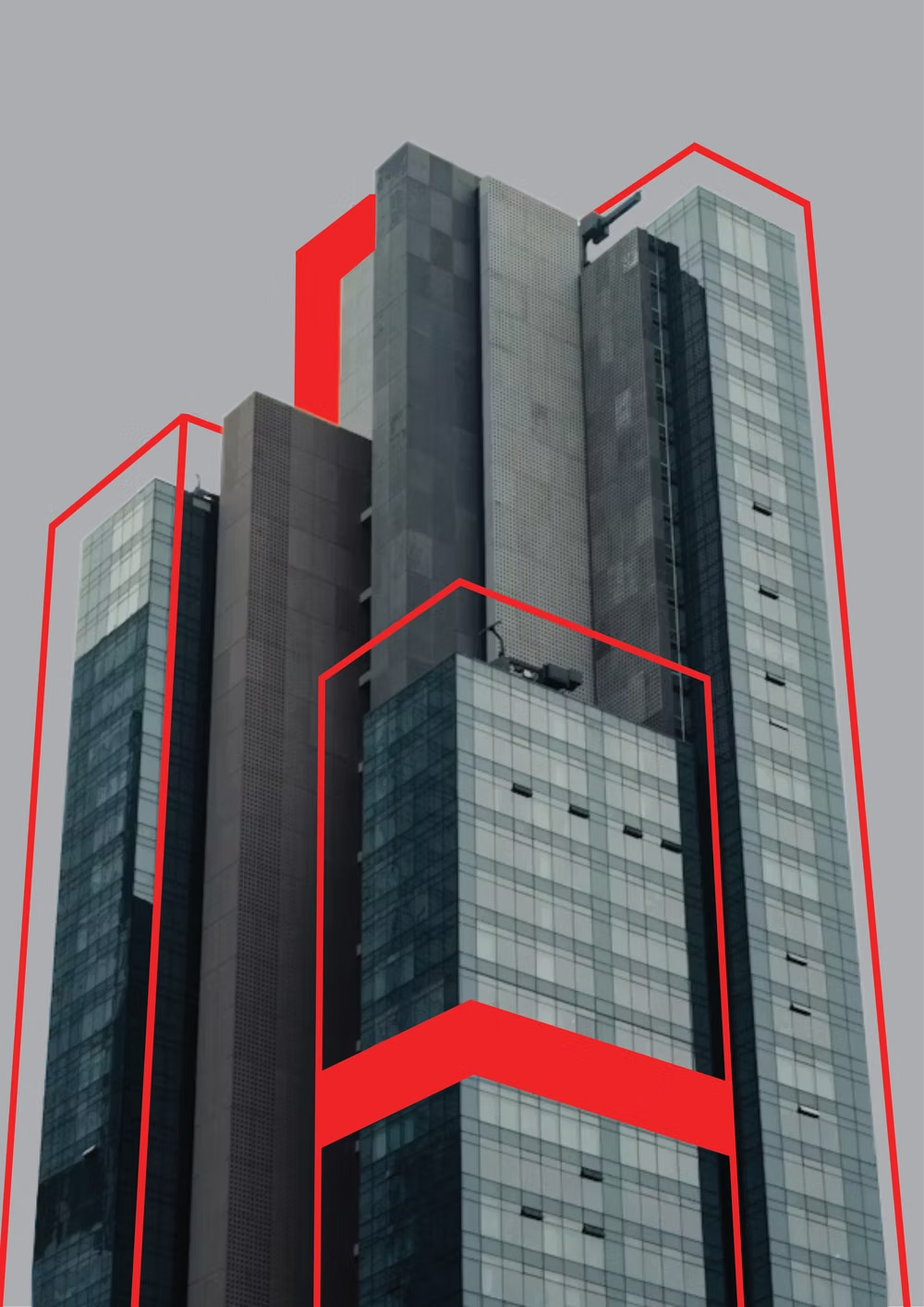
Build a sign-in and account recovery flow for a privacy-focused cloud storage app. Use Glassmorphism for two clearly layered panels over a quiet atmospheric background. Keep all form text on opaque high-contrast surfaces, include error and loading states, and make the layout work on small screens. Build it with daisyUI. Use Blueprint MCP.
Brutalism UI design style
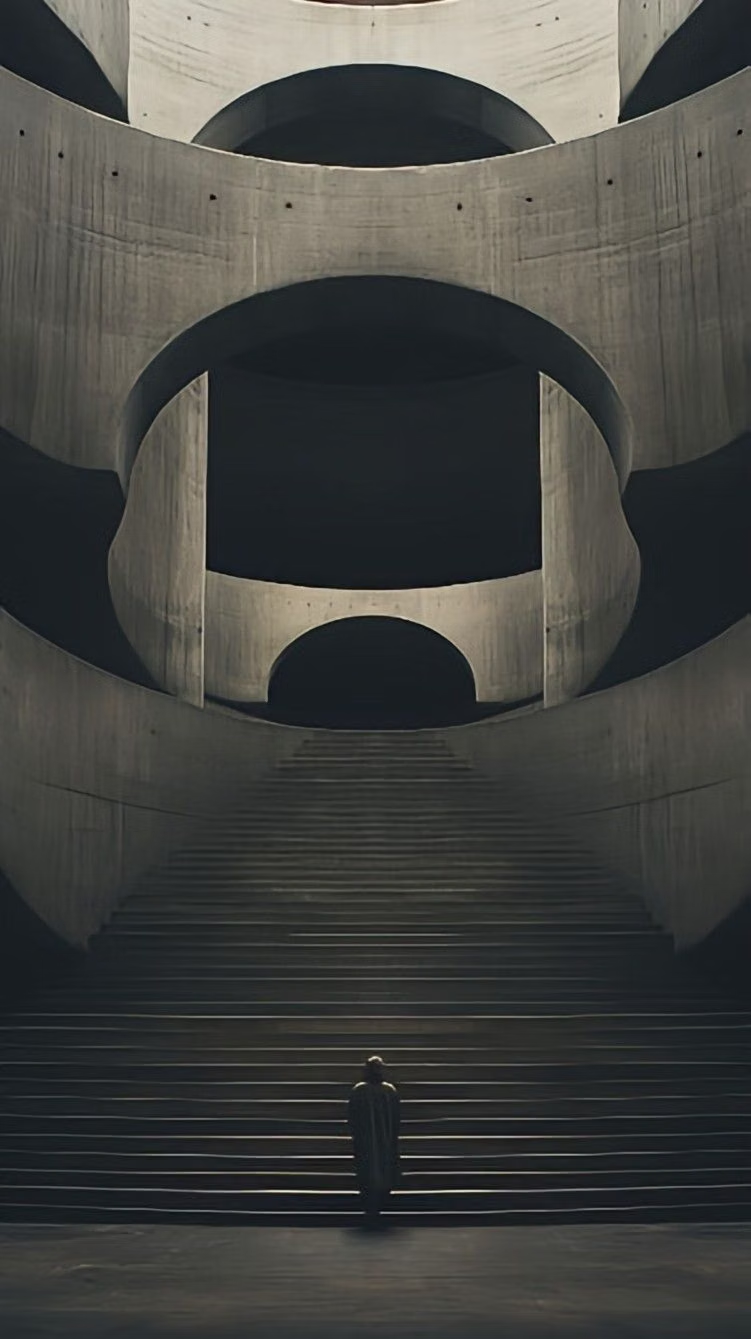
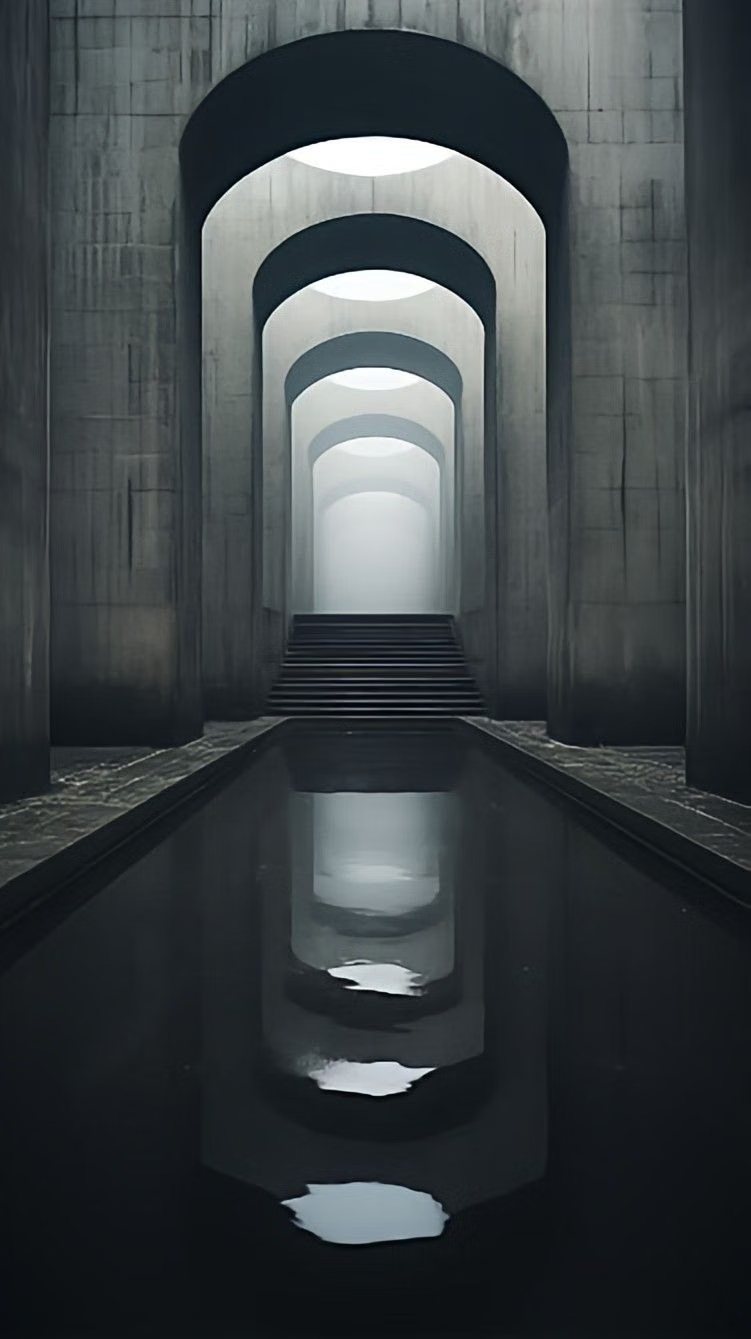
Build a ticket launch page for an independent music festival. Use Brutalism with a strict grid, oversized type, hard borders, direct color blocks, and visible interaction states. Include the lineup, schedule, venue details, ticket tiers, and sold-out states. Build it with daisyUI. Use Blueprint MCP.
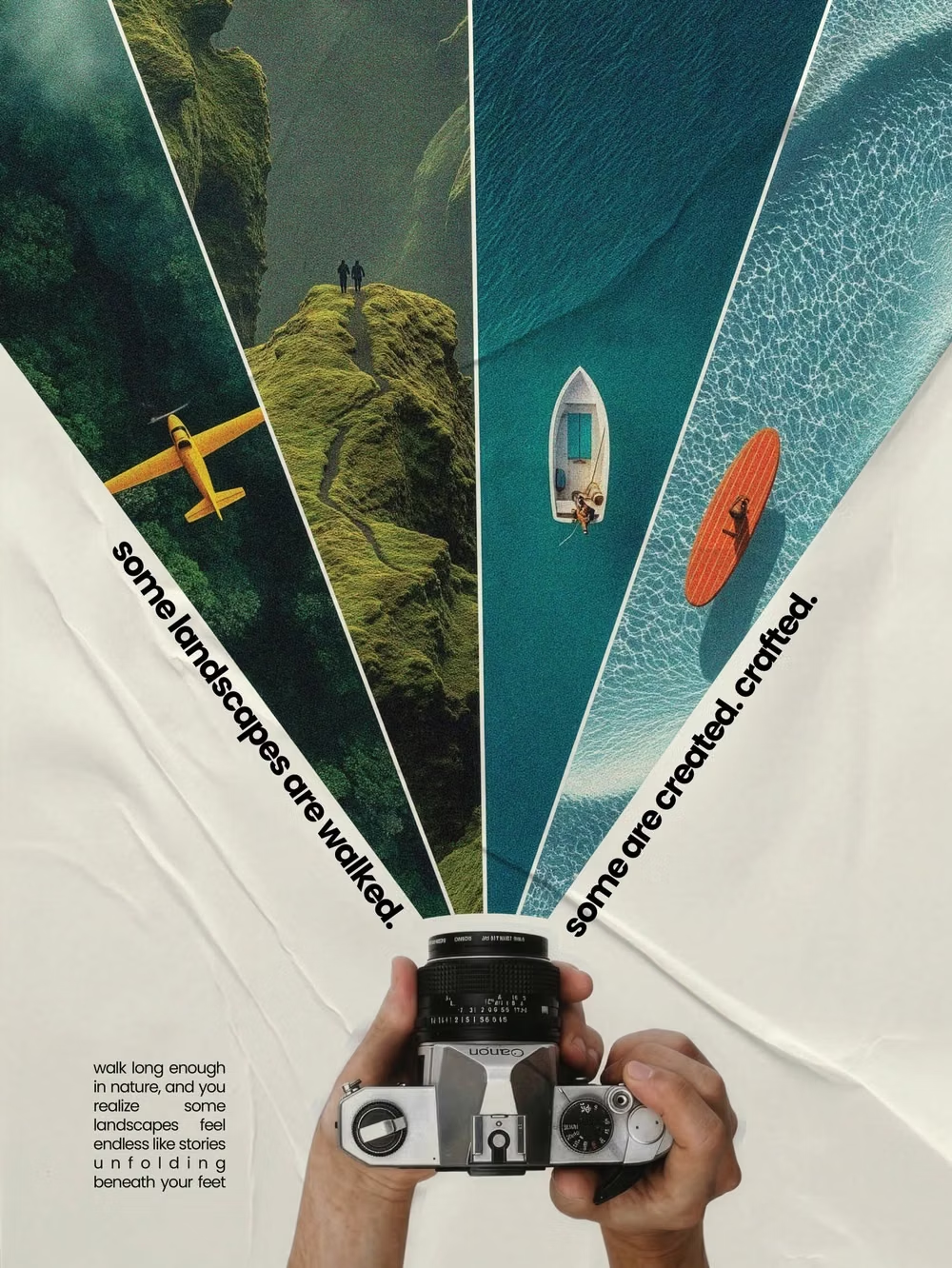
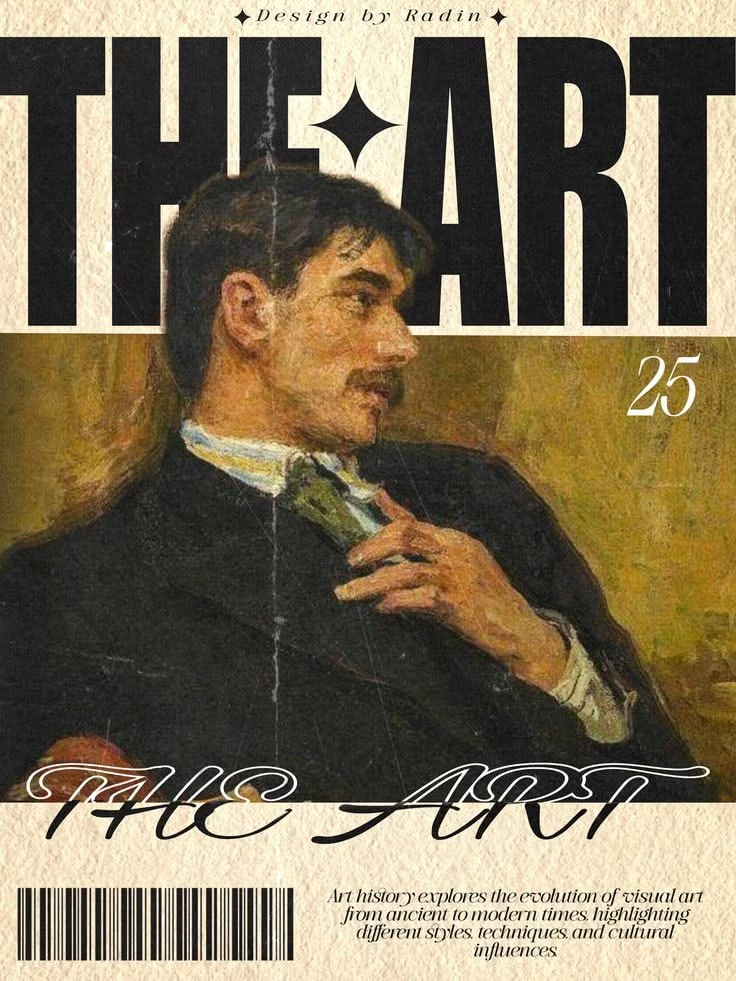
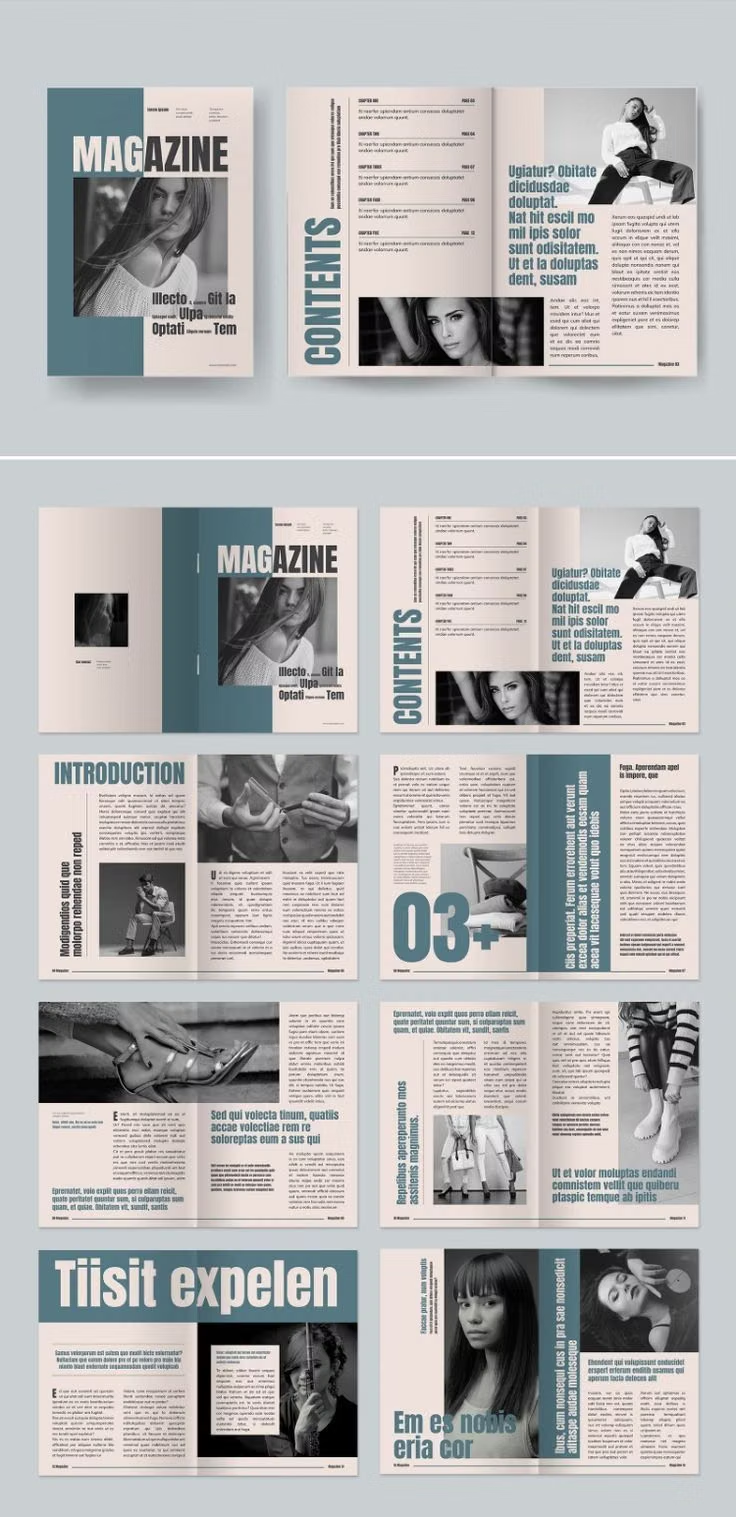
Editorial Design UI design style
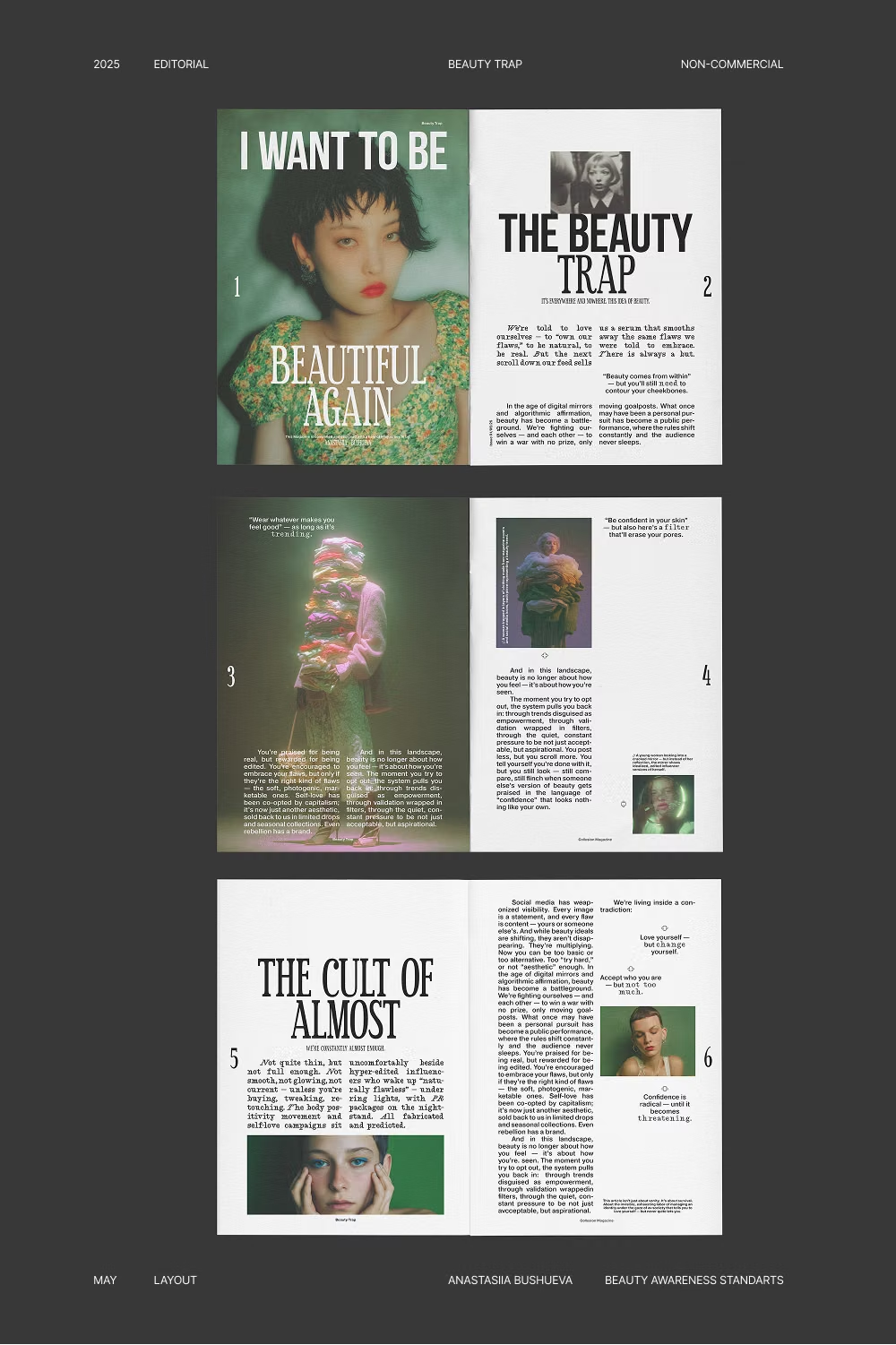
Build a long-form product story for a sustainable furniture studio. Use Editorial Design with art-directed photography, asymmetric columns, expressive headlines, captions, and generous reading rhythm. Include product details, maker profiles, materials, and a clear inquiry action. Build it with daisyUI. Use Blueprint MCP.
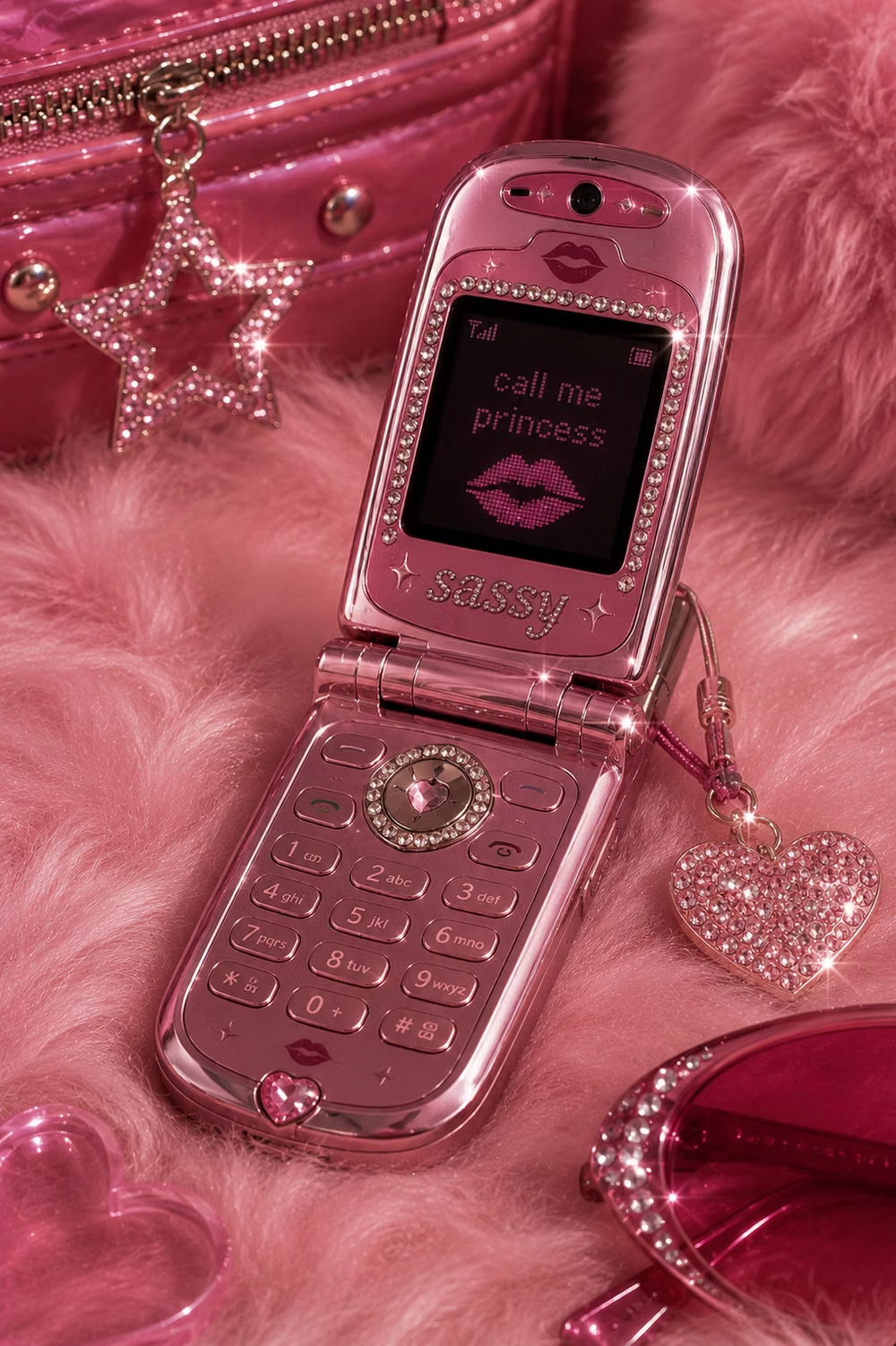
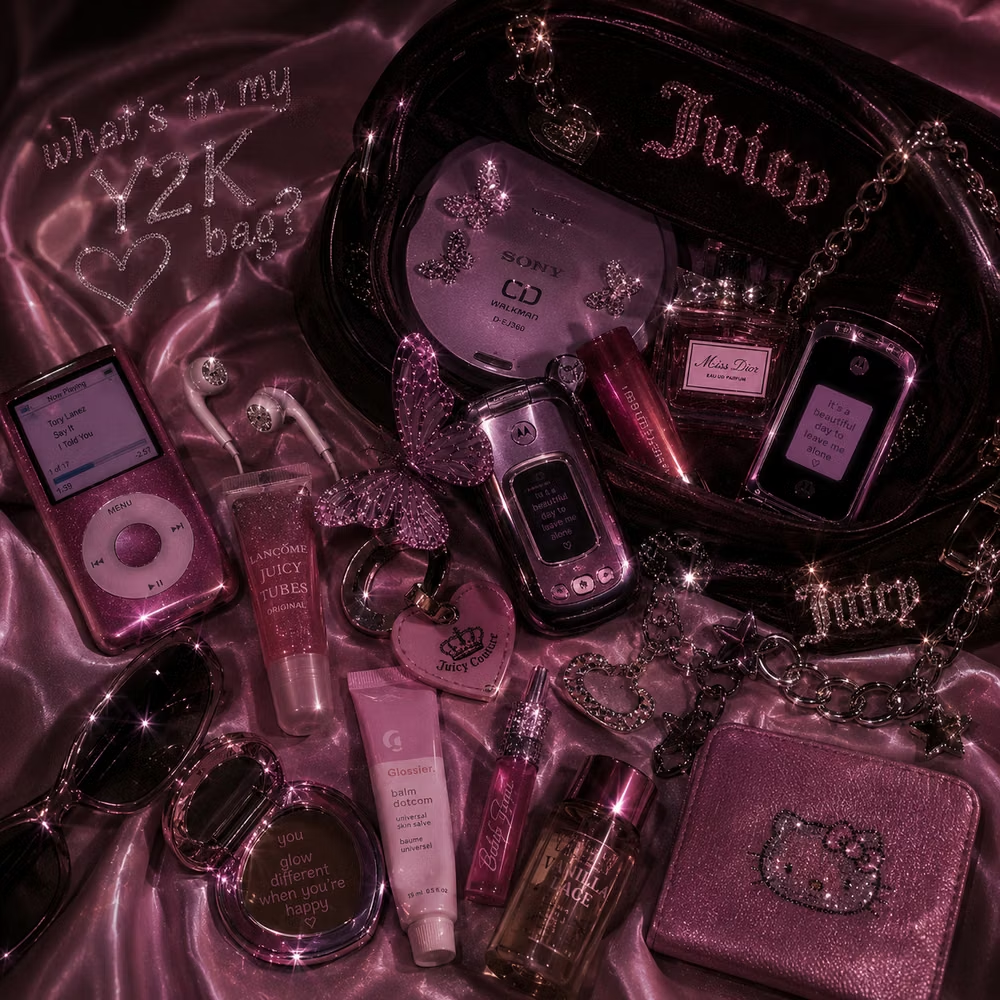
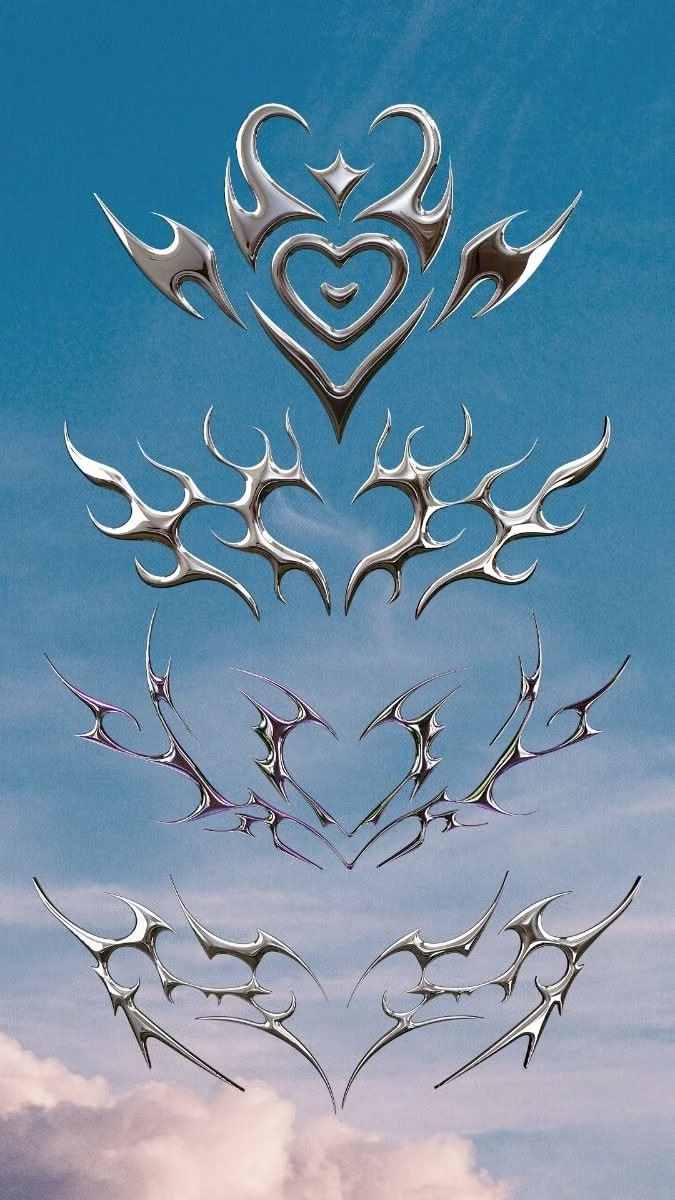
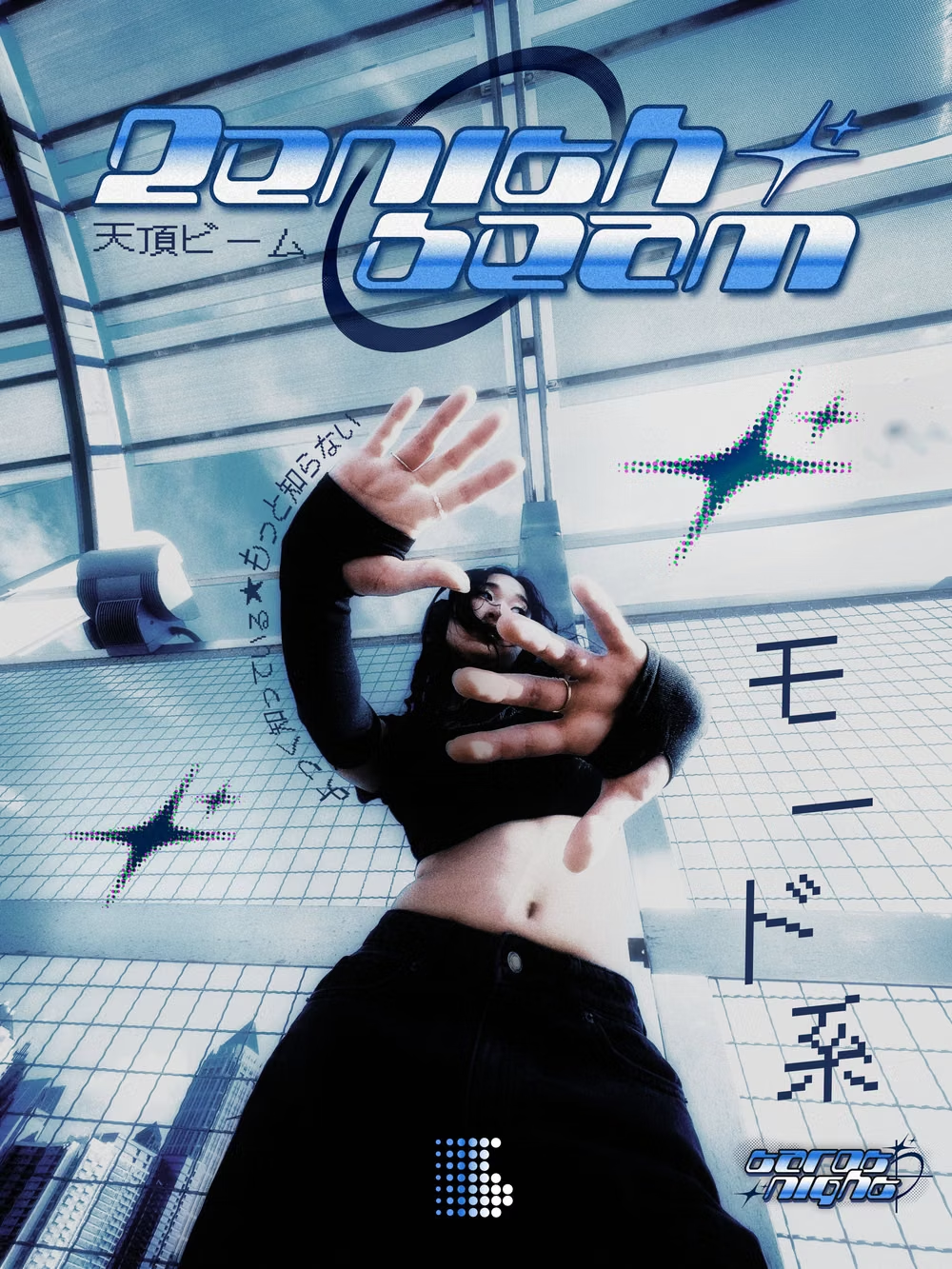
Y2K UI design style
Build a release page for a pop artist and a limited merchandise drop. Use Y2K with chrome accents, glossy controls, compact labels, flash photography, and playful early-web references. Keep checkout actions obvious and accessible. Build it with daisyUI. Use Blueprint MCP.
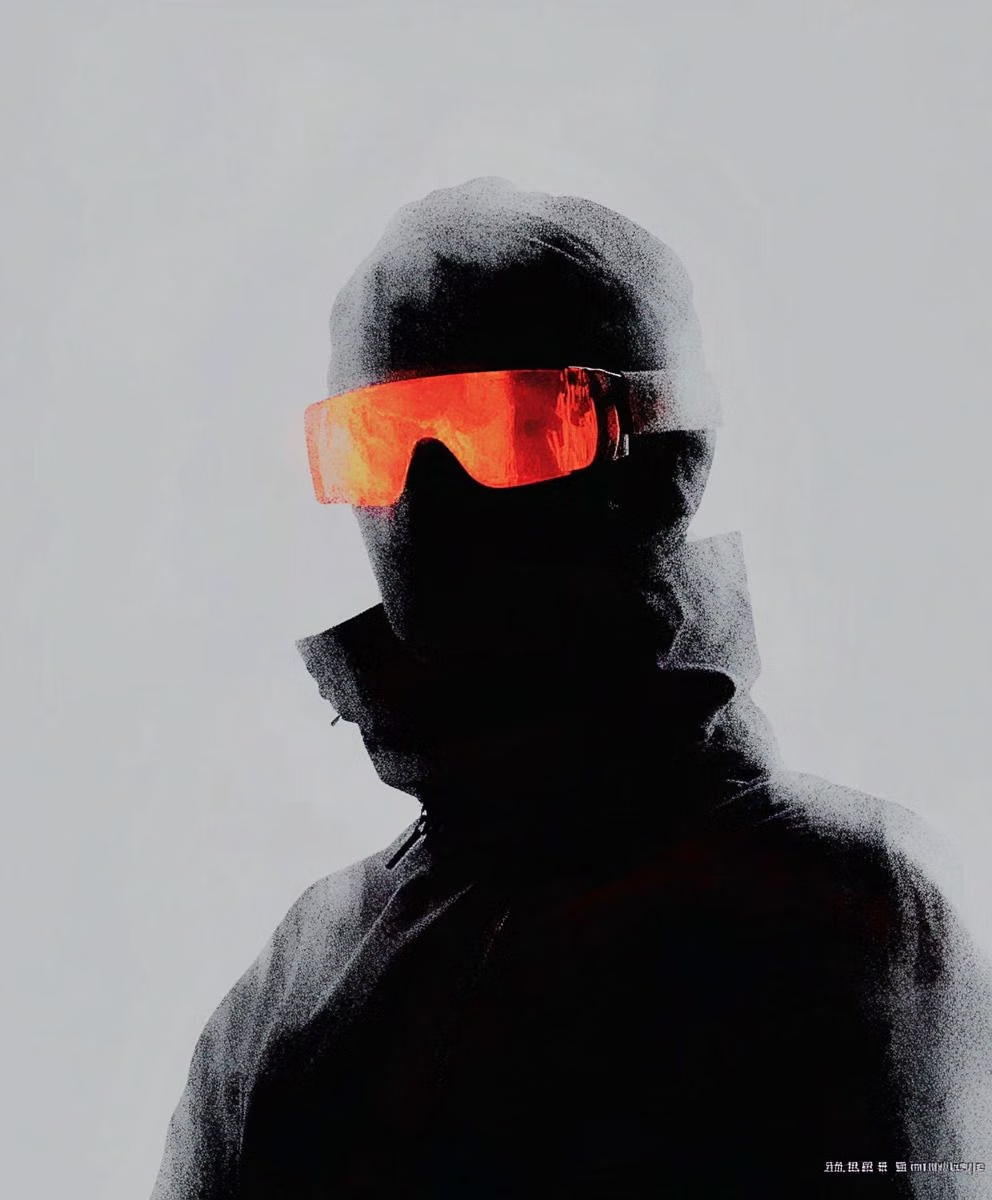
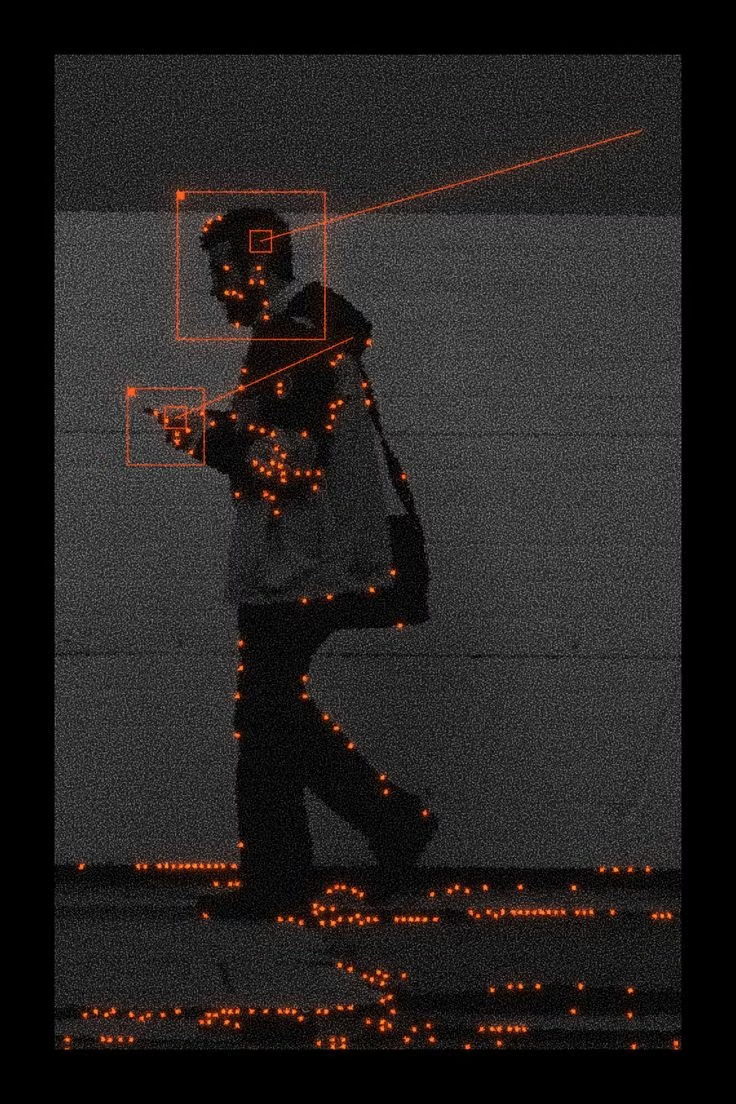
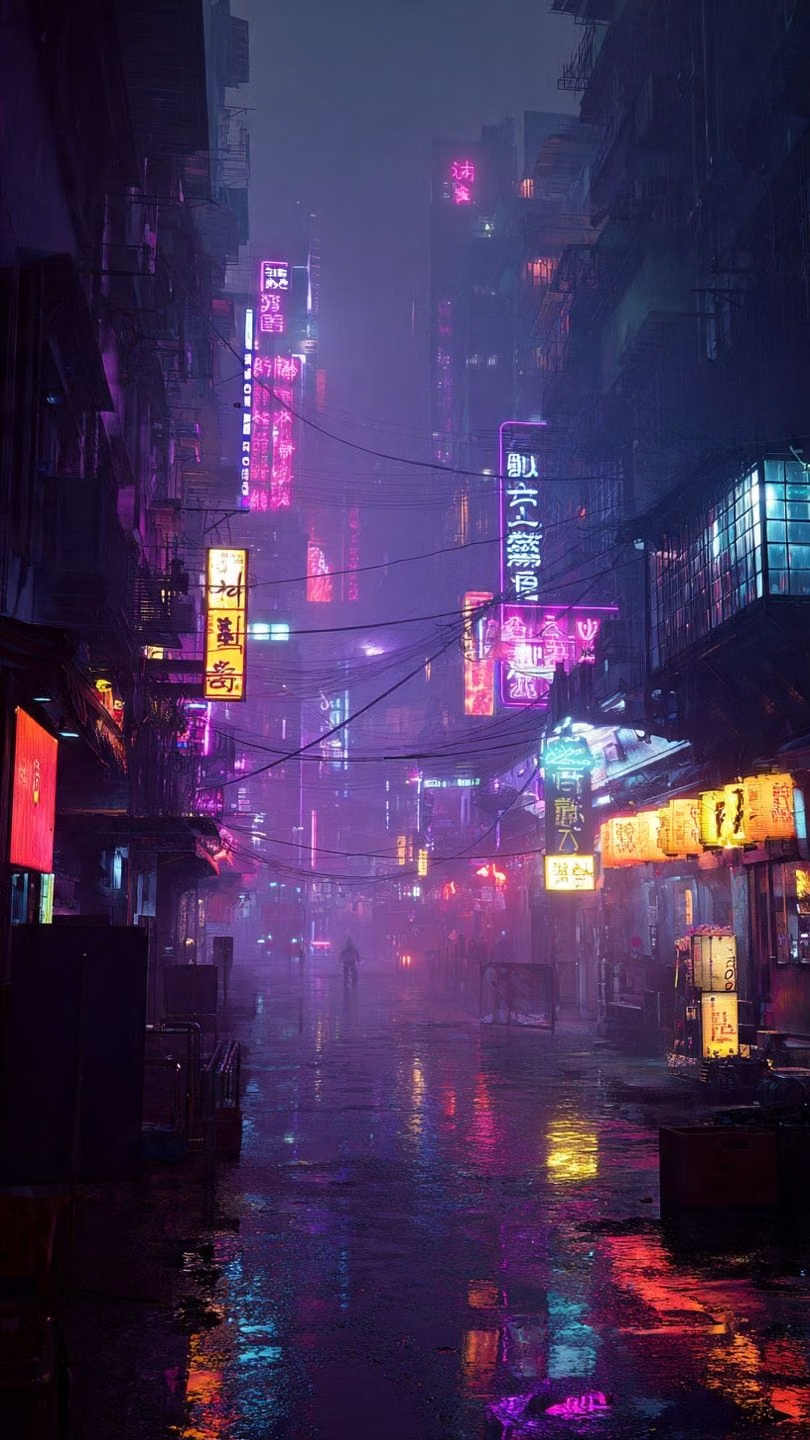
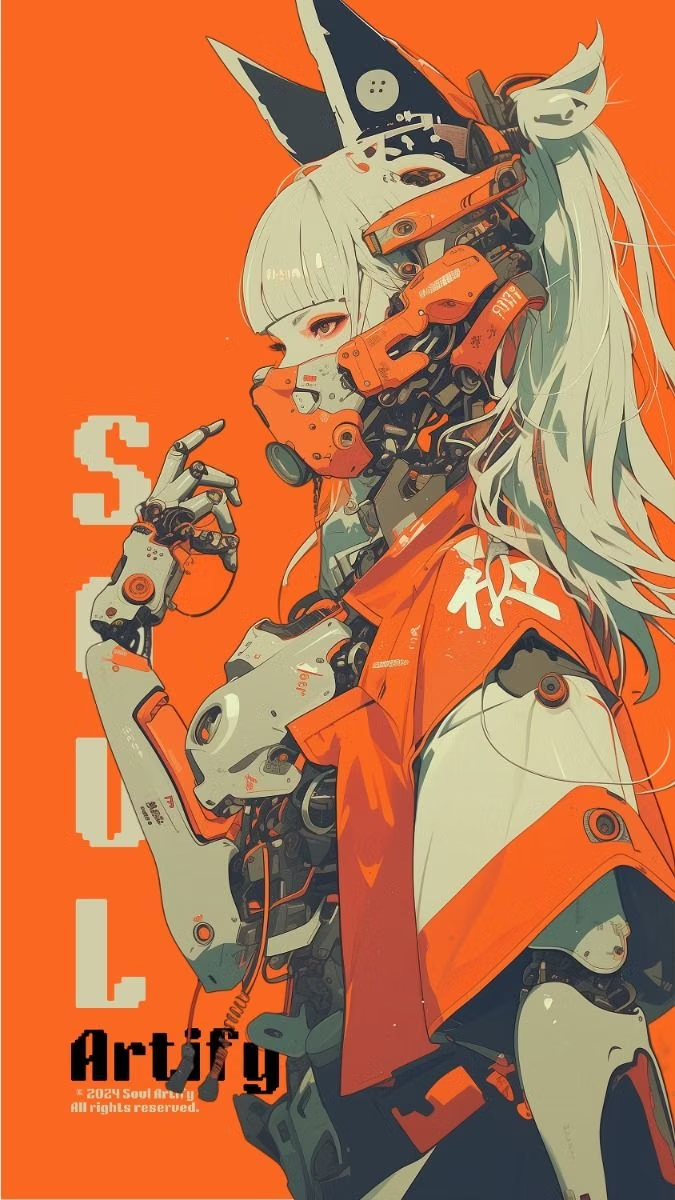
Cyberpunk UI design style
Build an operations dashboard for a fictional urban delivery network. Use Cyberpunk with dense telemetry, neon status colors, dark layered surfaces, angular framing, and monospaced data. Reserve bright color for live states and alerts. Build it with daisyUI. Use Blueprint MCP.

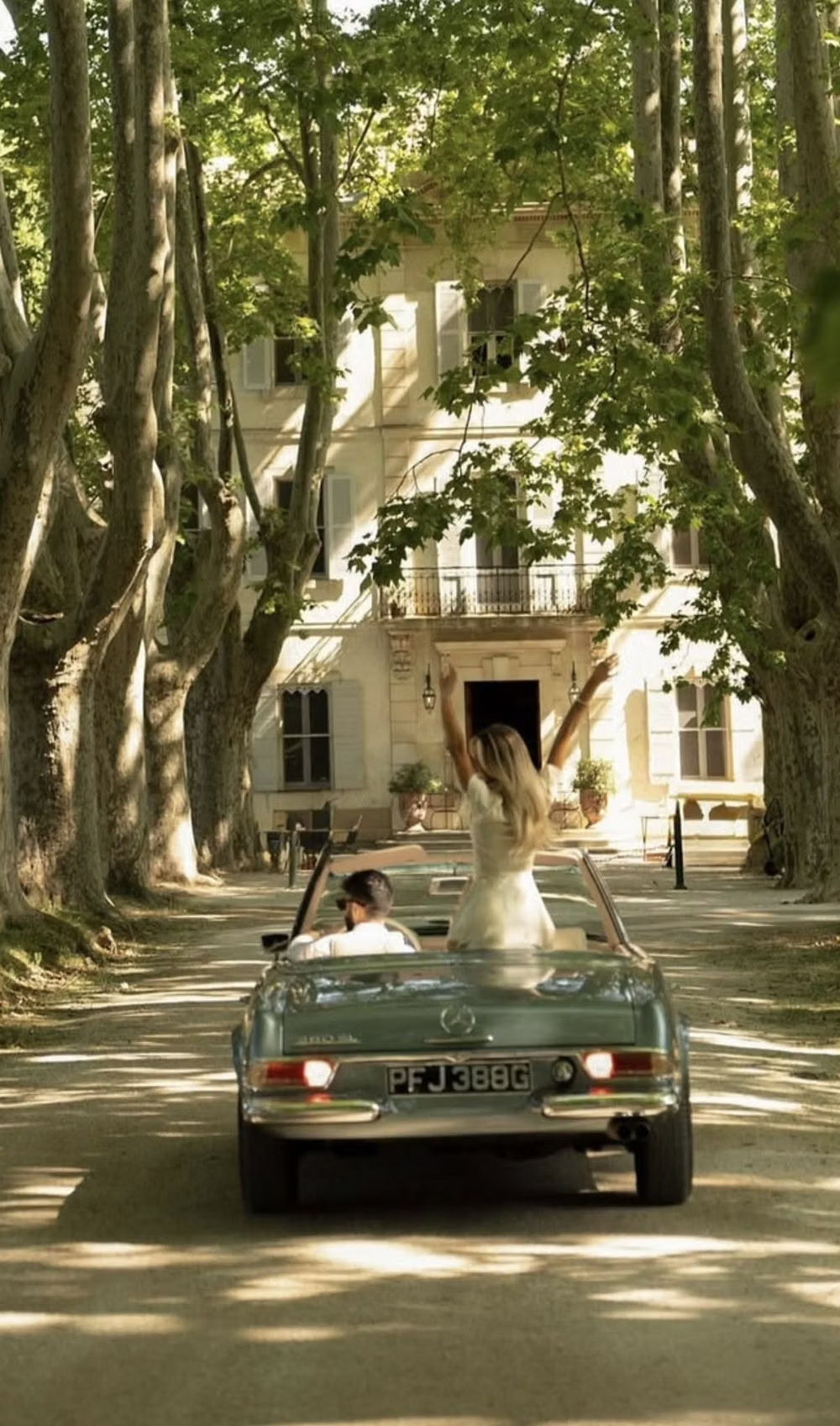
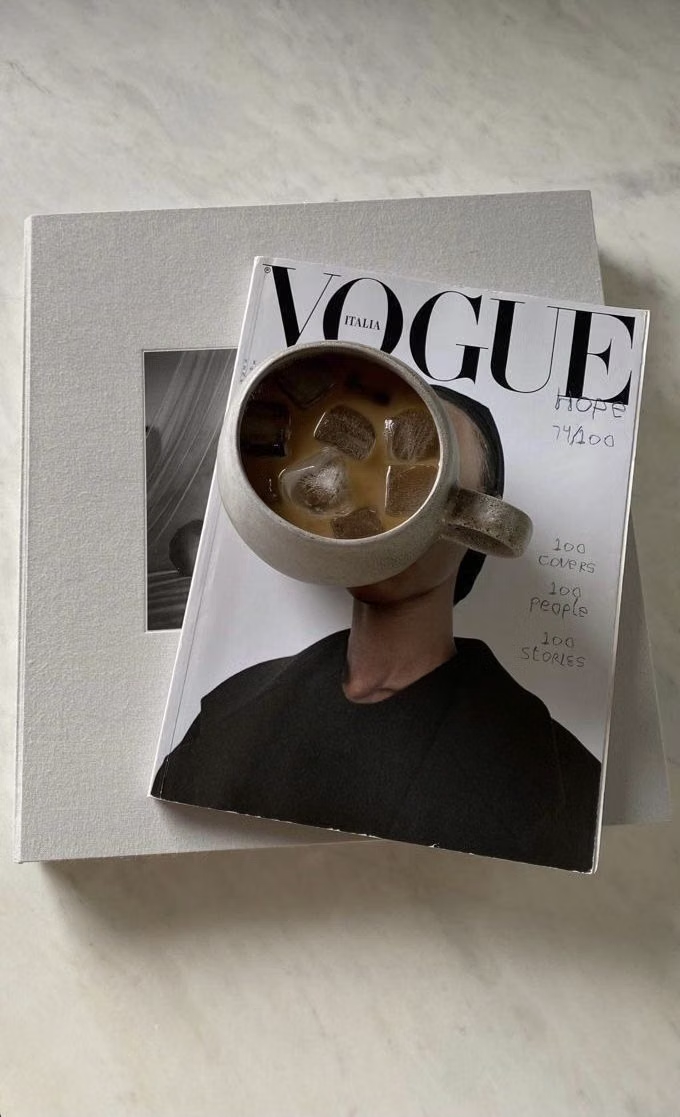
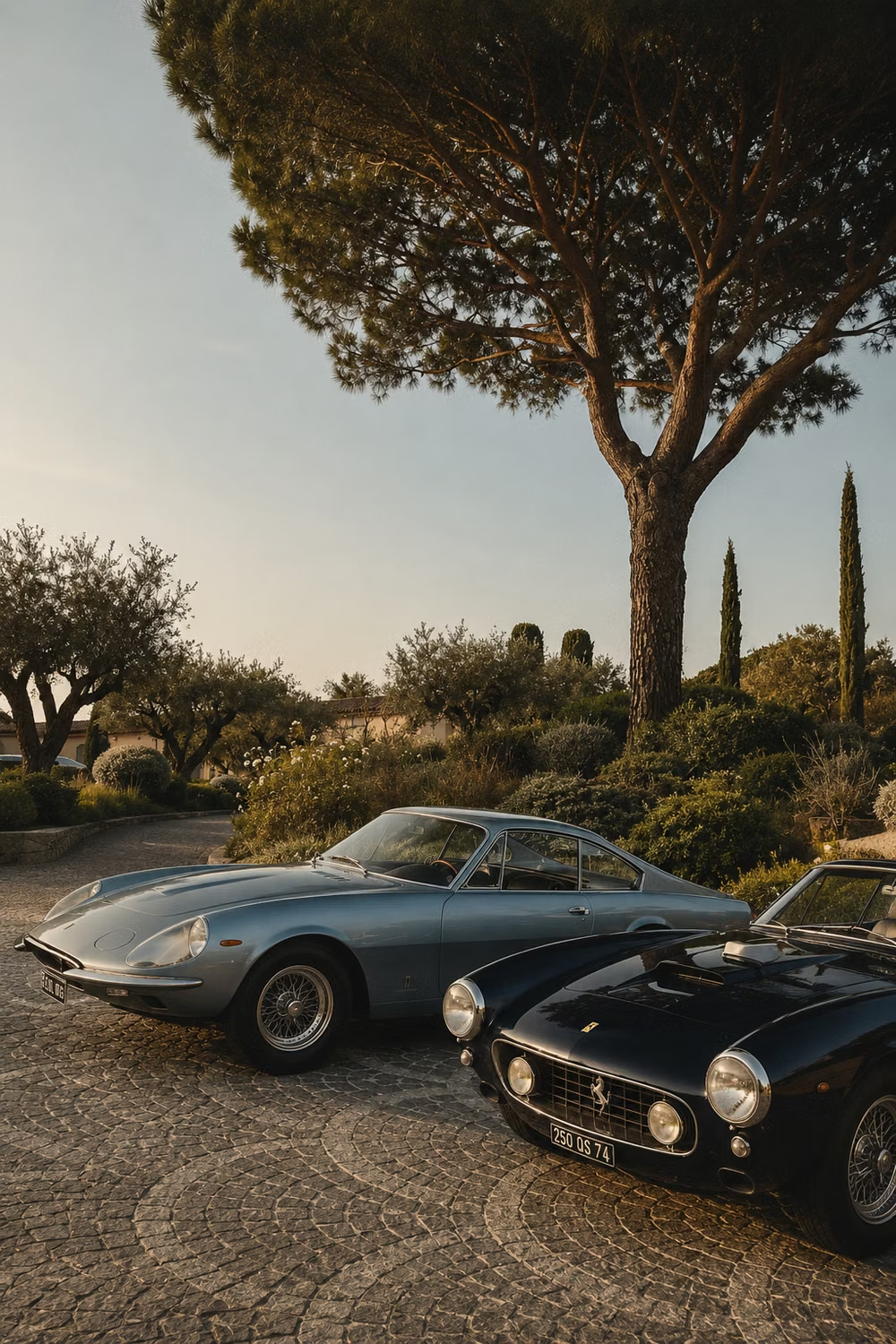
Quiet Luxury UI design style
Build a private client portal for a high-end travel planner. Use Quiet Luxury with restrained typography, warm neutrals, precise spacing, discreet dividers, and confident photography. Include itineraries, documents, concierge messages, and payment status. Build it with daisyUI. Use Blueprint MCP.
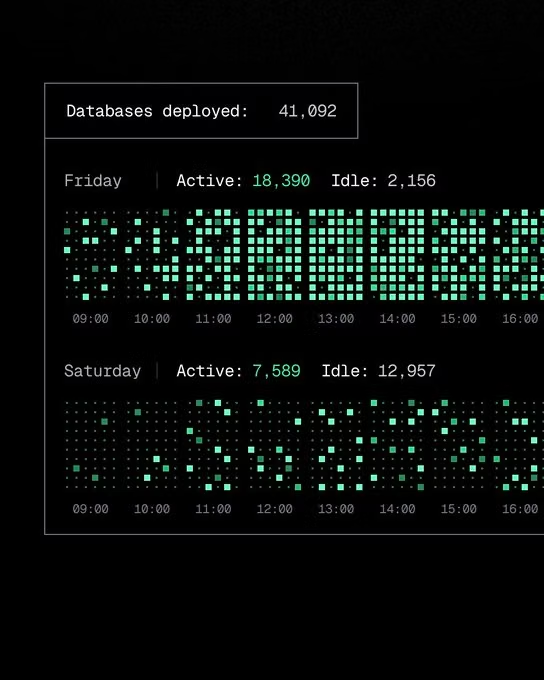
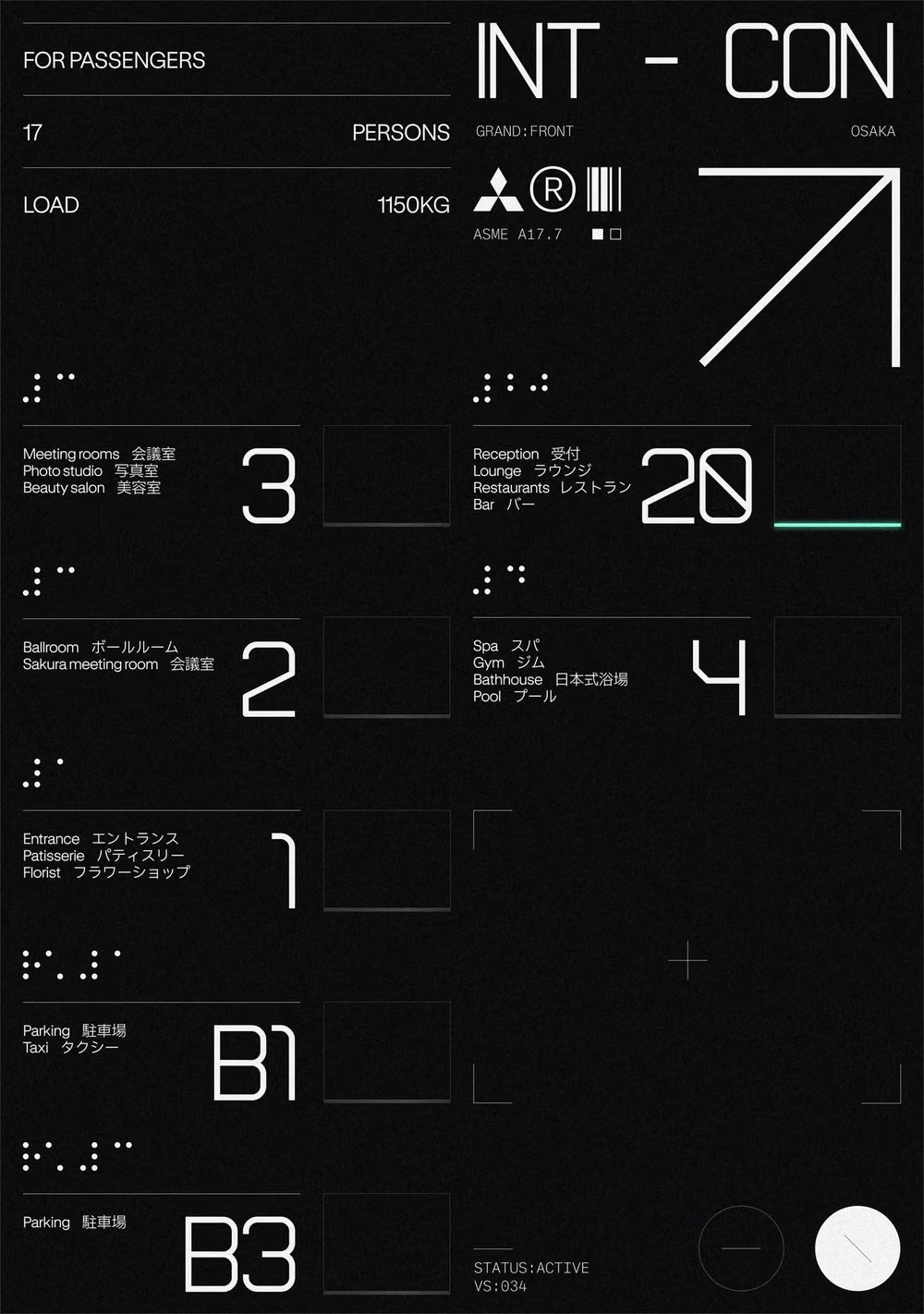
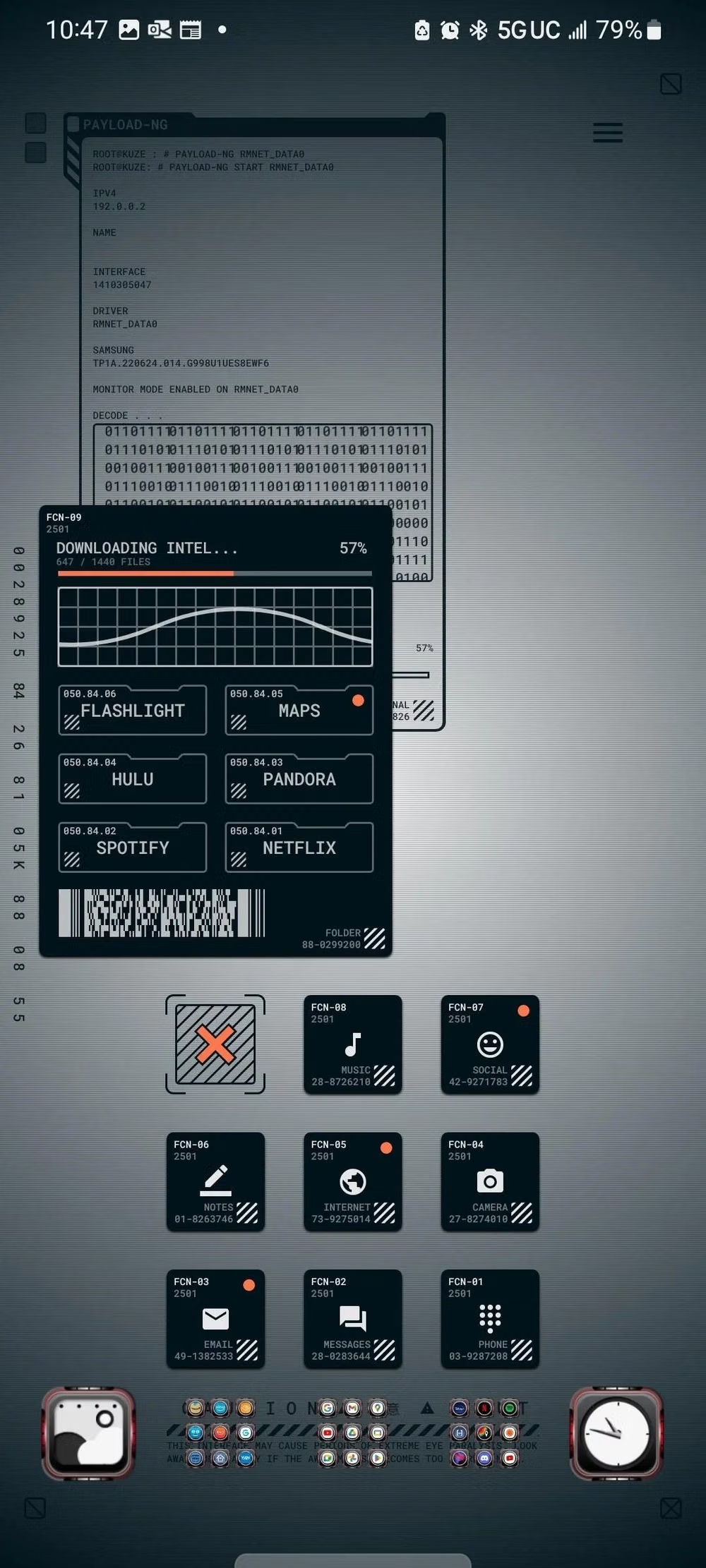
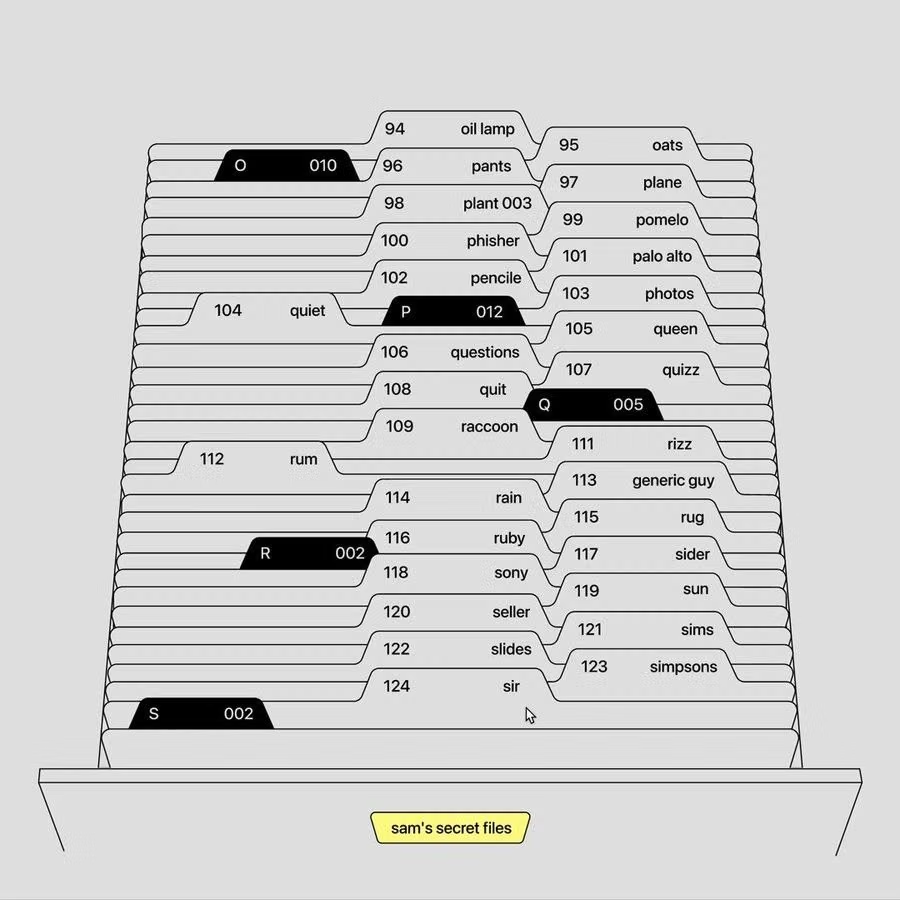
Data-Dense Utilitarian UI design style
Build a server incident console for an infrastructure team. Use Data-Dense Utilitarian UI with compact rows, aligned numerals, persistent filters, clear severity states, and keyboard-friendly actions. Include empty, loading, degraded, and resolved states. Build it with daisyUI. Use Blueprint MCP.
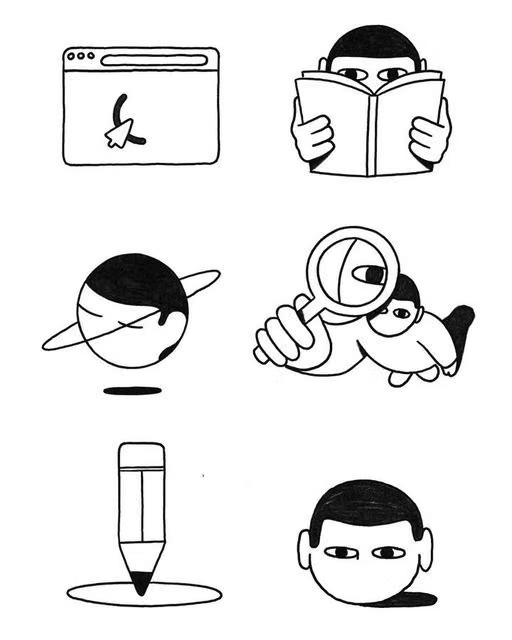
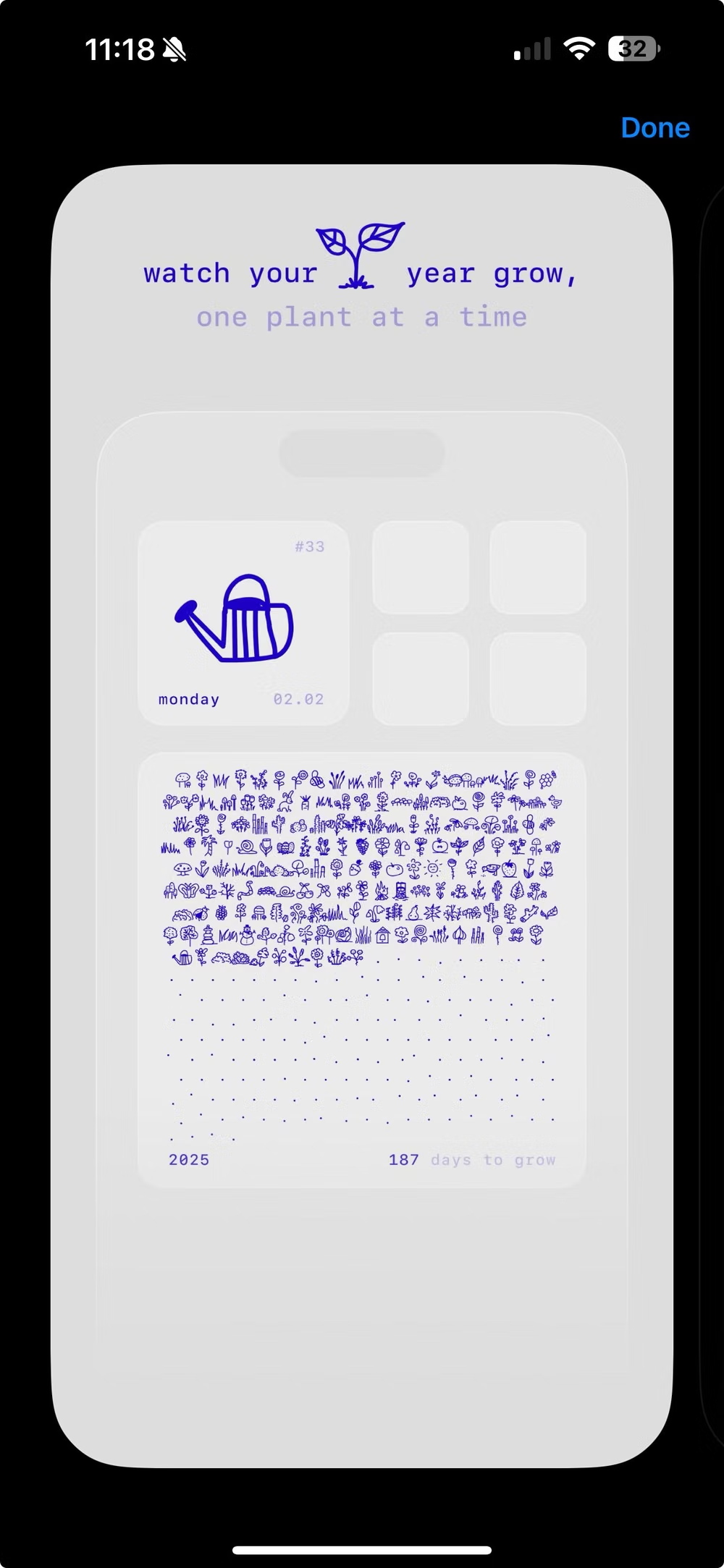
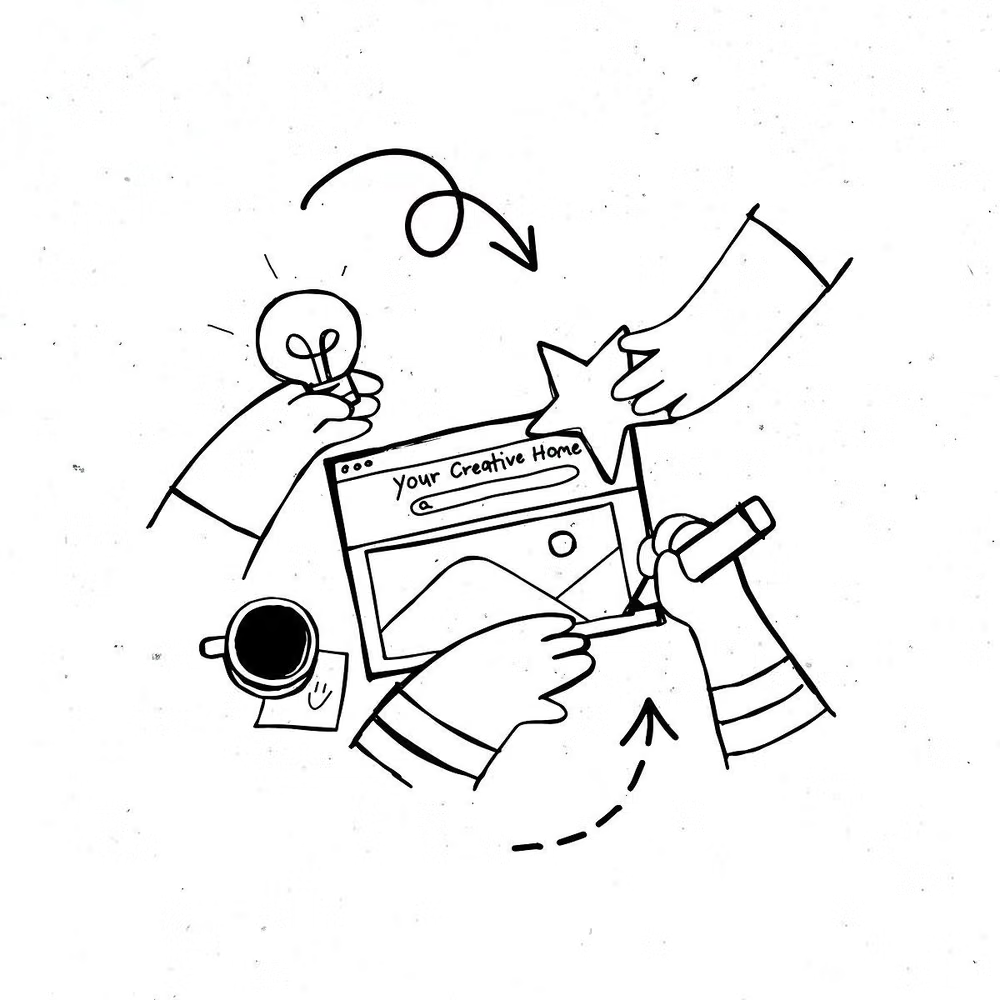
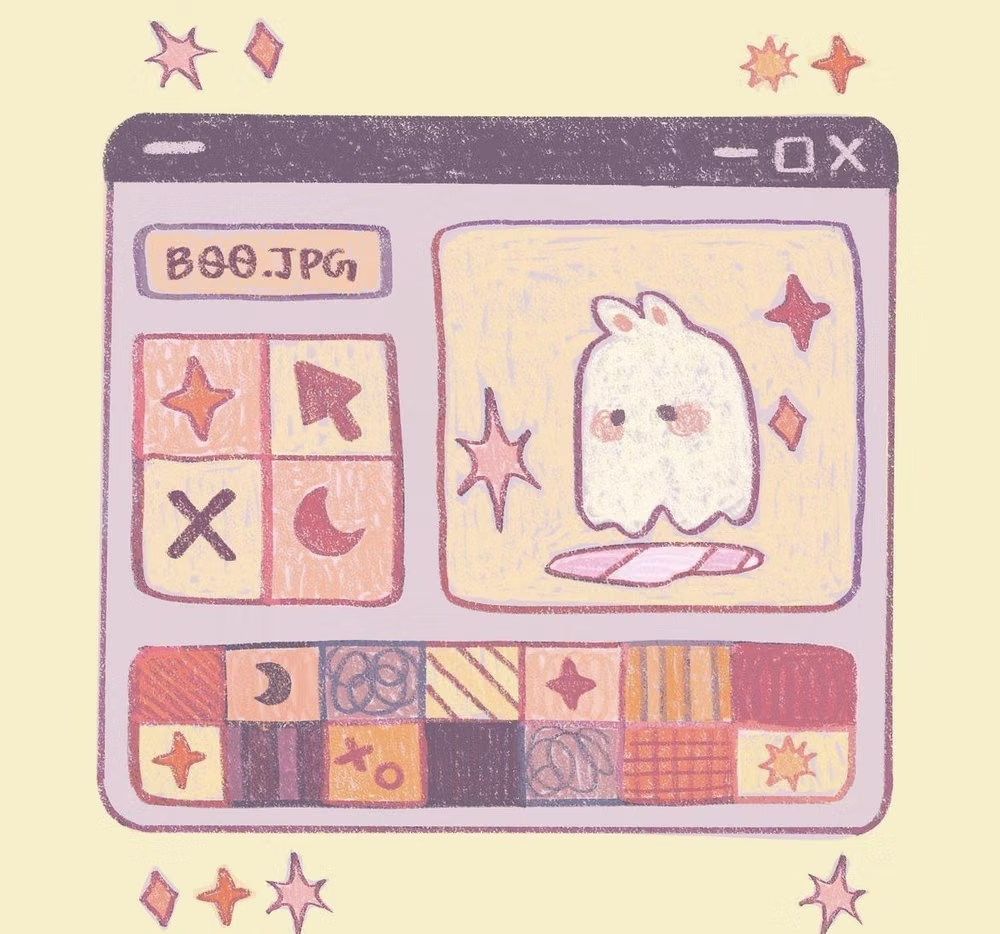
Hand-Drawn UI design style
Build an onboarding flow for a community gardening app. Use Hand-Drawn UI with sketched icons, uneven dividers, warm paper-like surfaces, and friendly annotations. Keep controls consistent and readable beneath the handmade treatment. Build it with daisyUI. Use Blueprint MCP.
Why Blueprint improves the prompt-to-UI workflow
Blueprint is the official daisyUI MCP server. Its guided workflow gives your coding agent project setup, design rules, creative direction, page architecture, current component syntax, and a final quality inspection. Read how Blueprint MCP works or start from the official product page.