Material, dimensional, and skeuomorphic UI trends
Depth, texture, translucency, and familiar physical cues define this group. Use these trends when surfaces and materials can explain hierarchy, interaction, or the world around a product.
15 UI design trends

Material Design UI design style
Google’s adaptive design system combines clear interface hierarchy, personalized color, accessible components, generous rounded geometry, and responsive behavior. Also known as Material You, it evolves Material Design away from paper-like realism toward flexible digital surfaces, with newer expressive variants introducing stronger typography, contrasting shapes, and more energetic motion.
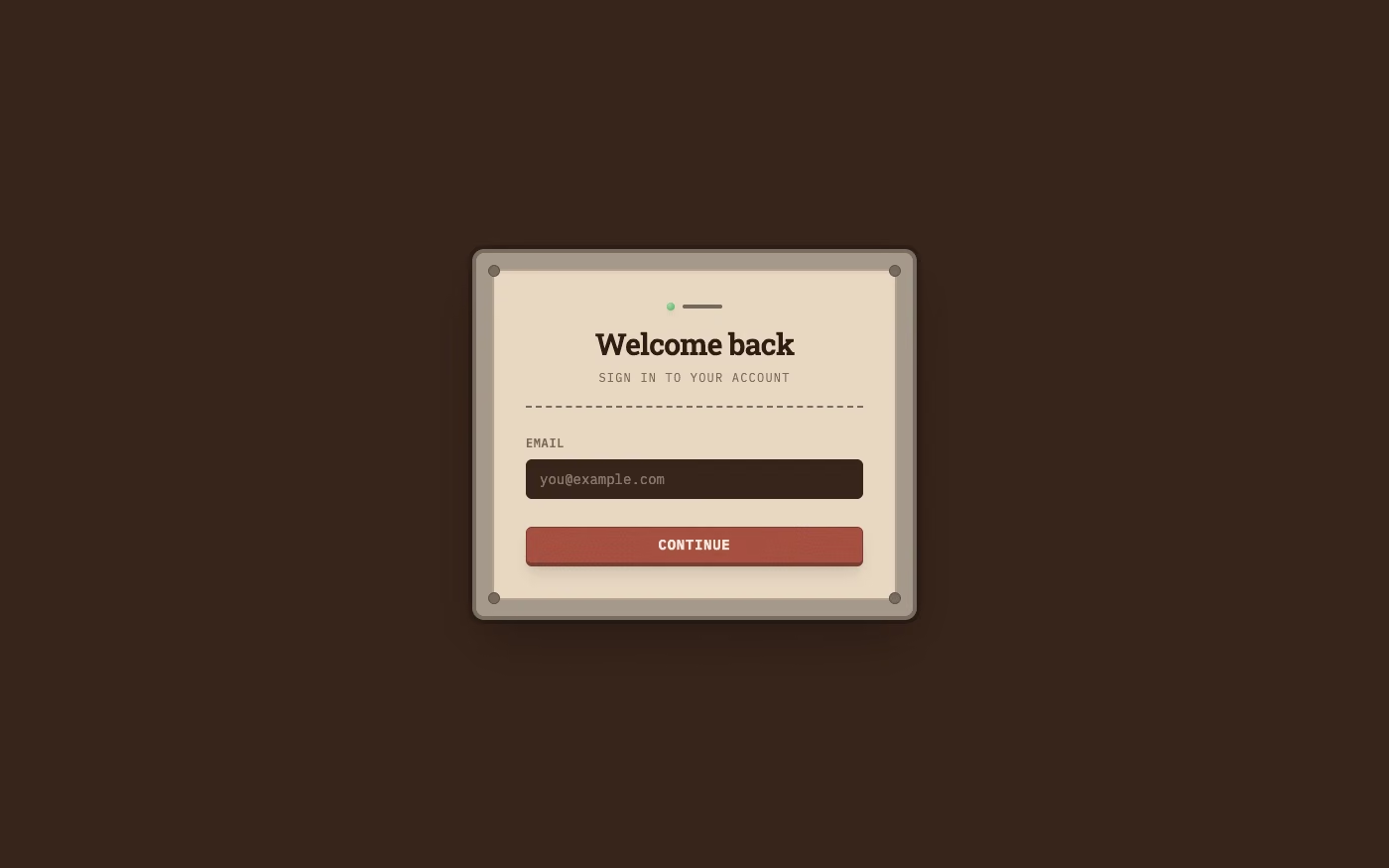
Skeuomorphism UI design style
Photorealistic or softly modeled interfaces use material depth, mechanical controls, and analog-equipment cues, often combining industrial nostalgia with clean retro-futurist geometry.
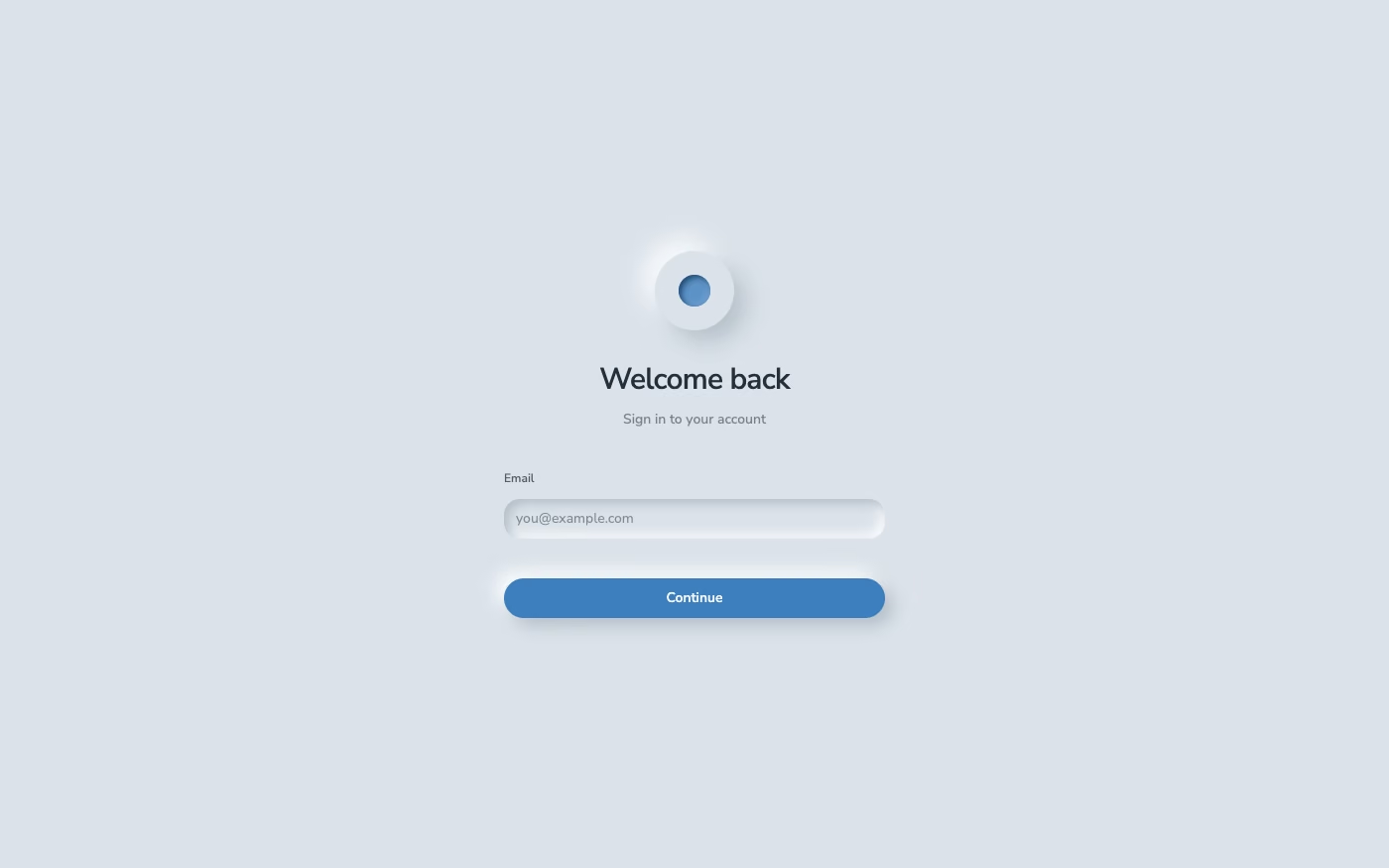
Neumorphism UI design style
Low-contrast monochromatic surfaces with controls that appear softly raised from or pressed into the background.
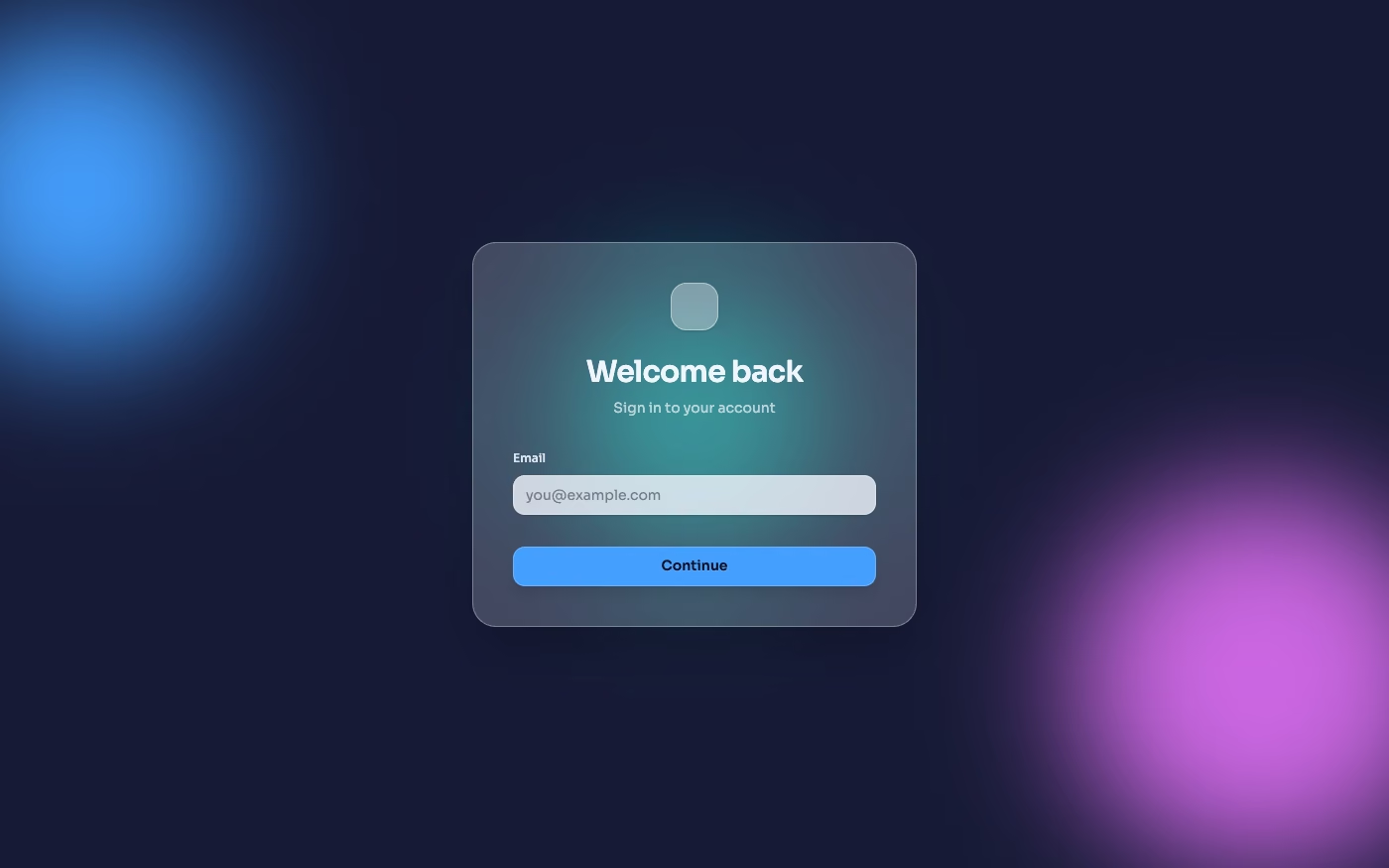
Glassmorphism UI design style
Translucent frosted panels, background blur, thin highlights, and layered depth.
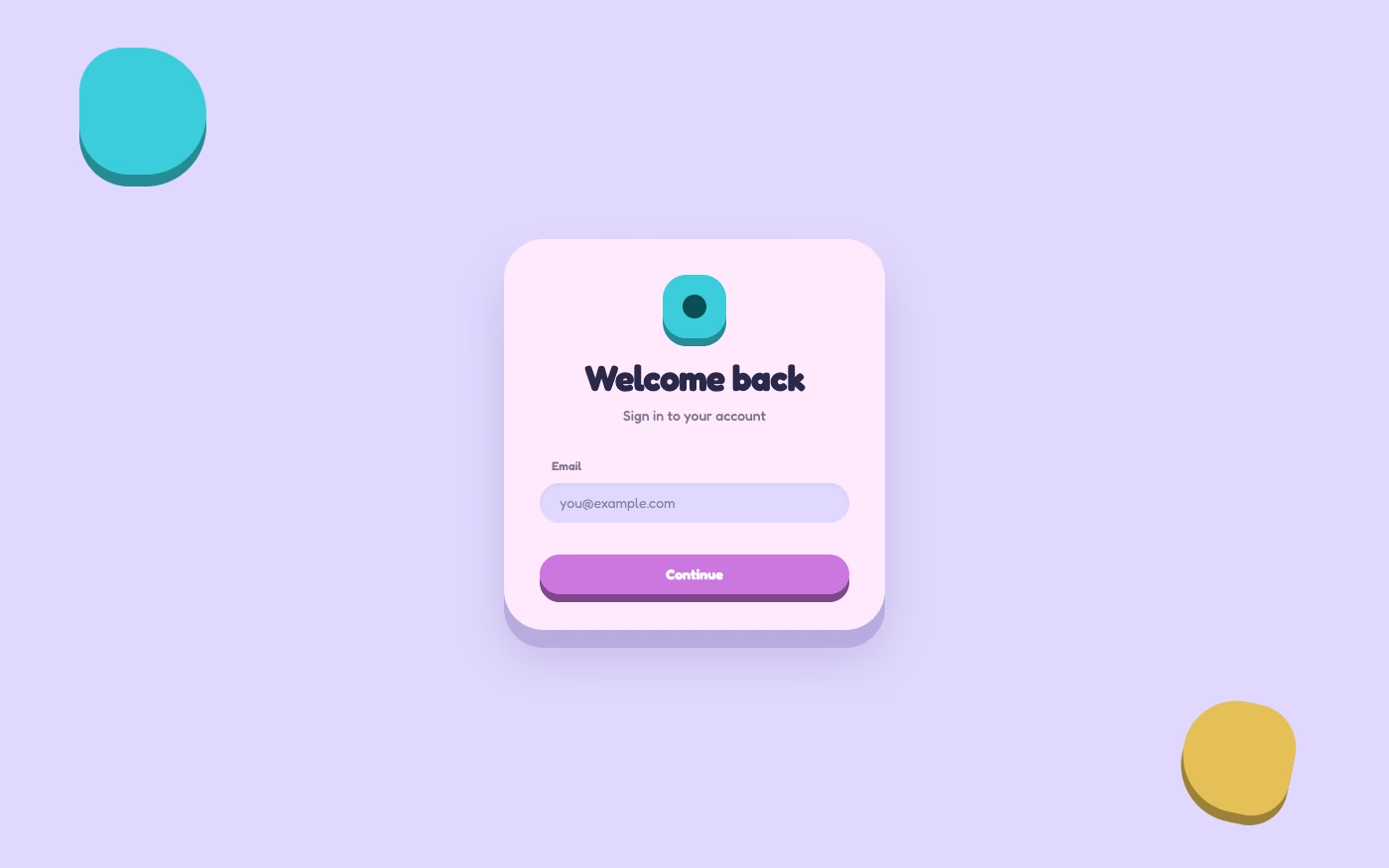
Claymorphism UI design style
Inflated, clay-like components with pastel colors, large radii, soft shading, and playful dimensional shadows.
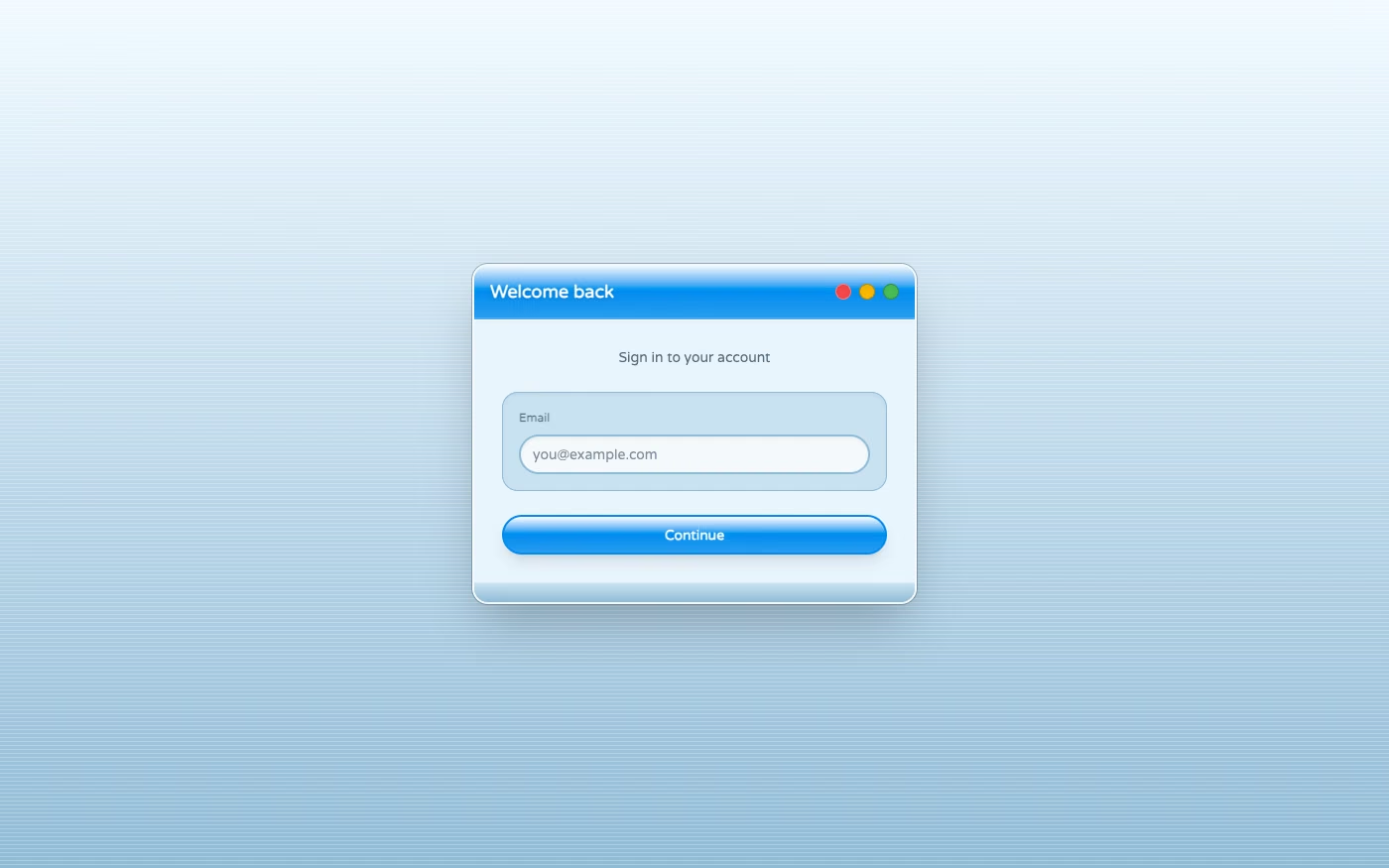
Aqua UI design style
Glossy gel-like controls, candy colors, translucent highlights, pinstripes, and vivid dimensional icons.
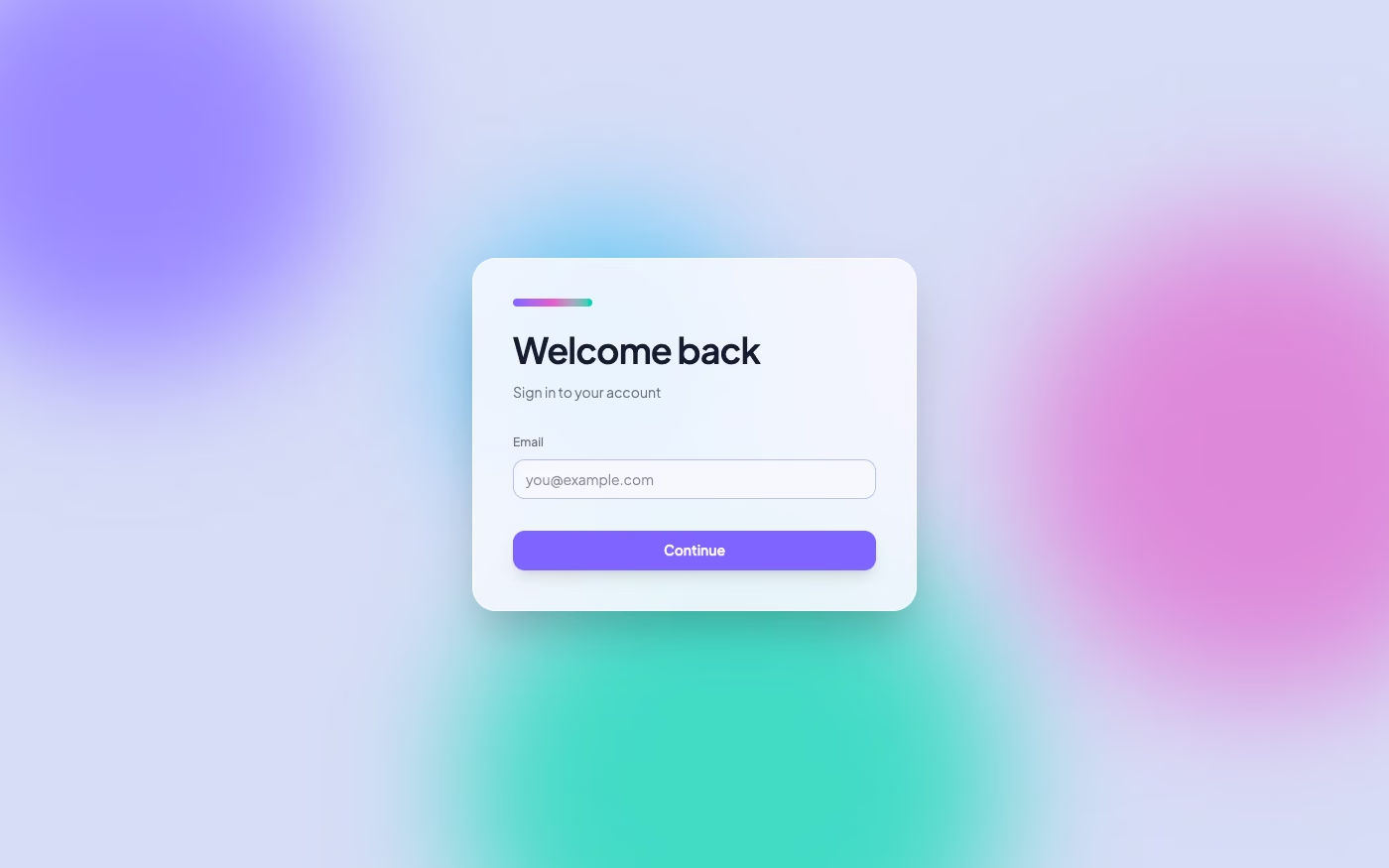
Mesh Gradient / Aurora UI design style
Atmospheric multi-point gradients blending luminous colors into soft clouds, glows, and color fields.
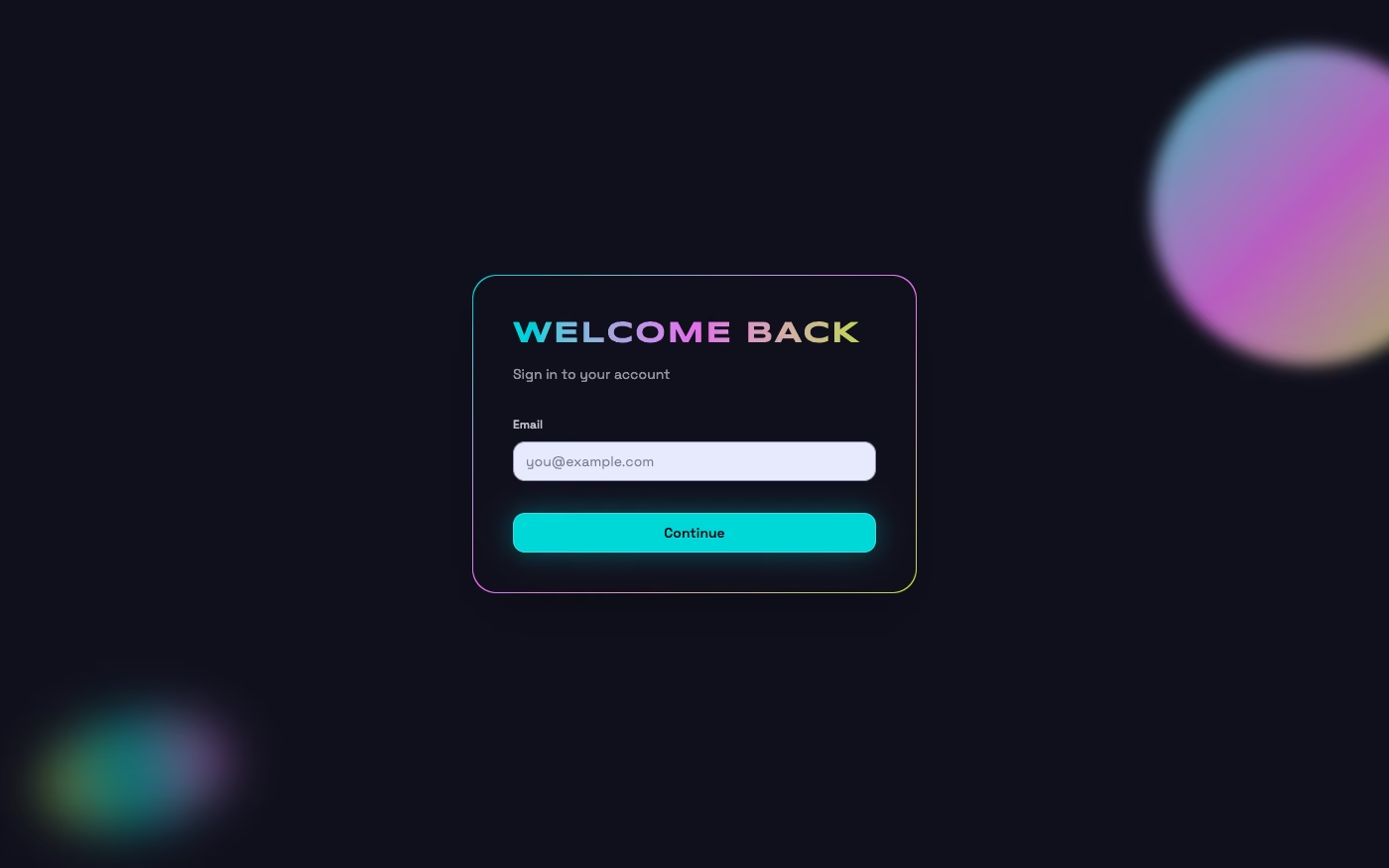
Holographic / Iridescent UI design style
Spectral color shifts, pearlescent gradients, reflective surfaces, diffraction, and futuristic light effects.
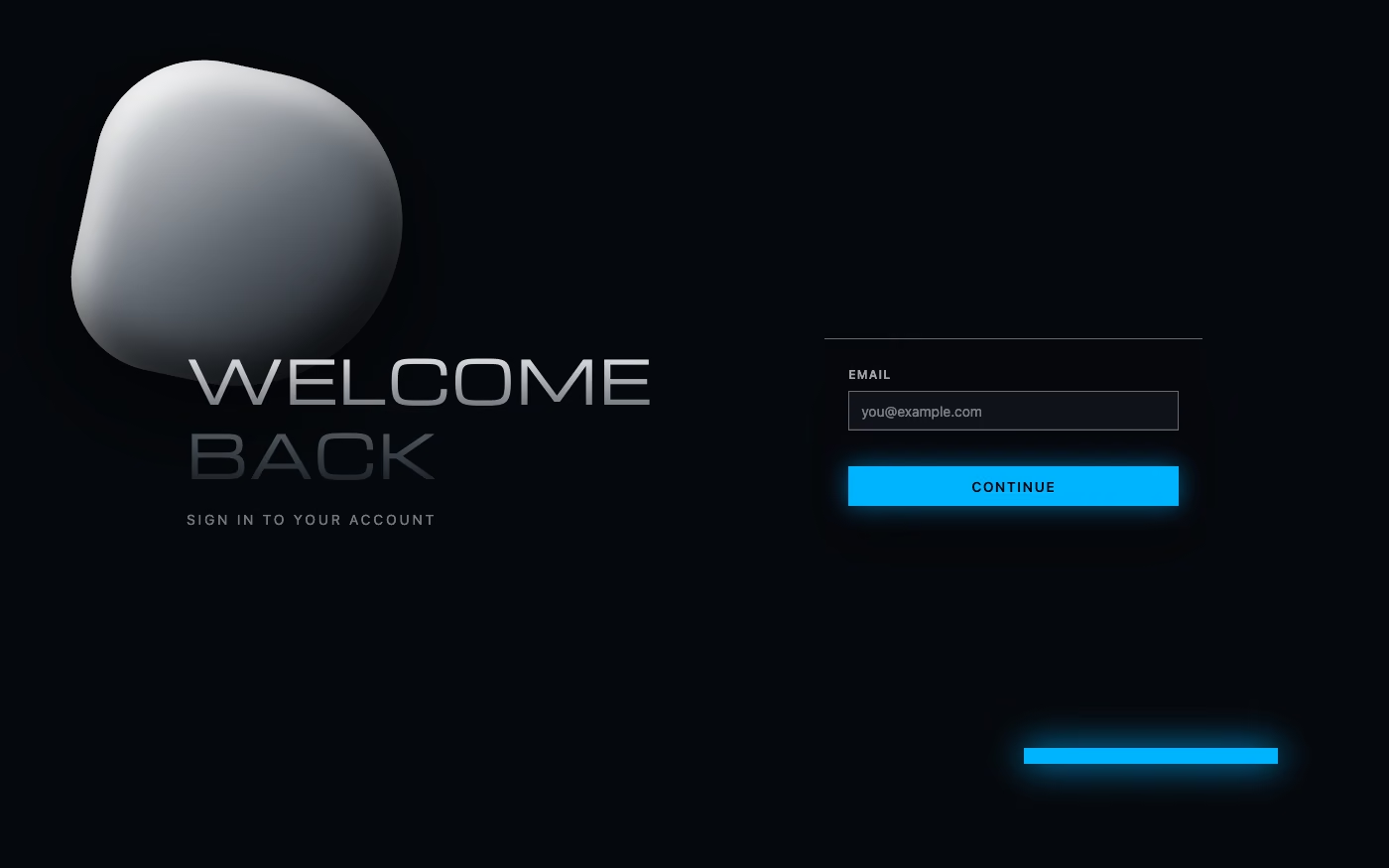
Chrome / Liquid Metal UI design style
Mirror-like metallic surfaces, molten forms, sharp reflections, and high-contrast specular lighting.
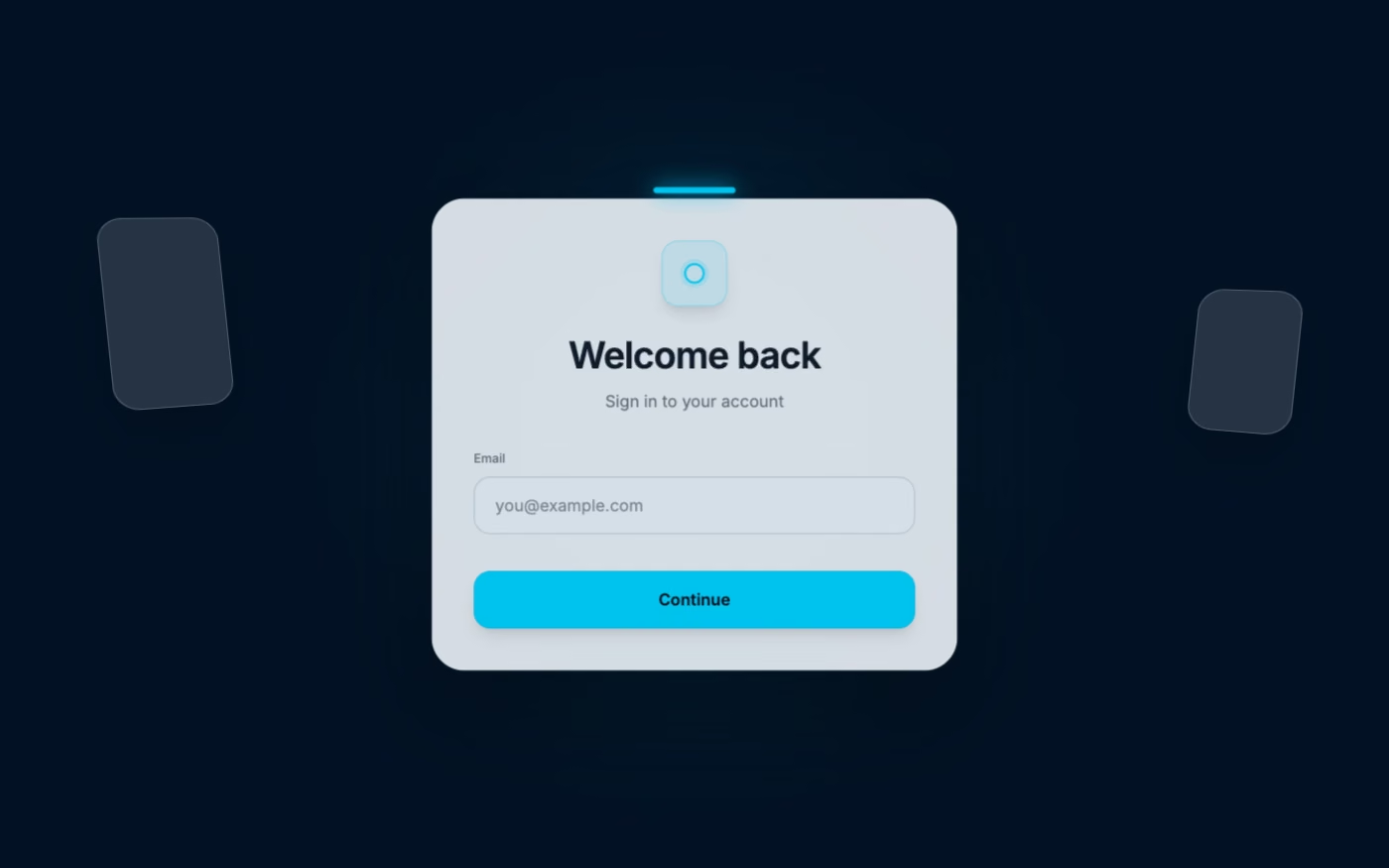
Spatial UI design style
Depth-aware panels, volumetric hierarchy, gaze and gesture affordances, environmental anchoring, and restrained floating controls.

Low-Poly UI design style
Faceted geometric models, simplified shading, angular silhouettes, and deliberately economical three-dimensional detail.
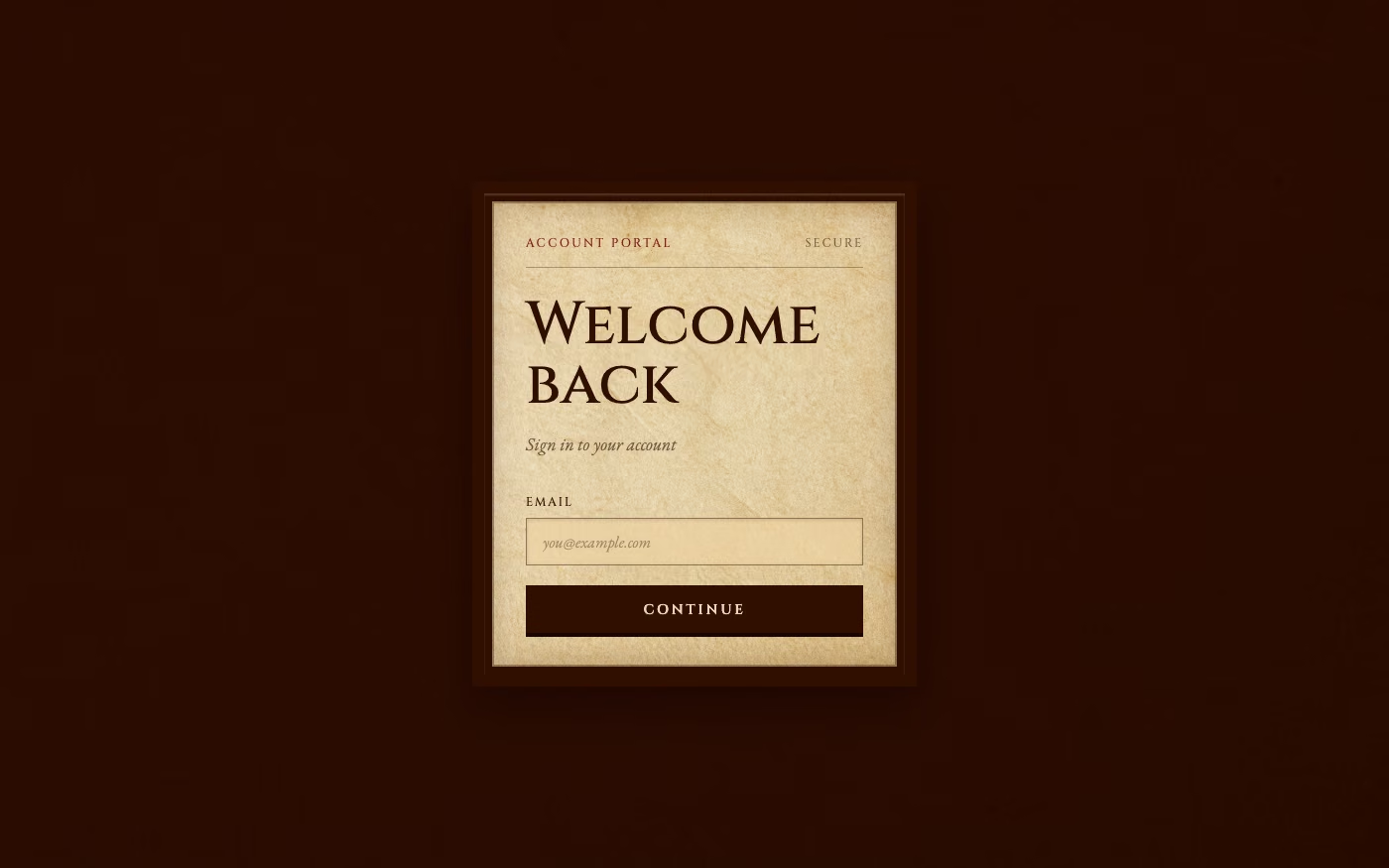
Historical Manuscript Skeuomorphism UI design style
A tactile interface style that makes digital UI feel like a physical artifact from an older era, using the visual language of parchment, ledgers, bound folios, and ceremonial documents. It belongs to the broader skeuomorphic tradition, but with a specifically archival, literary, and old-world character.
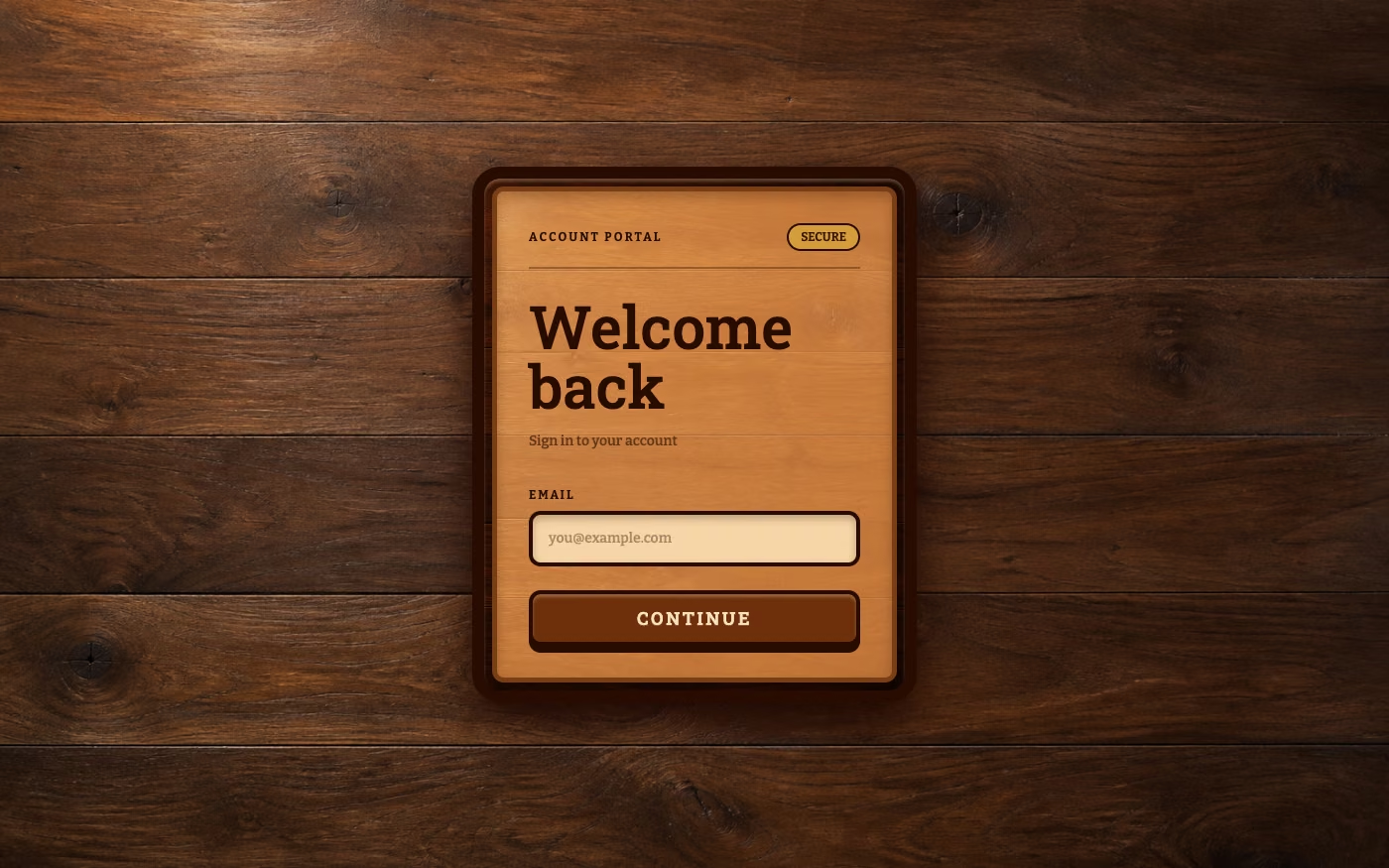
Real-Wood Skeuomorphism UI design style
A tactile skeuomorphic style that constructs interfaces from highly realistic wood surfaces, making digital controls resemble carved, assembled, polished, or weathered wooden objects.
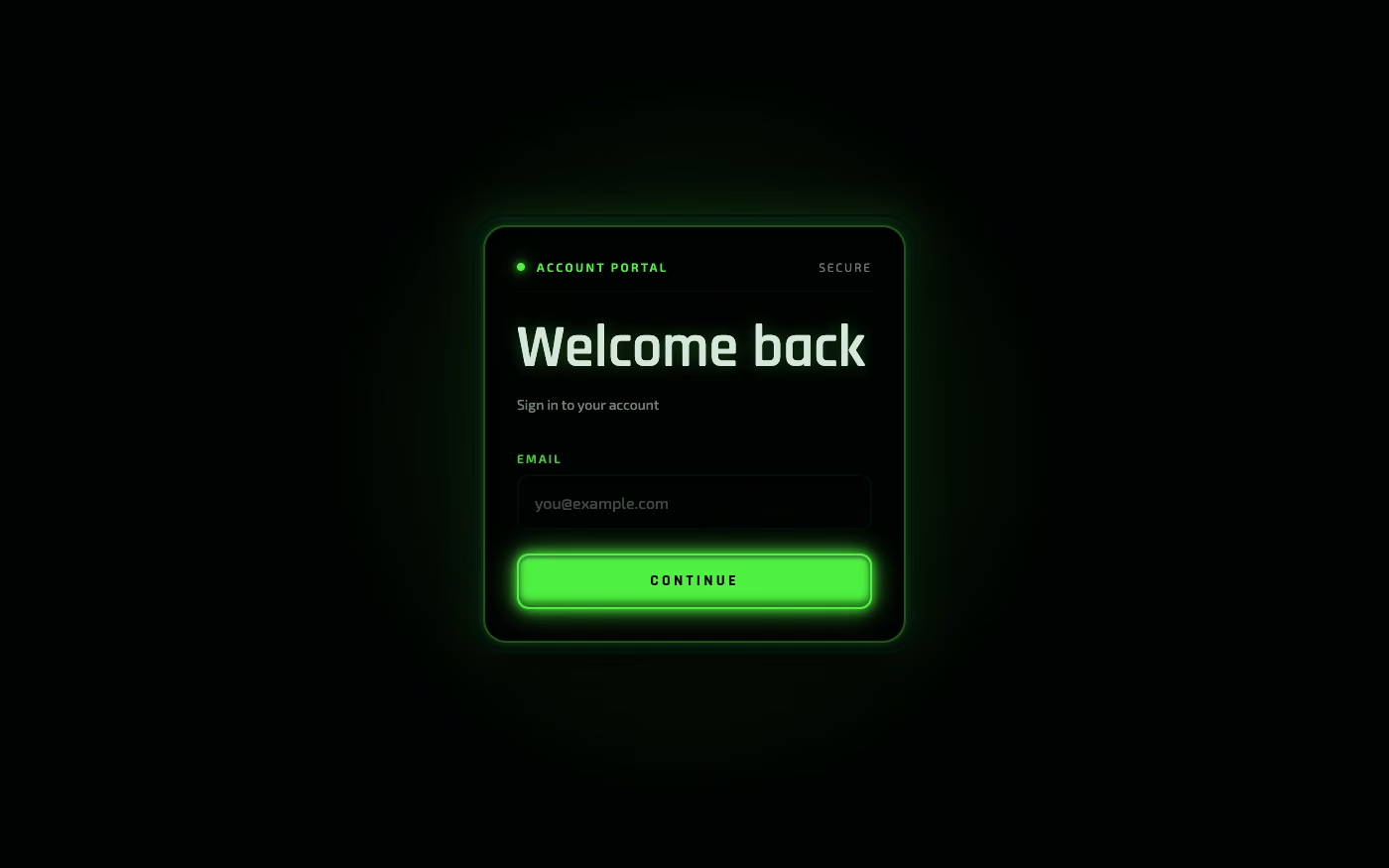
Luminous Eco-Skeuomorphism UI design style
A glossy, tactile interface style that combines early-2010s skeuomorphism with futuristic ecological-tech aesthetics. Controls resemble illuminated physical hardware, with intense inner glows, radiant edges, and soft light bloom making interactive elements appear electrically powered.
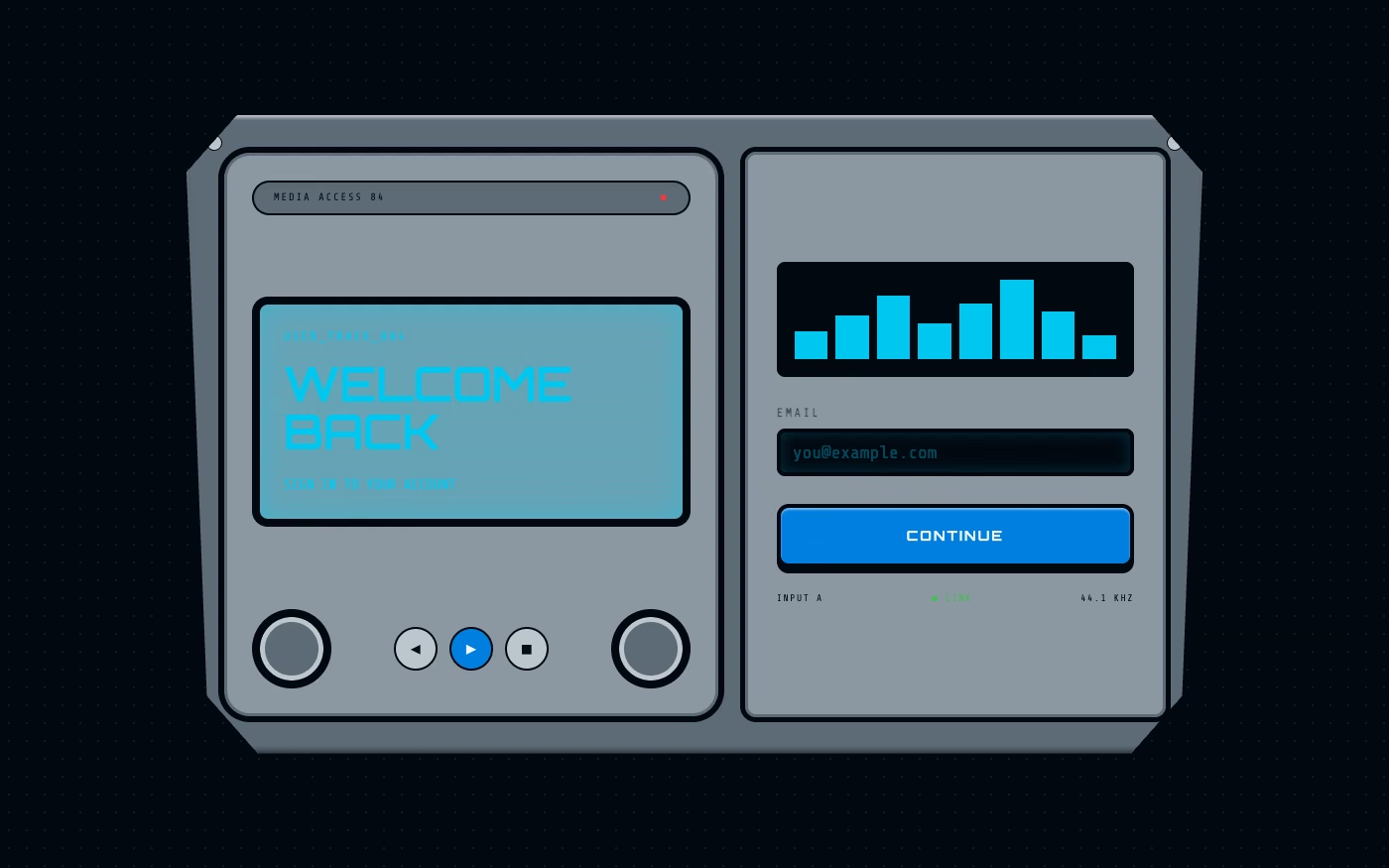
Y2K Techno-Skeuomorphism UI design style
Early-2000s skinnable media-player interfaces model software after futuristic audio equipment; the style is also recognized as Y2K Media Player UI, Chrome Futurism, Skinnable UI, Techno Skeuomorphism, or Millennium Futurism.
Explore other UI trend categories
Compare three other visual families before choosing a direction.
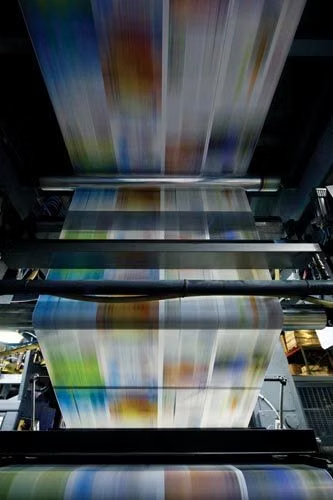
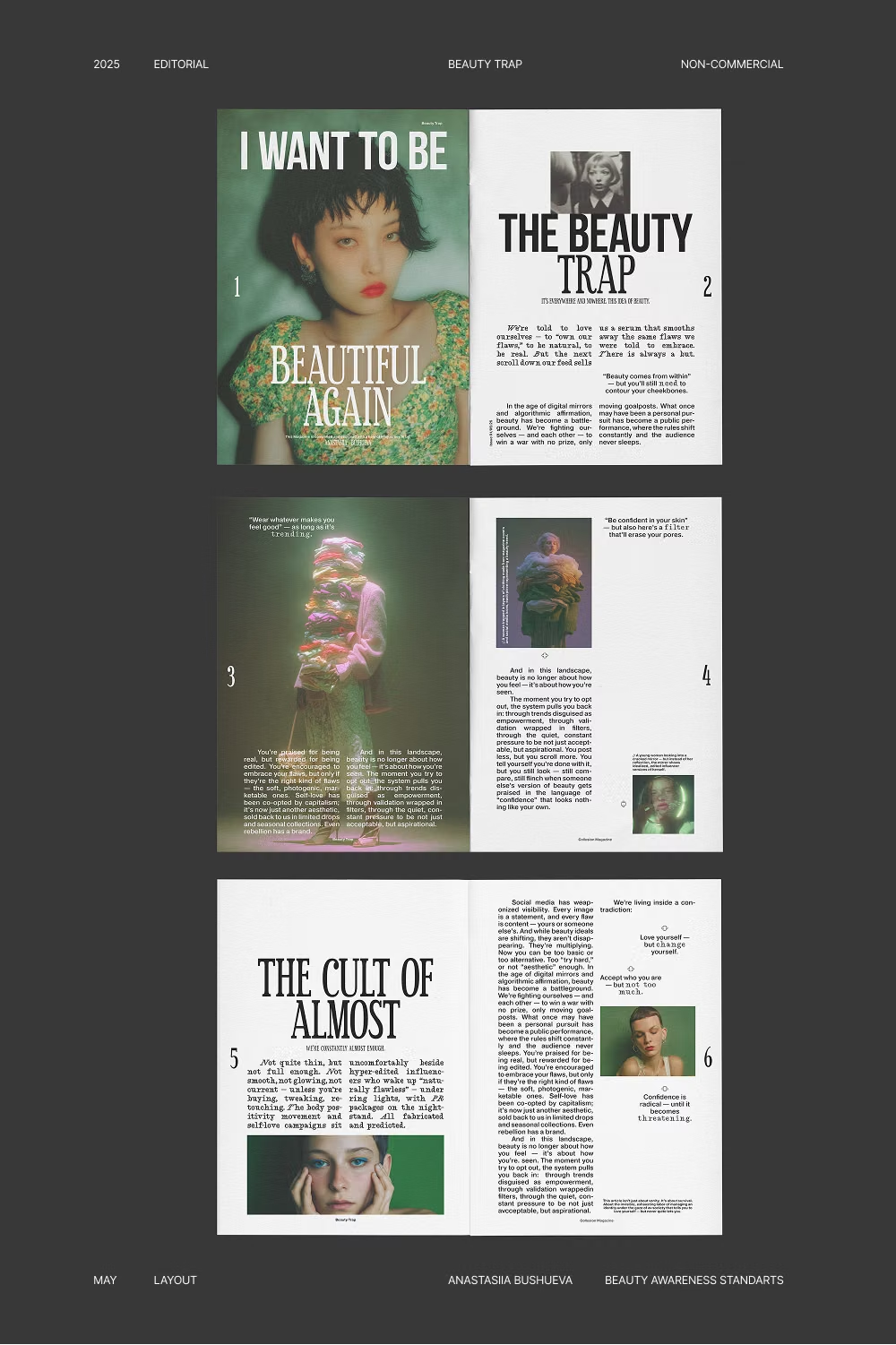
Editorial and art-inspired UI design trends
Typography, composition, and art history lead these interfaces. They work well when content needs an authored rhythm, a cultural point of view, or a strong visual hierarchy.
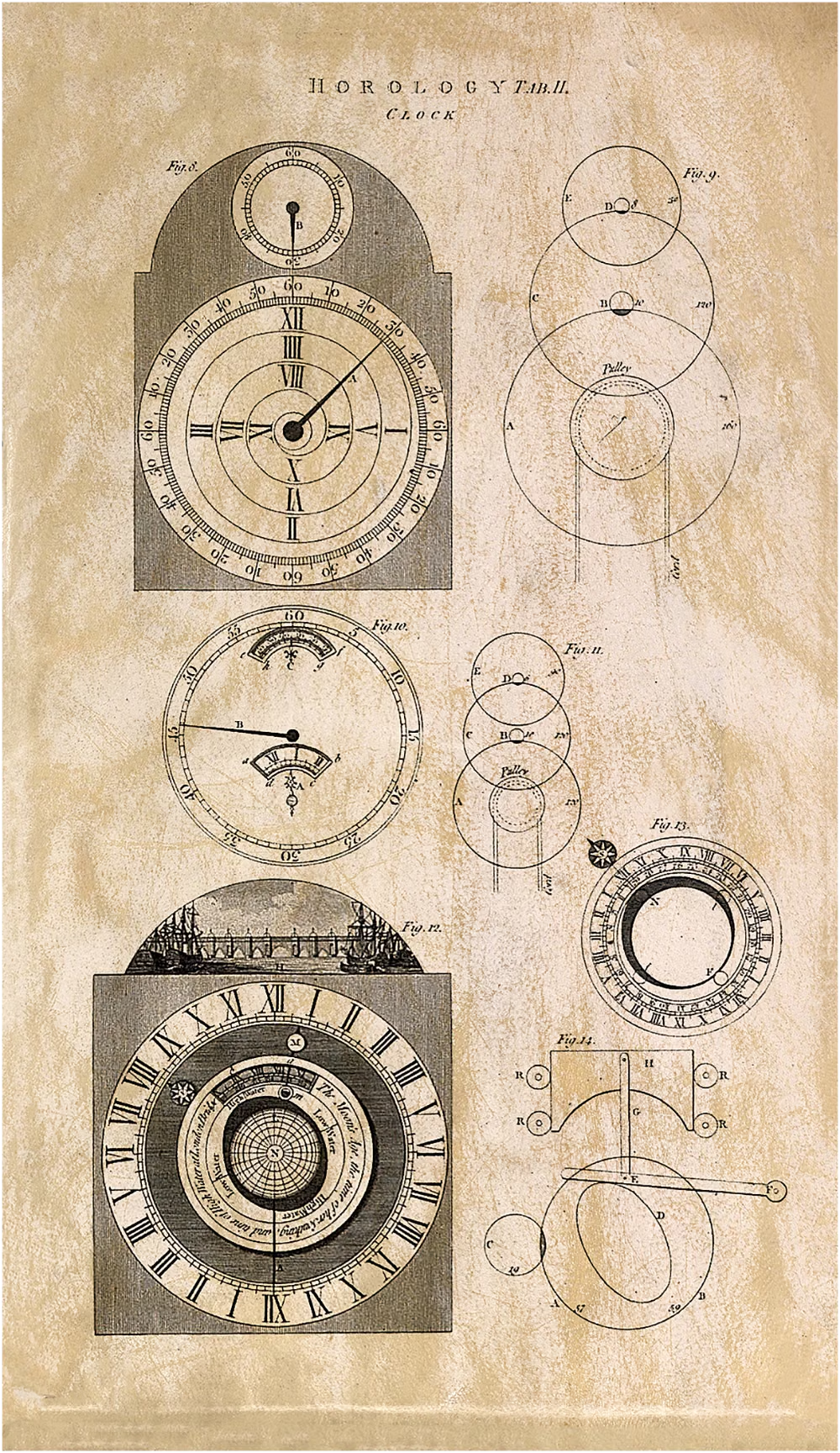
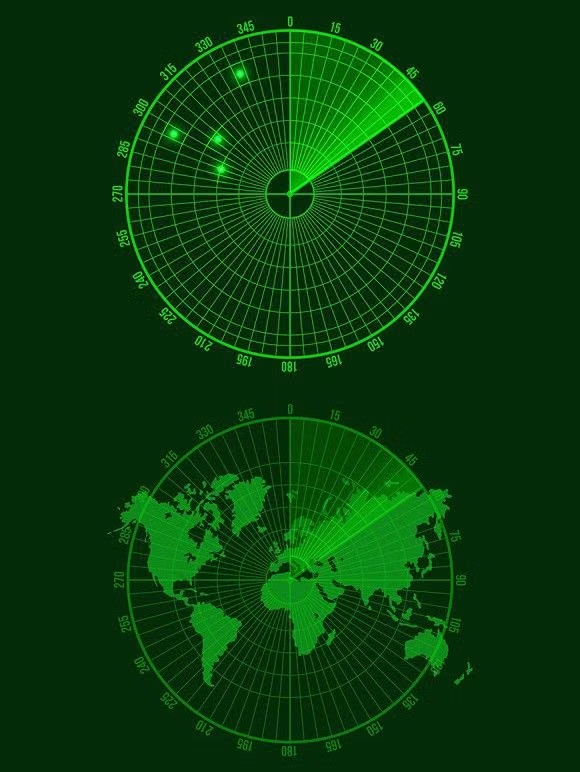
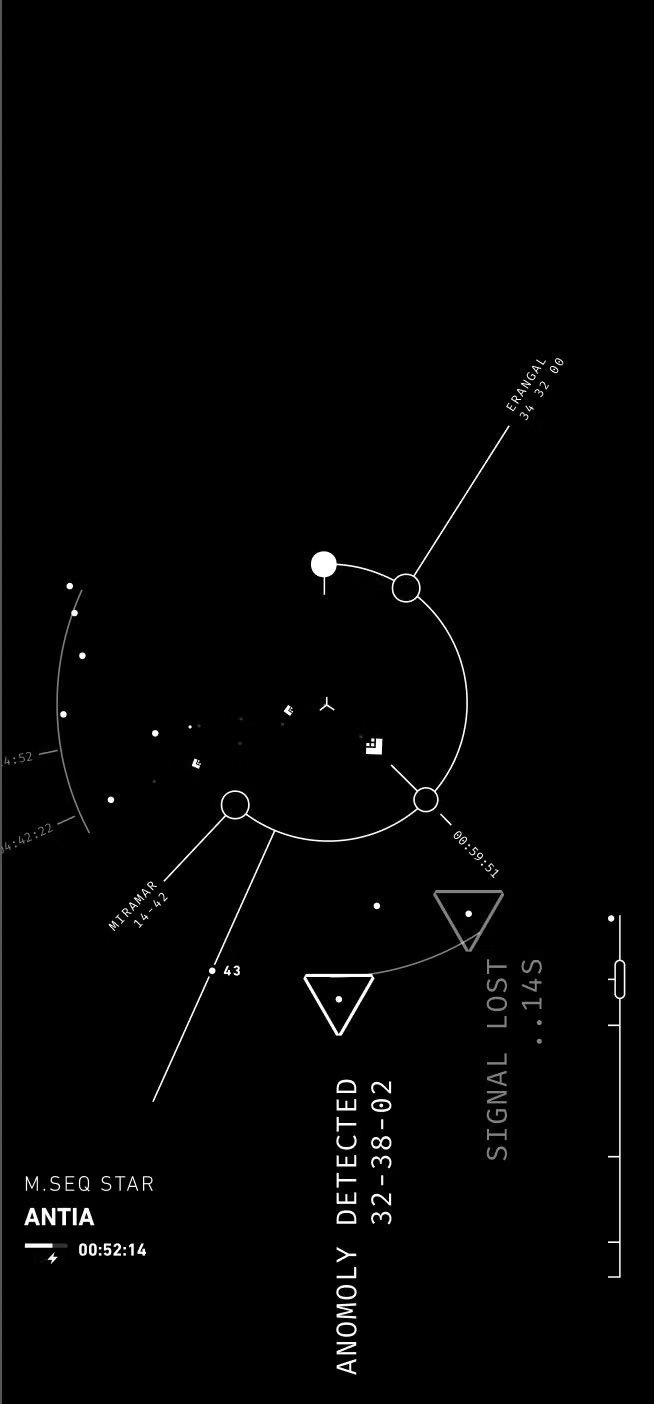
Futuristic and sci-fi UI design trends
Speculative worlds, fictional systems, and imagined technology drive these interfaces. Each trend offers a different answer to how tools, dashboards, and digital environments can feel beyond the present.
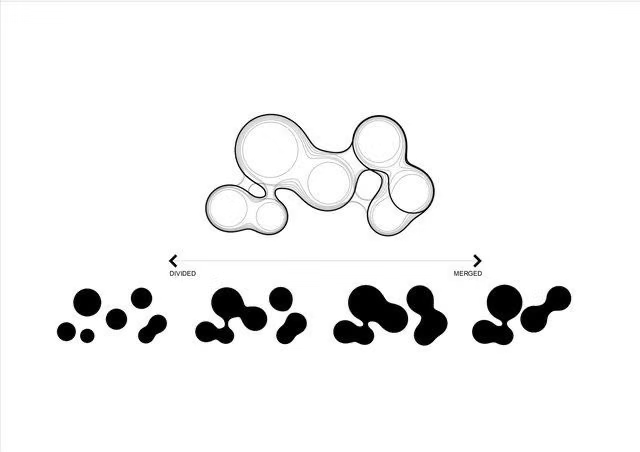

Organic and atmospheric UI design trends
Natural forms, environmental cues, soft atmosphere, and place-based imagery shape this group. These trends can make digital products feel calmer, warmer, or more connected to a physical setting.
Turn a visual direction into working UI
Study a trend's design rules, then write a prompt with enough structure for an AI coding agent to apply it consistently.