McBling UI design style
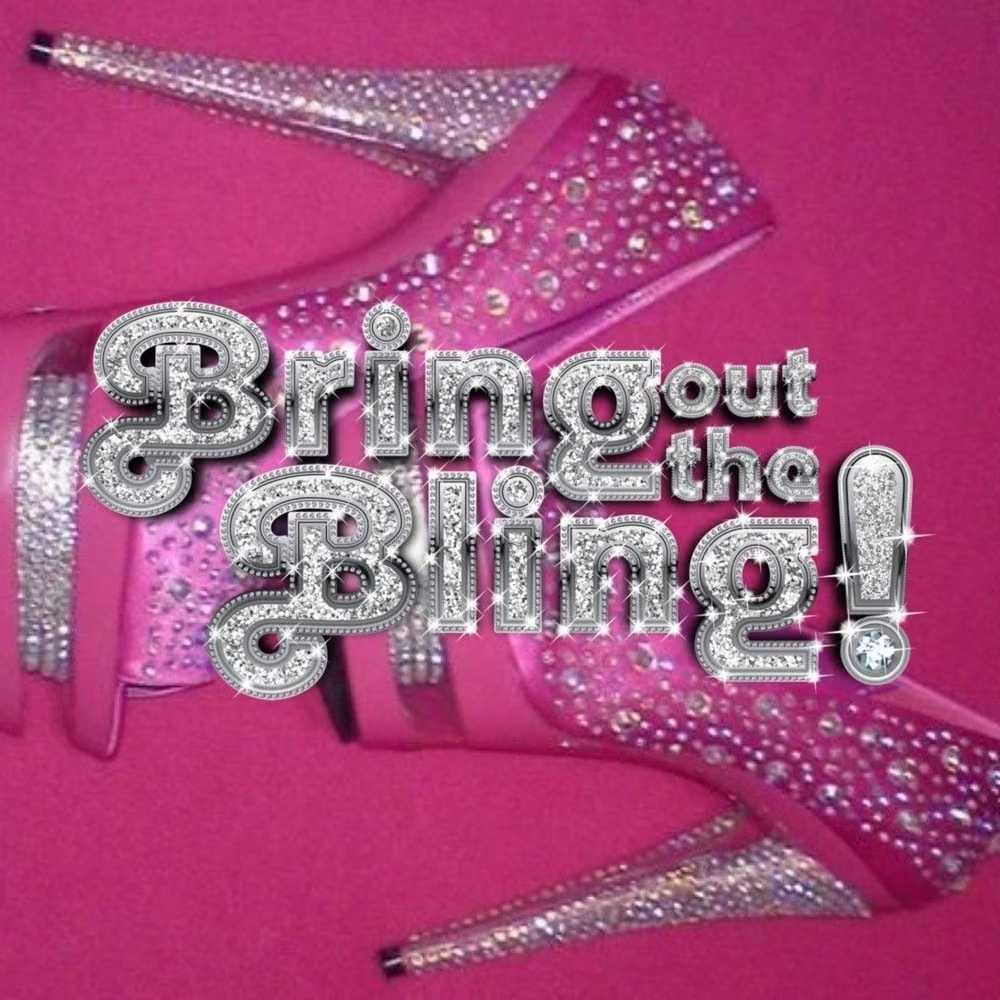
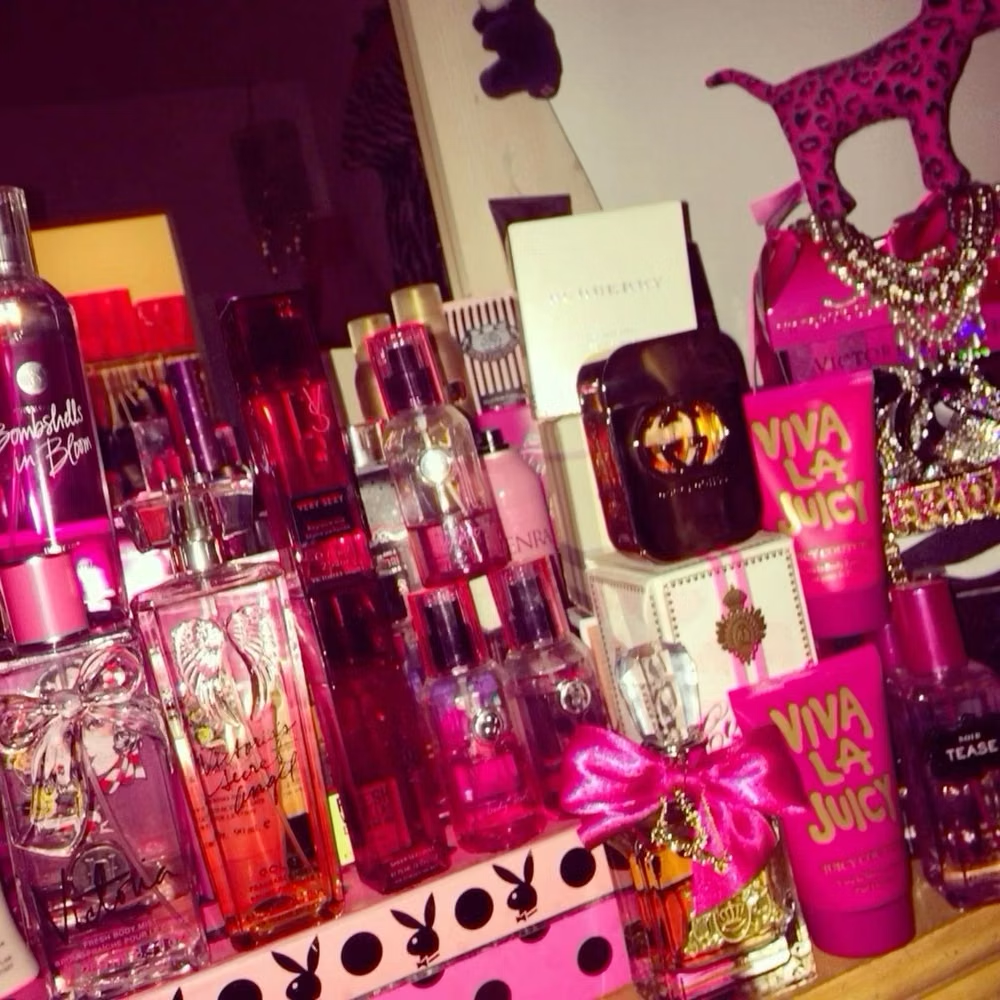
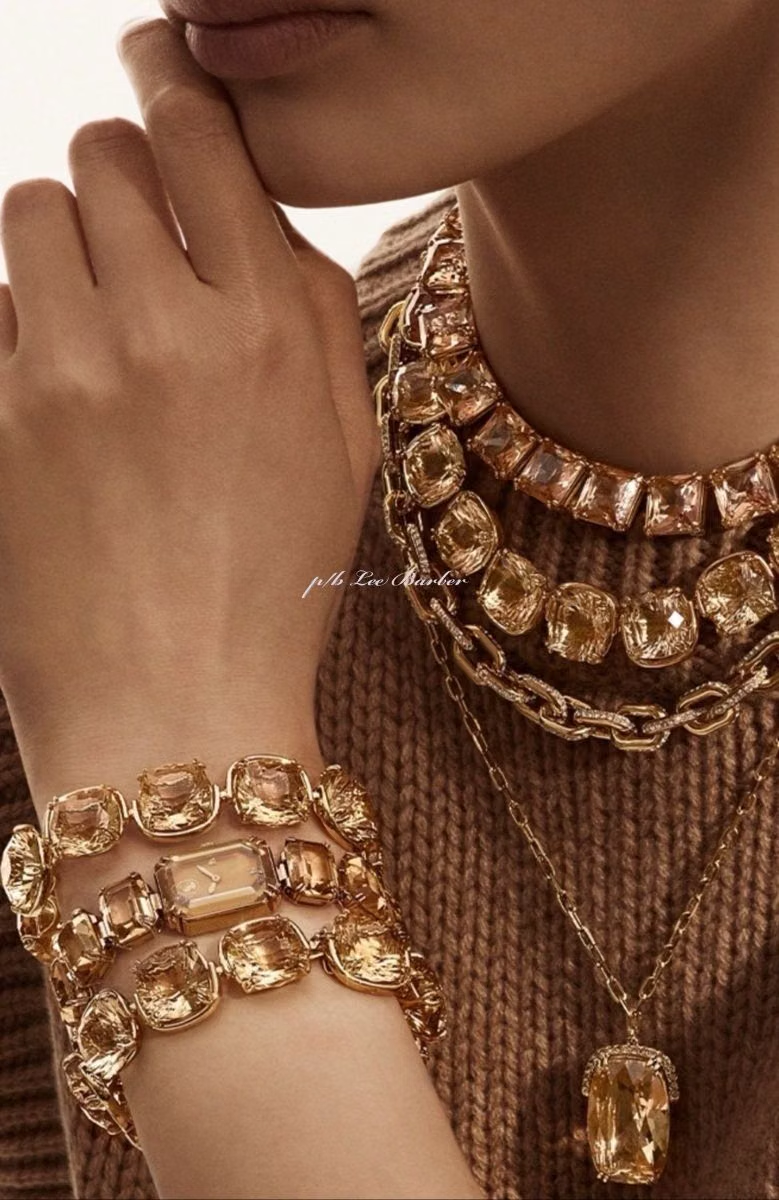
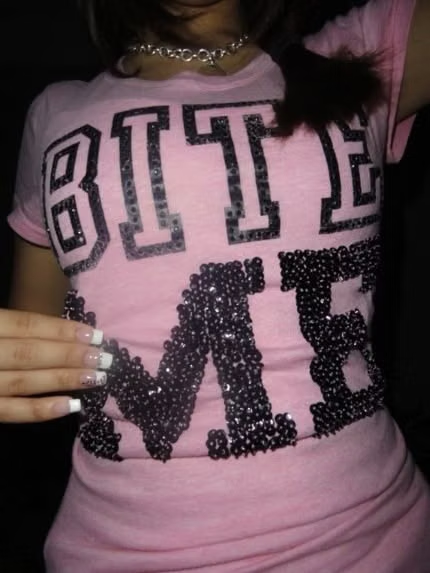
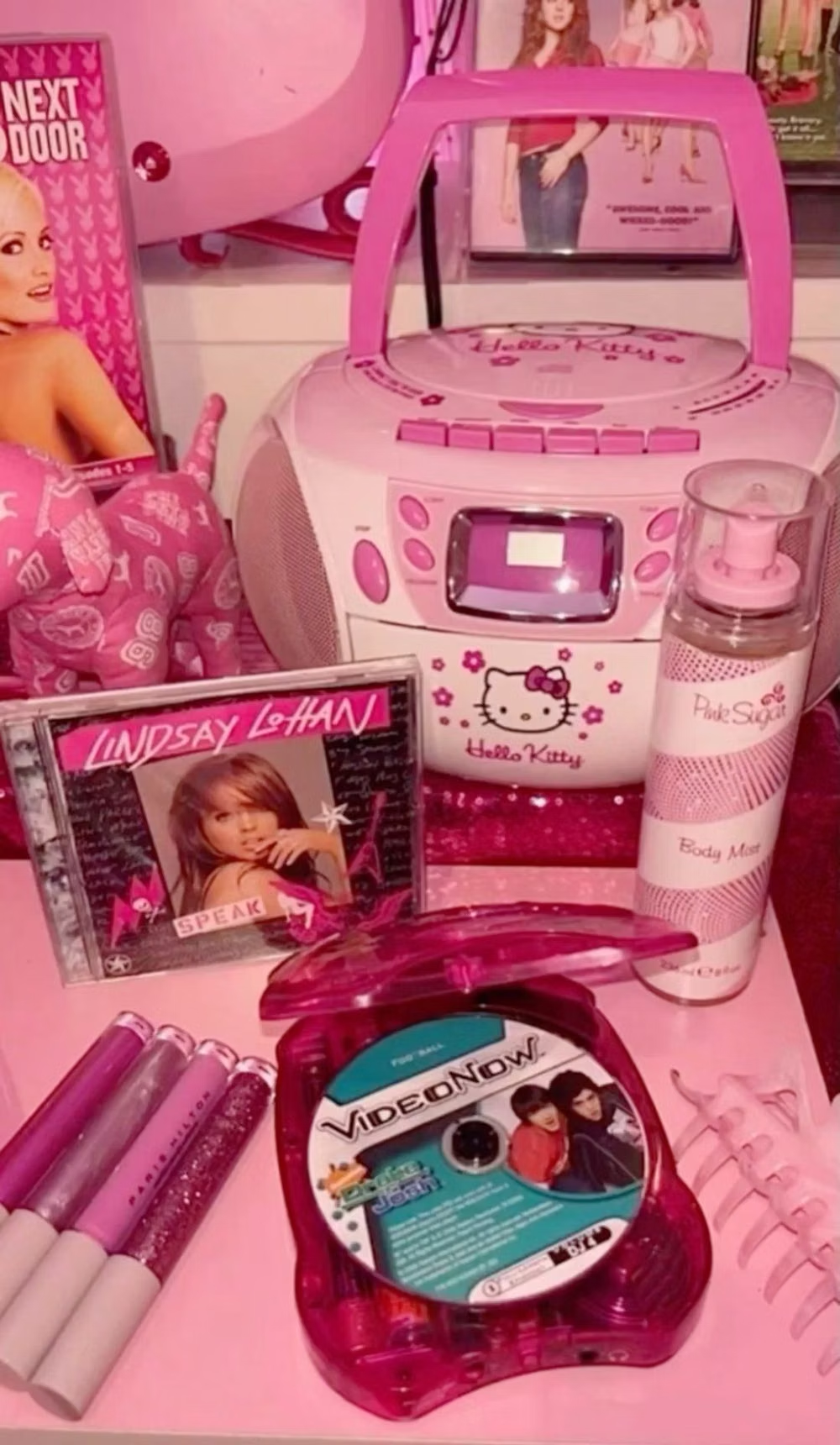
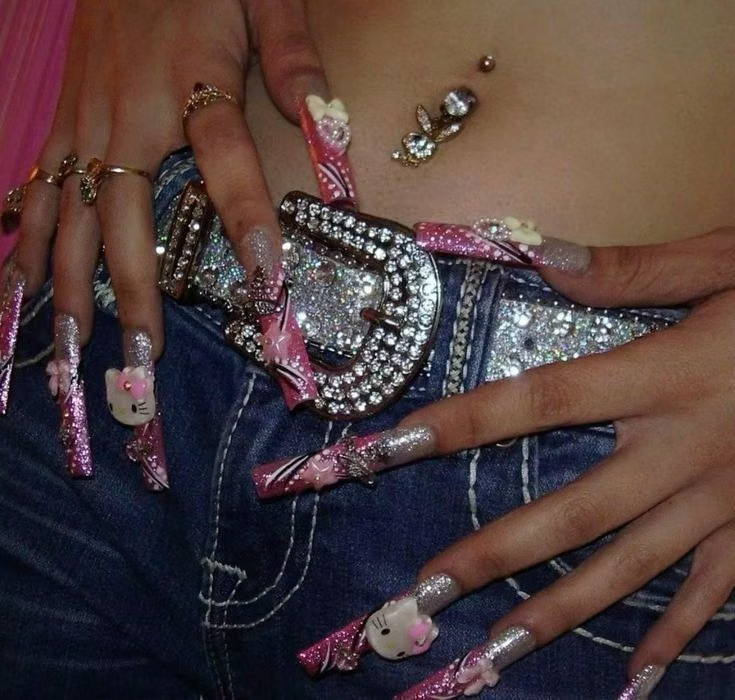
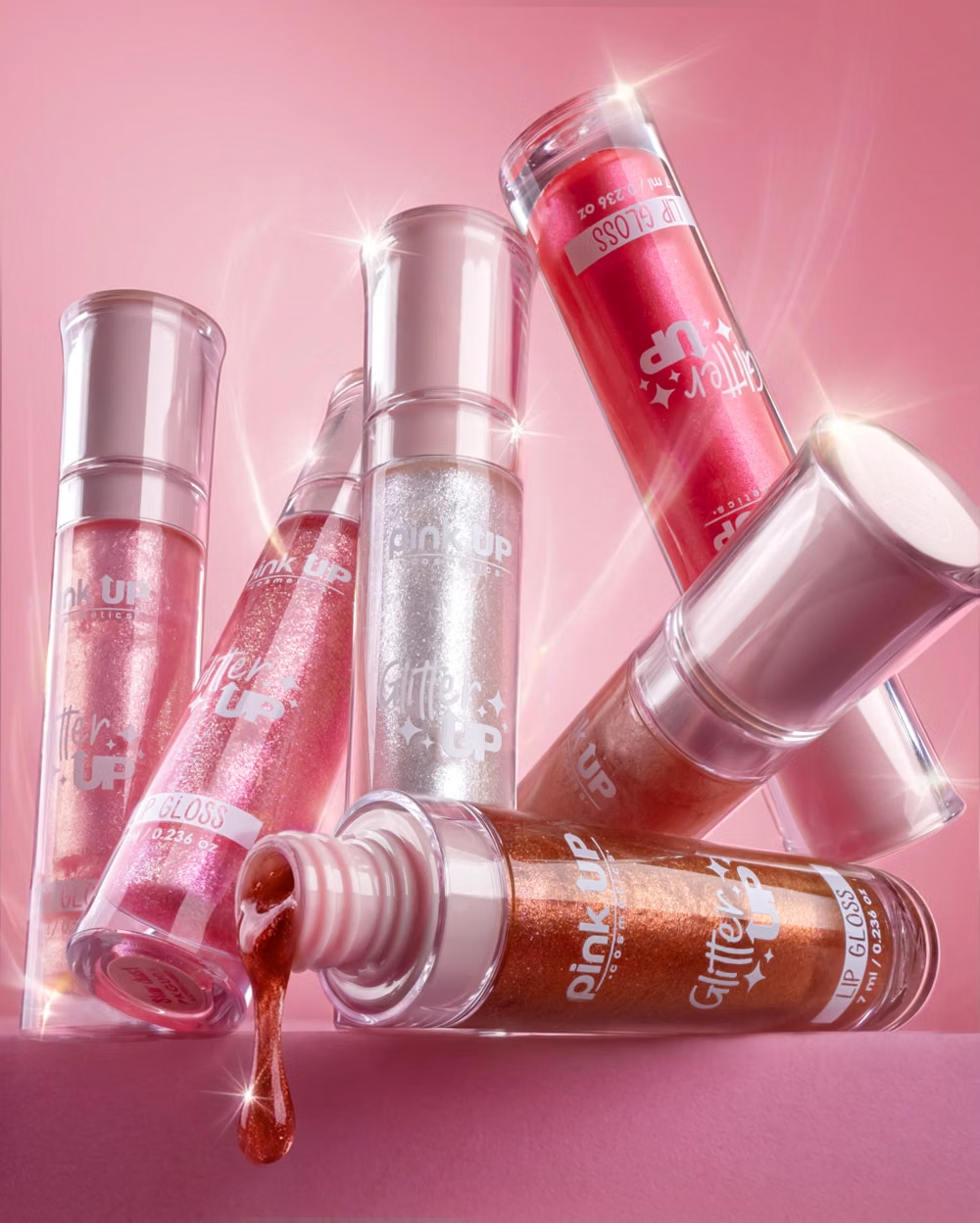
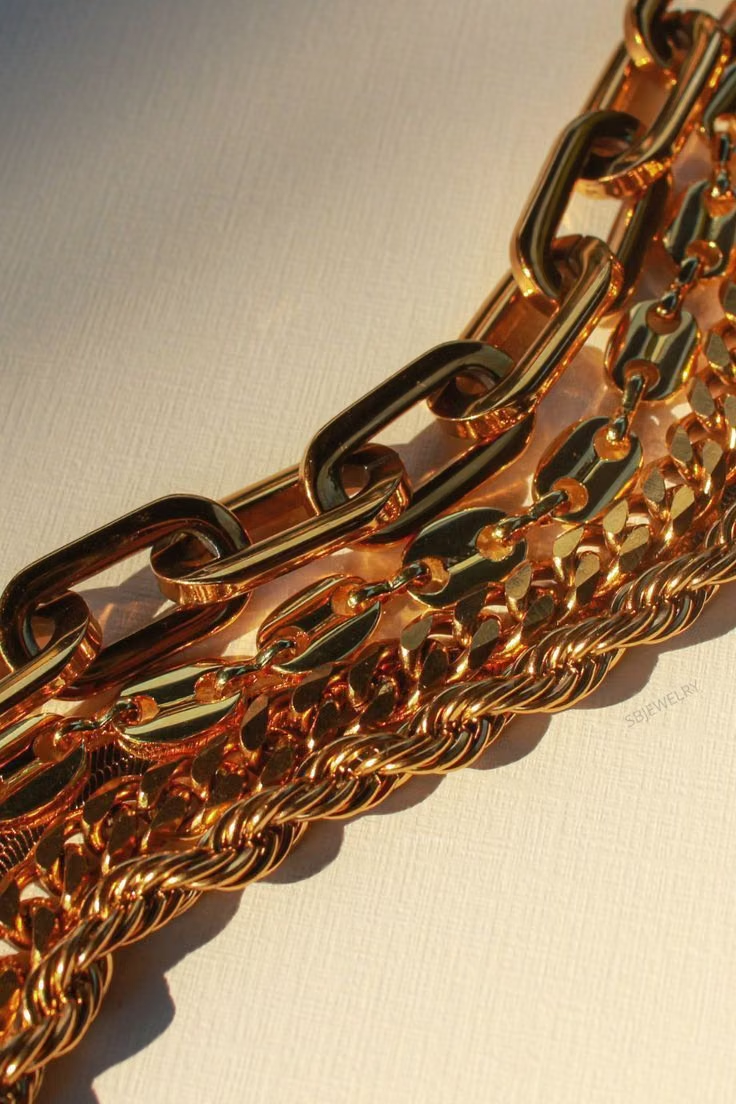
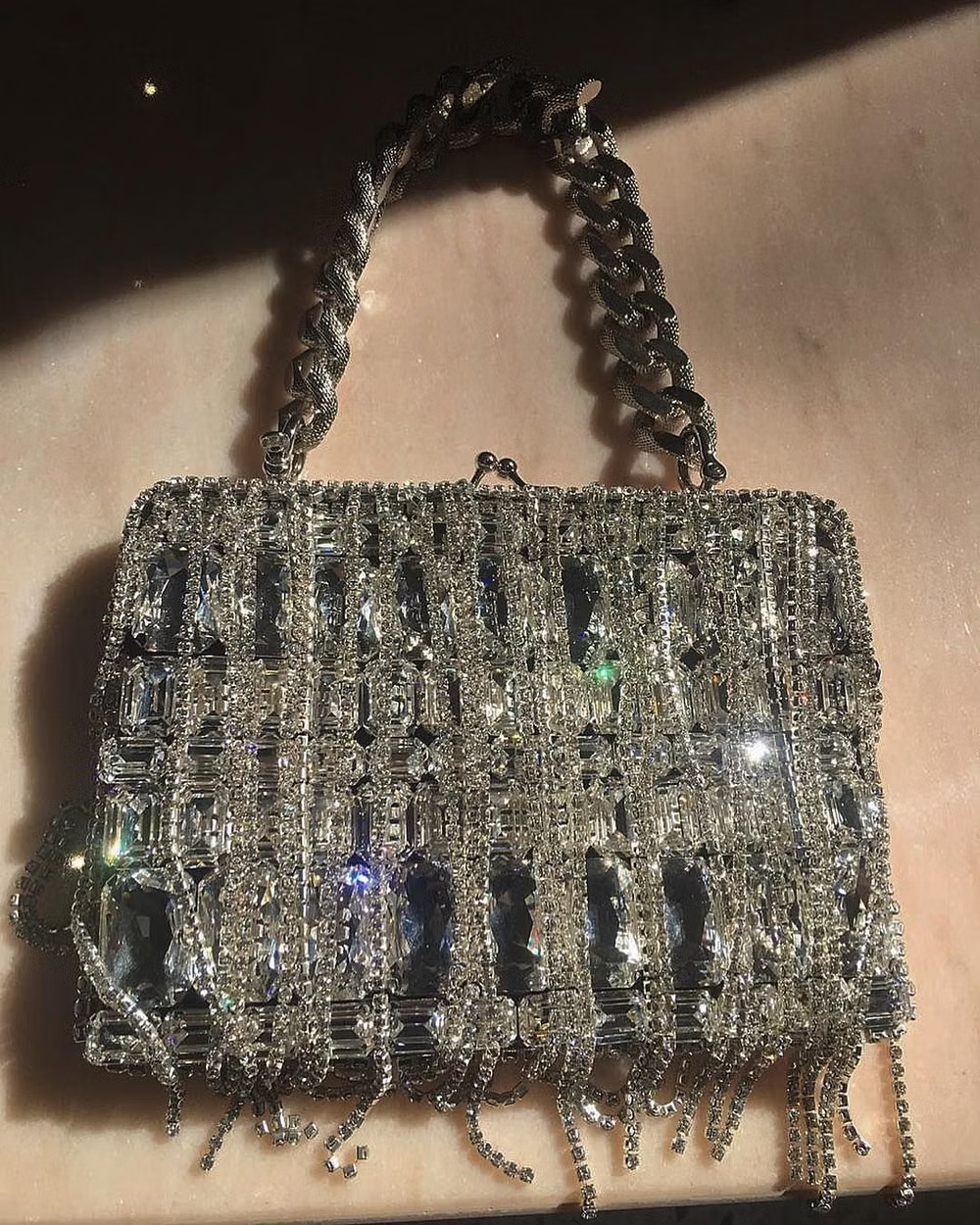
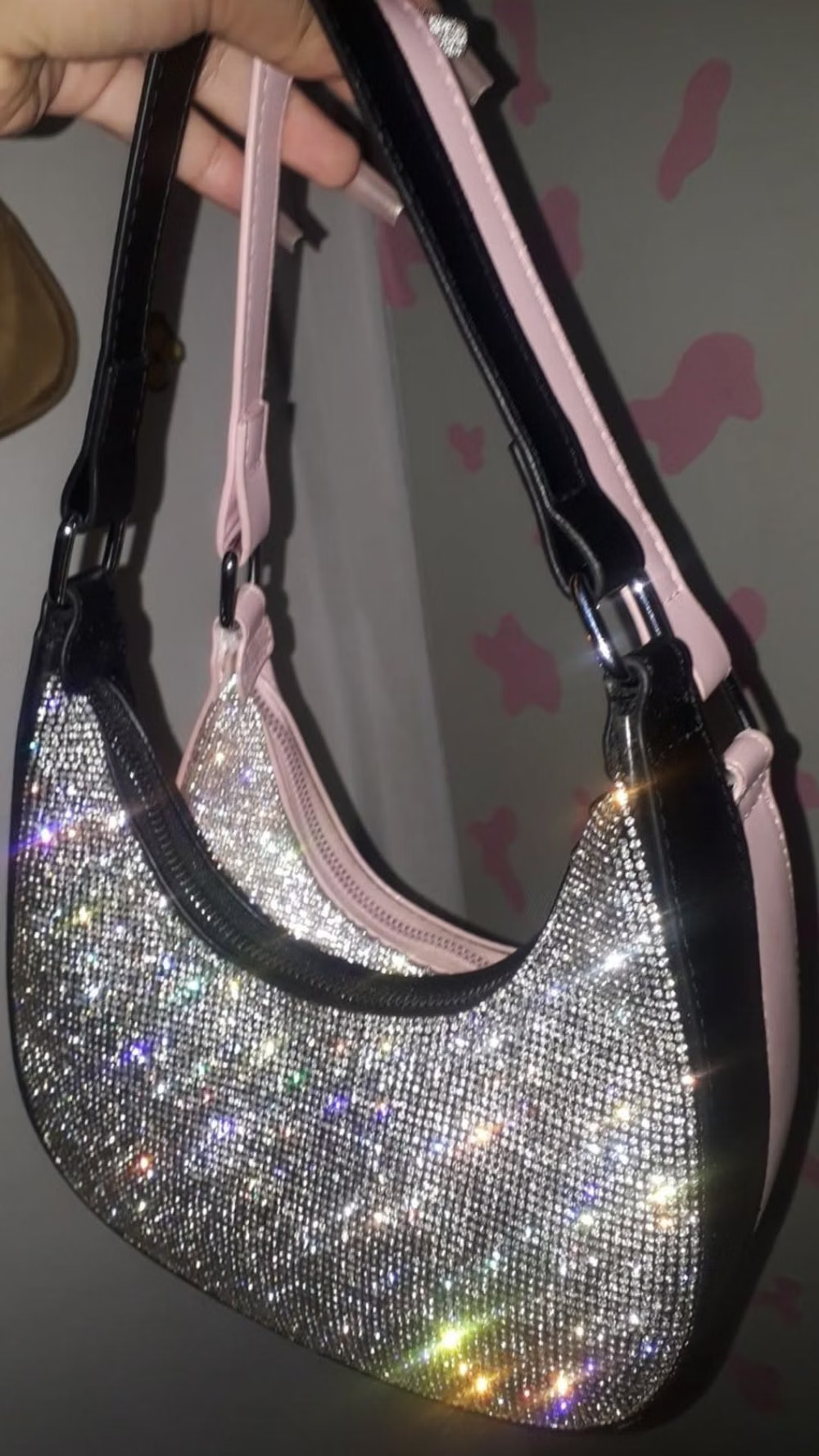
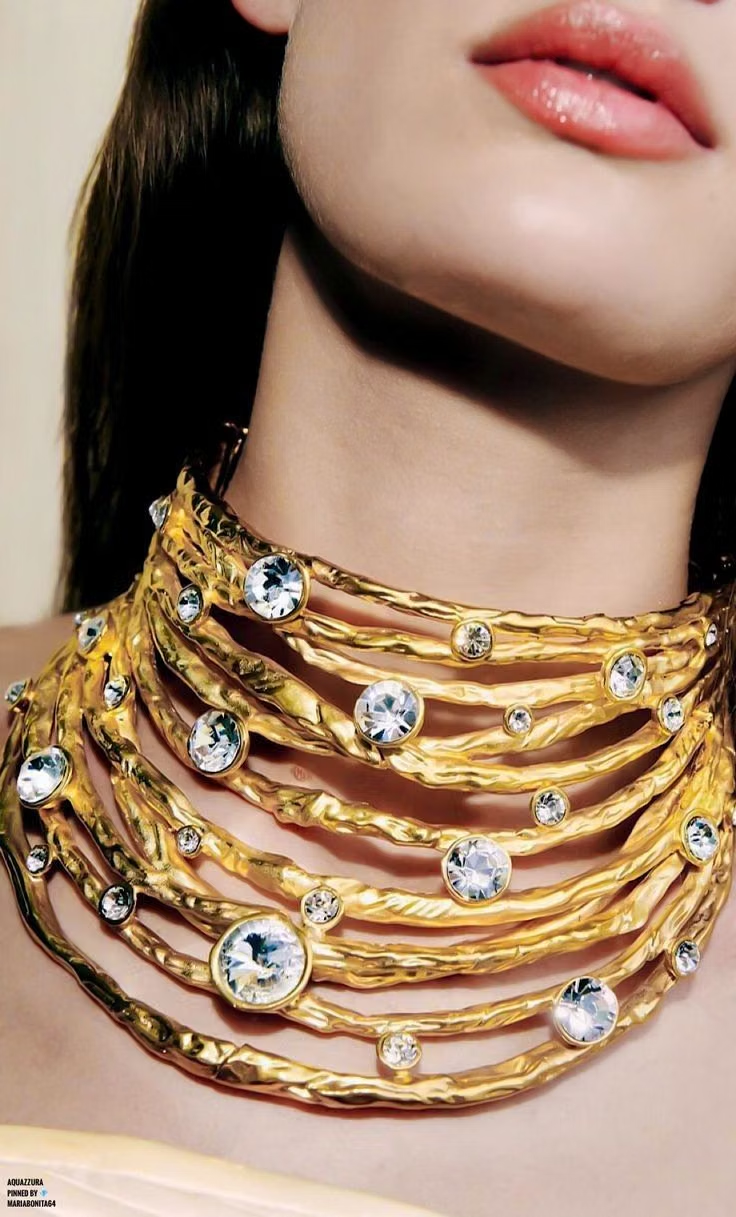
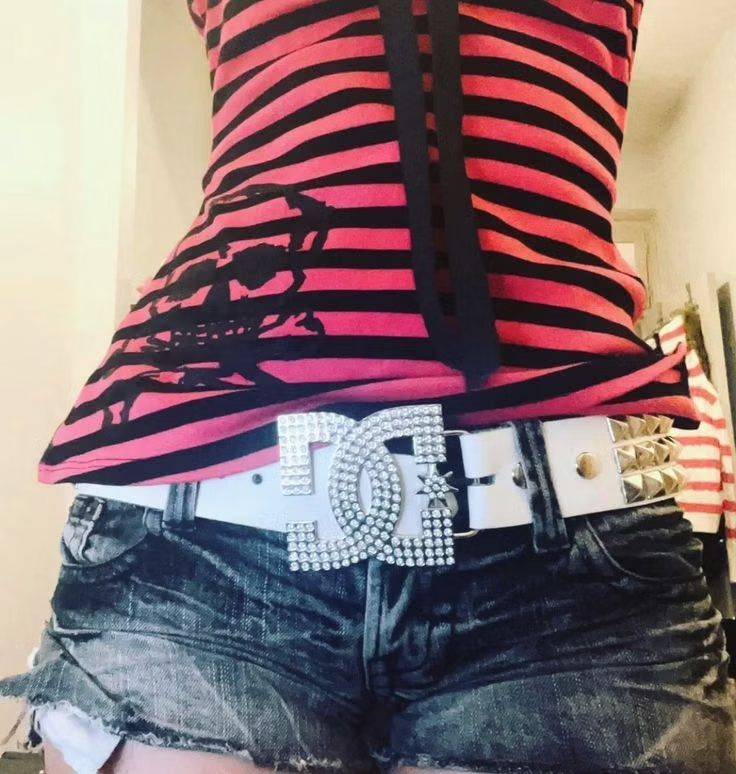
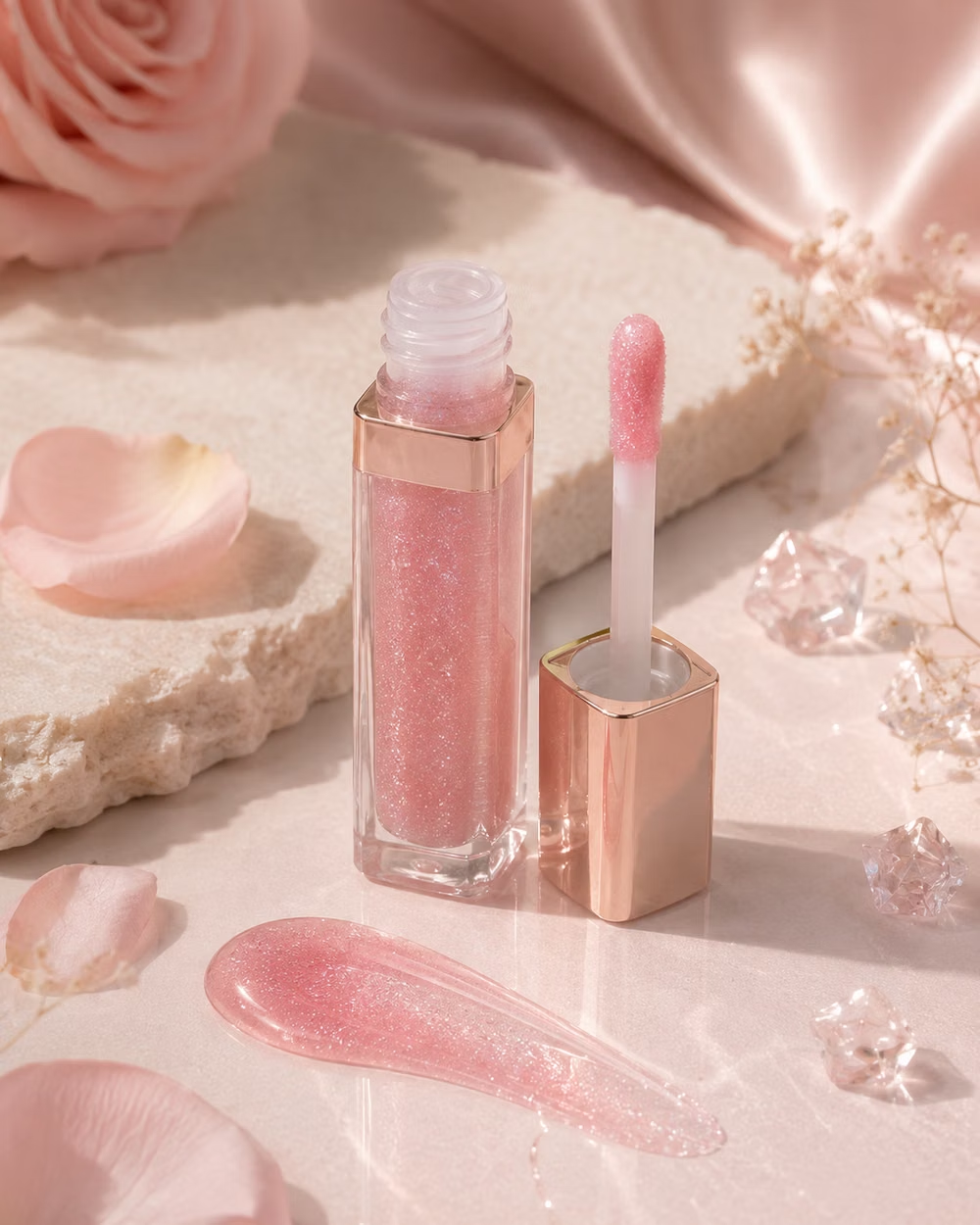
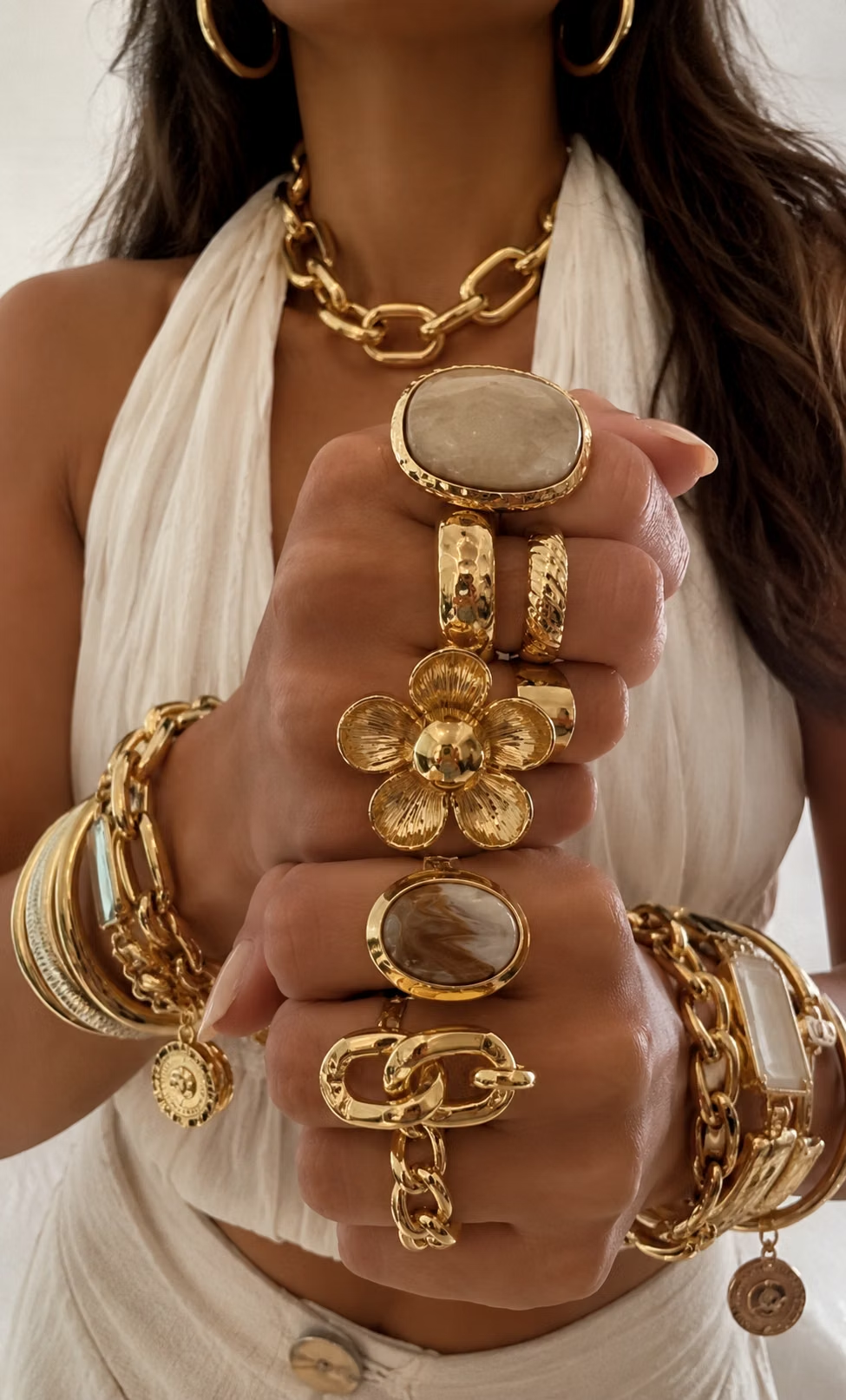
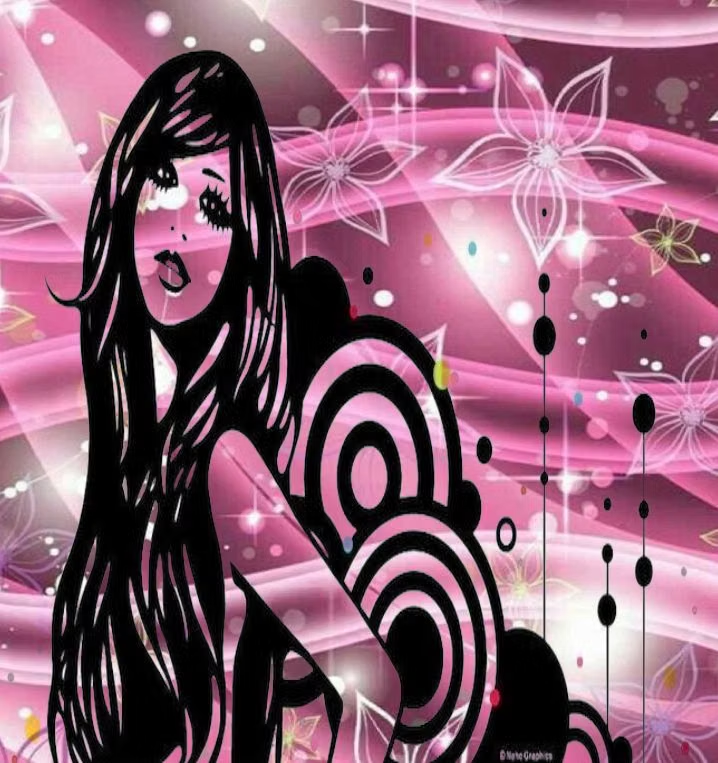
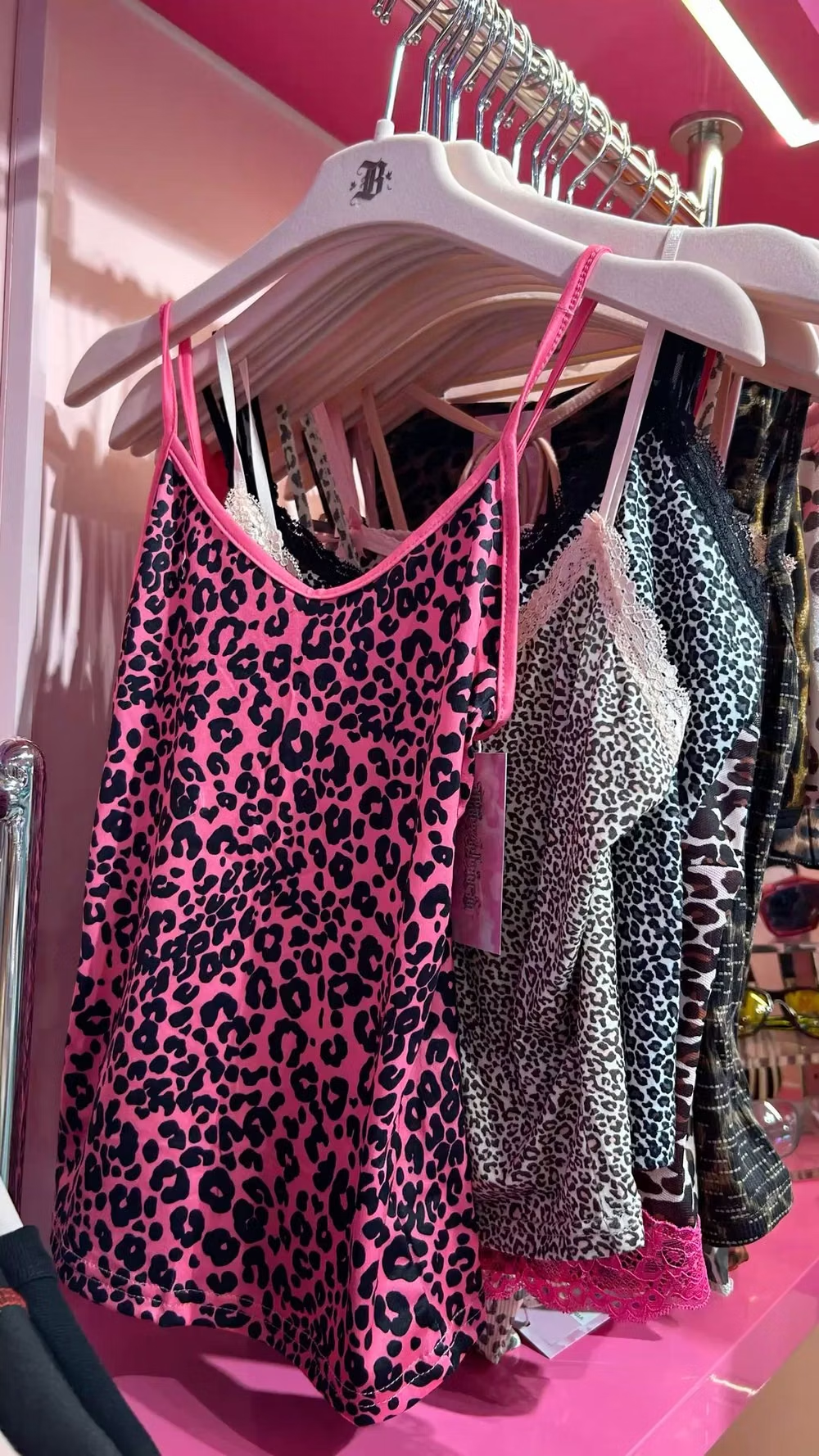
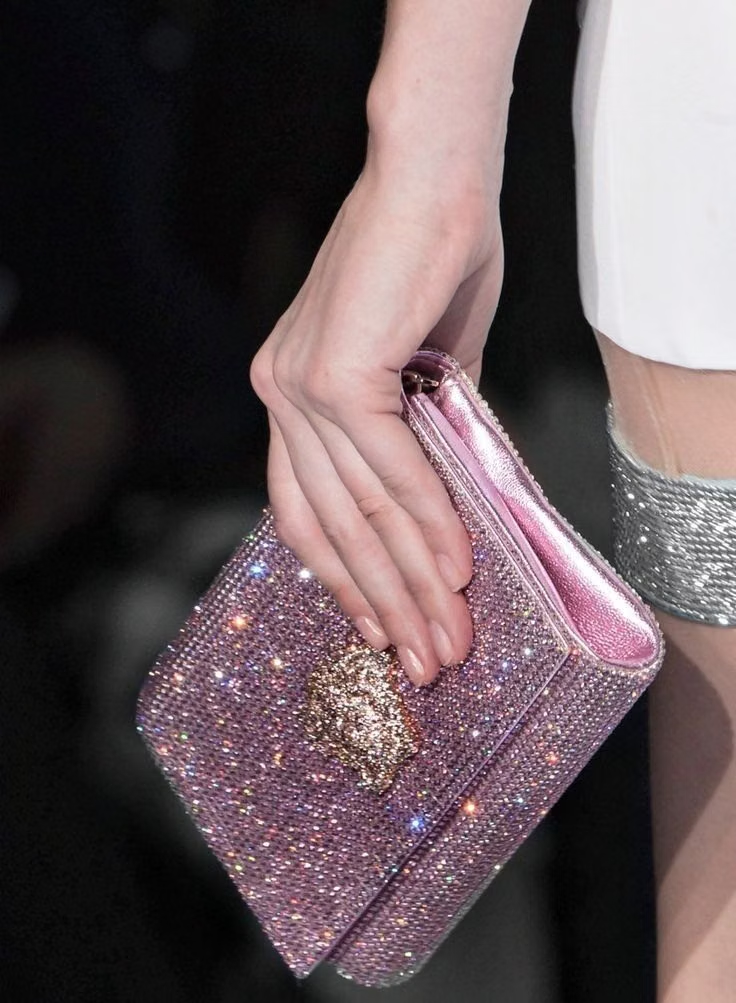
Bedazzled surfaces, hot pink, metallic accessories, ornate scripts, celebrity excess, and maximal early-2000s luxury signals.
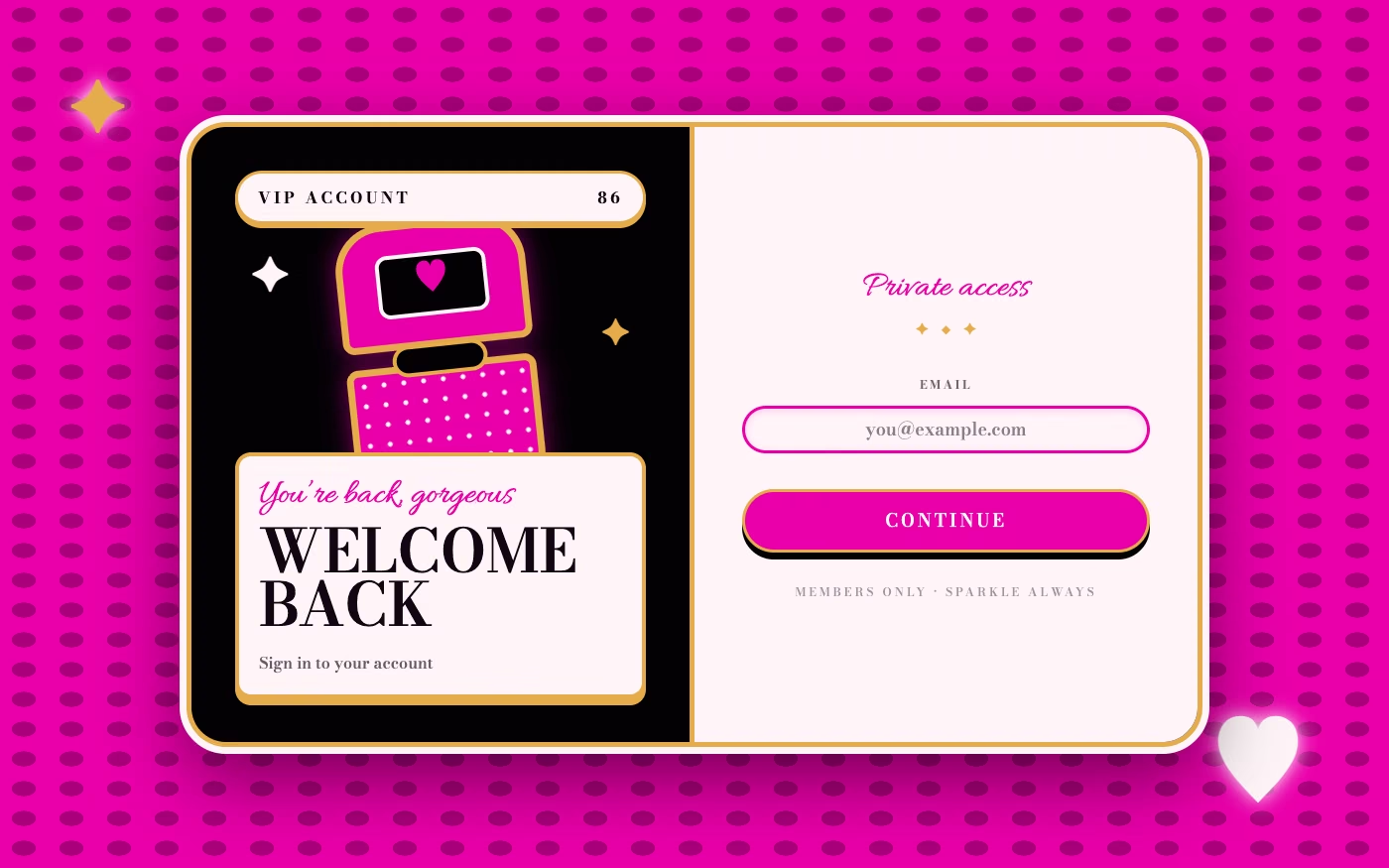
Design overview
- Signature elements
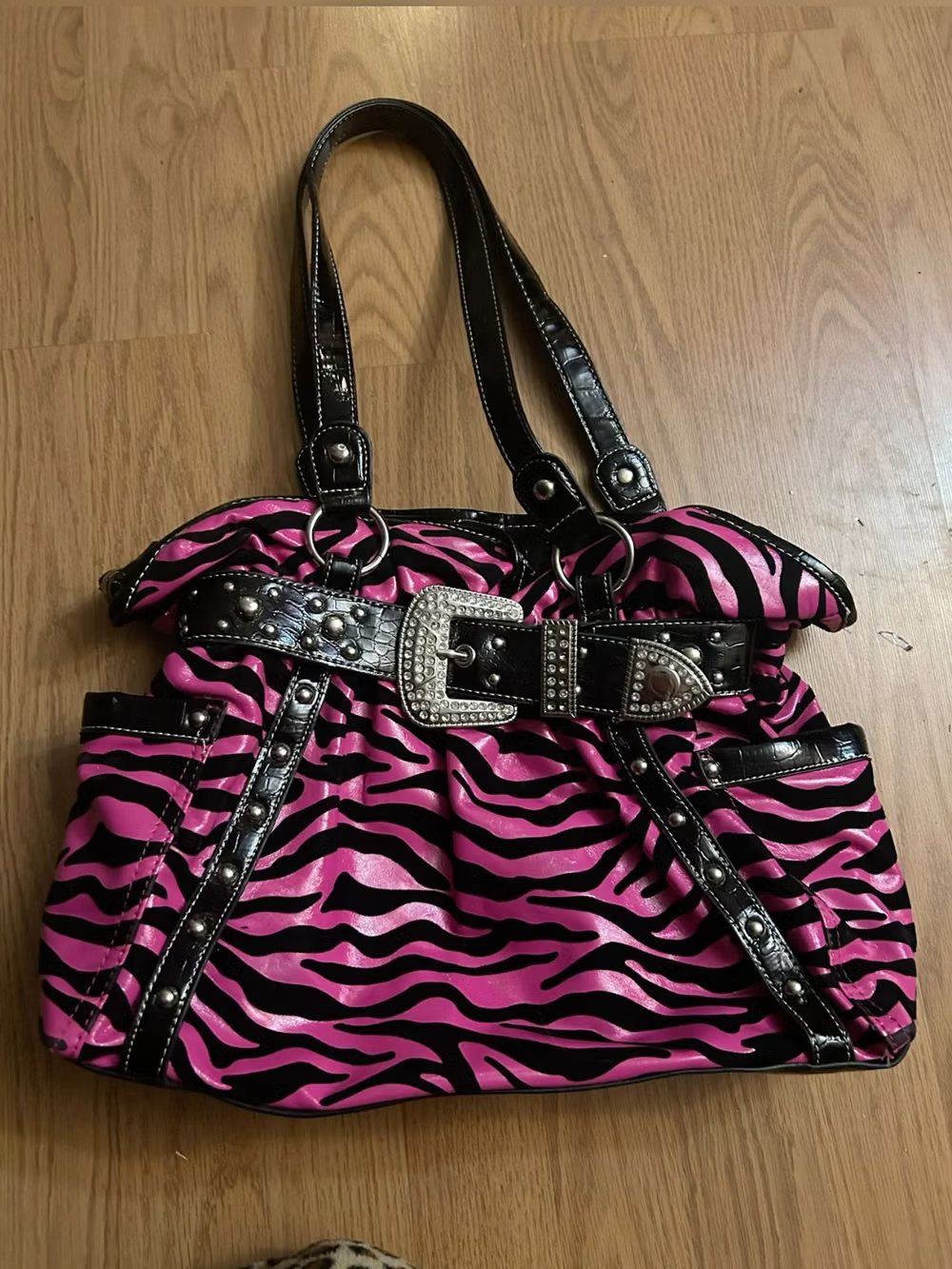
- rhinestone sparkle, hot pink, metallic accessories, ornate scripts, leopard print, celebrity glamour. In daisyUI themes, set `--depth: 1;`.
- Best suited to
- Fashion, beauty, nightlife, music, entertainment, and nostalgic campaigns.
- Layout principles
- Compose like a celebrity tabloid, boutique window, or embellished fan page, centering one glamorous subject amid badges, product callouts, and ornamental frames.
History and origins
A fact-checked account of where this visual language came from, with links to the references used.
- Period
- Approximately 2000–2008
- Origin
- American celebrity, luxury, reality television, hip-hop, fashion, and mass retail
McBling is a retrospective label for the maximal, aspirational luxury imagery that displaced much late-1990s Y2K minimal futurism. CARI dates the source period to roughly 2000–2008 and records the name as coined by Froyo Tam in January 2017, combining a mass-market “Mc” prefix with “bling”; the original culture did not generally use the category name.
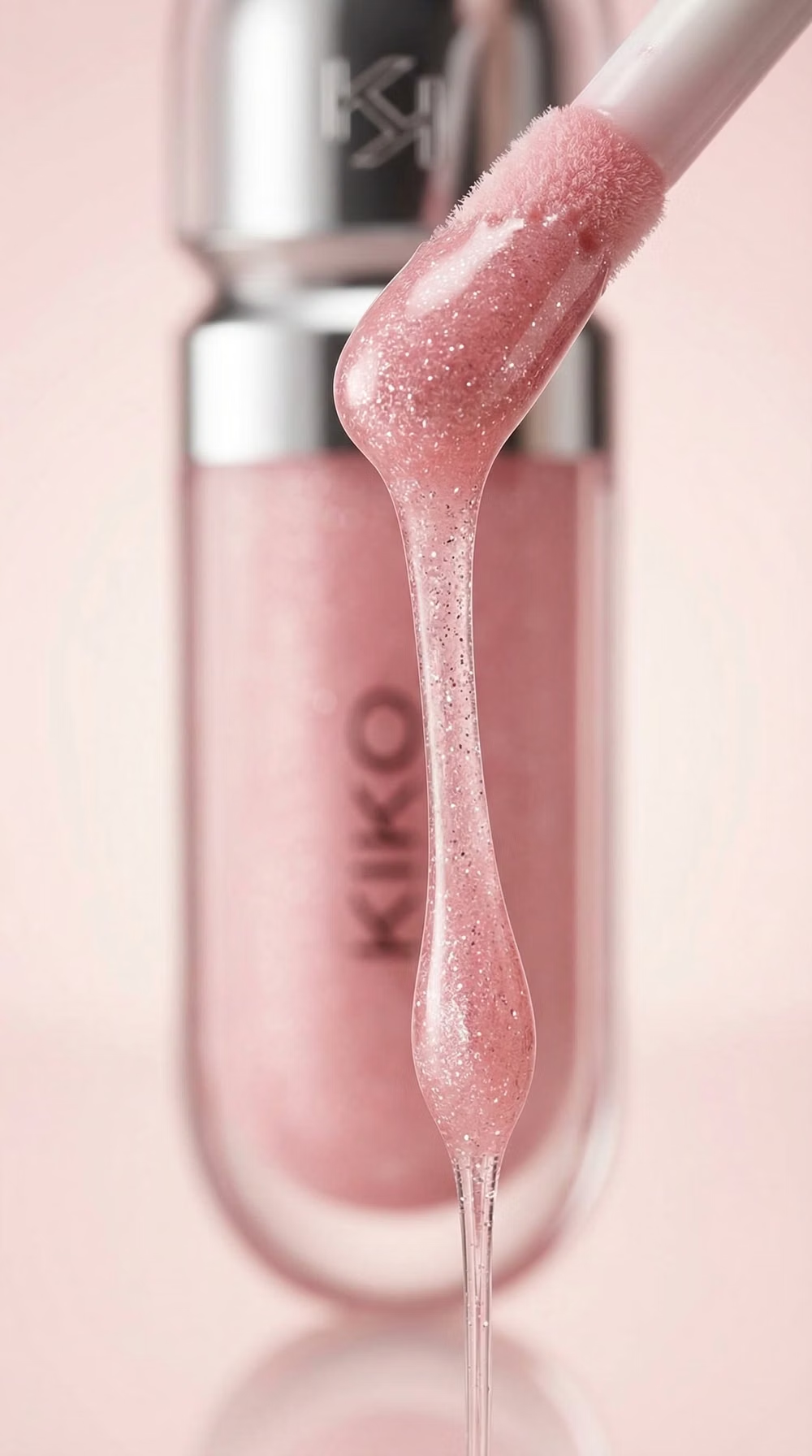
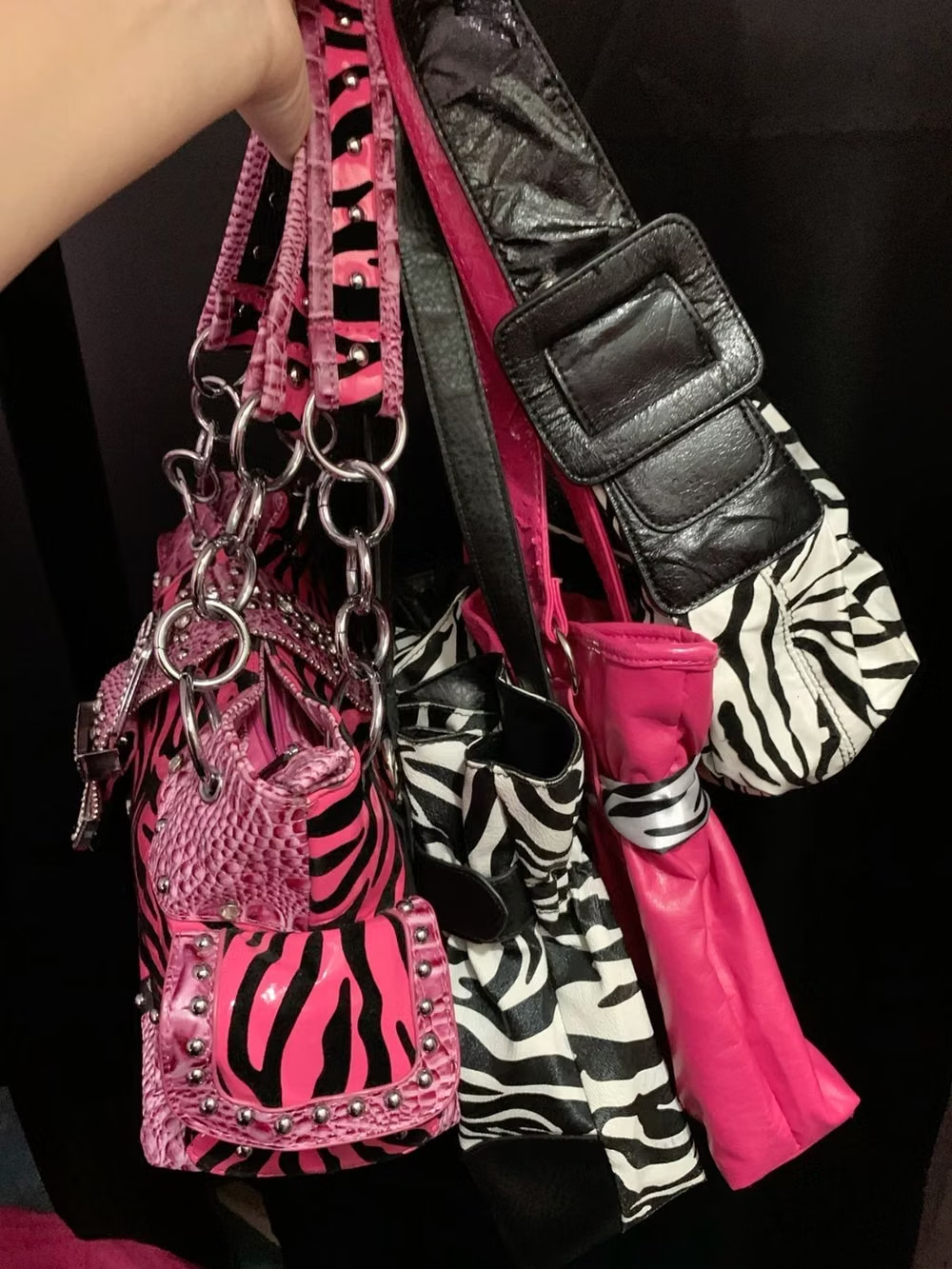
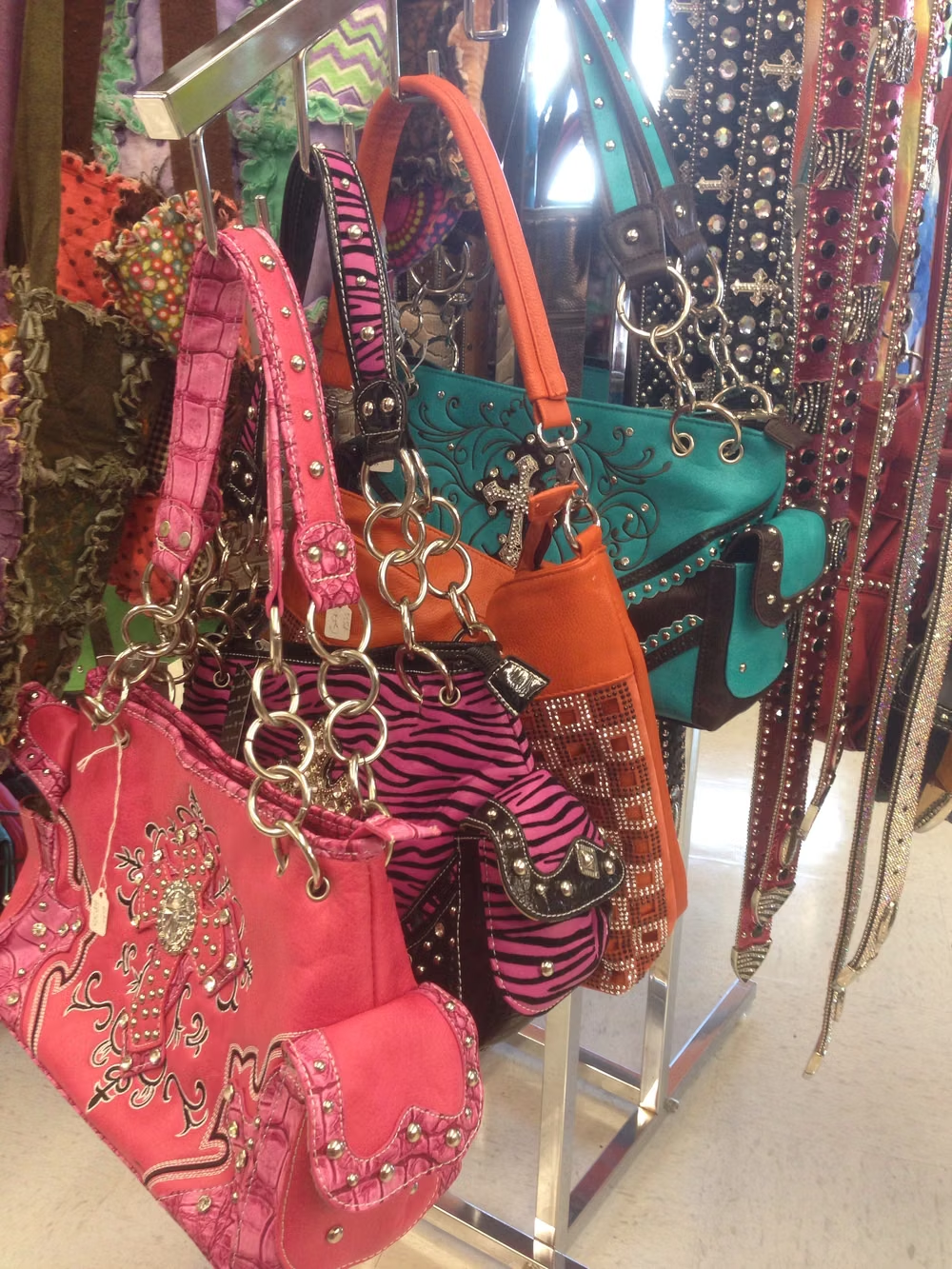
Moodboard and visual references
A visual study of the forms, inspirations, materials, colors, type, and cultural references associated with this UI design style.
Design principles and implementation
Use these principles to write a focused AI UI design prompt instead of asking for a vague visual treatment.
Color direction
Use hot pink, black, white, gold, silver, and jewel tones with rhinestone sparkle, glossy highlights, and selective animal print. In a daisyUI theme, use hot pink for `primary`, gold or a saturated jewel tone for `secondary`, and step `base-100`, `base-200`, and `base-300` through deep plum-black, near-black, and black.
Imagery direction
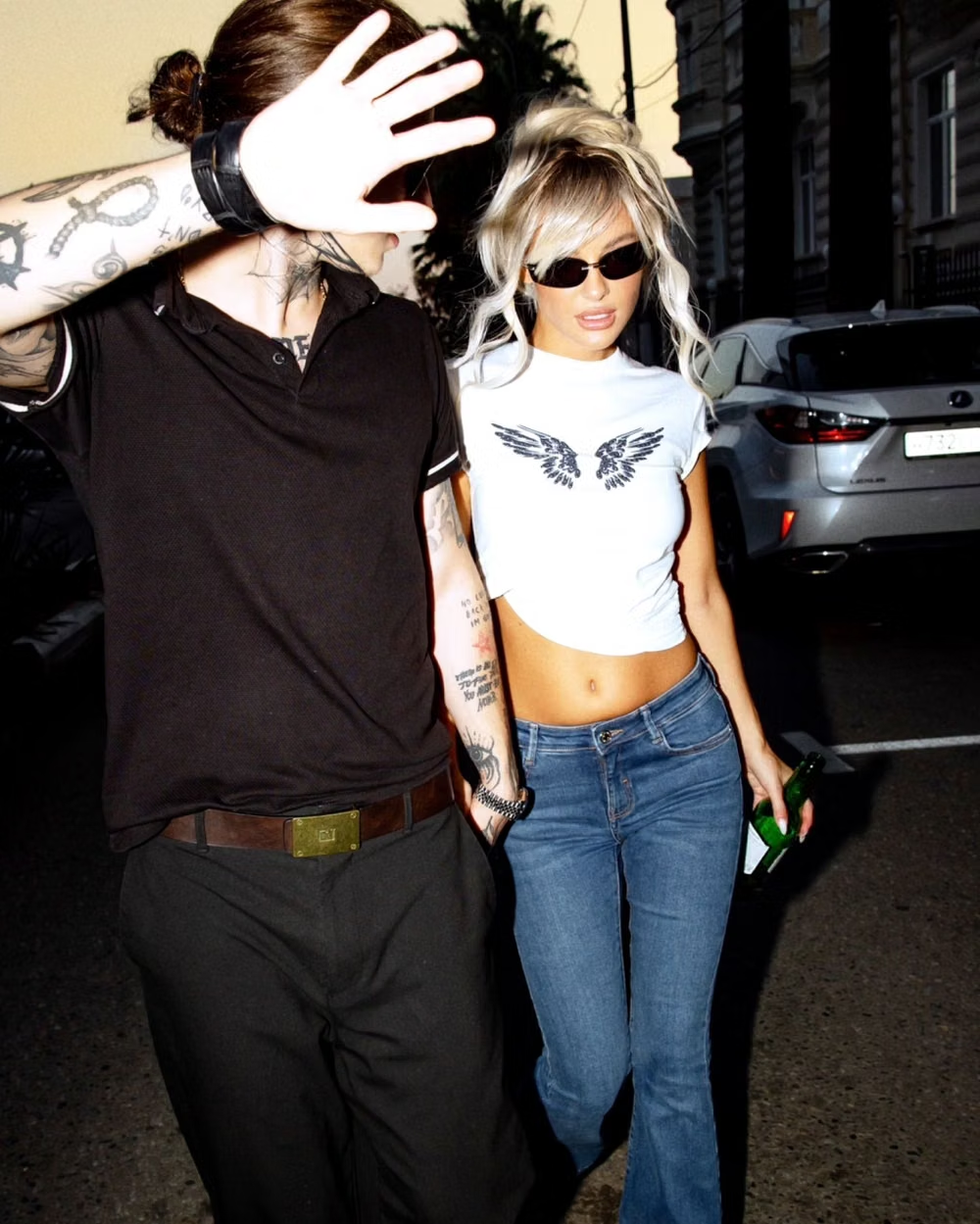
Choose direct-flash celebrity-style portraits, handbags, jewelry, nightlife, beauty products, faux fur, crystals, and early-2000s glamour details.
Content density
Use high visual density and short promotional copy, isolating prices, dates, and purchase actions from the surrounding embellishment.
Motion direction
Use camera flashes, rhinestone twinkles, paparazzi zooms, charm swings, and glossy logo reveals with overt show-business timing.
Shape language
Use hearts, shields, gem clusters, ornate badges, starbursts, chain-like borders, and rounded glamour-photo frames. In daisyUI themes, set the `--radius-*` variables between `1rem` and `2rem`.
Typography rules
Mix ornate script or jeweled display type with a bold sans-serif for promotions, limiting decorative lettering to names and short statements.
Suggested Typfaces
Allura
Fresh daisies glow in warm sunlight
Fresh daisies glow in warm sunlight
1 2 3 4 5 6 7 8 9 0
Parisienne
Fresh daisies glow in warm sunlight
Fresh daisies glow in warm sunlight
1 2 3 4 5 6 7 8 9 0
Great Vibes
Fresh daisies glow in warm sunlight
Fresh daisies glow in warm sunlight
1 2 3 4 5 6 7 8 9 0
Bodoni Moda
Fresh daisies glow in warm sunlight
Fresh daisies glow in warm sunlight
1 2 3 4 5 6 7 8 9 0
Cinzel Decorative
Fresh daisies glow in warm sunlight
Fresh daisies glow in warm sunlight
1 2 3 4 5 6 7 8 9 0
Build a McBling interface with daisyUI
The live example translates this direction into daisyUI components and semantic theme tokens.
To generate a full page in the same visual language, give the style name and the design rules above to Blueprint MCP.
Related UI design styles
Compare nearby visual languages that share typography, shapes, use cases, or signature elements.
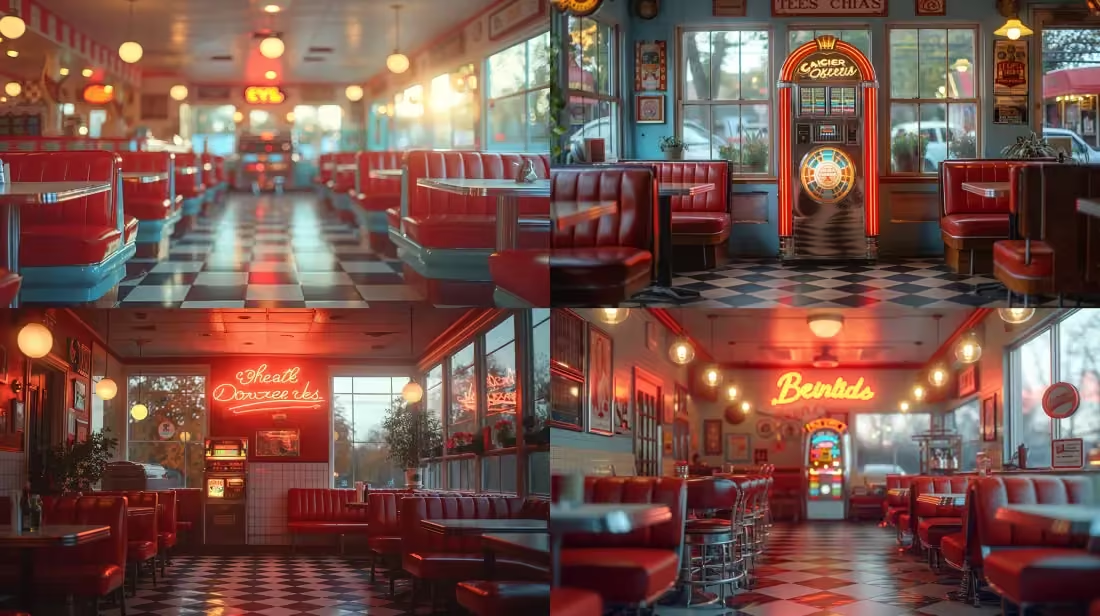
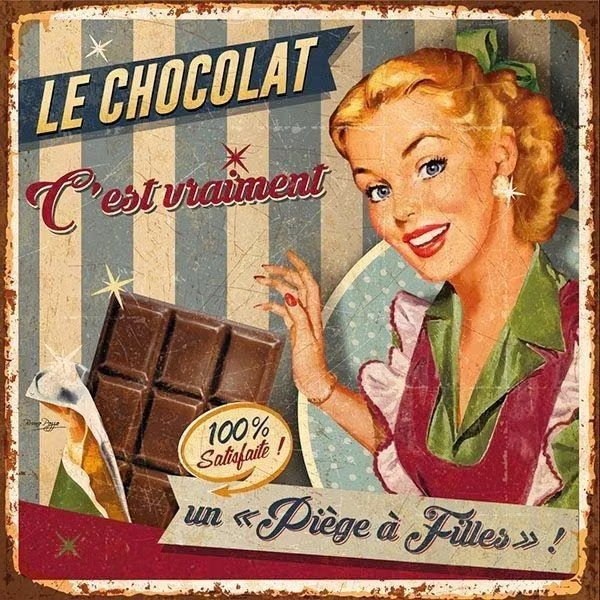
American Kitsch UI design style
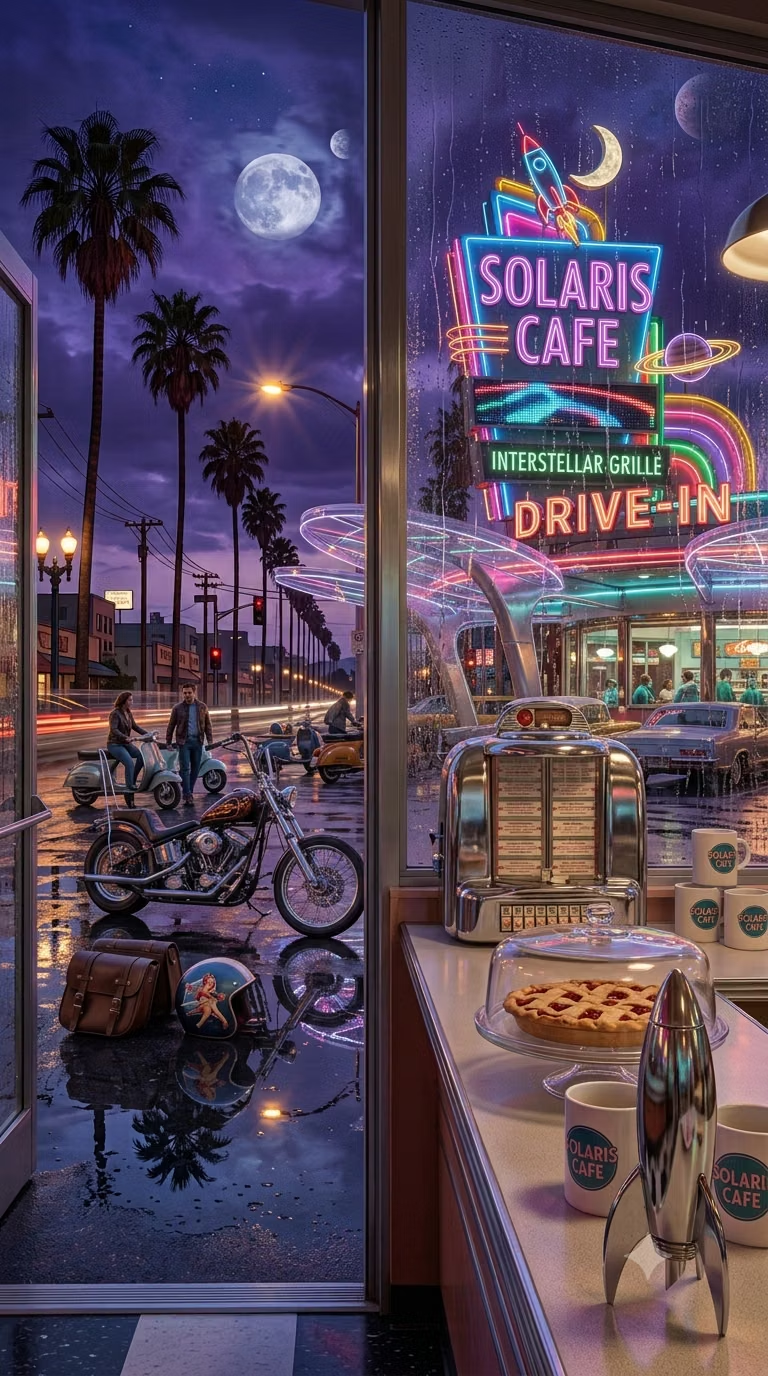
Commercial illustration from the 1920s through 1960s, especially the 1950s, uses vivid cartoonish realism, cheerful exaggeration, hand-lettered selling language, and nostalgic scenes of everyday American life.
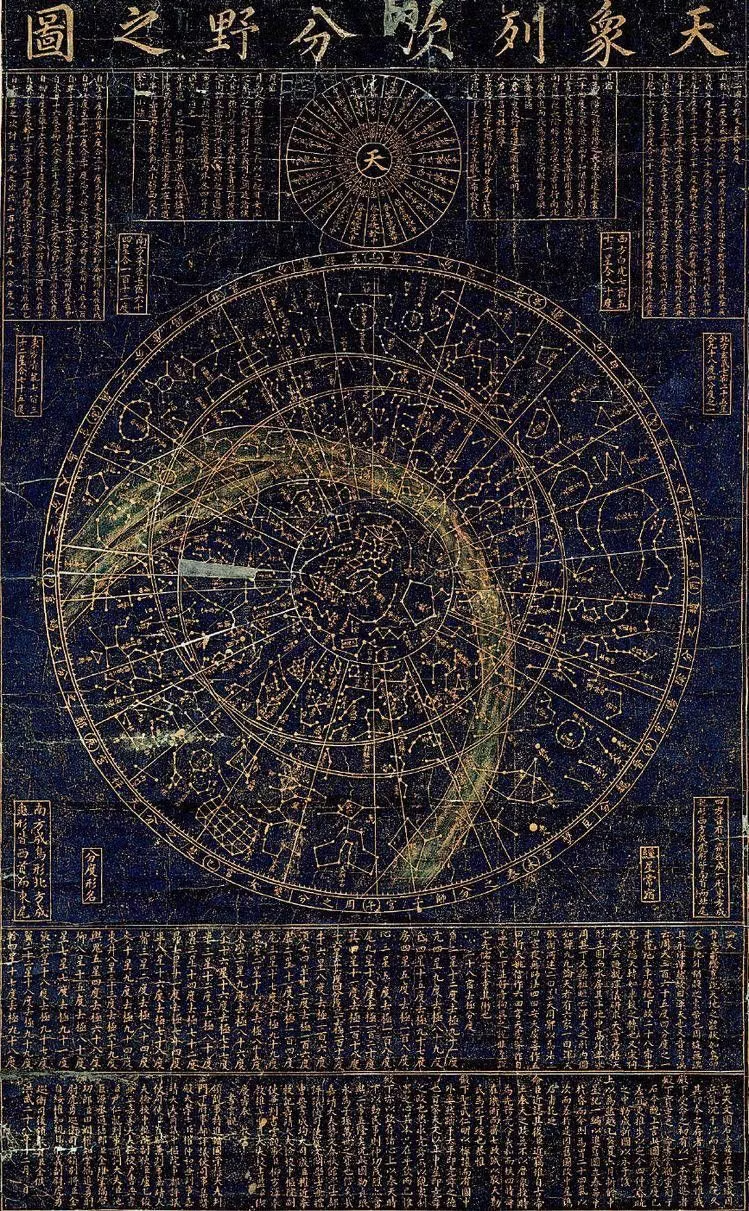
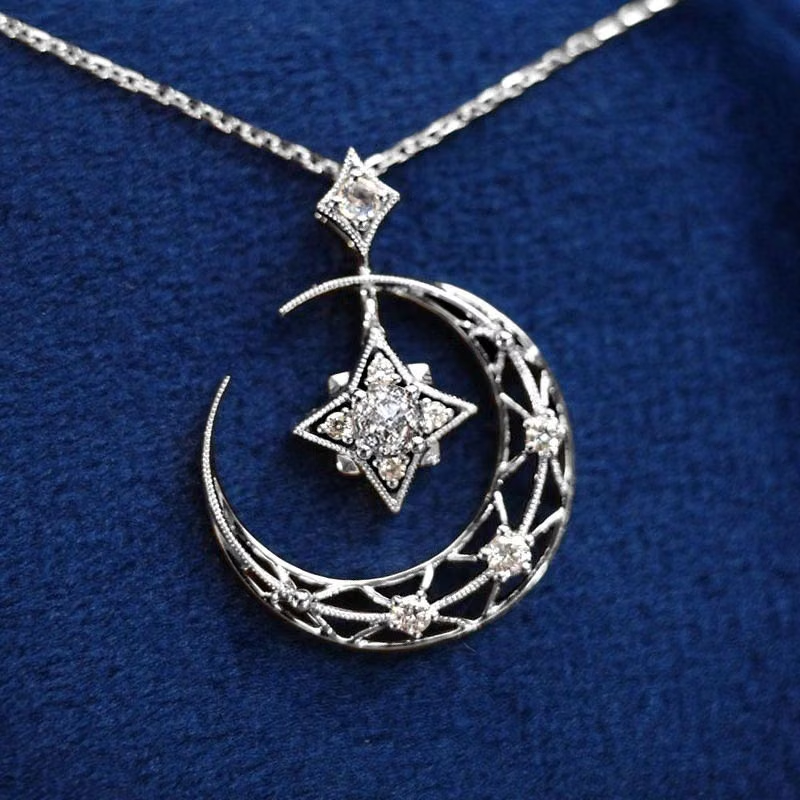
Whimsigothic UI design style
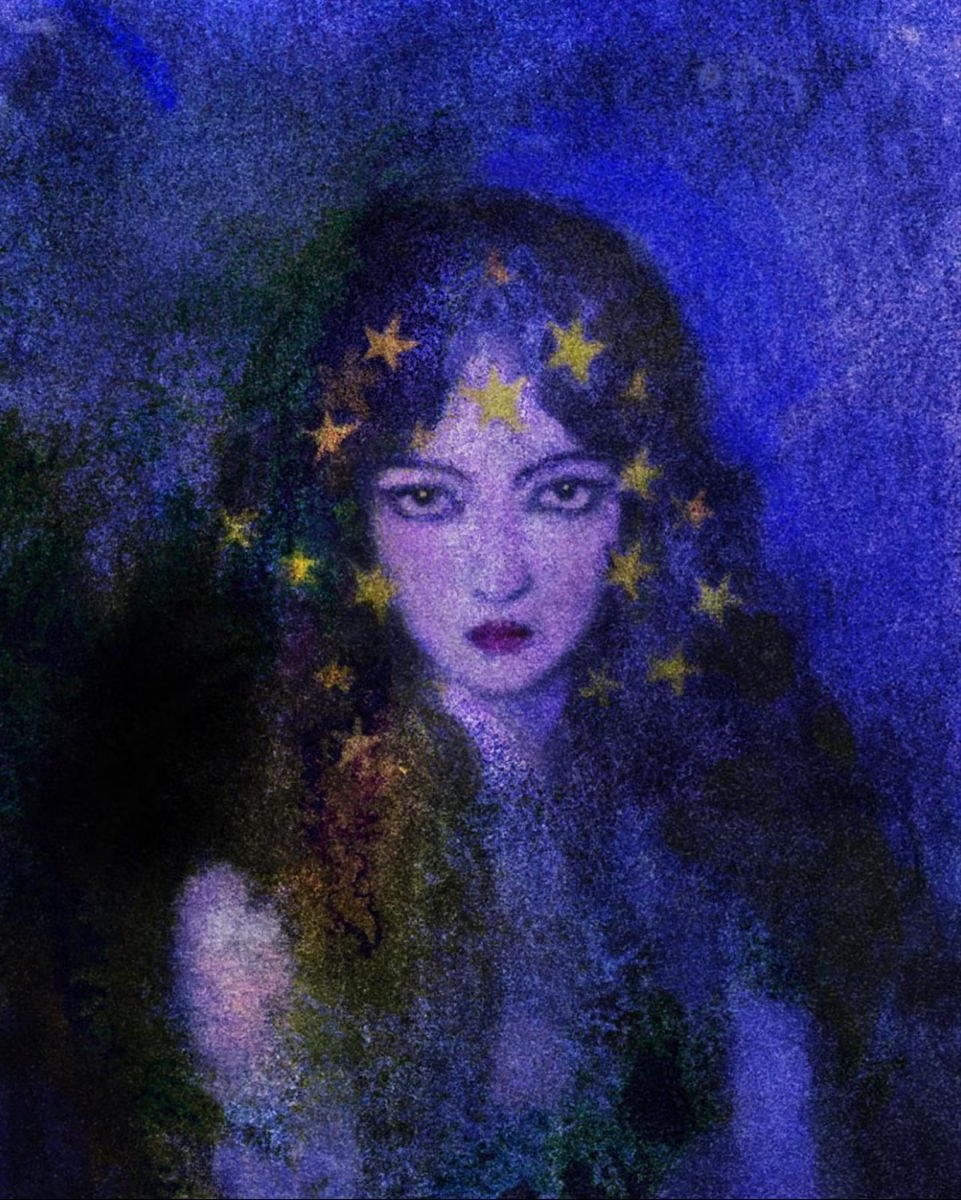
Celestial symbols, jewel tones, ornate curves, mystical illustration, and playful gothic motifs create theatrical enchantment.
2K1 UI design style
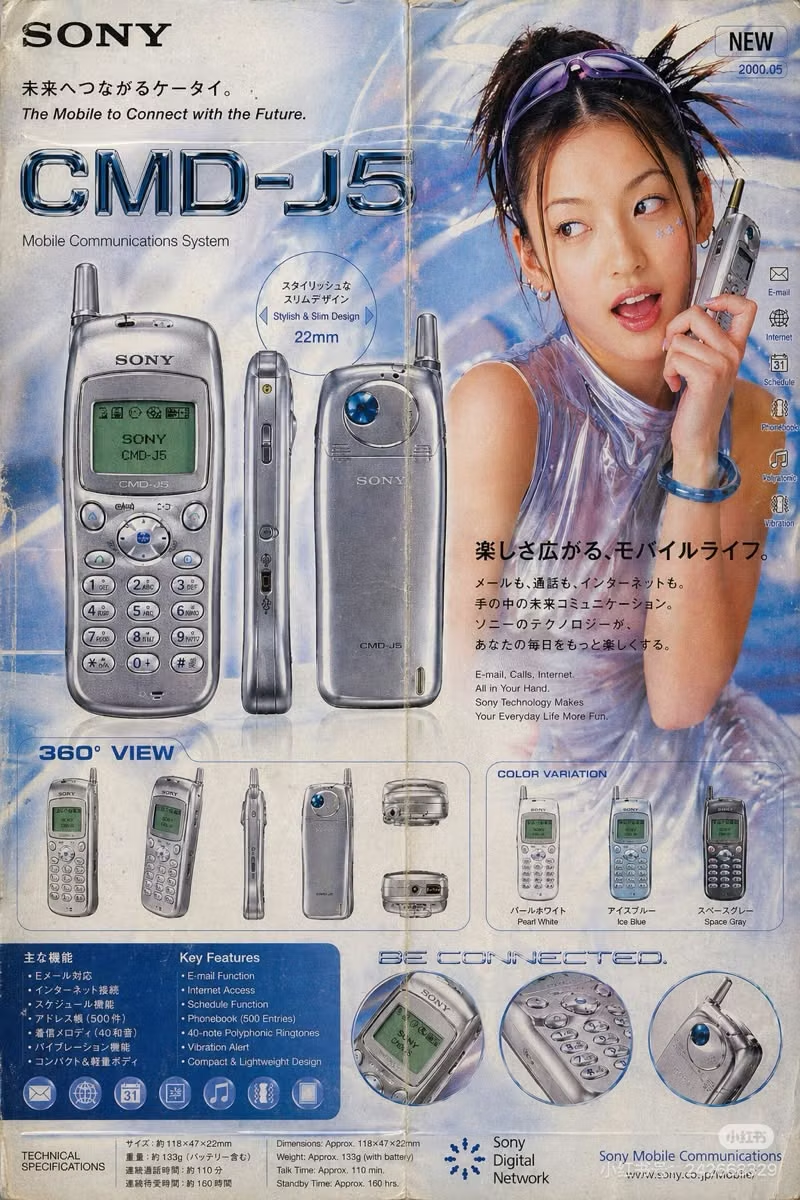
This 2001–2004 transitional pop-cultural look mixes late-Y2K clarity with dirtier hip-hop, sports, nu-metal, teen-comedy, and early-McBling attitude.