FUI / HUD UI design style
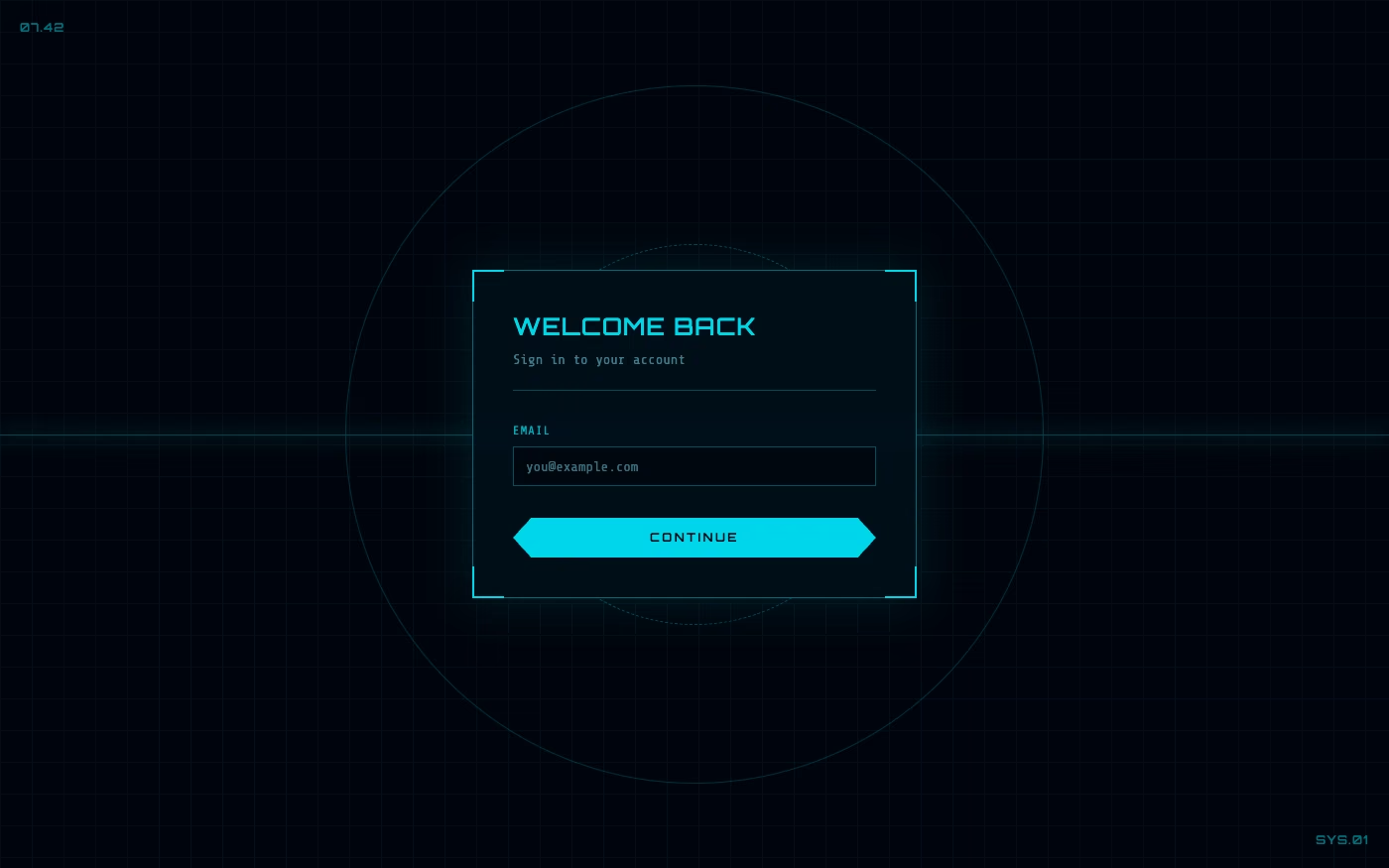
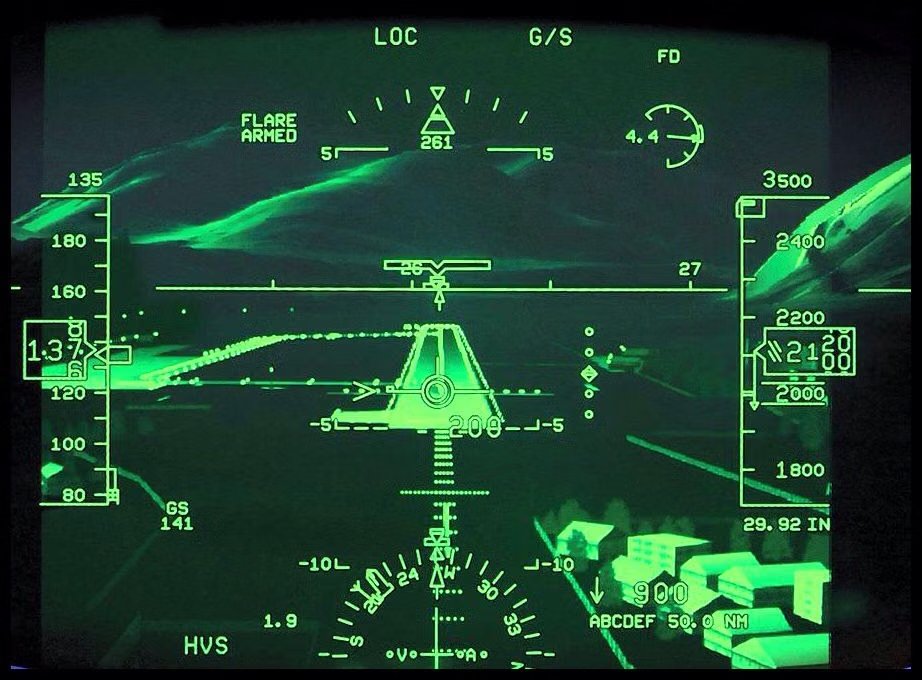
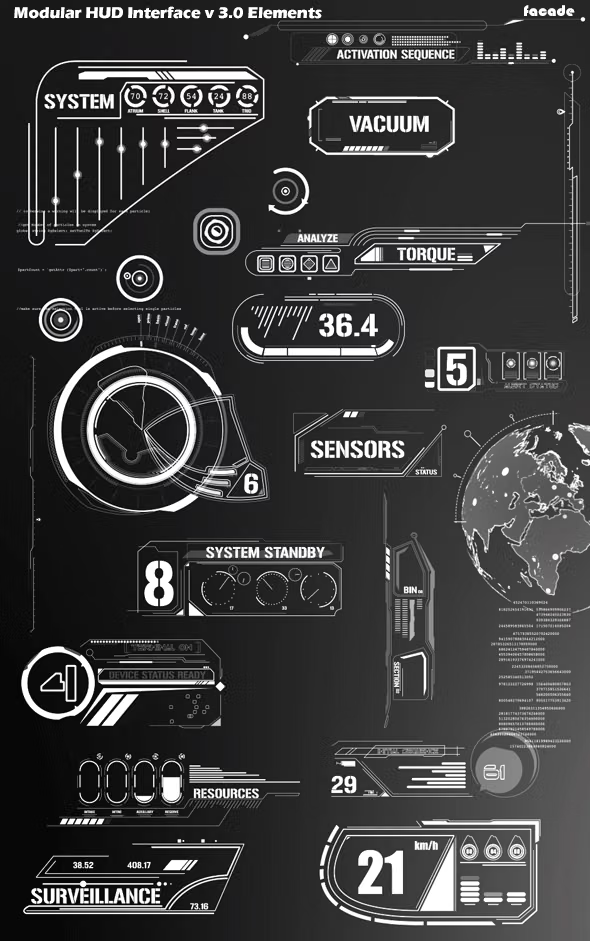
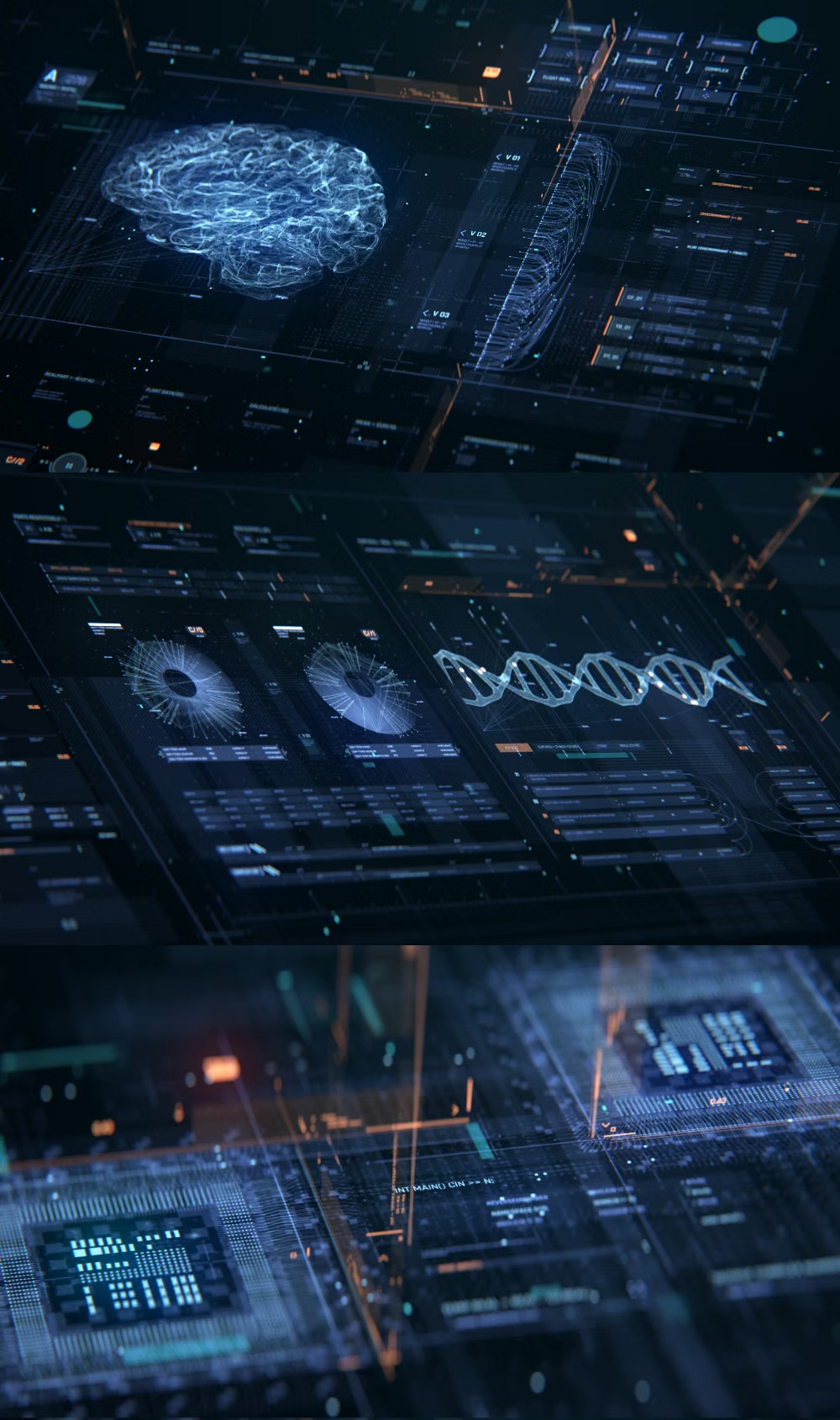
Fictional-interface styling with telemetry, reticles, grids, diagrams, scanning effects, and layered translucent readouts.
Design overview
- Signature elements
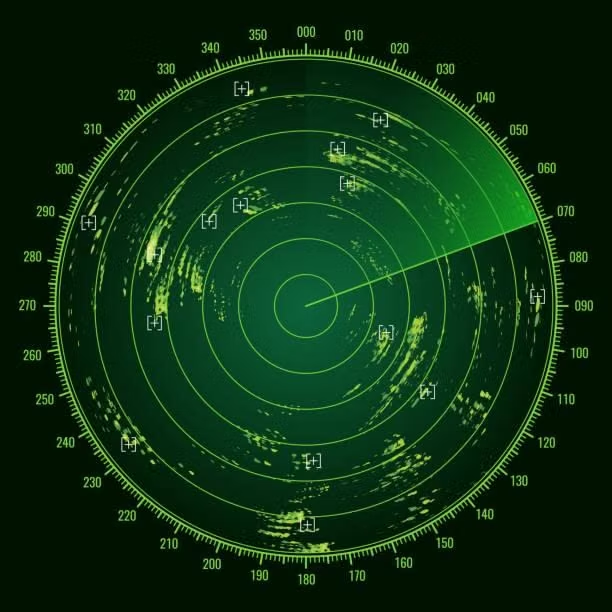
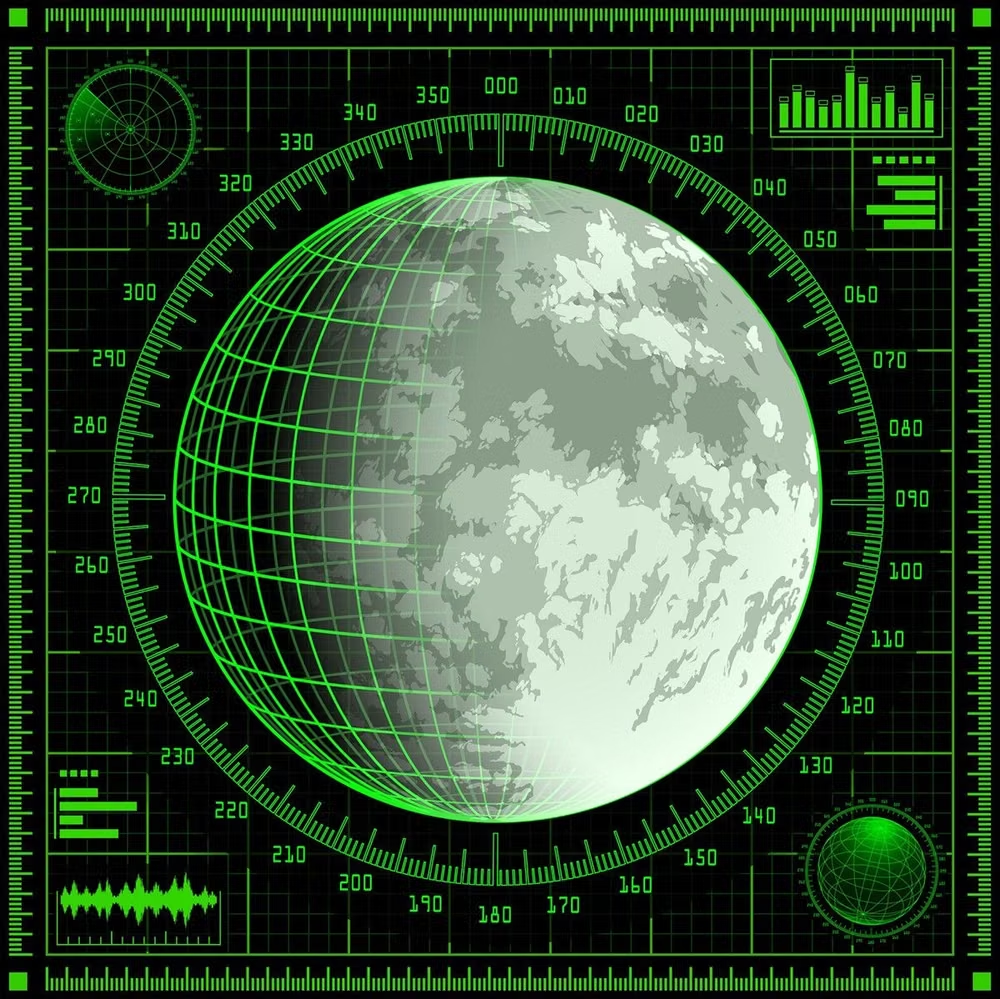
- telemetry readouts, targeting reticles, radial gauges, technical grids, scanning lines, translucent overlays
- Best suited to
- Science-fiction games, simulations, film experiences, defense-themed fiction, and immersive installations.
- Layout principles
- Wrap edge telemetry, radial instruments, and targeting data around a clear central viewport, aligning every readout to an underlying technical grid.
History and origins
A fact-checked account of where this visual language came from, with links to the references used.
- Period
- Military precedents before World War II; screen-fiction boom from the late 20th century
- Origin
- Aviation instrumentation, film, television, and game production
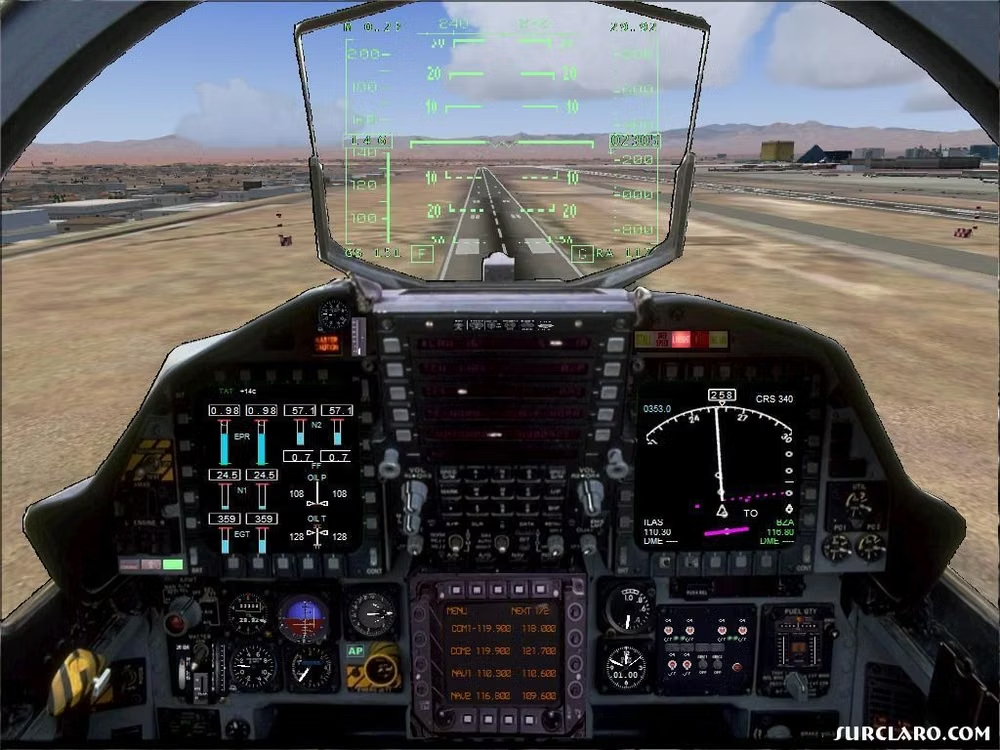
HUD graphics descend from reflector gunsights developed before World War II and from aviation head-up displays that entered broader use after the war. Fictional User Interfaces are a later screen-design practice: film and game artists adapted radar, cockpit, medical, and industrial readouts into readable dramatic props, creating interfaces that communicate story as much as plausible operation.
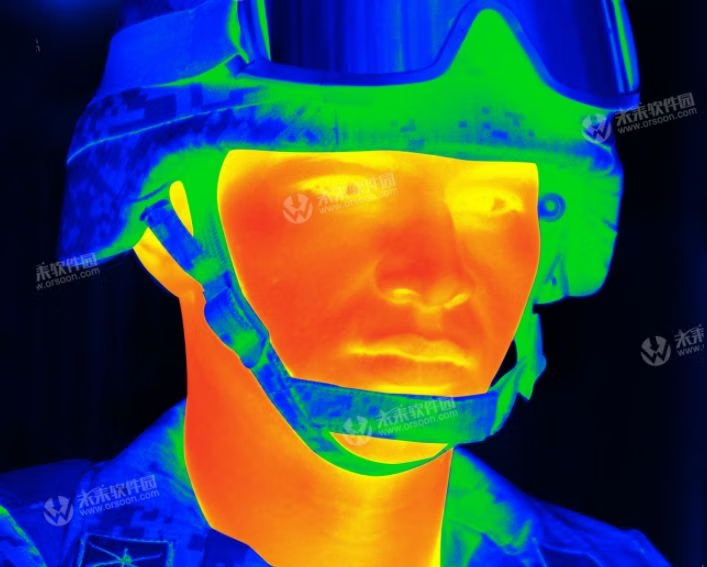
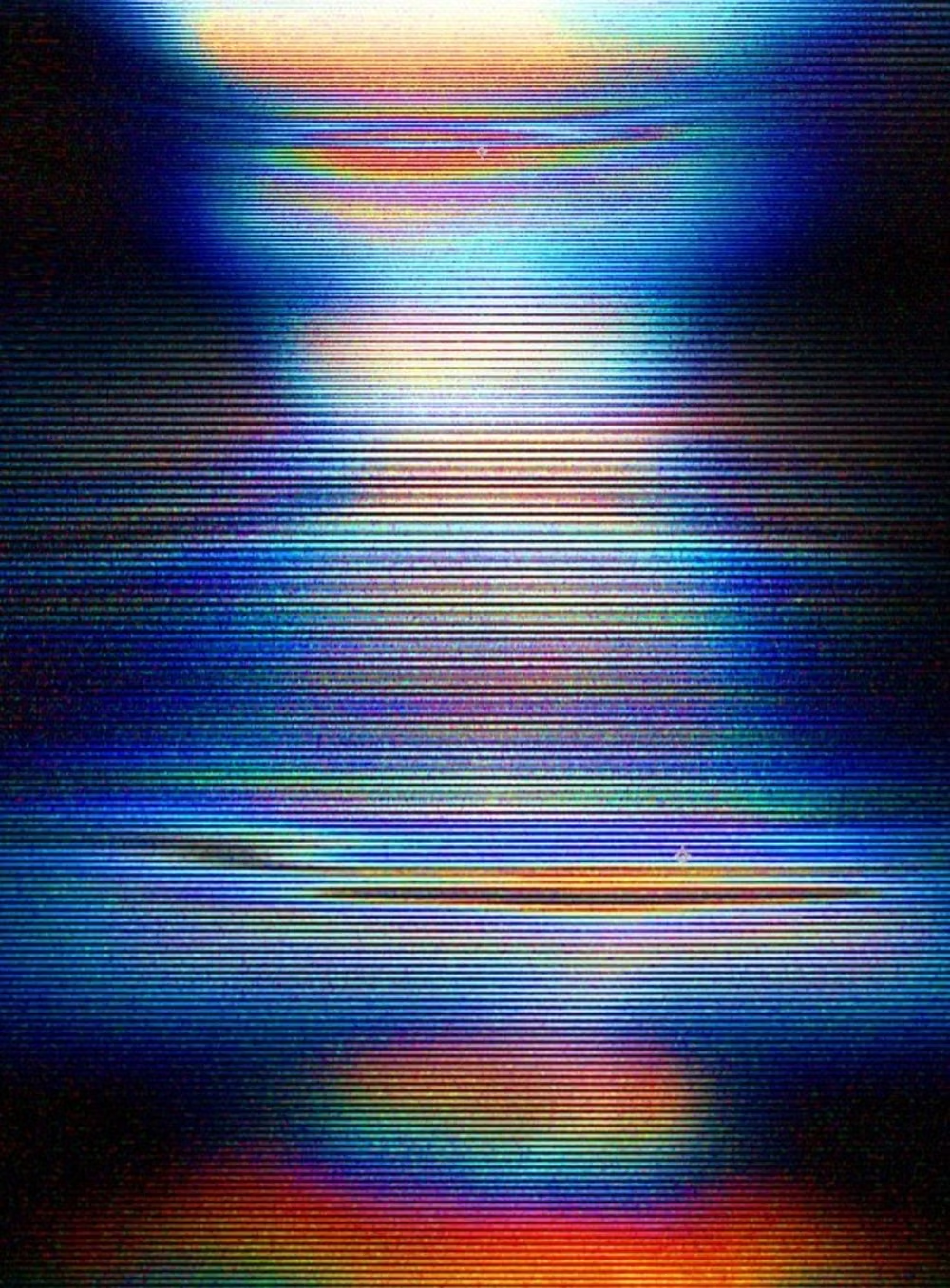
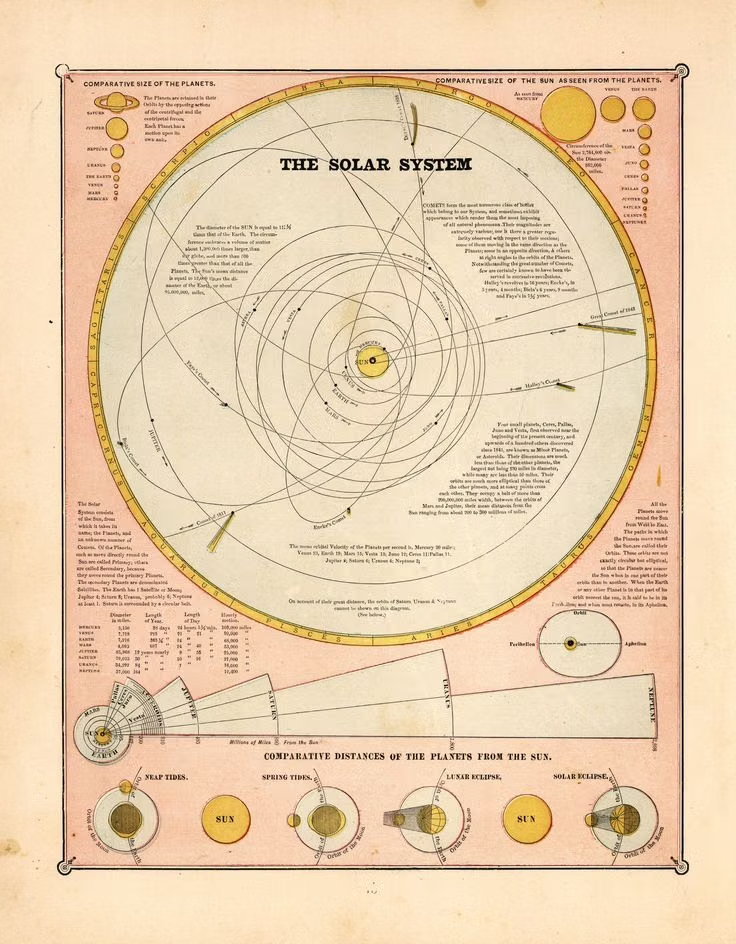
Moodboard and visual references
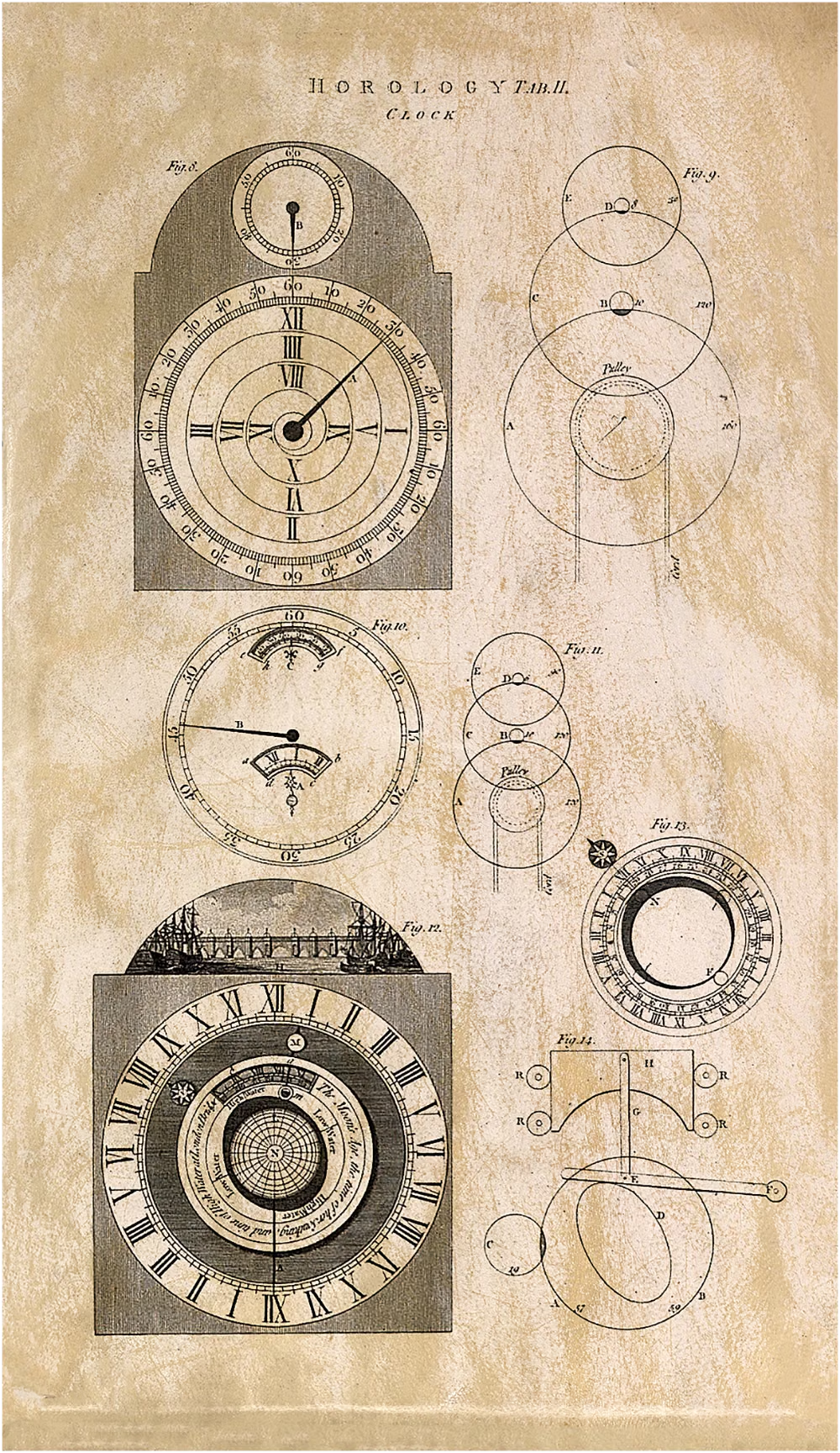
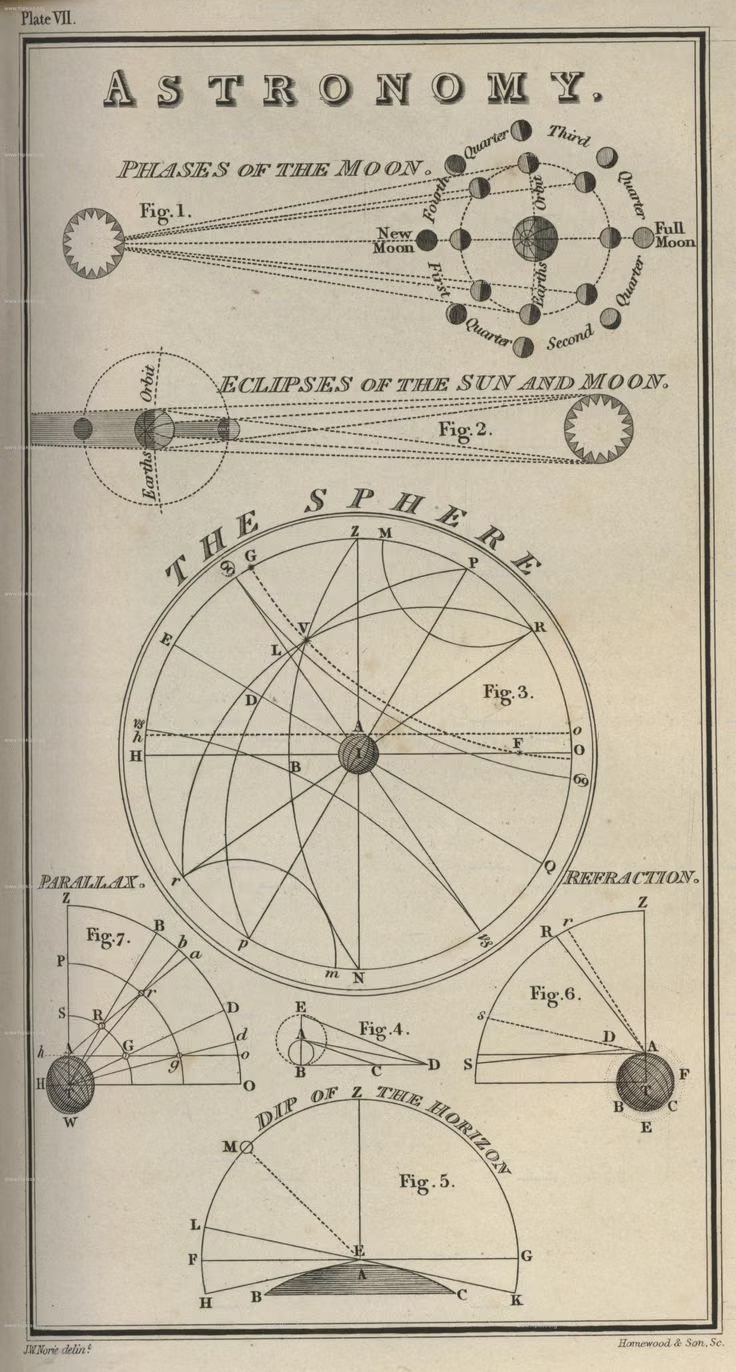
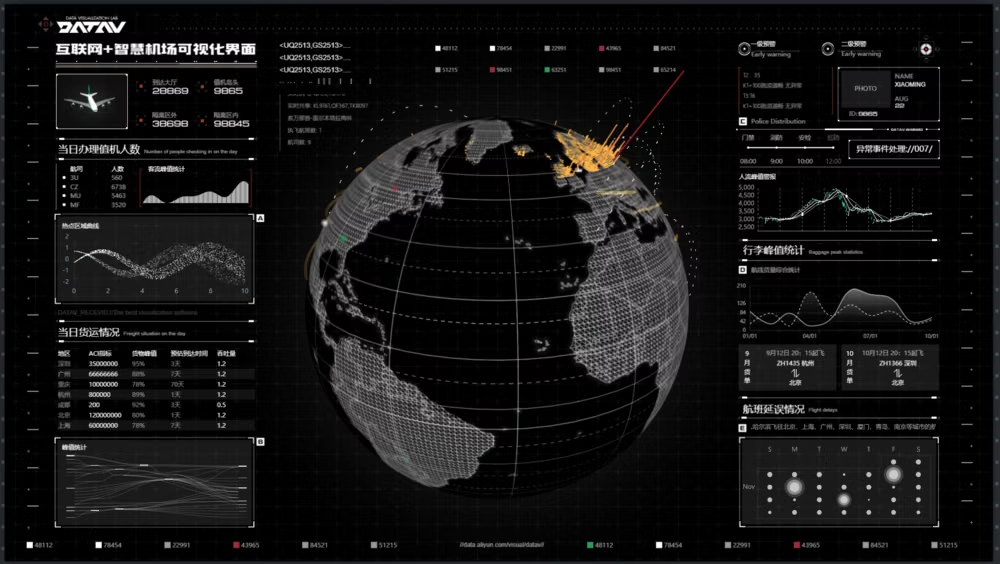
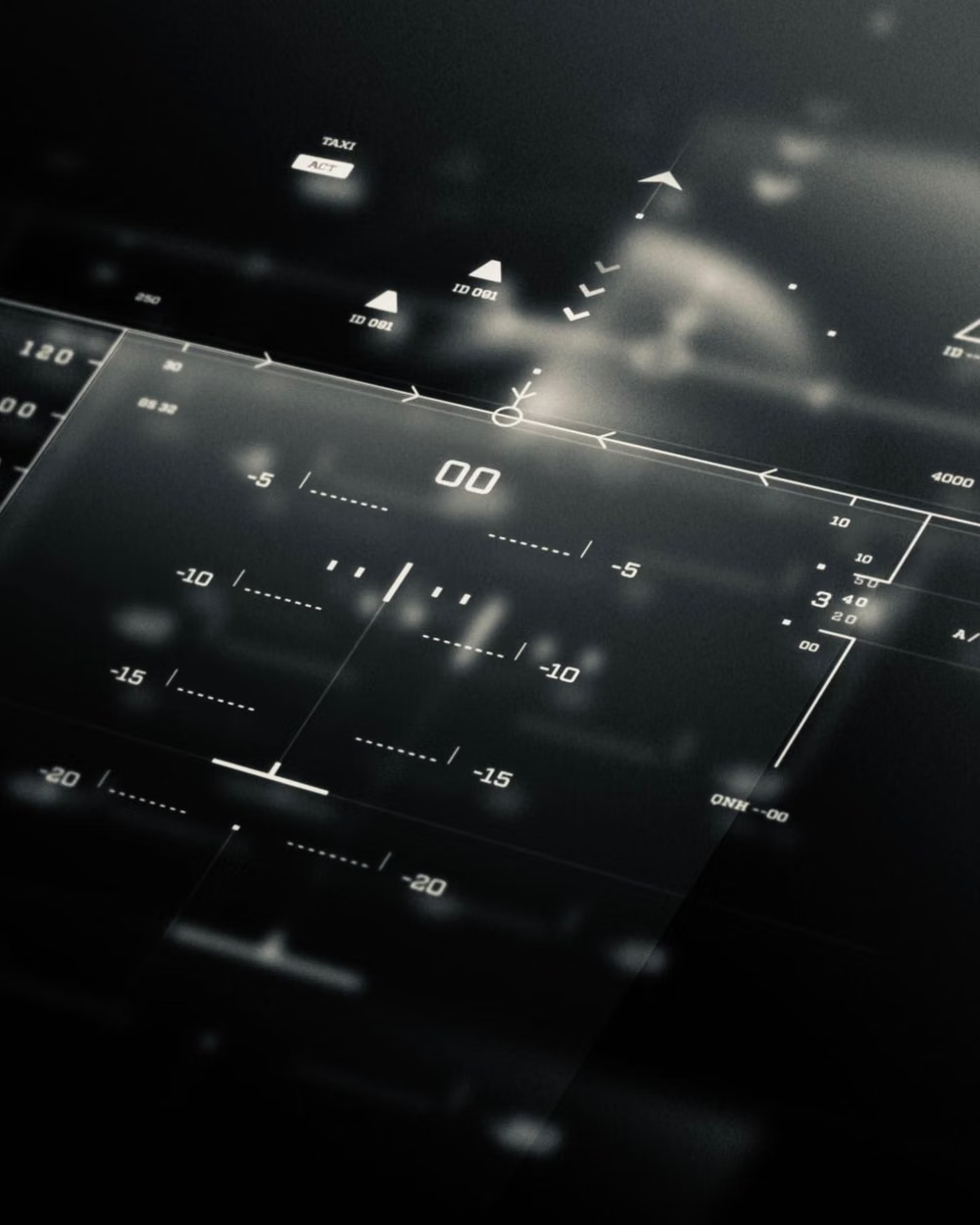
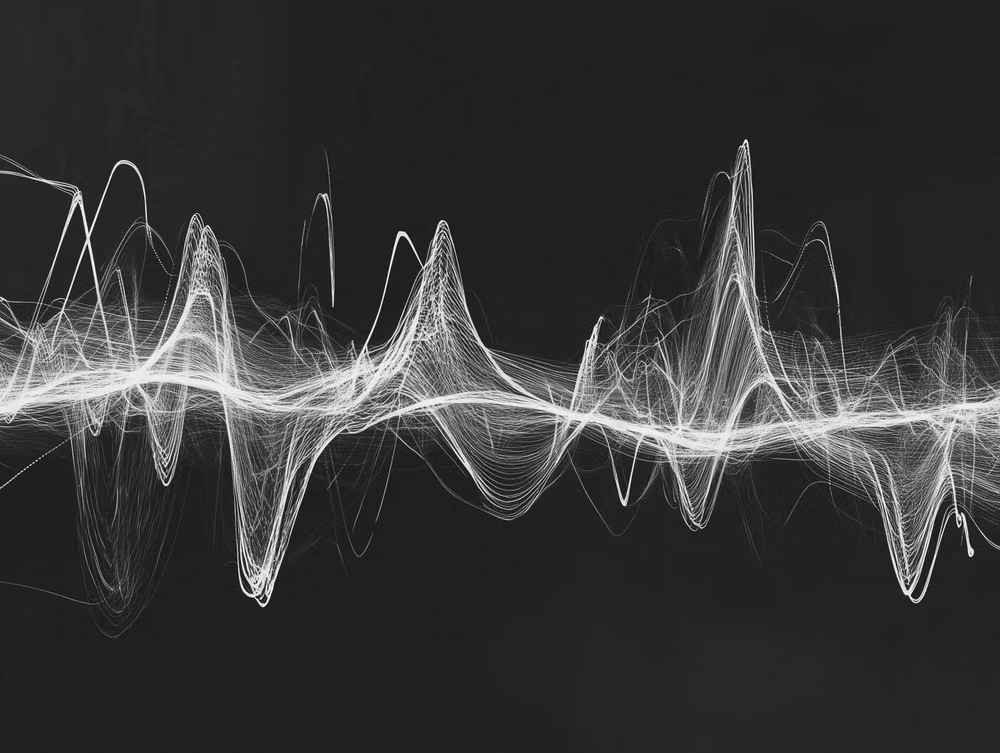
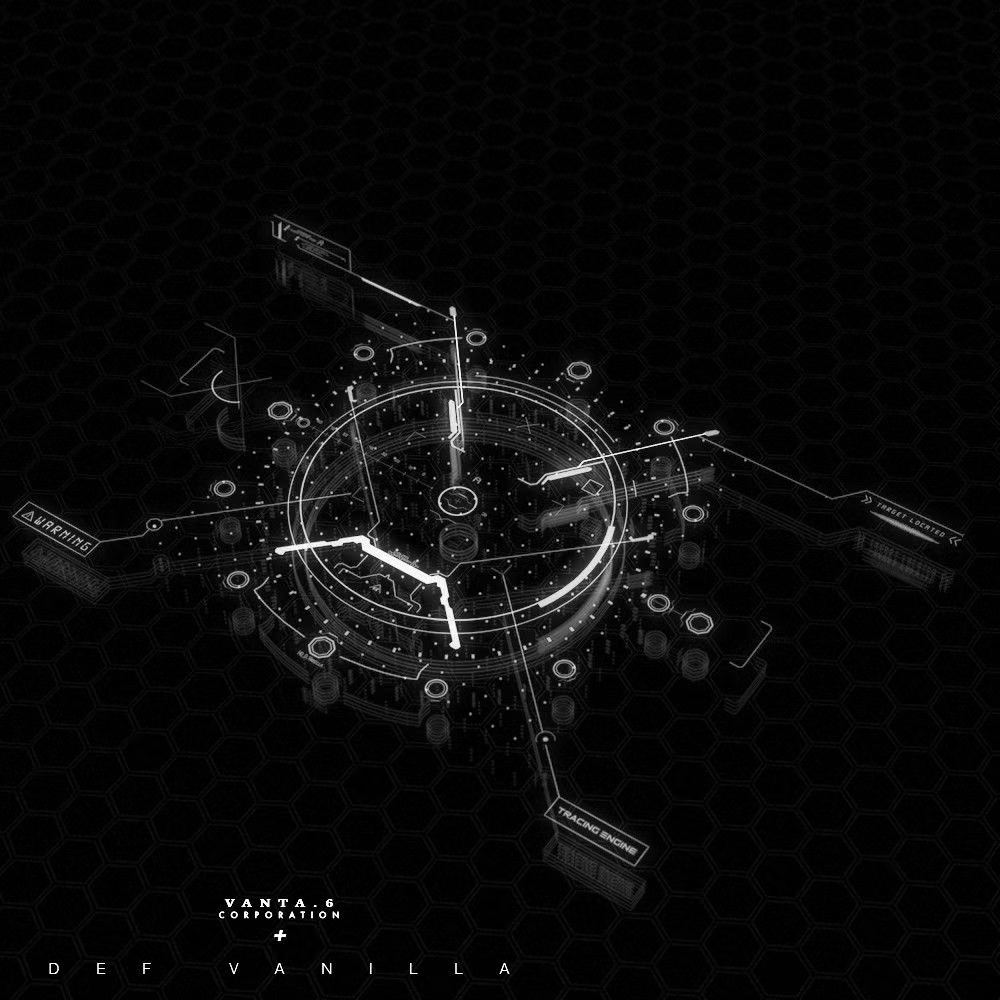
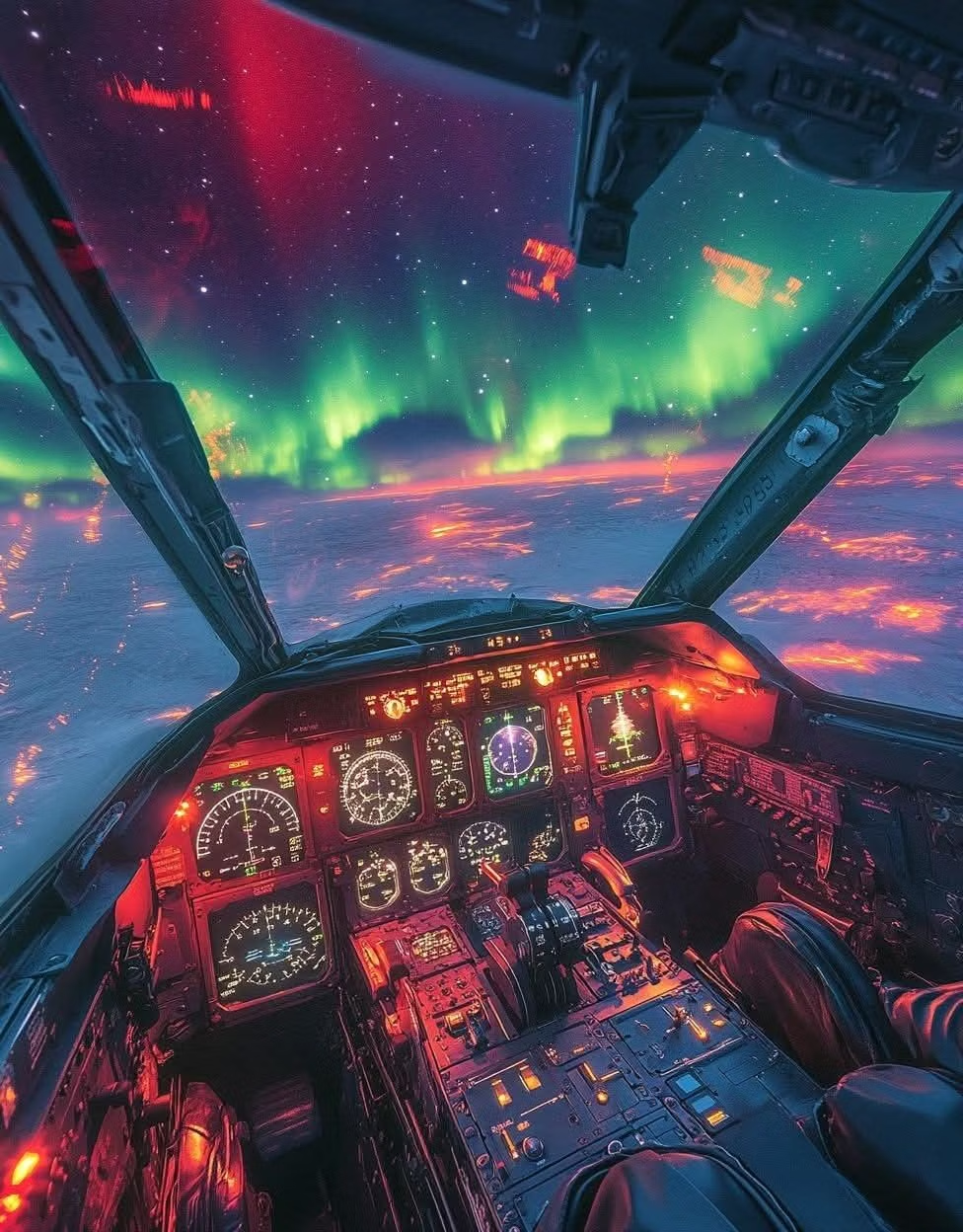
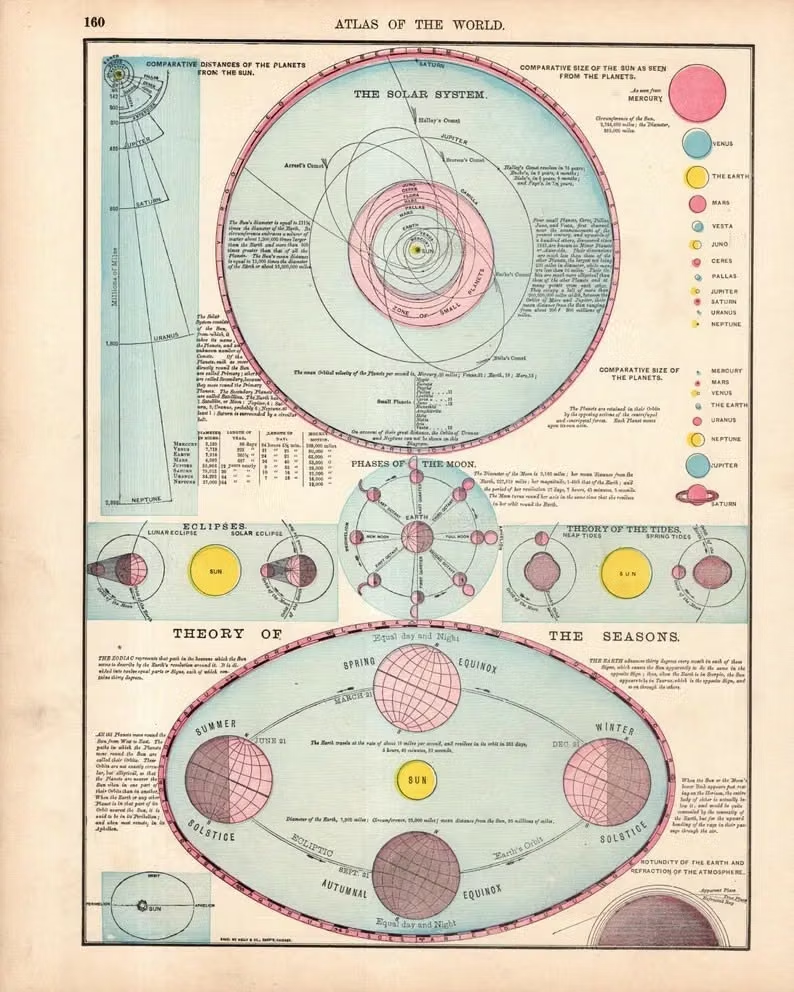
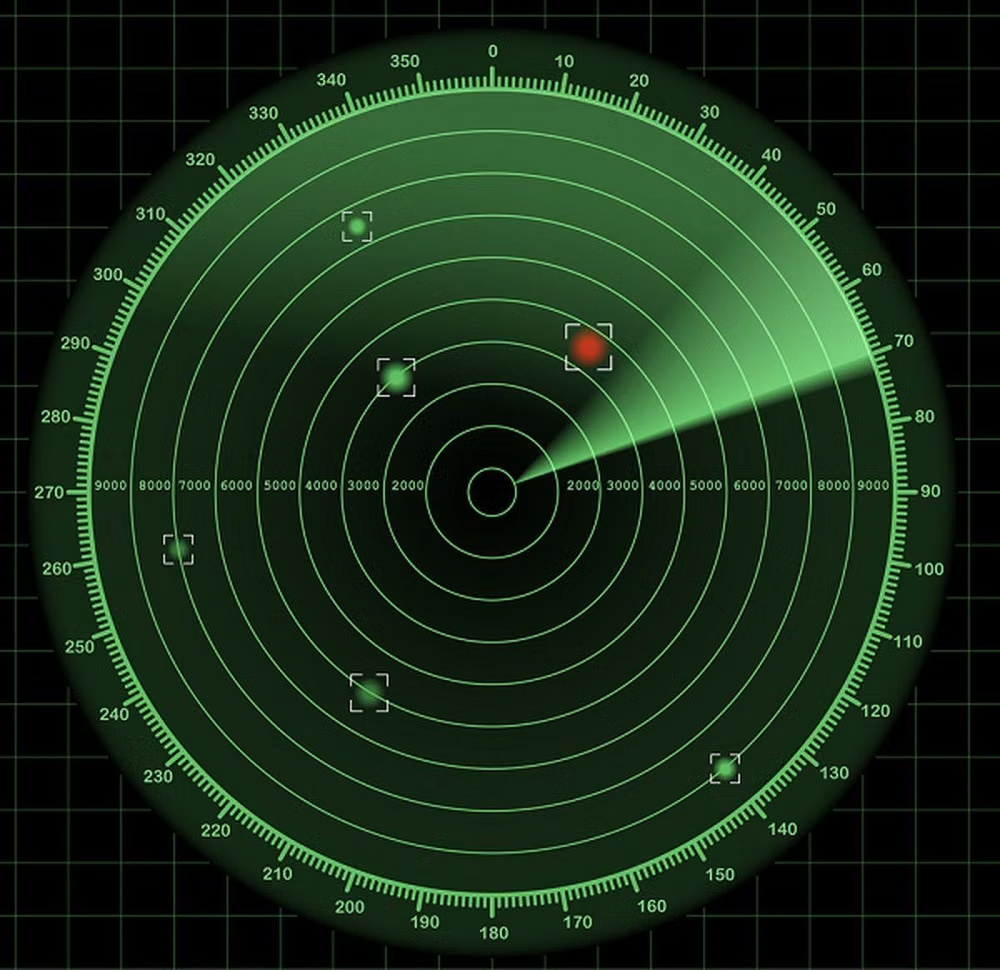
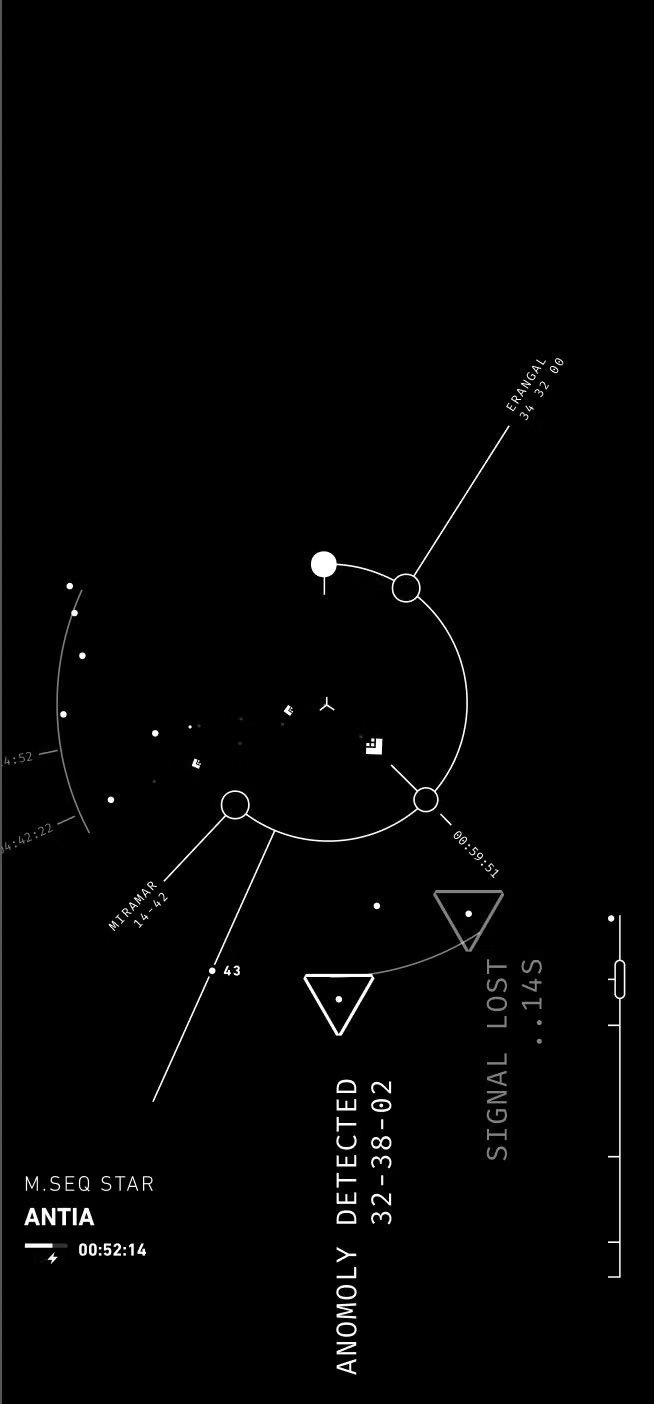
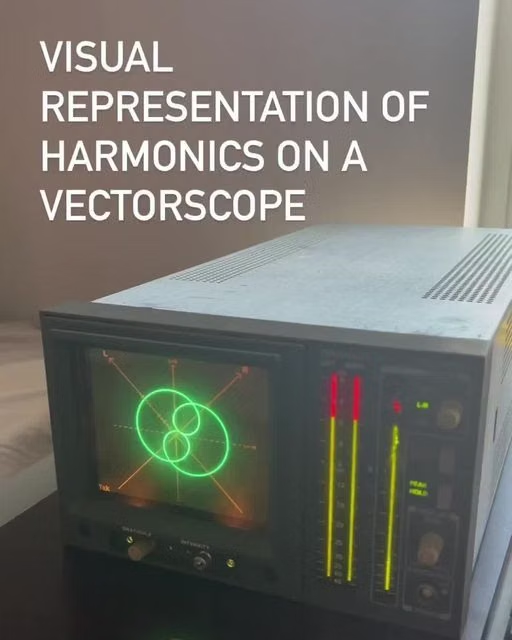
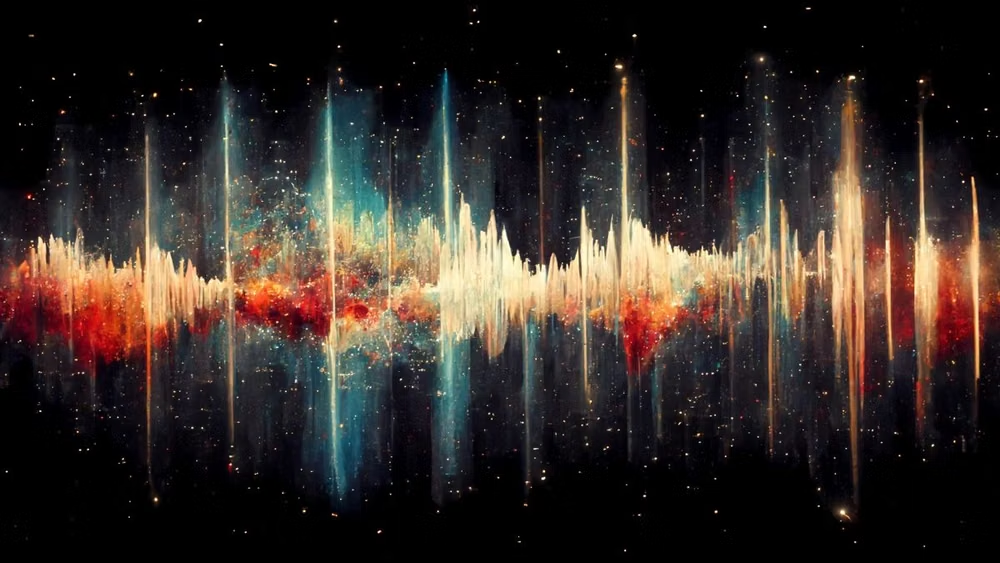
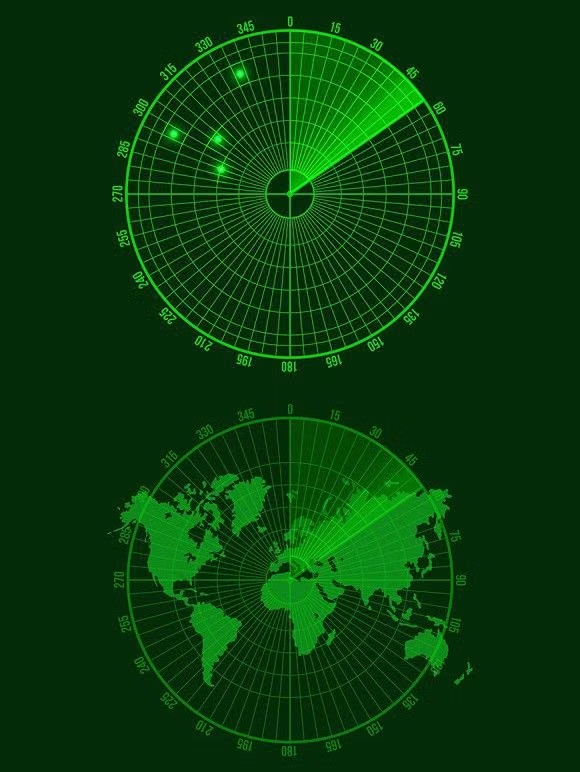
A visual study of the forms, inspirations, materials, colors, type, and cultural references associated with this UI design style.
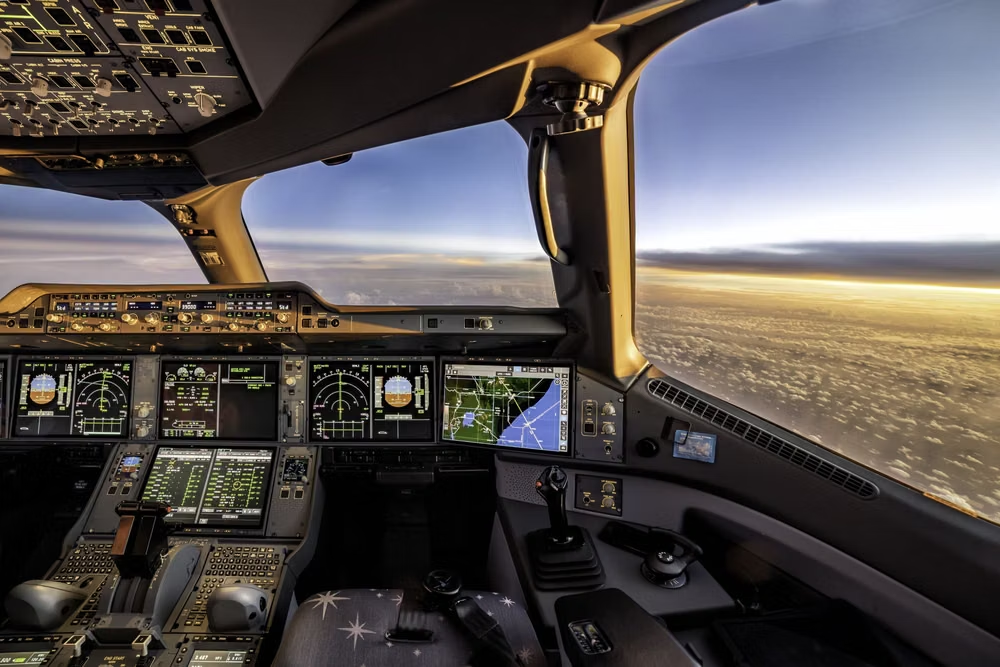
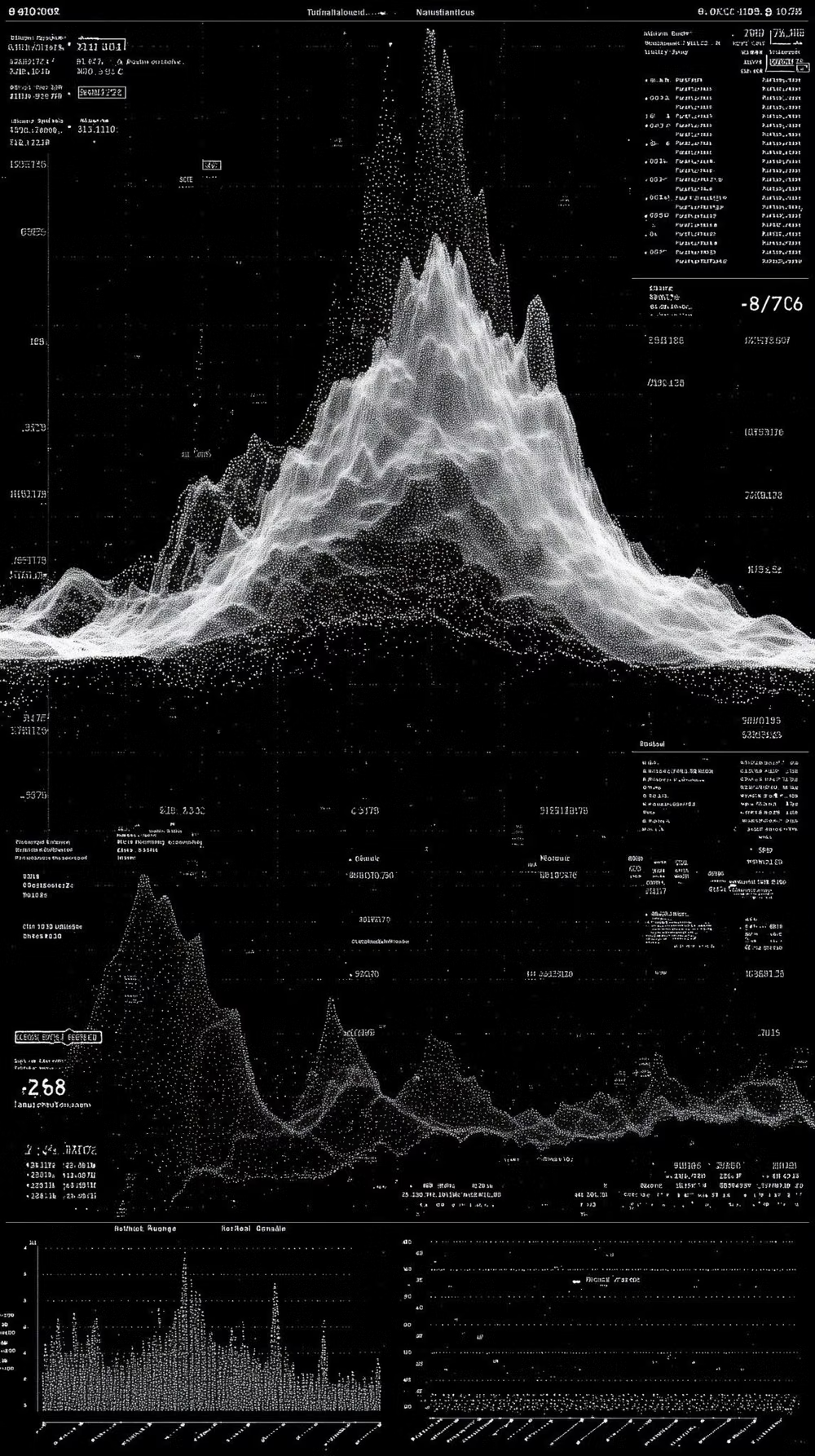
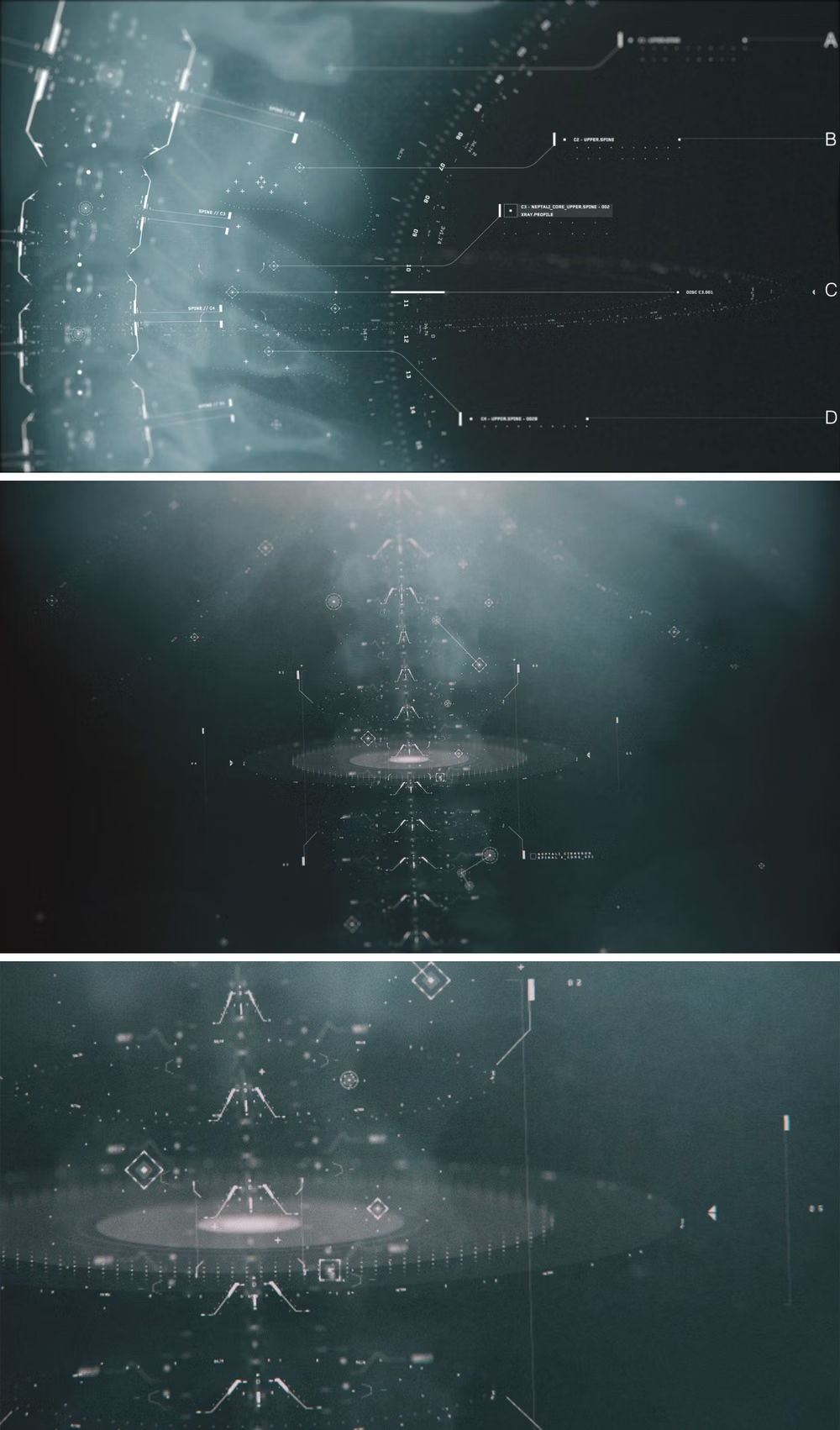
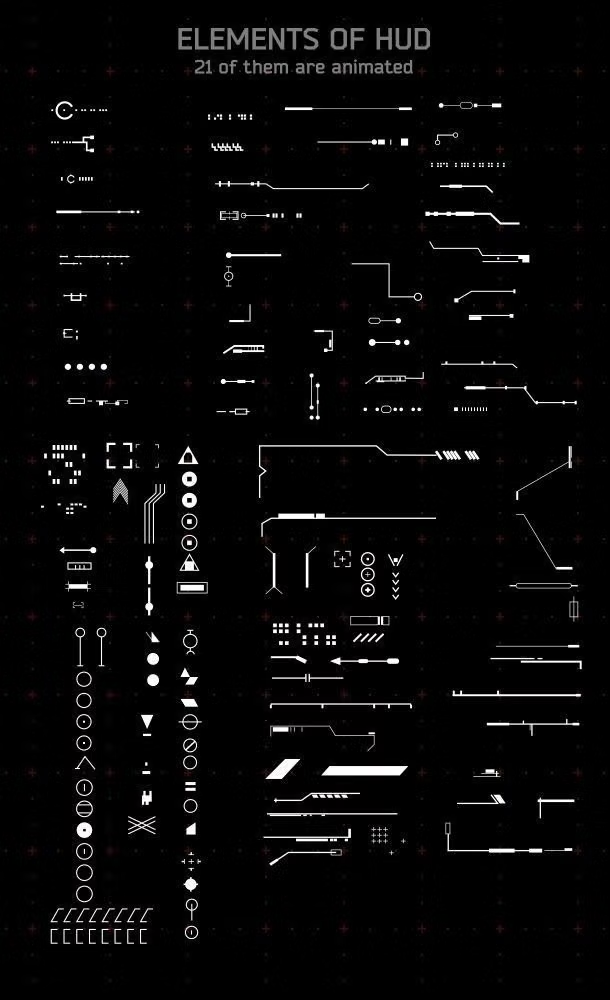
Design principles and implementation
Use these principles to write a focused AI UI design prompt instead of asking for a vague visual treatment.
Color direction
Layer translucent cyan, amber, or green over deep blue-black, reserving red for lock, danger, or failure states with strict semantic meaning. In a daisyUI theme, use the dominant display color—cyan, amber, or green—for `primary`, a second restrained readout hue for `secondary`, and step `base-100`, `base-200`, and `base-300` from deep blue-black to near-black.
Imagery direction
Use maps, wireframes, schematics, thermal feeds, orbital plots, and scanned subjects integrated directly into the instrumentation.
Content density
Allow high visual density but establish three signal tiers, keeping mission-critical values bright while secondary telemetry recedes. Use the `*-sm` size variants for daisyUI components to preserve this compact working density.
Motion direction
Use scanning sweeps, gauge interpolation, targeting locks, waveform motion, and brief data ticks tied to simulated system events.
Shape language
Build with reticles, angular brackets, clipped polygons, segmented rings, and thin technical linework rather than conventional cards. In daisyUI themes, set the `--radius-*` variables to `0` or `0.25rem`.
Typography rules
Set headings in condensed uppercase technical type, render data in monospaced numerals, and use wide tracking only for short labels.
Suggested Typfaces
Orbitron
Fresh daisies glow in warm sunlight
Fresh daisies glow in warm sunlight
1 2 3 4 5 6 7 8 9 0
Oxanium
Fresh daisies glow in warm sunlight
Fresh daisies glow in warm sunlight
1 2 3 4 5 6 7 8 9 0
Chakra Petch
Fresh daisies glow in warm sunlight
Fresh daisies glow in warm sunlight
1 2 3 4 5 6 7 8 9 0
Rajdhani
Fresh daisies glow in warm sunlight
Fresh daisies glow in warm sunlight
1 2 3 4 5 6 7 8 9 0
Share Tech Mono
Fresh daisies glow in warm sunlight
Fresh daisies glow in warm sunlight
1 2 3 4 5 6 7 8 9 0
Build a FUI / HUD interface with daisyUI
The live example translates this direction into daisyUI components and semantic theme tokens.
To generate a full page in the same visual language, give the style name and the design rules above to Blueprint MCP.
Related UI design styles
Compare nearby visual languages that share typography, shapes, use cases, or signature elements.
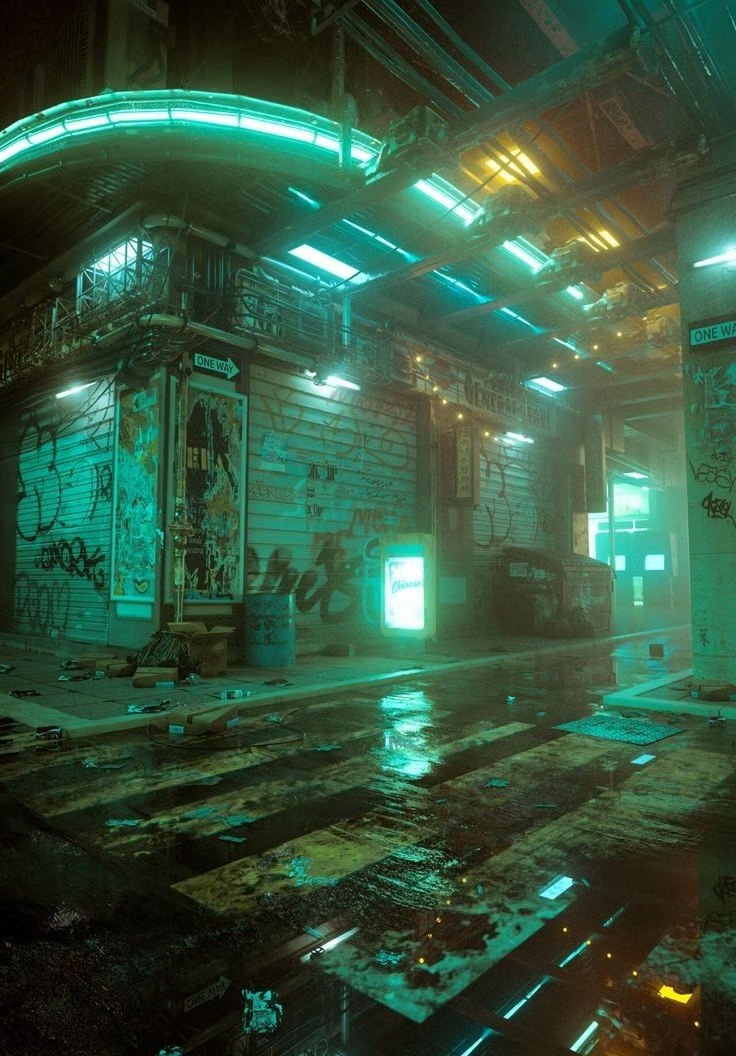
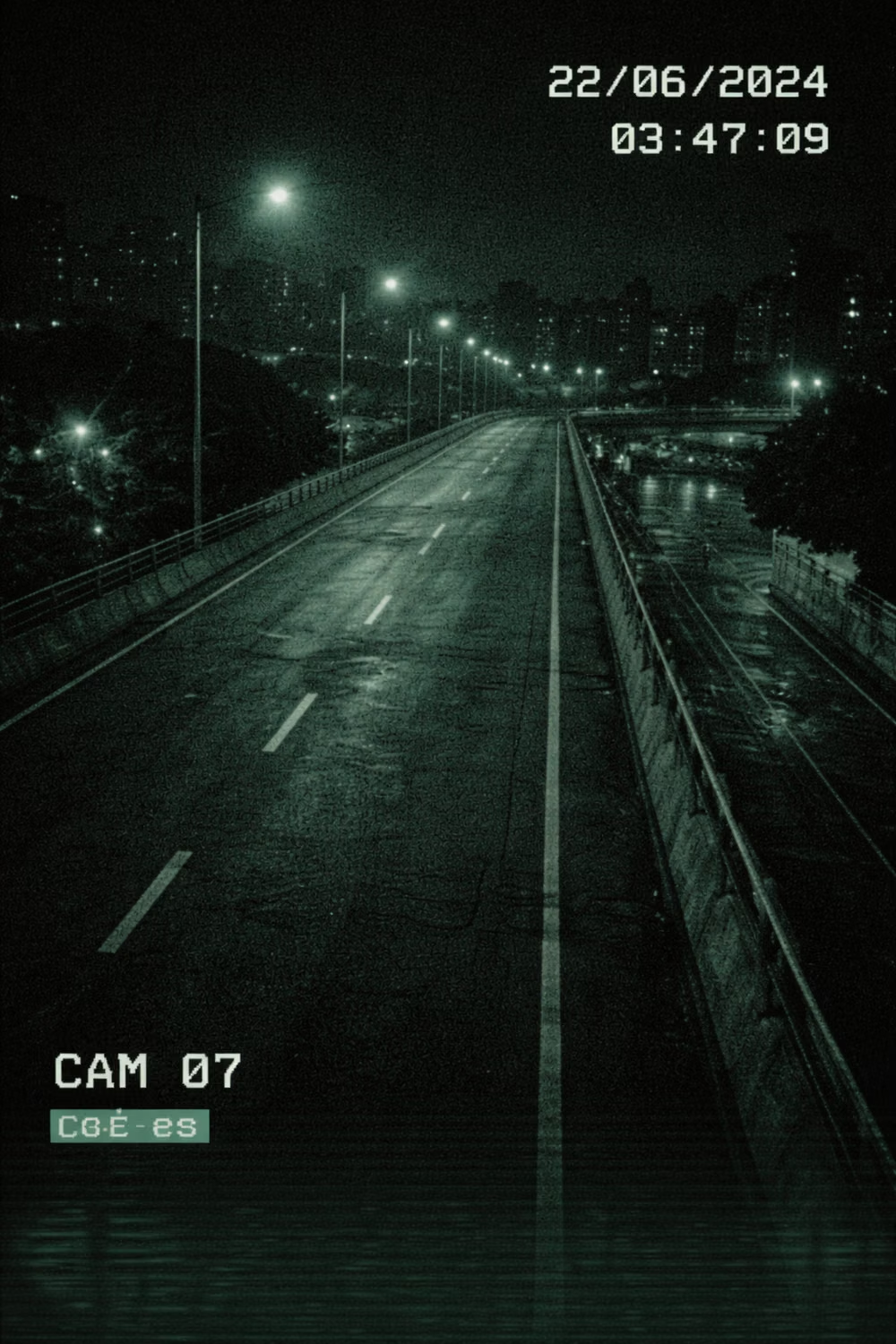
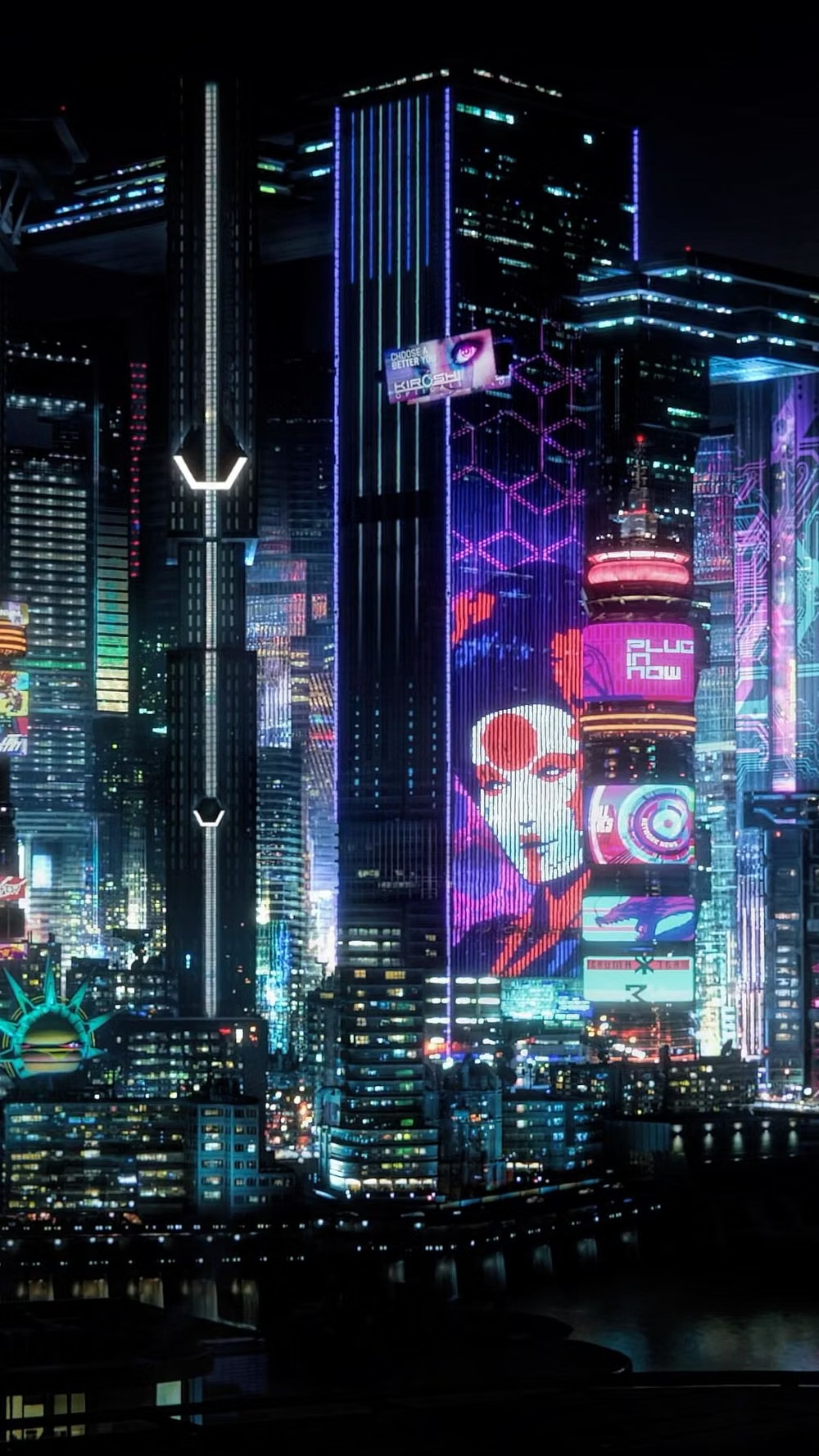
Cyberpunk UI design style
Dense dark interfaces use neon accents, glitches, terminal typography, surveillance motifs, and futuristic HUD elements.
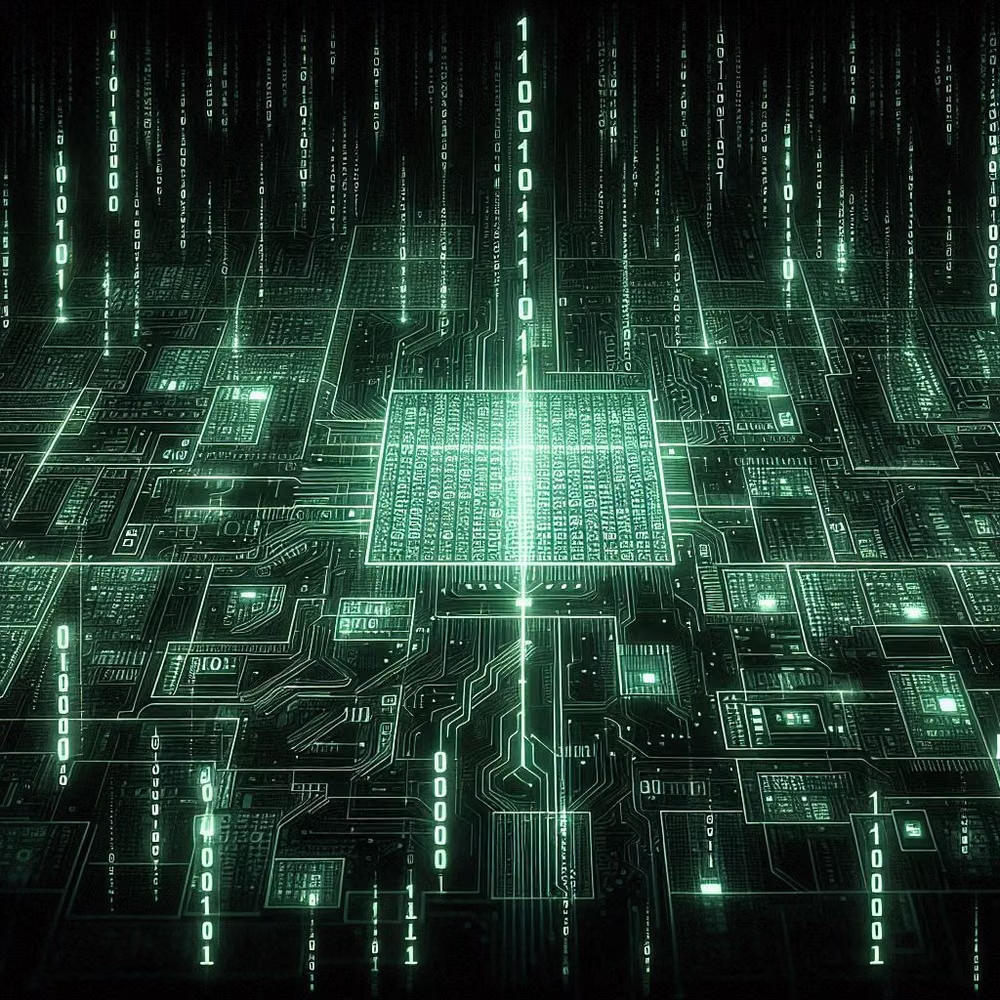
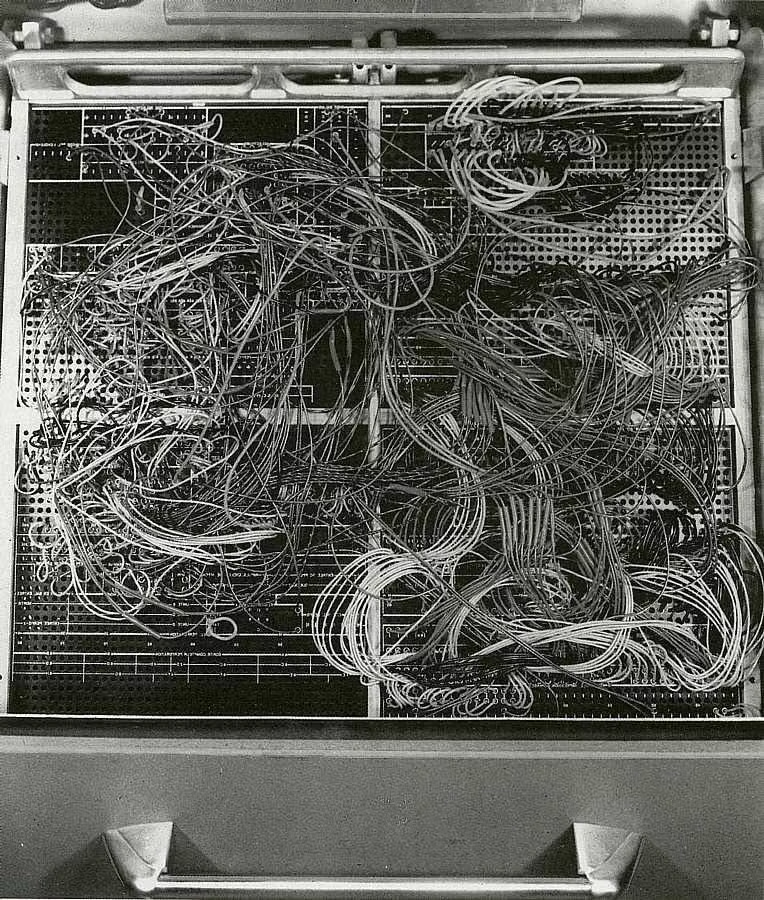
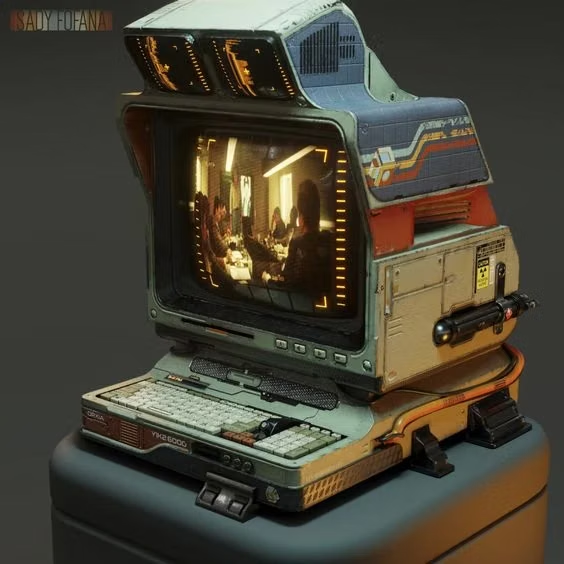
Cassette Futurism UI design style
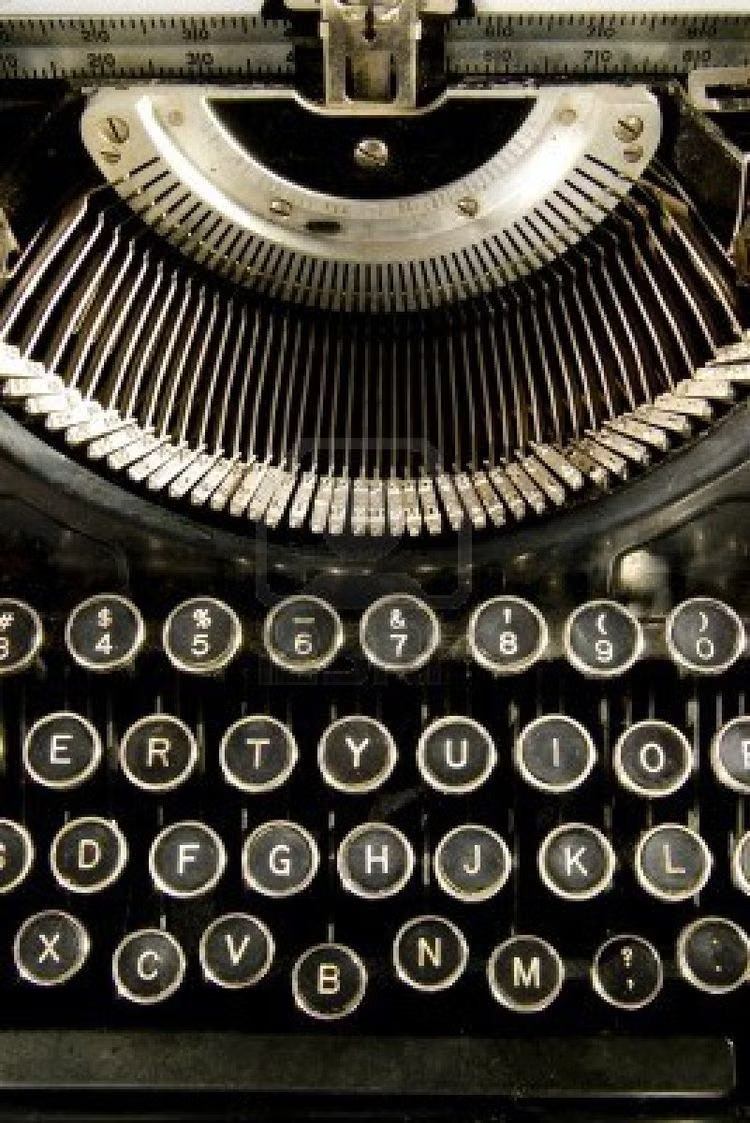
Chunky analog controls, CRT displays, industrial panels, physical switches, amber or green screens, and late-20th-century science-fiction technology.
Terminal / CLI UI design style
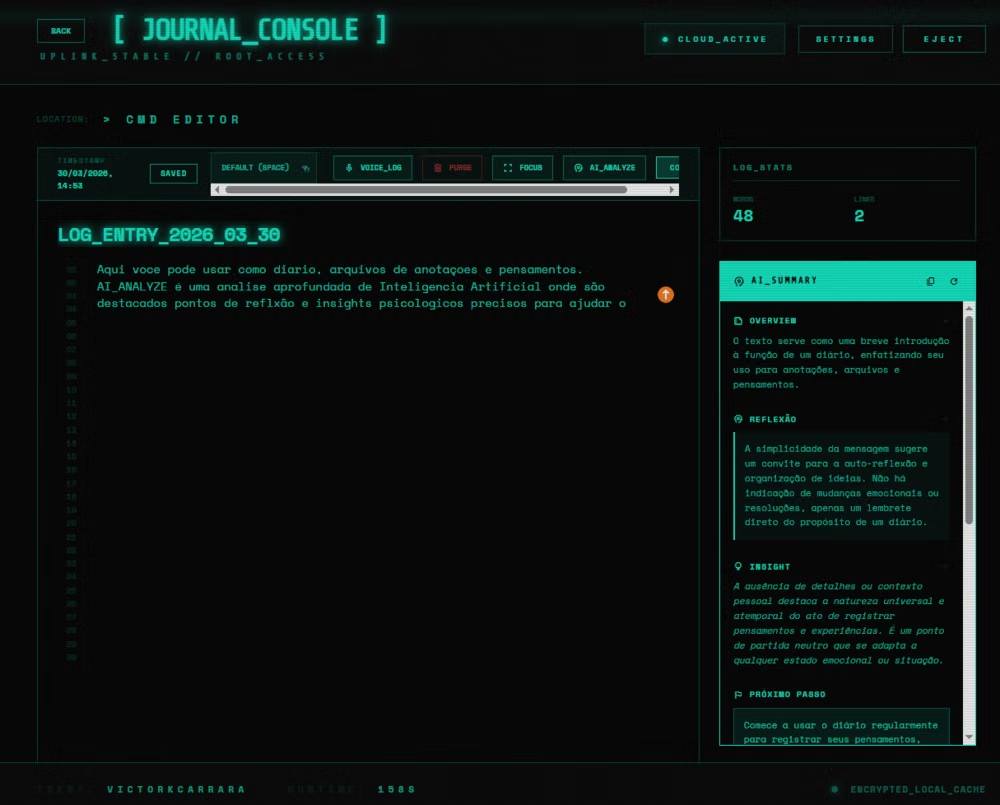
Monospaced type, command prompts, phosphor-like color, cursor states, logs, and text-first interaction.