Terminal / CLI UI design style
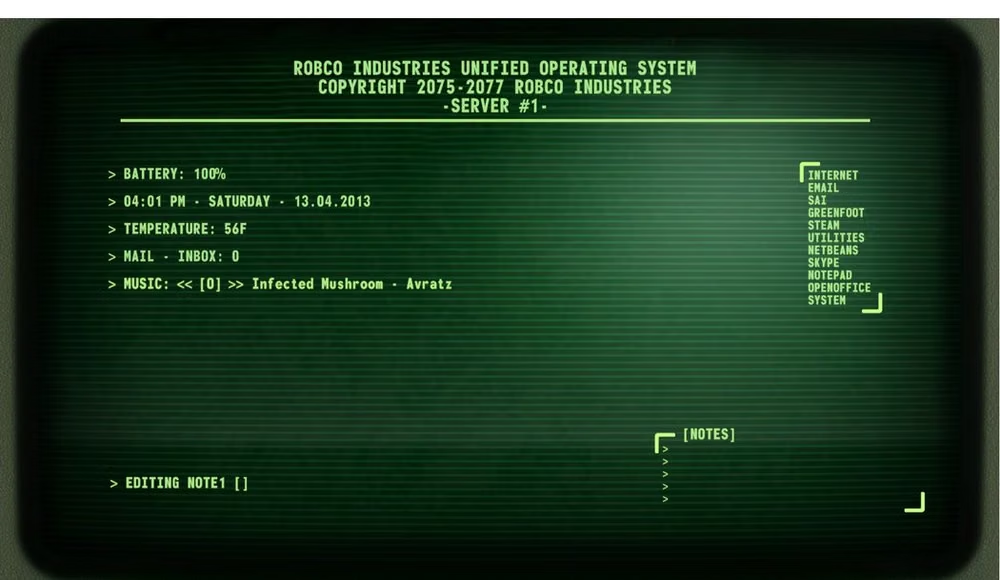
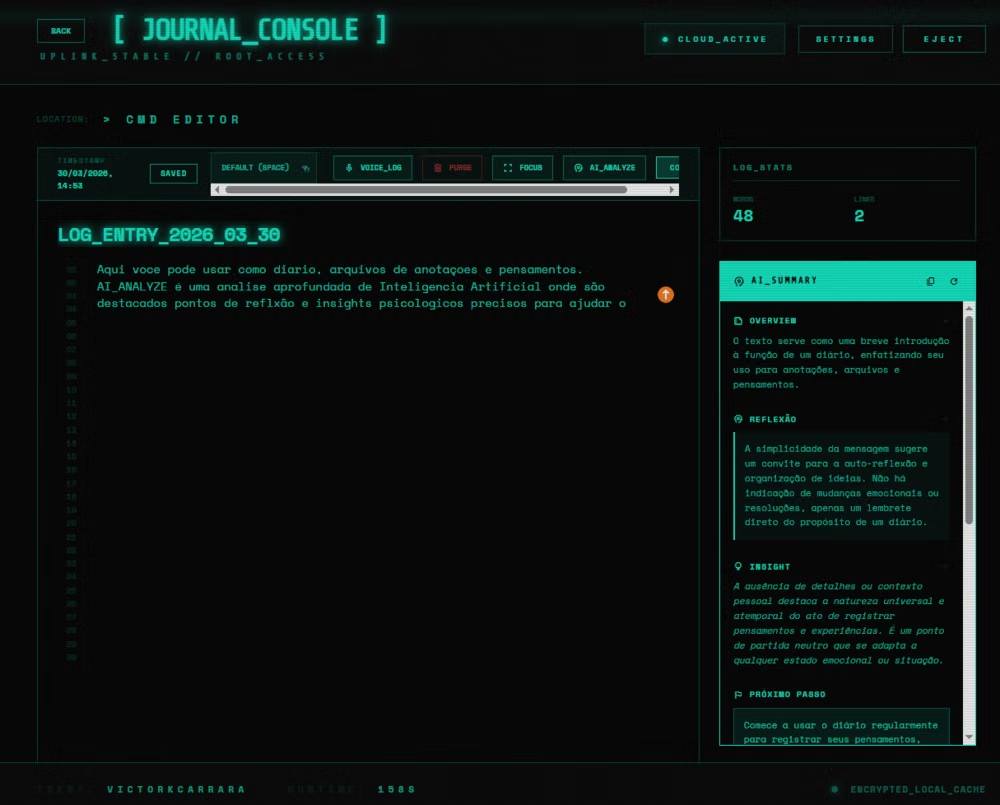
Monospaced type, command prompts, phosphor-like color, cursor states, logs, and text-first interaction.
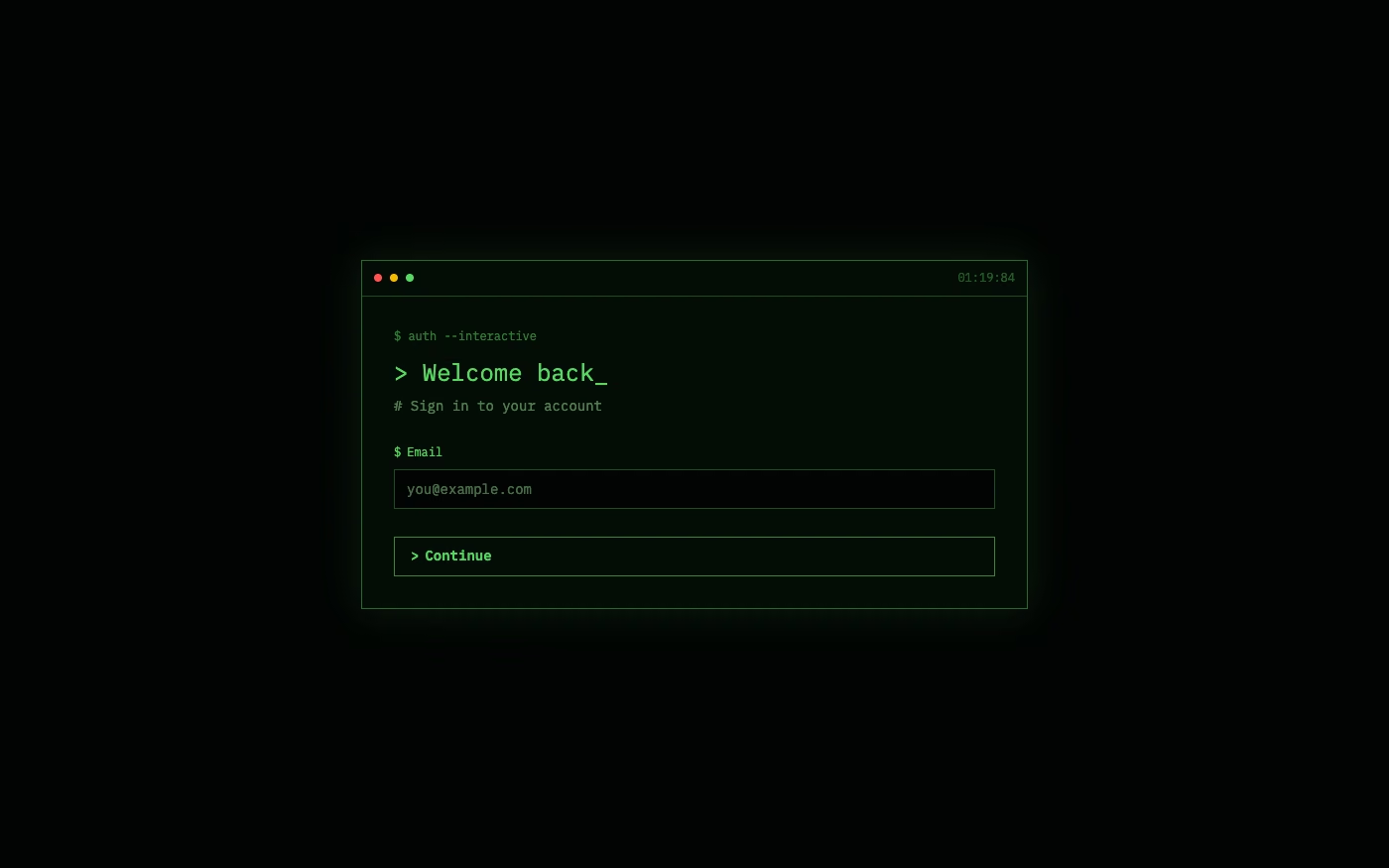
Design overview
- Signature elements
- monospace typography, command prompts, blinking cursor, phosphor glow, text logs, keyboard-first interaction
- Best suited to
- Developer products, security tools, technical portfolios, games, and retro-computing experiences.
- Layout principles
- Structure the screen as a command stream or split terminal panes, keep the active prompt anchored and obvious, and preserve chronological output.
History and origins
A fact-checked account of where this visual language came from, with links to the references used.
- Period
- Early 1960s–present
- Origin
- Time-sharing computer laboratories in the United States and Europe
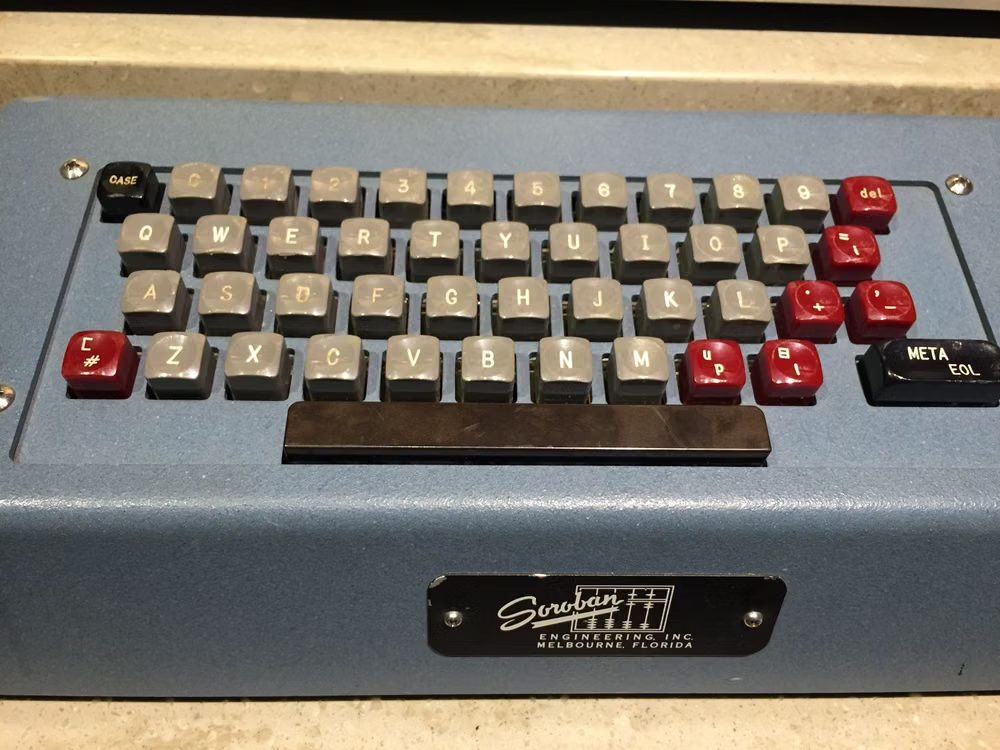
Command-line interaction developed with time-sharing systems: CTSS, demonstrated at MIT in 1961, is widely identified as the first true command-line interface. Louis Pouzin introduced the shell concept and name while working on Multics around 1964, establishing the command interpreter model that later Unix terminals and today’s CLI-inspired interfaces still echo.
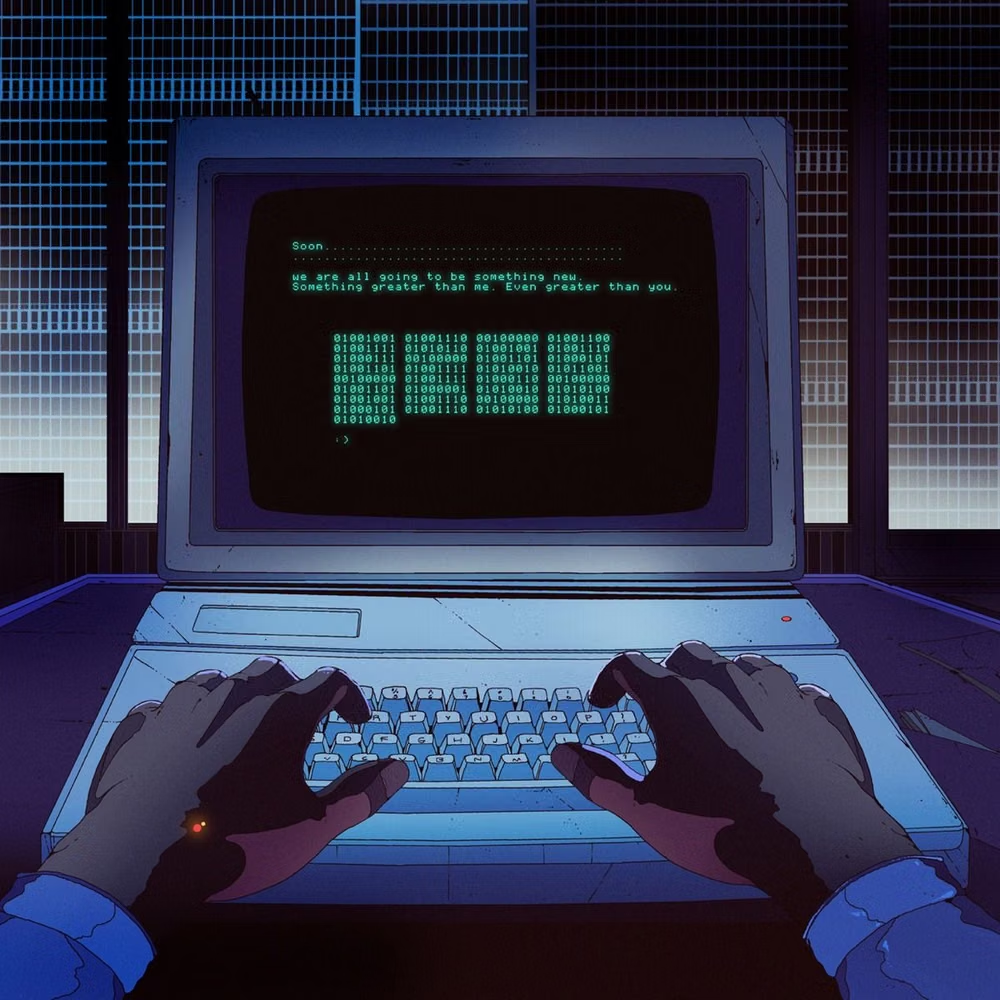
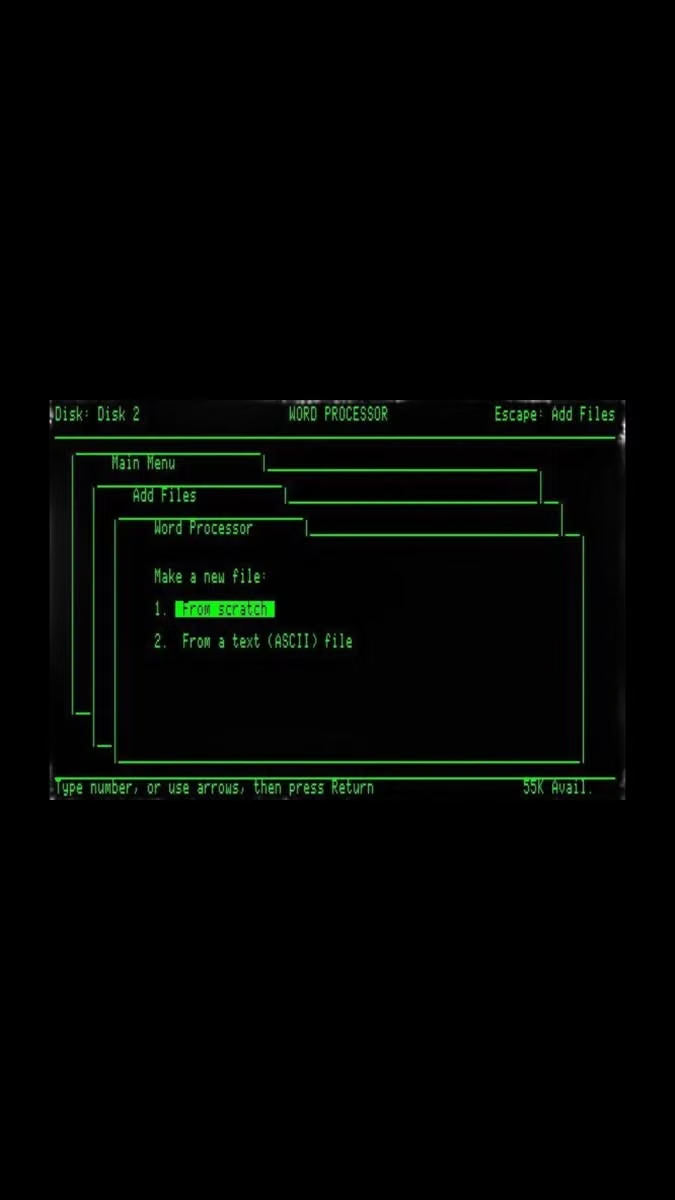
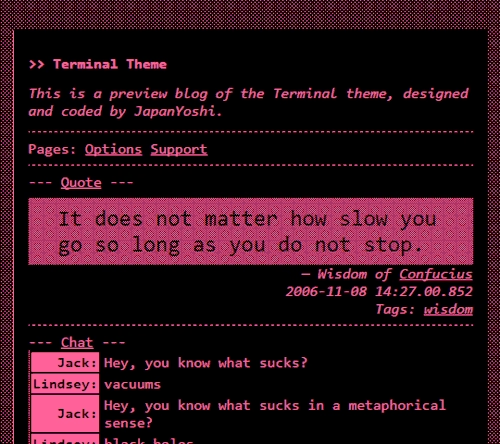
Moodboard and visual references
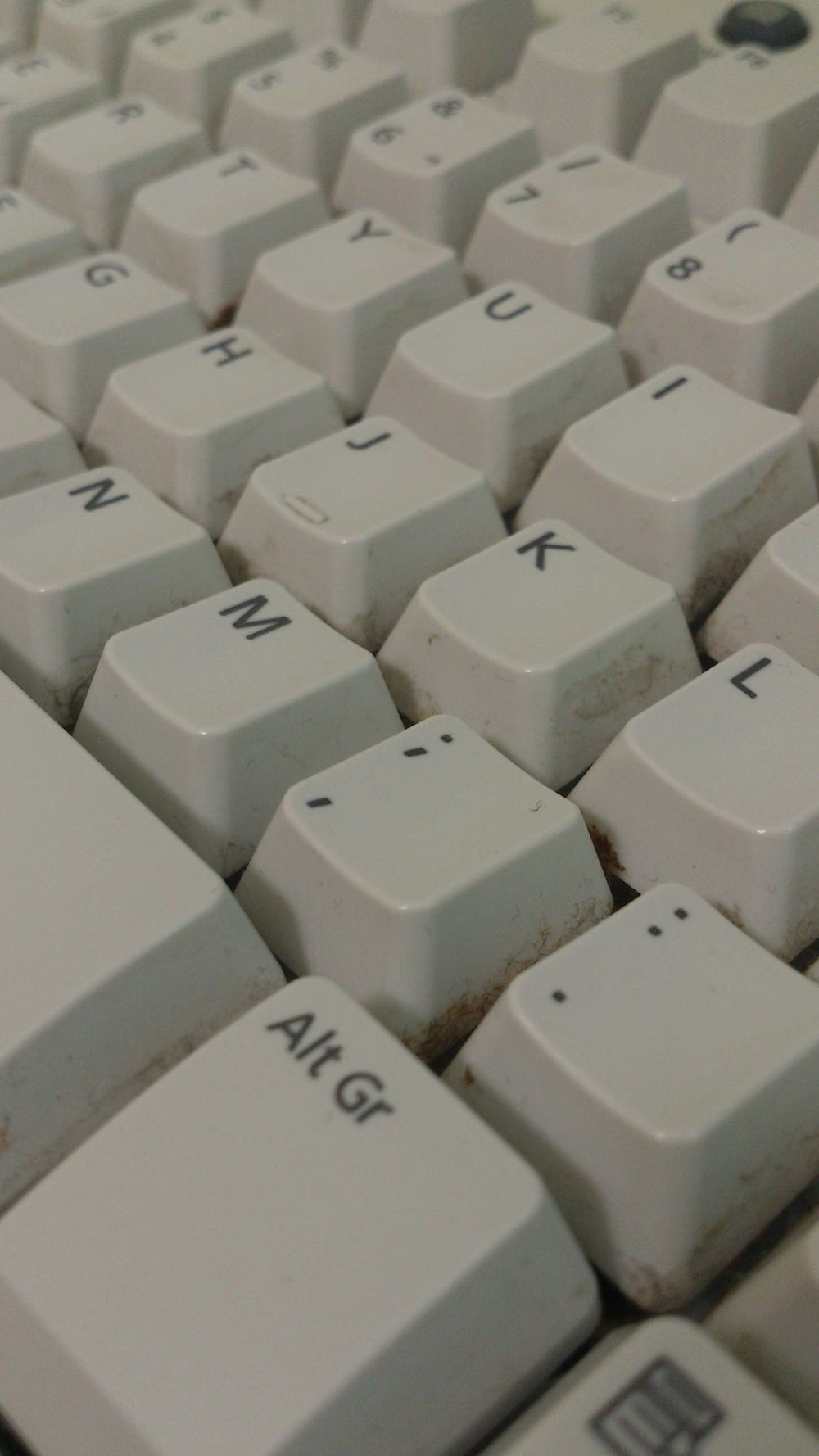
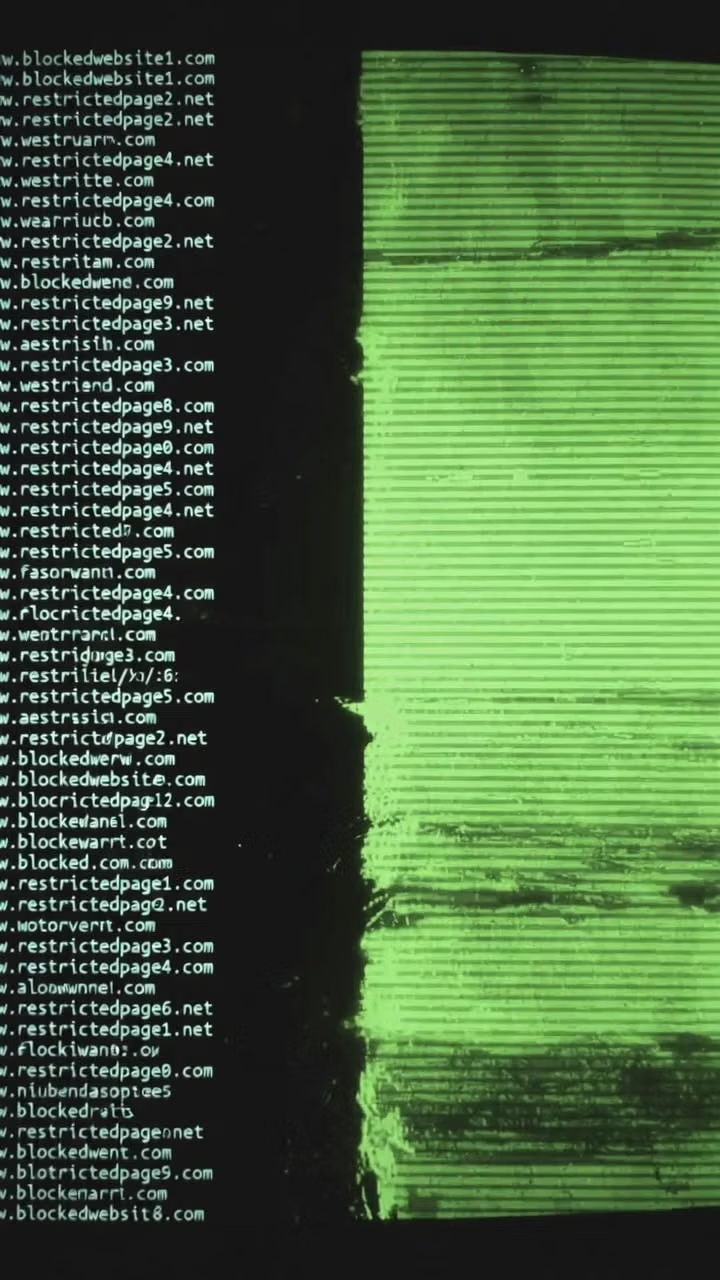
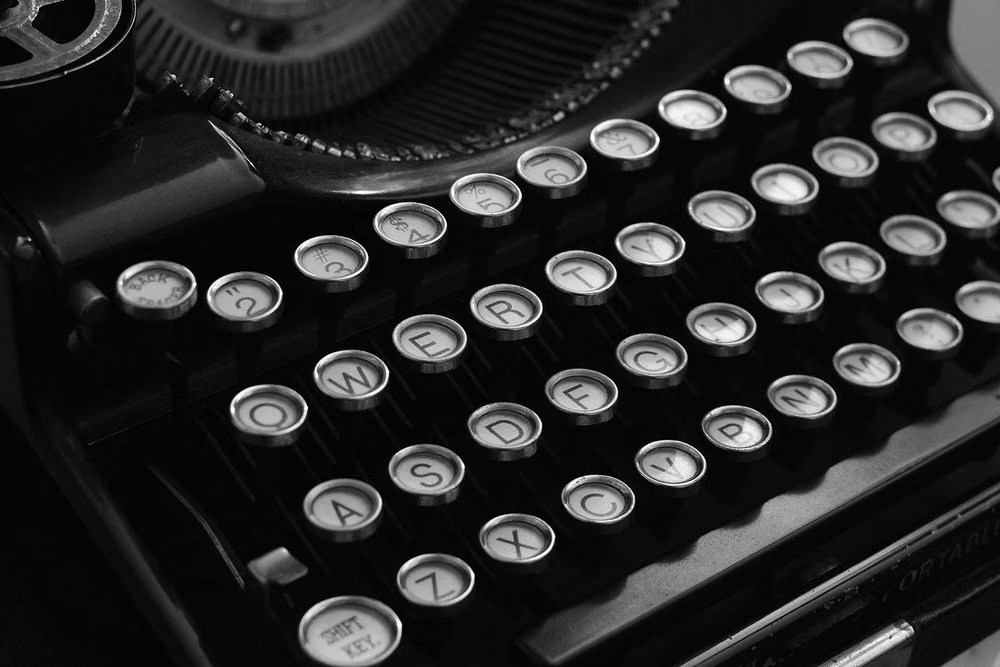
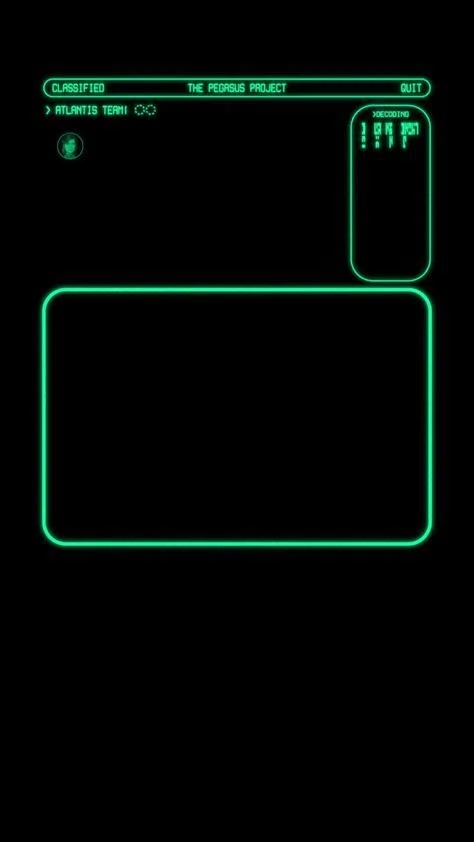
A visual study of the forms, inspirations, materials, colors, type, and cultural references associated with this UI design style.
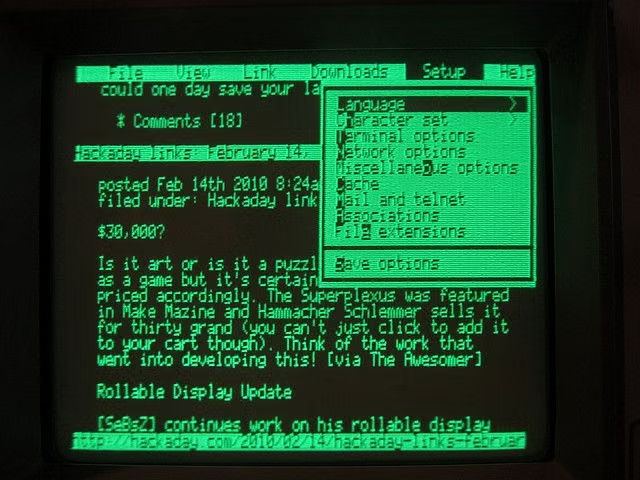
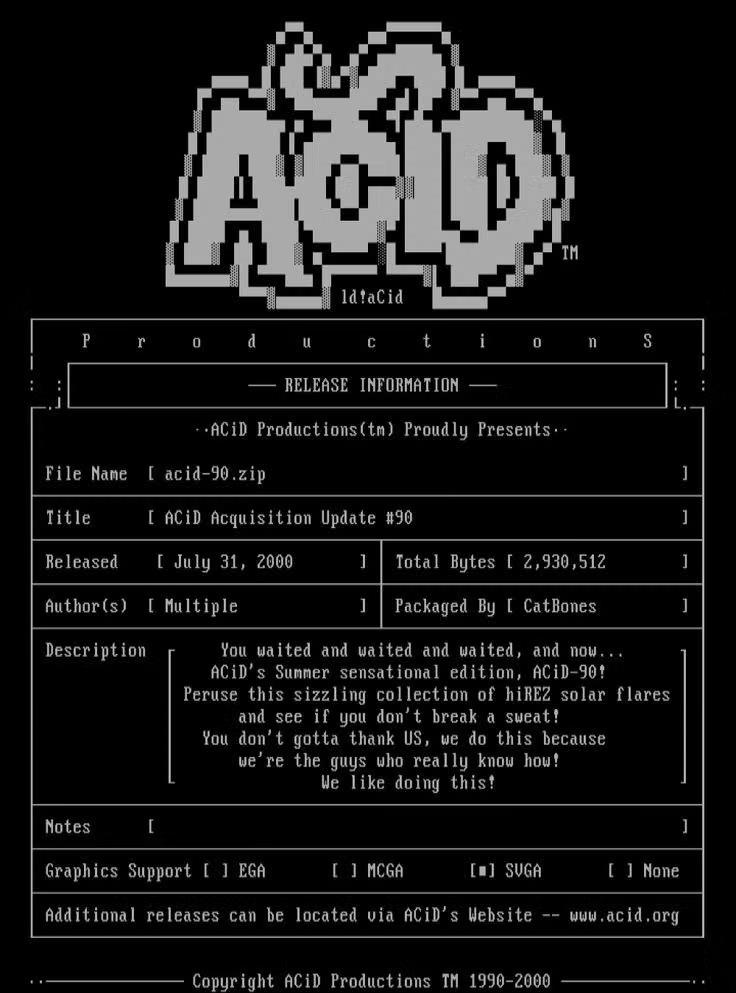
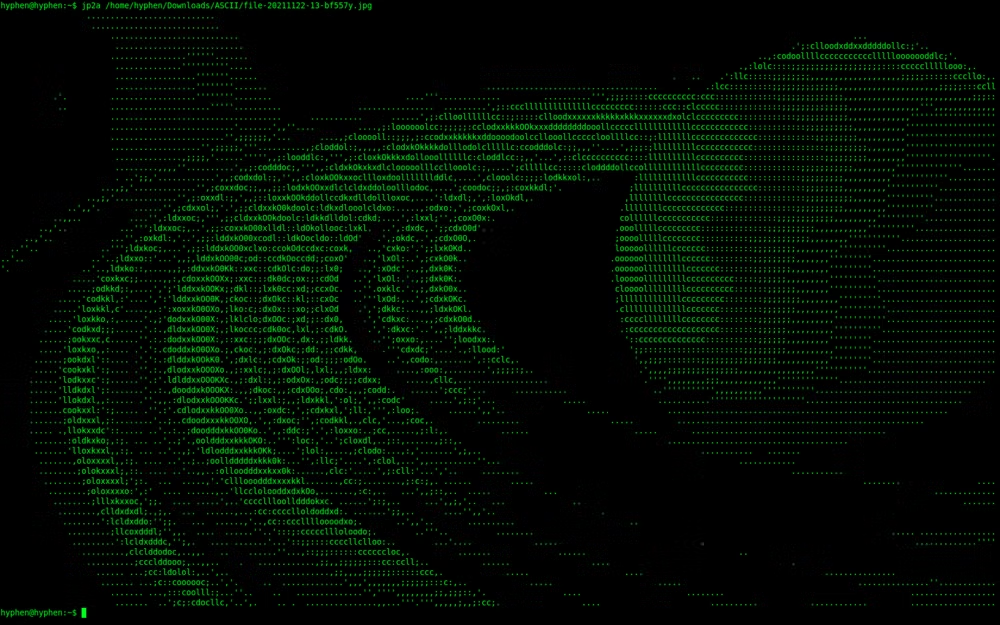
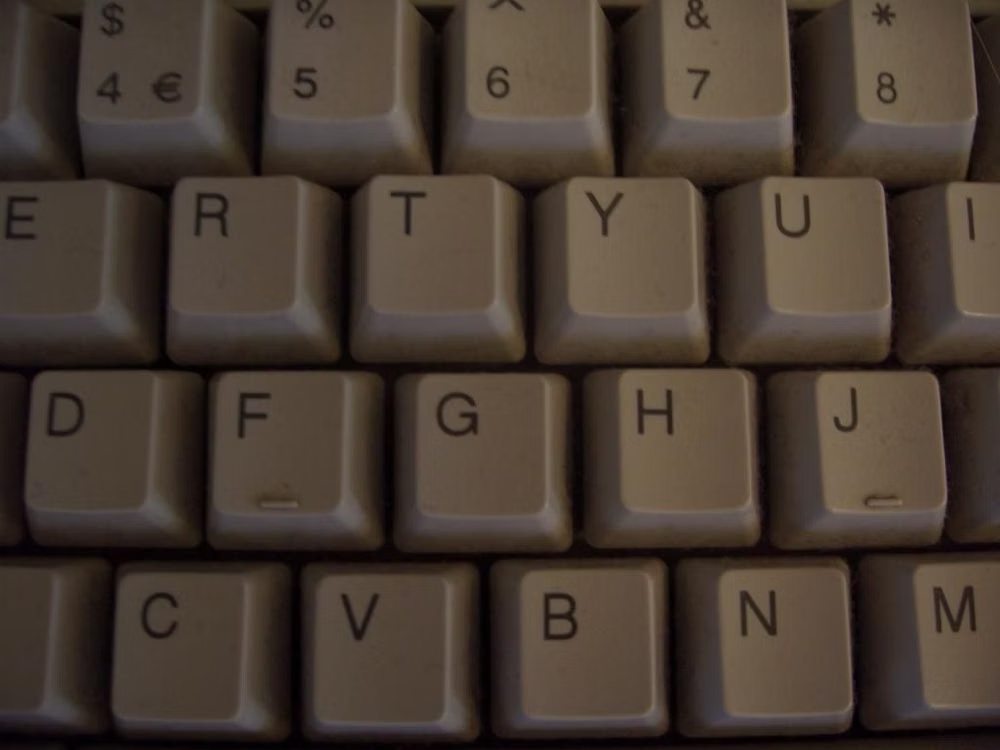
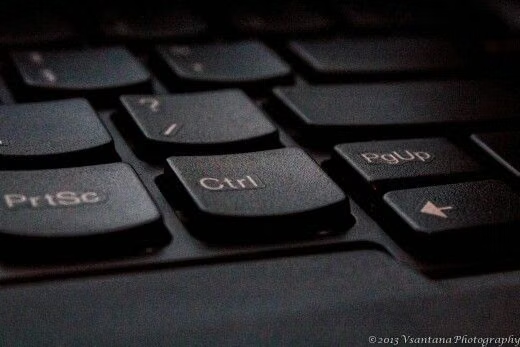
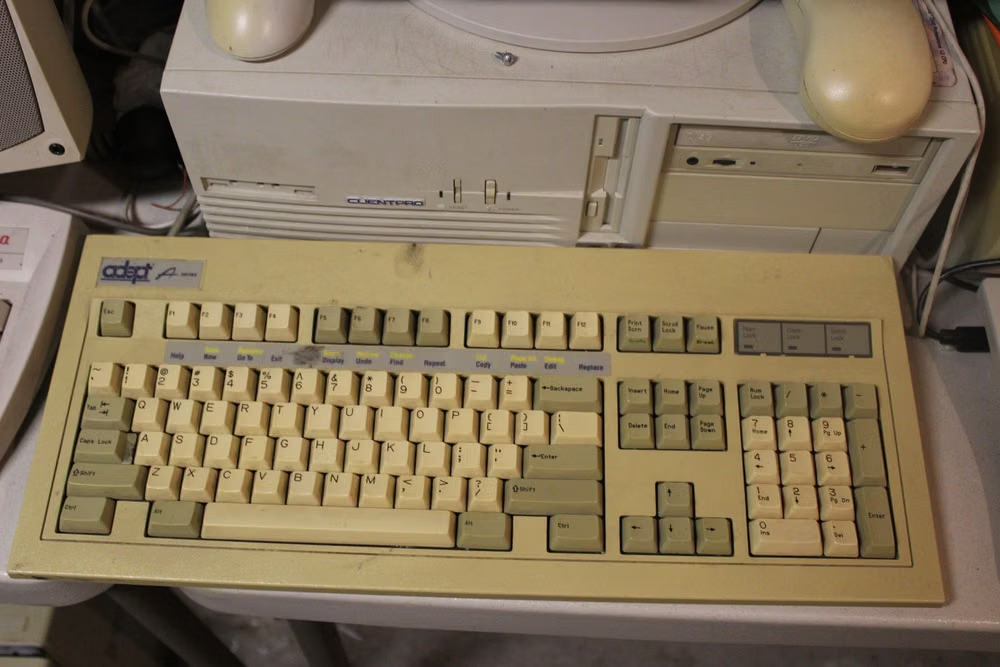
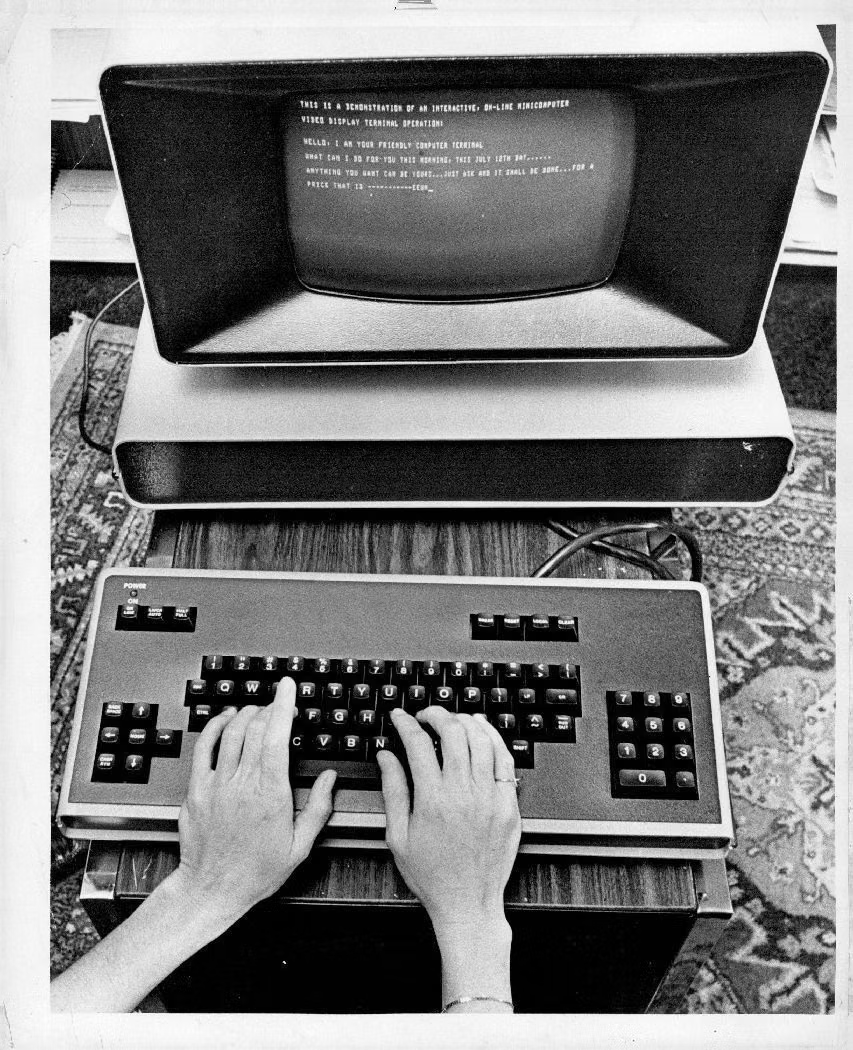
![green phosphor CRT terminal screen photograph - $ initialize CRT_BOY —mode=figure —palette=neon_green,black [INFO] object loaded: name : CRT_BOY material : synthetic_polymer / pixel_resin style : retro_terminal / glitch_core [DISPLAY] rendering scene... > background.sync = TRUE > monitor.state = BOOT_SEQUENCE > progress = 87% [PROCESS] loading modules: - texture.map .......... OK - neon.shader ........... OK - glitch.overlay ....... OK printf(«[CRT] >>> system breathing in green noise...\n»); WARNING: reality boundary unstabl...](../../moodboards/terminal-cli-ui/16-inspiration-green-phosphor-crt.avif)
Design principles and implementation
Use these principles to write a focused AI UI design prompt instead of asking for a vague visual treatment.
Color direction
Use near-black with one phosphor family, then borrow restrained ANSI colors for errors, warnings, diffs, and executable tokens. In a daisyUI theme, use phosphor green or amber for `primary`, restrained cyan for `secondary`, and set `base-100`, `base-200`, and `base-300` to deep charcoal, near-black, and true black.
Imagery direction
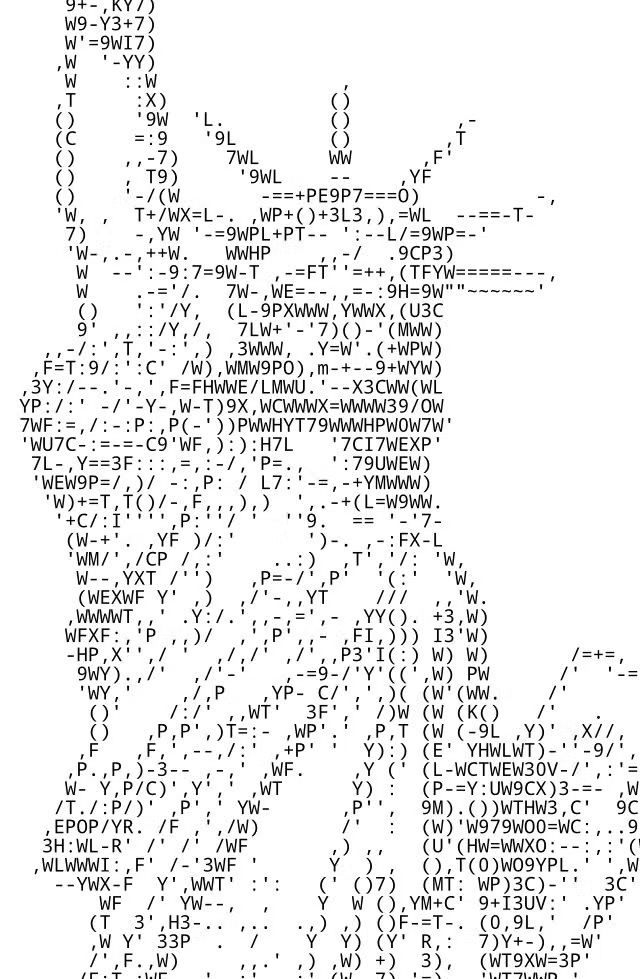
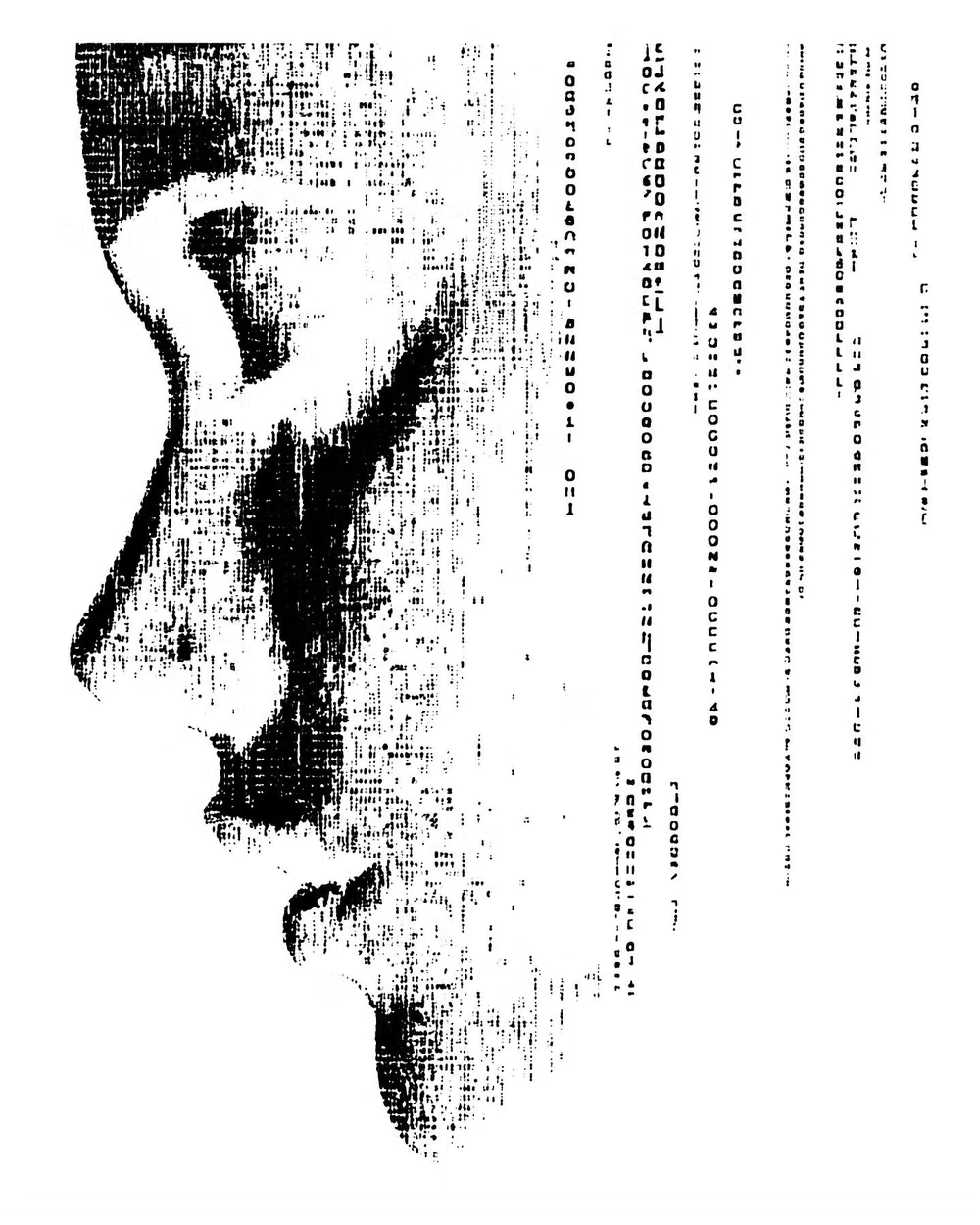
Rely on ASCII diagrams, pixel glyphs, code output, and terminal captures; convert decorative graphics into text-native marks where possible.
Content density
Support high vertical density with disciplined line height, stable indentation, collapsible logs, and visible command boundaries. Use the `*-sm` size variants for daisyUI components to preserve this compact working density.
Motion direction
Limit motion to cursor blink, prompt focus, type-on introductions, and rapid output reveal; completed command results should appear without theatrical delay.
Shape language
Use rectangular panes, one-pixel borders, brackets, rules, and text characters instead of rounded cards or floating controls. In daisyUI themes, set the `--radius-*` variables to `0` or `0.25rem`.
Typography rules
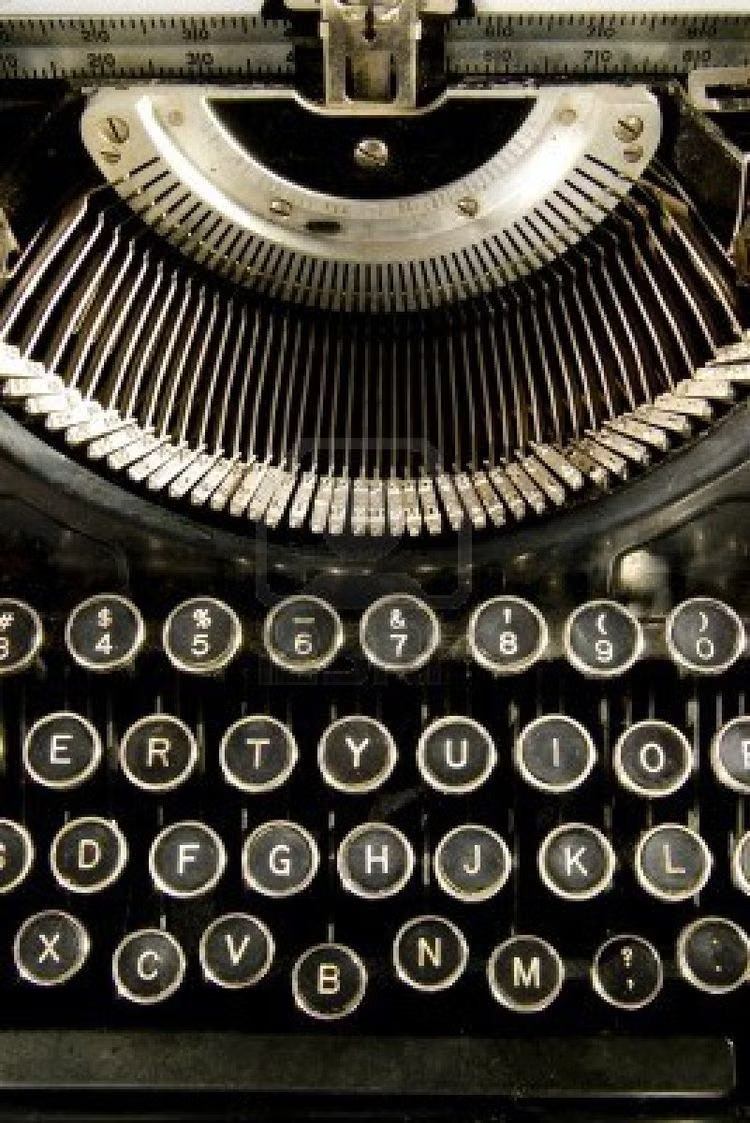
Use one legible monospace family, distinguish syntax through restrained color and weight, and keep columns aligned at every responsive width.
Suggested Typfaces
VT323
Fresh daisies glow in warm sunlight
Fresh daisies glow in warm sunlight
1 2 3 4 5 6 7 8 9 0
IBM Plex Mono
Fresh daisies glow in warm sunlight
Fresh daisies glow in warm sunlight
1 2 3 4 5 6 7 8 9 0
Share Tech Mono
Fresh daisies glow in warm sunlight
Fresh daisies glow in warm sunlight
1 2 3 4 5 6 7 8 9 0
Fira Code
Fresh daisies glow in warm sunlight
Fresh daisies glow in warm sunlight
1 2 3 4 5 6 7 8 9 0
Space Mono
Fresh daisies glow in warm sunlight
Fresh daisies glow in warm sunlight
1 2 3 4 5 6 7 8 9 0
Build a Terminal / CLI UI interface with daisyUI
The live example translates this direction into daisyUI components and semantic theme tokens.
To generate a full page in the same visual language, give the style name and the design rules above to Blueprint MCP.
Related UI design styles
Compare nearby visual languages that share typography, shapes, use cases, or signature elements.
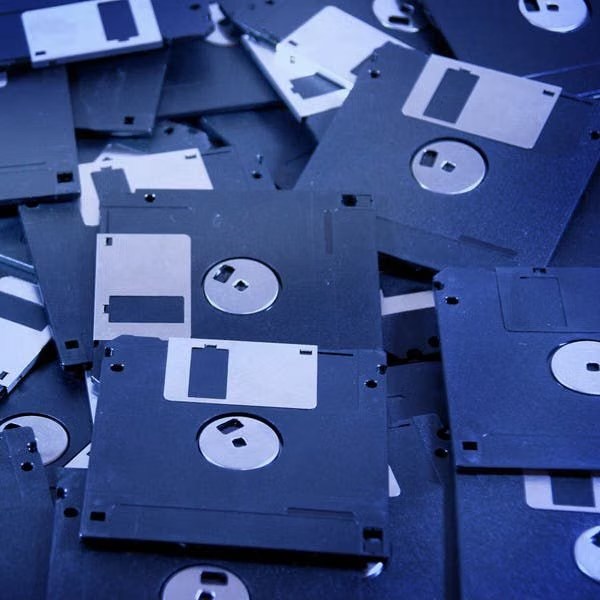
PC-98 UI design style
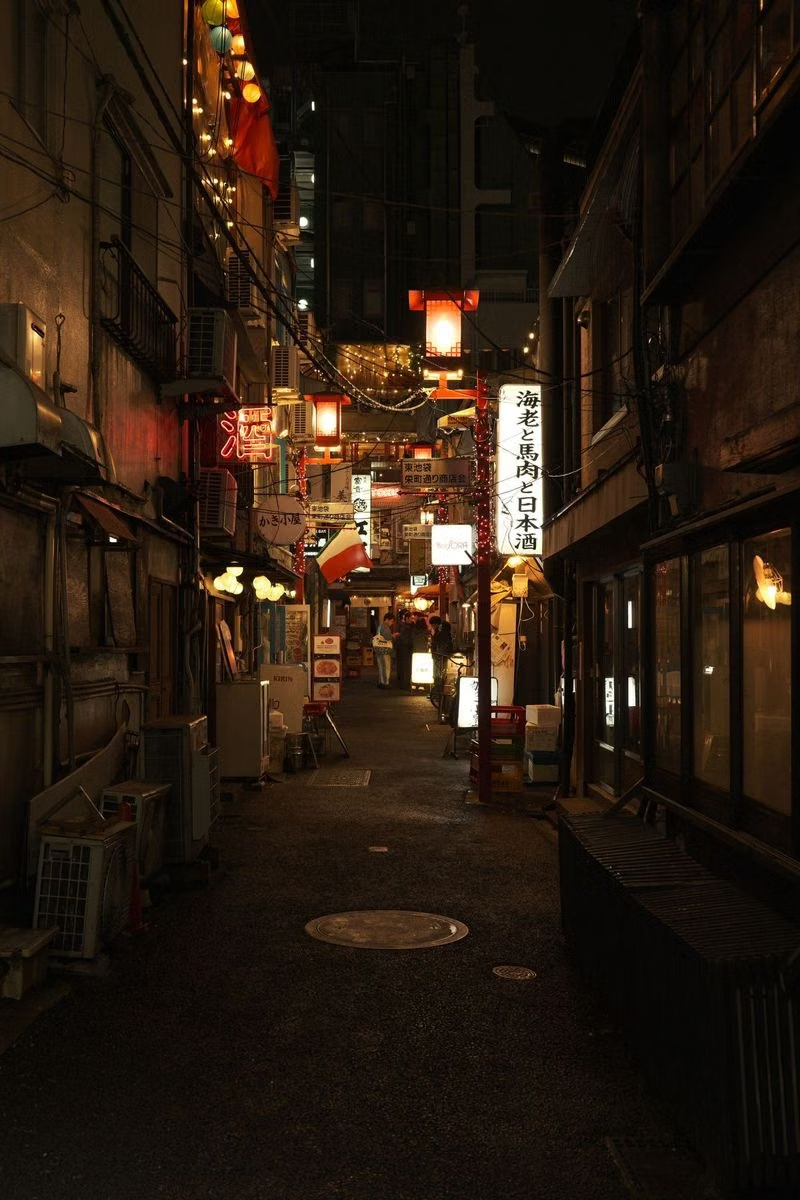
NEC PC-9800-era Japanese games pair relatively high-resolution 640×400 scenes with tightly limited color, meticulous dithering, detailed anime portraits, and compact visual-novel or adventure-game interfaces.
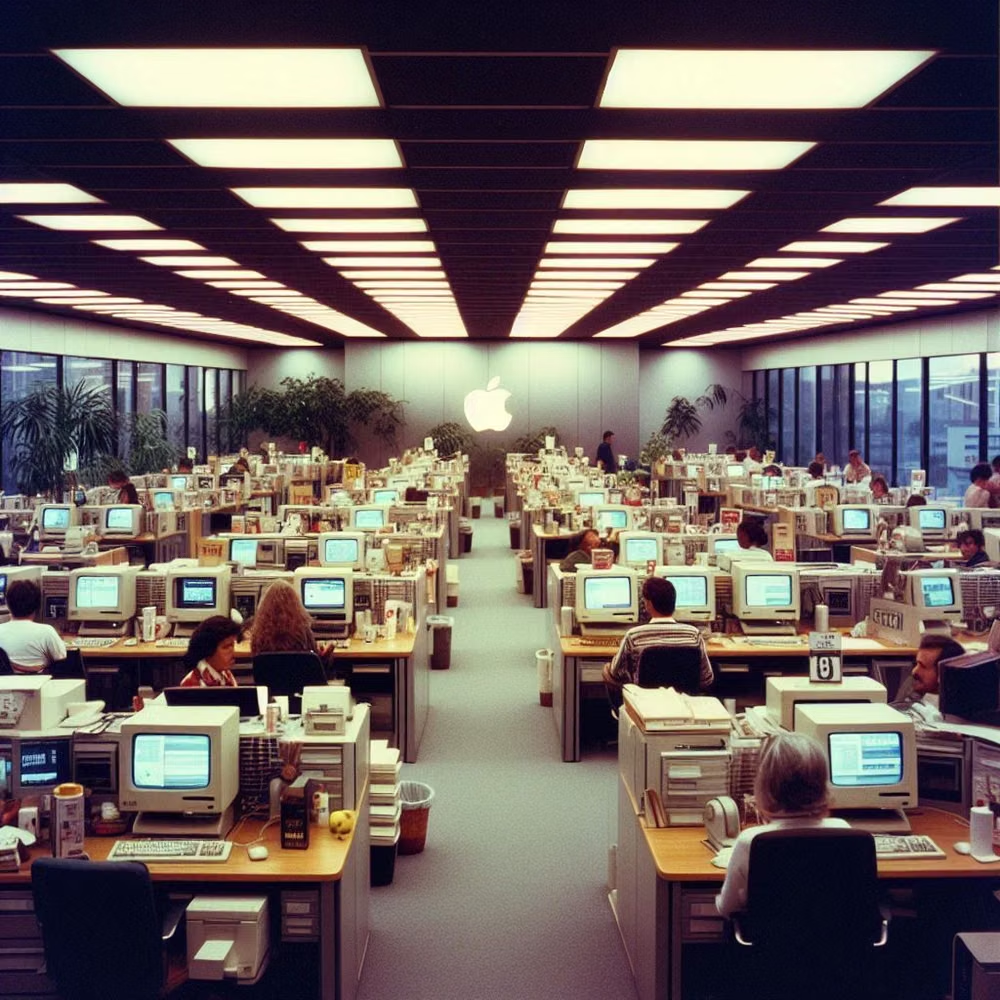
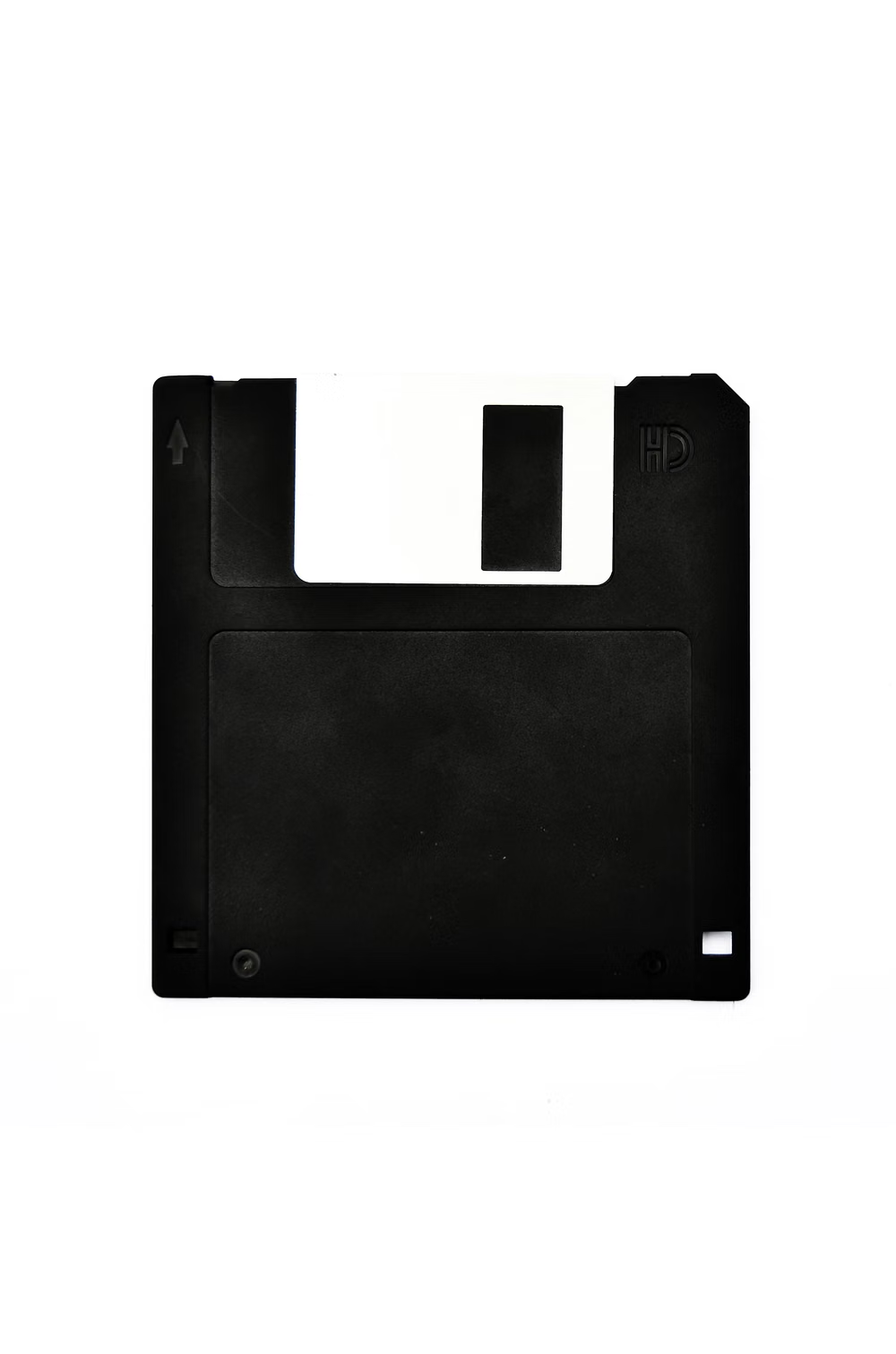
Retro Computing UI design style
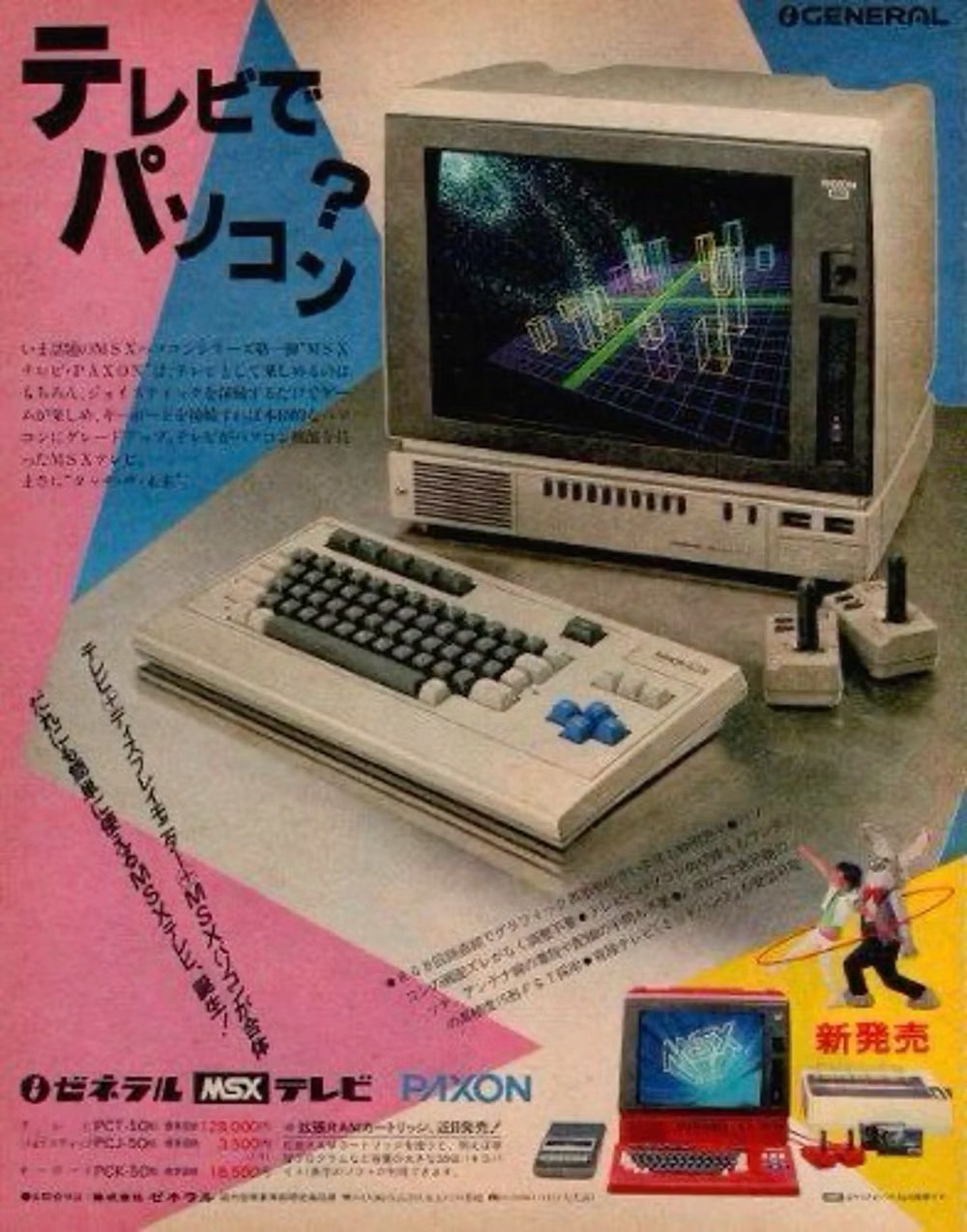
CRT glow, bitmap fonts, window chrome, limited palettes, scanlines, floppy-disk motifs, and vintage operating-system conventions.
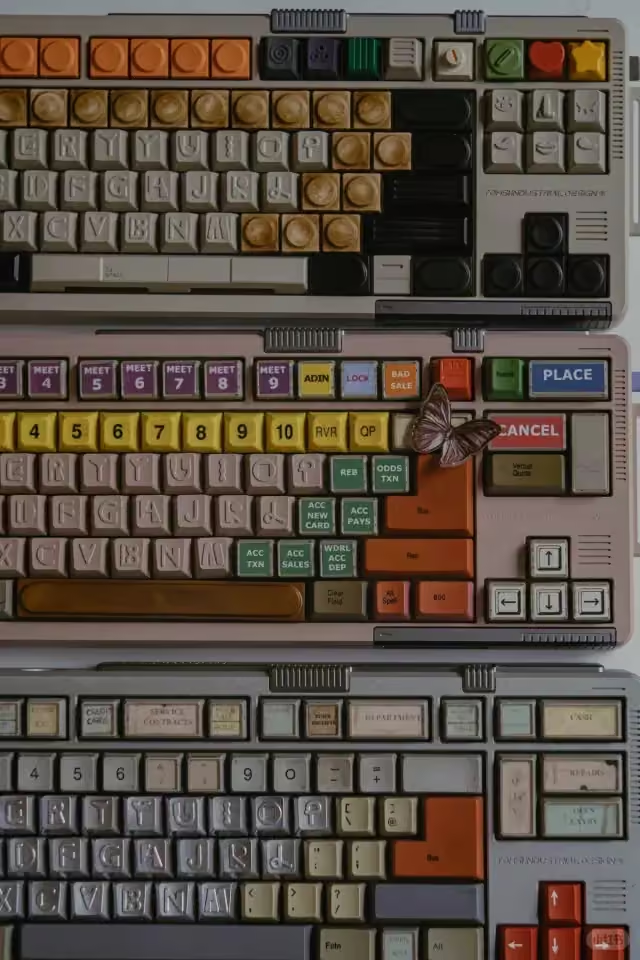
Cassette Futurism UI design style
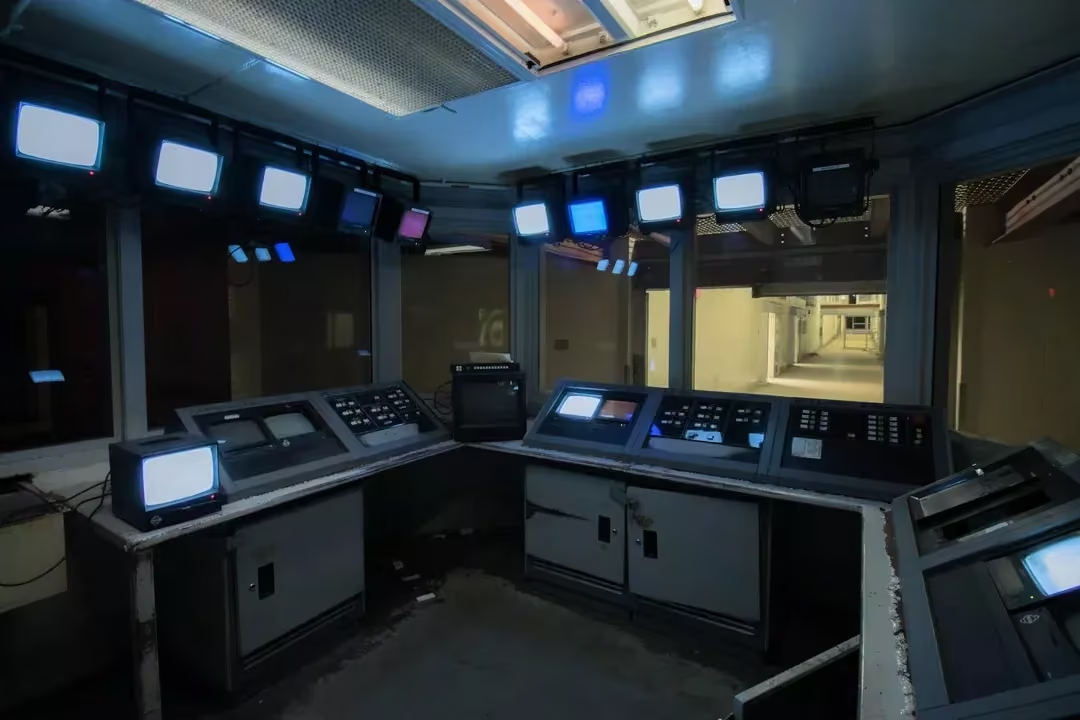
Chunky analog controls, CRT displays, industrial panels, physical switches, amber or green screens, and late-20th-century science-fiction technology.