Low-Poly UI design style
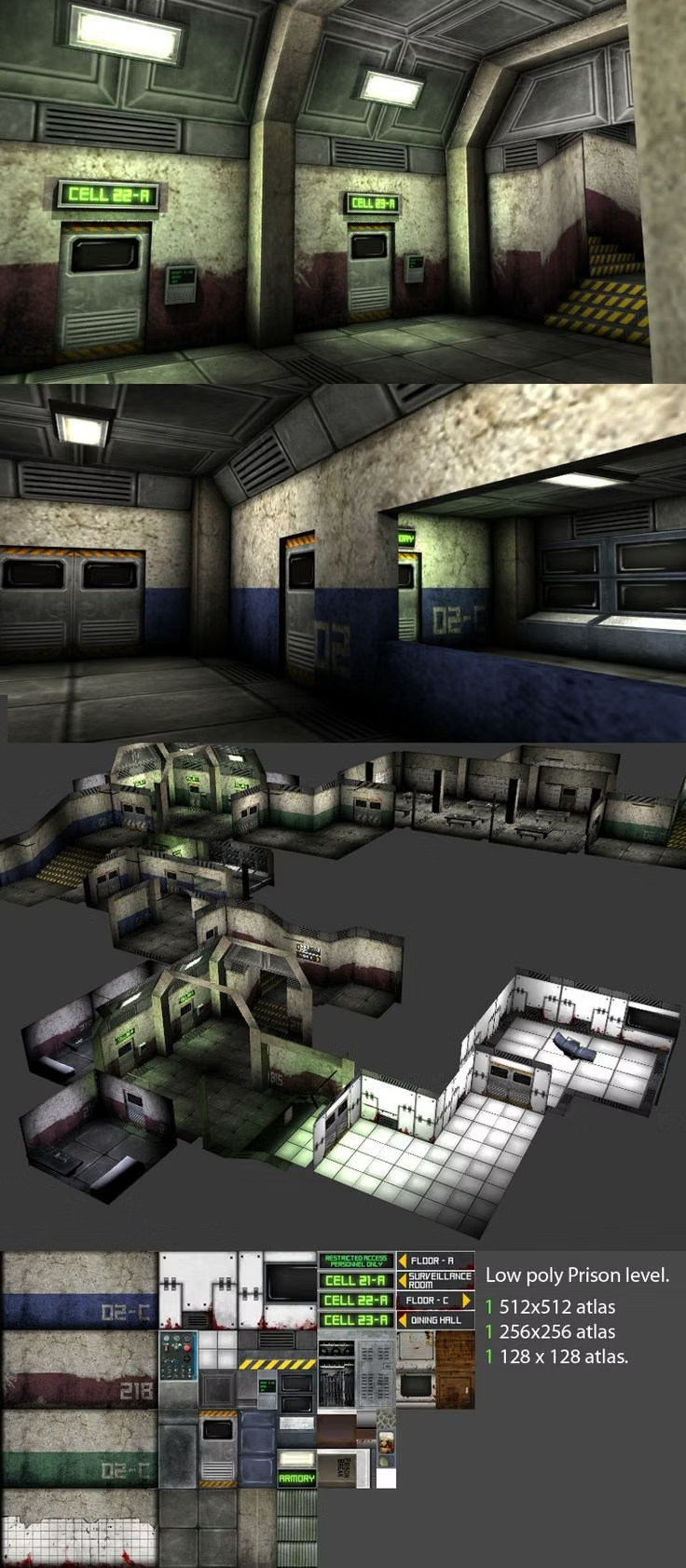
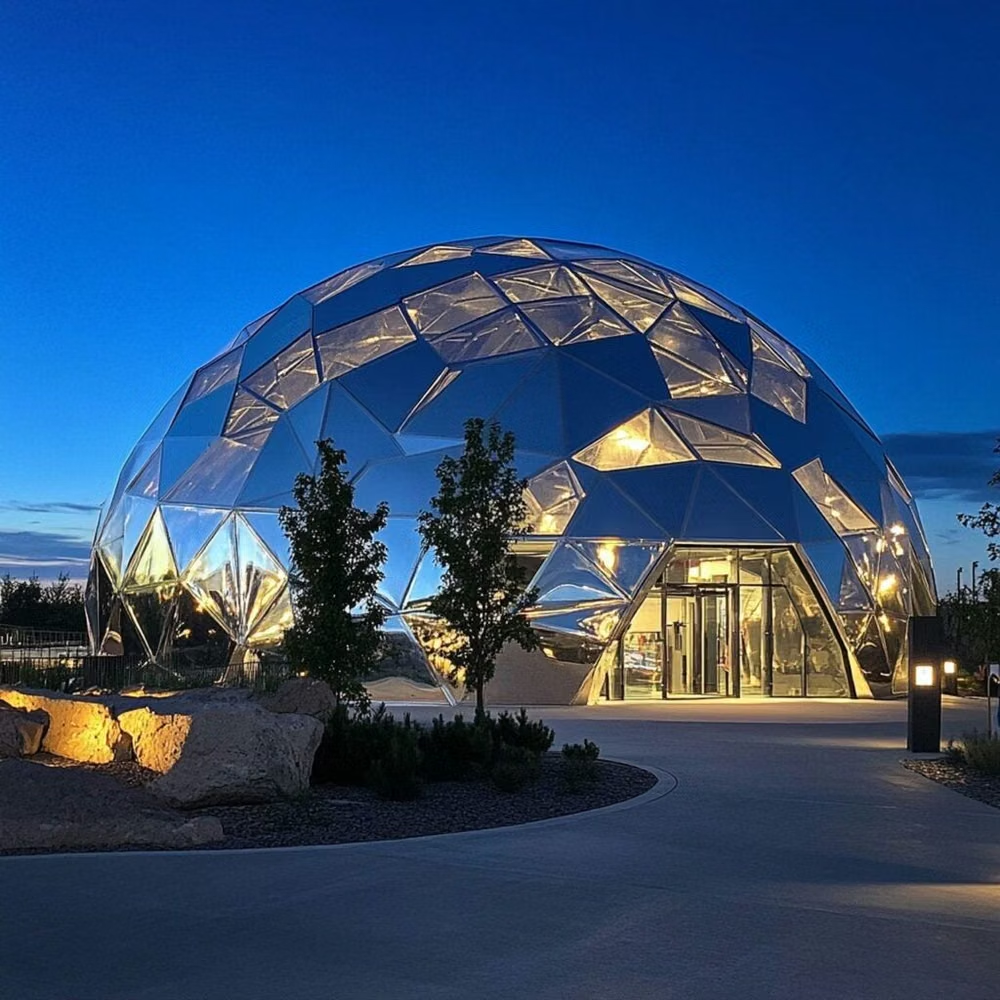
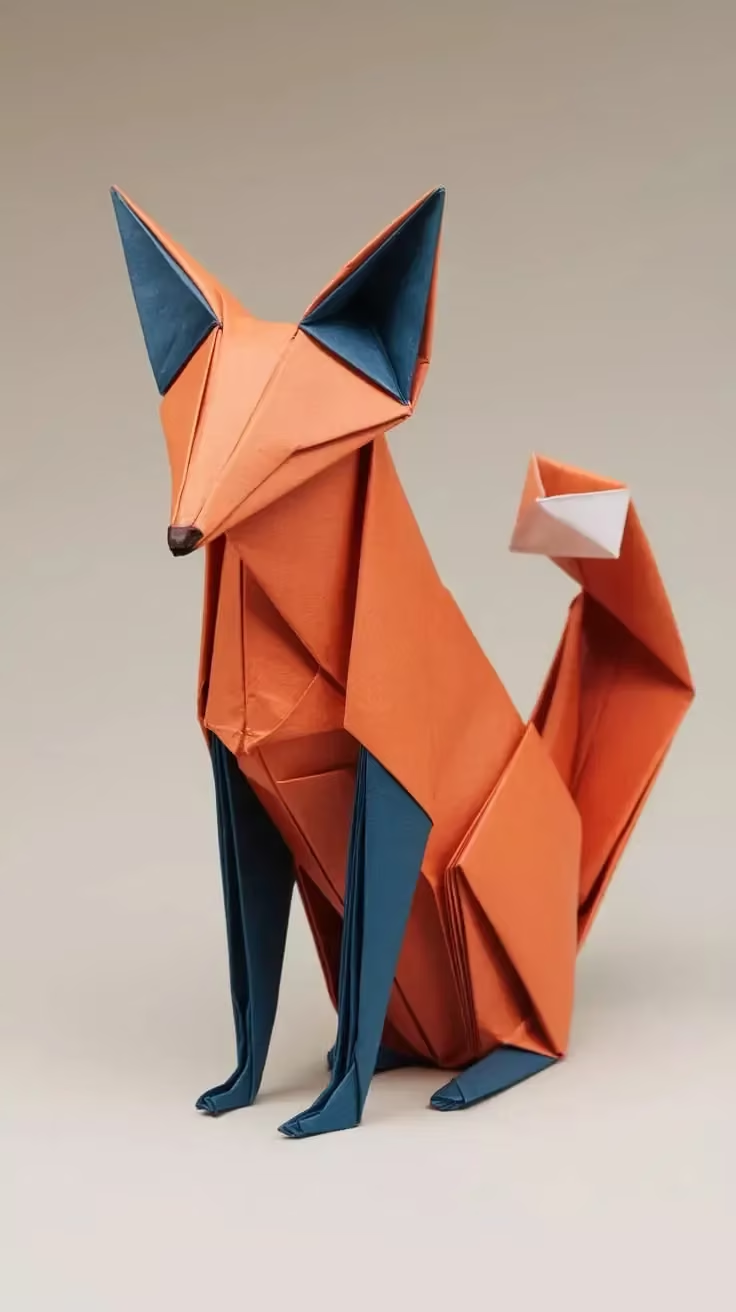
Faceted geometric models, simplified shading, angular silhouettes, and deliberately economical three-dimensional detail.
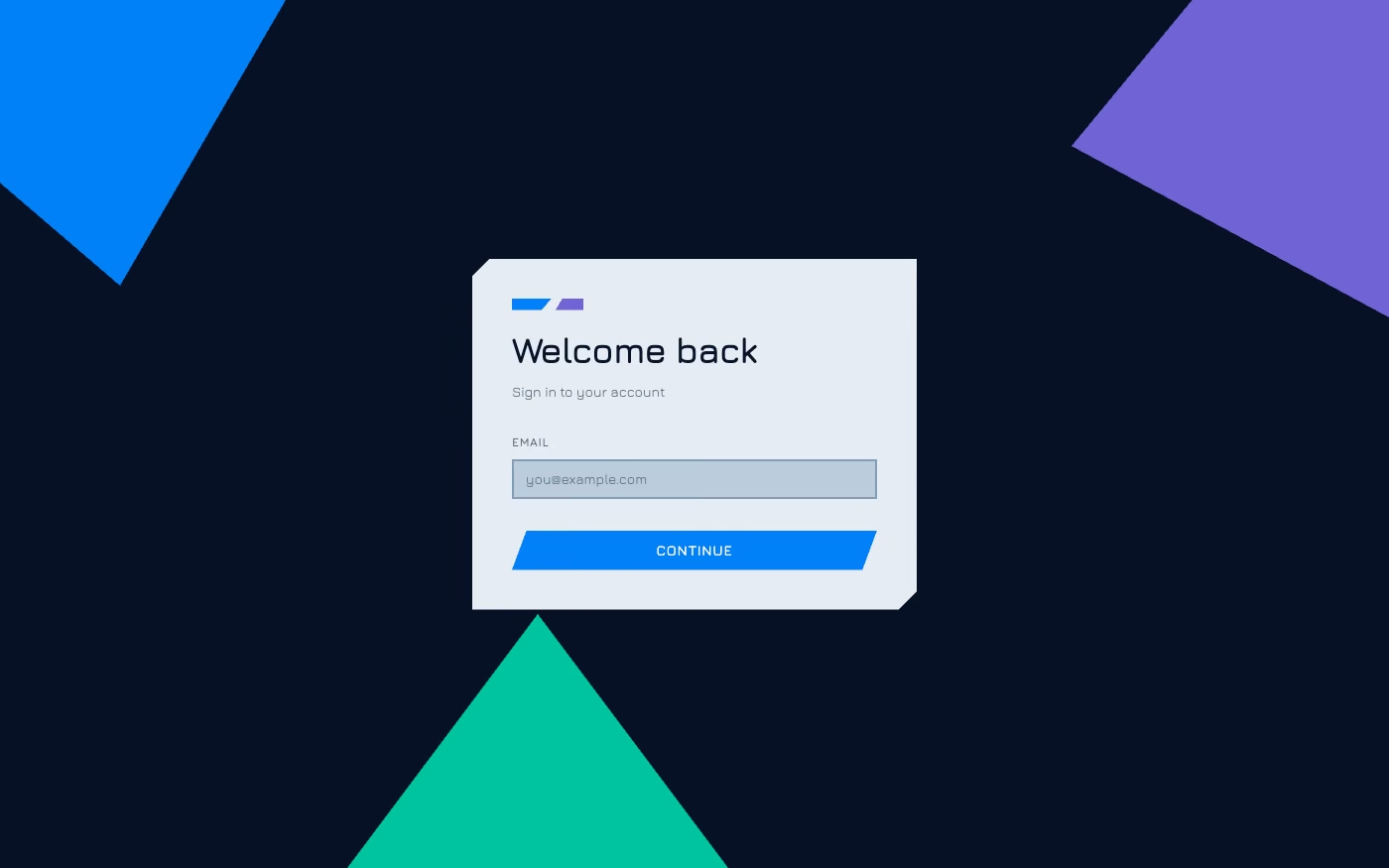
Design overview
- Signature elements
- faceted geometry, flat-shaded surfaces, angular silhouettes, polygonal models, limited detail, crisp lighting. In daisyUI themes, set `--depth: 1;`.
- Best suited to
- Games, data stories, educational tools, experimental portfolios, and lightweight 3D experiences.
- Layout principles
- Center one faceted landscape or model, support it with angular information panels, and keep composition broad enough for polygon silhouettes to read.
History and origins
A fact-checked account of where this visual language came from, with links to the references used.
- Period
- Mid-1990s roots; stylized revival in the 2010s
- Origin
- Real-time 3D games and computer graphics
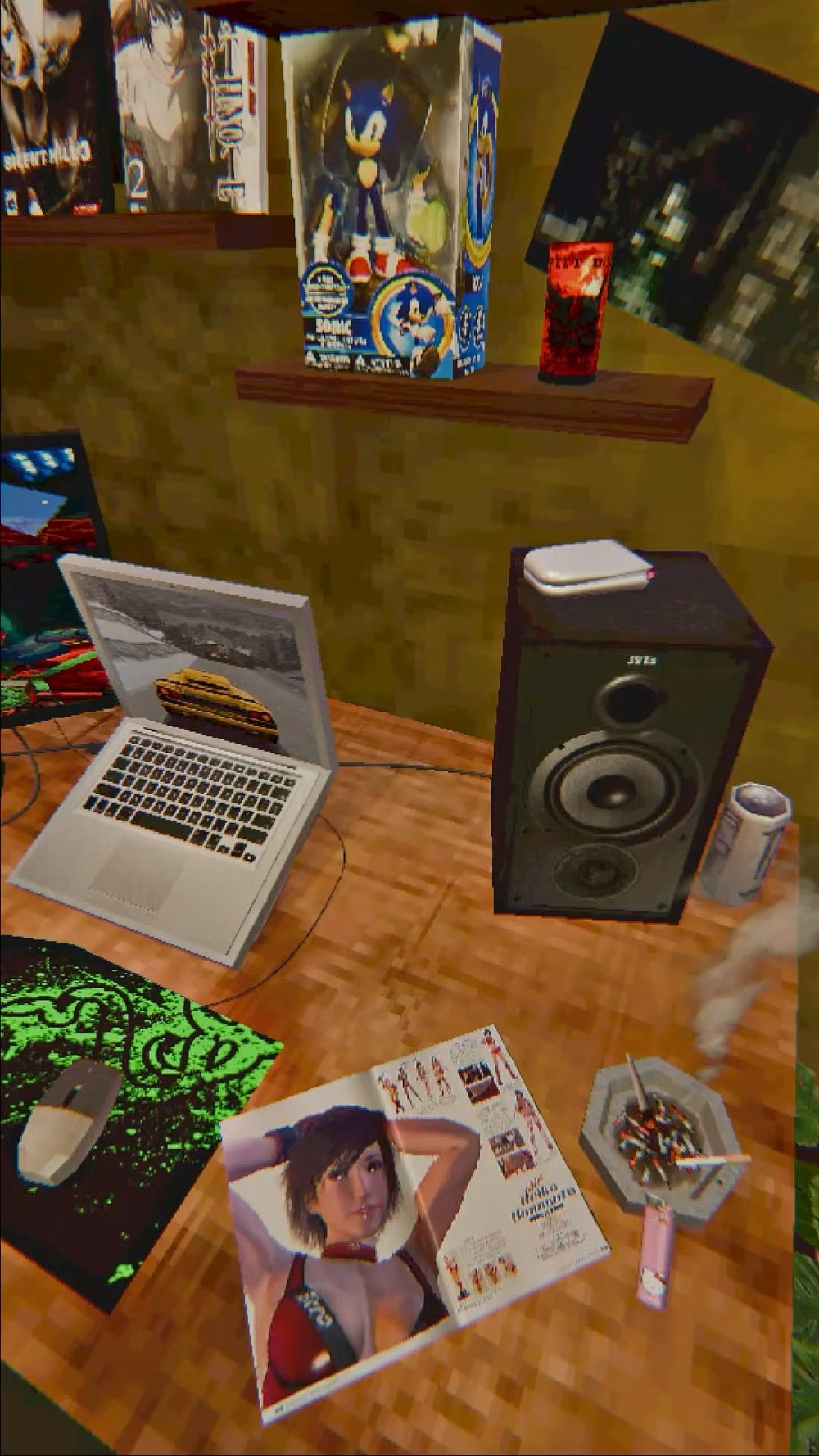
Low-poly imagery began as a technical necessity: mid-1990s consoles and personal computers could render only limited polygon counts in real time. As hardware improved, visible facets shifted from constraint to deliberate style, and 2010s games, illustration, and UI reused the geometry for clarity, nostalgia, and inexpensive motion.
Moodboard and visual references
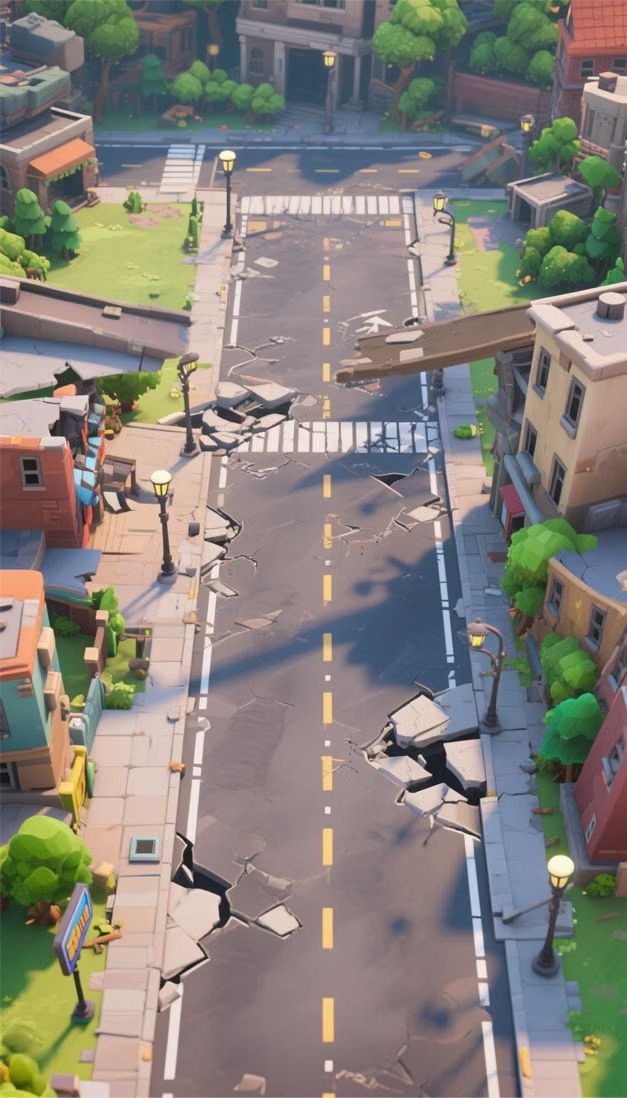
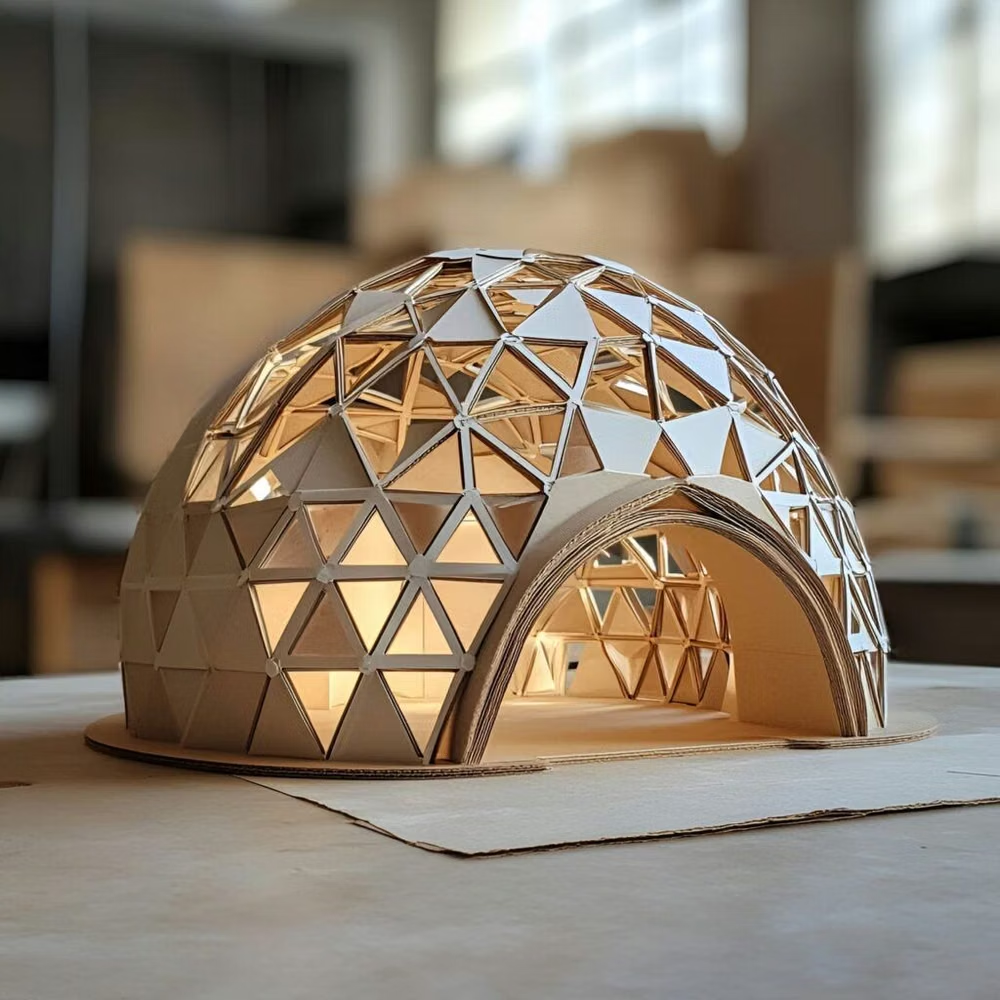
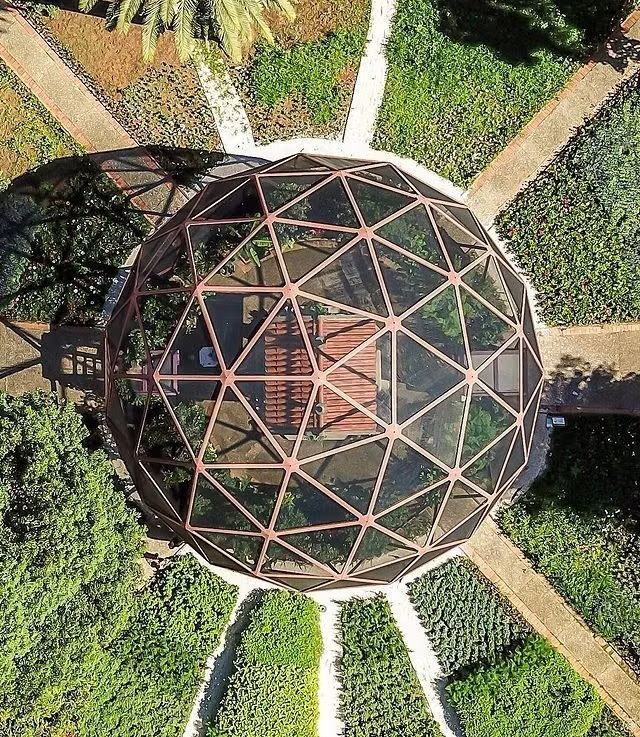
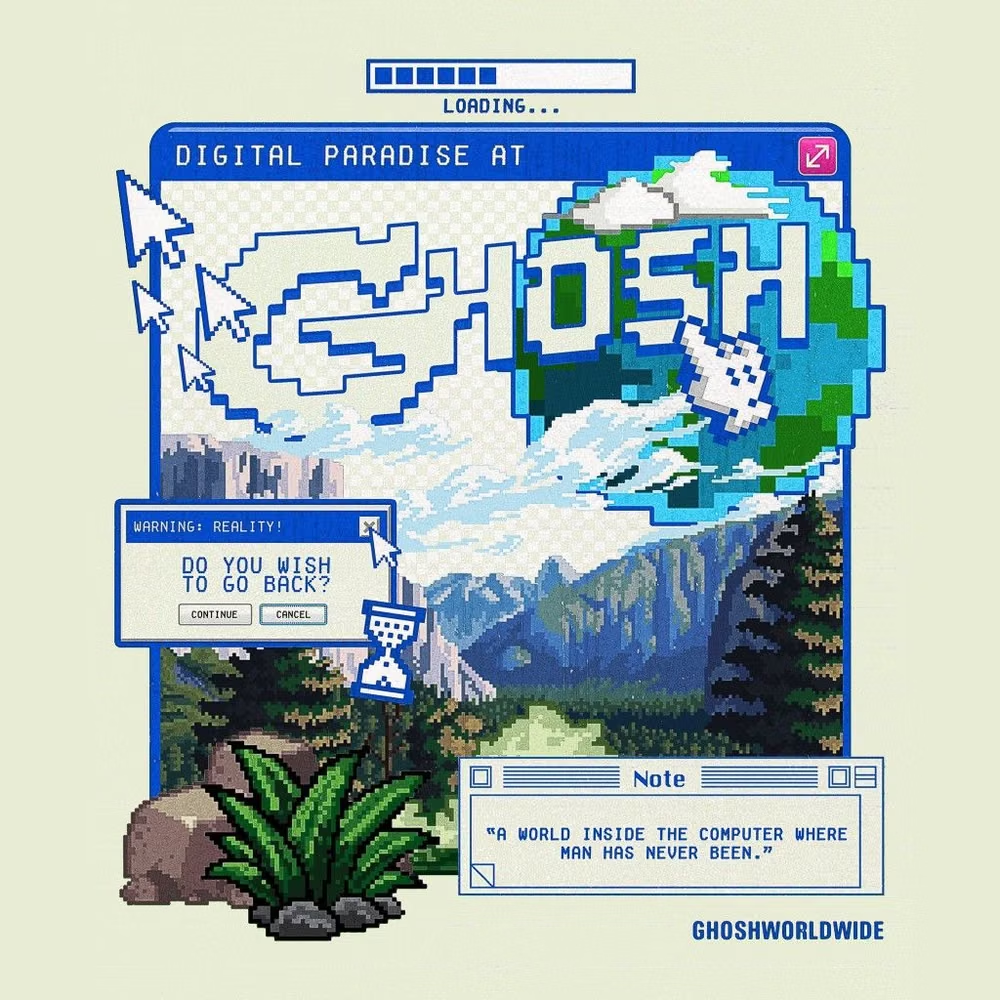
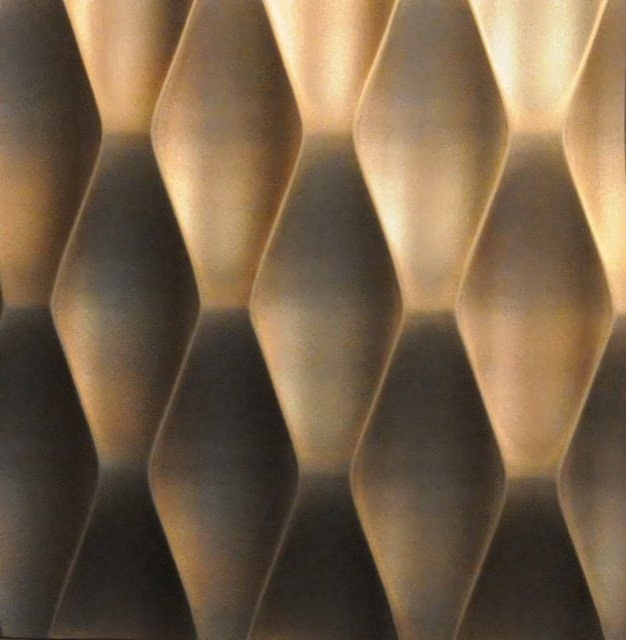
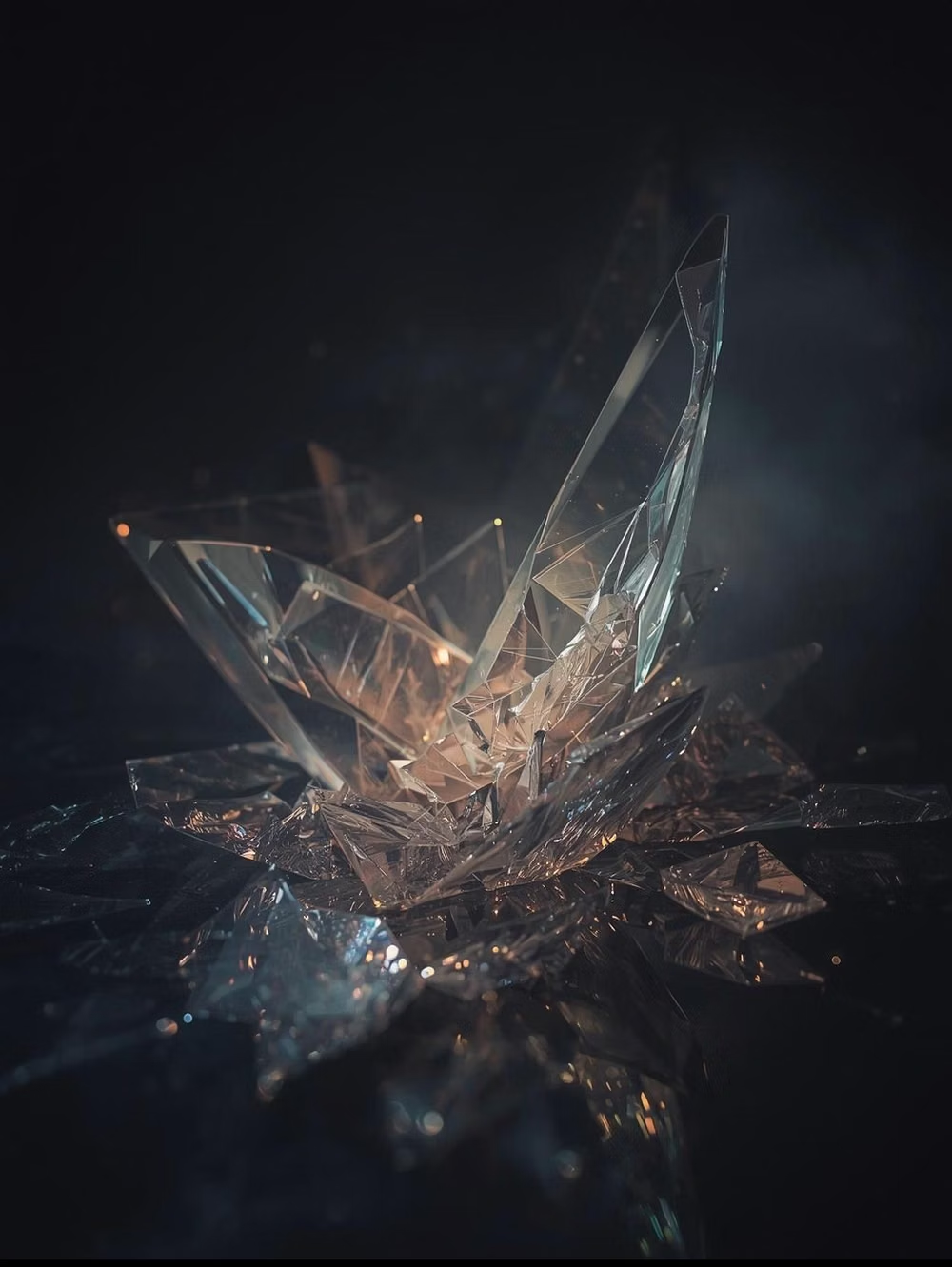
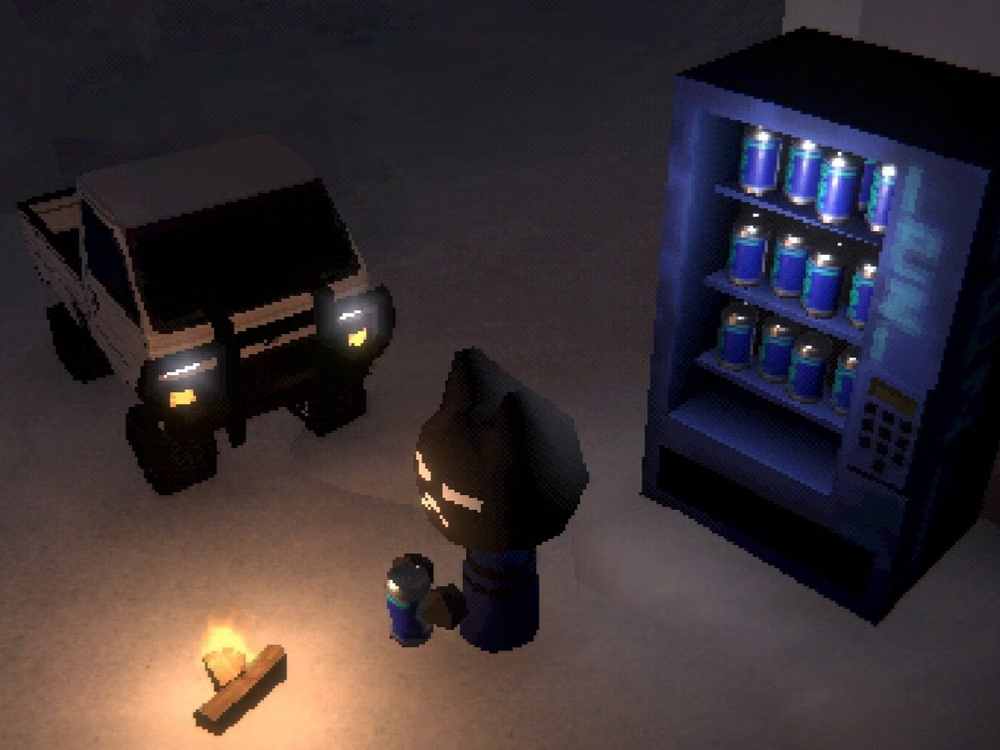
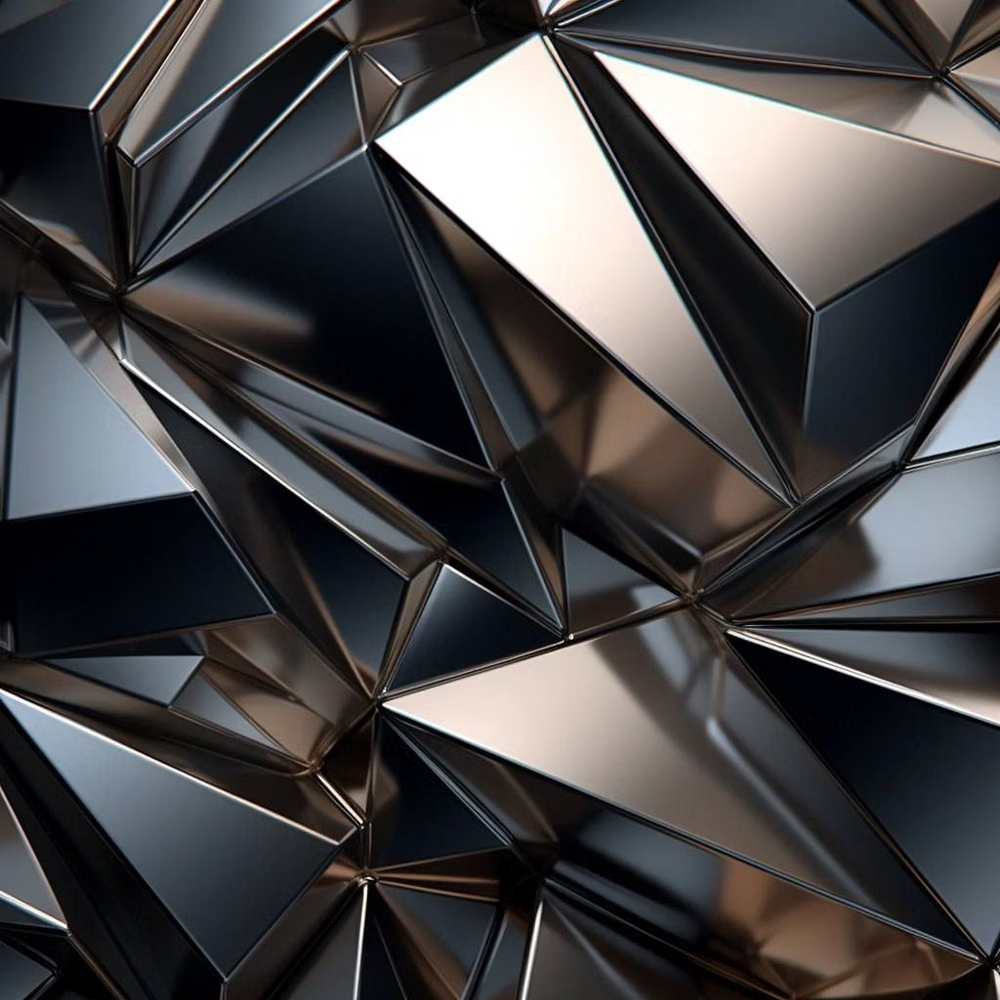
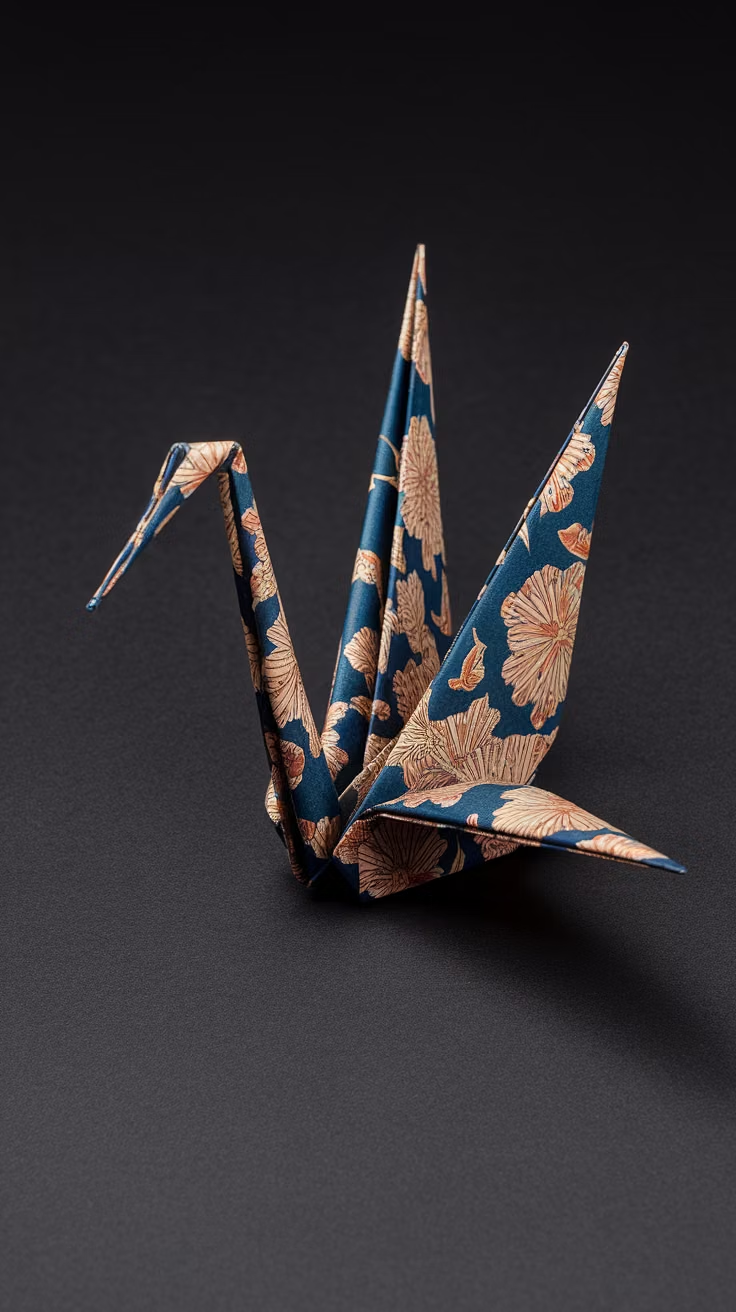
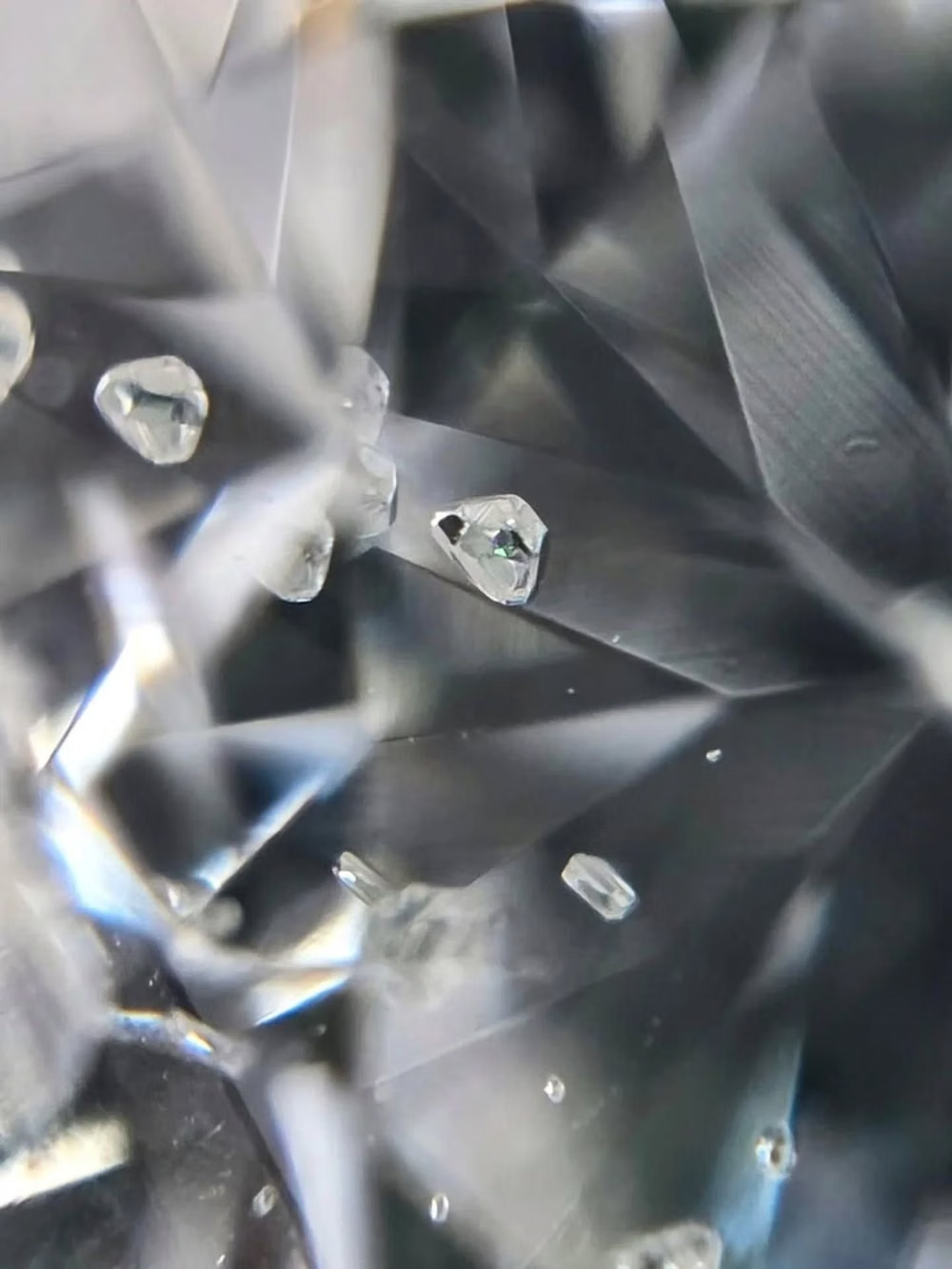
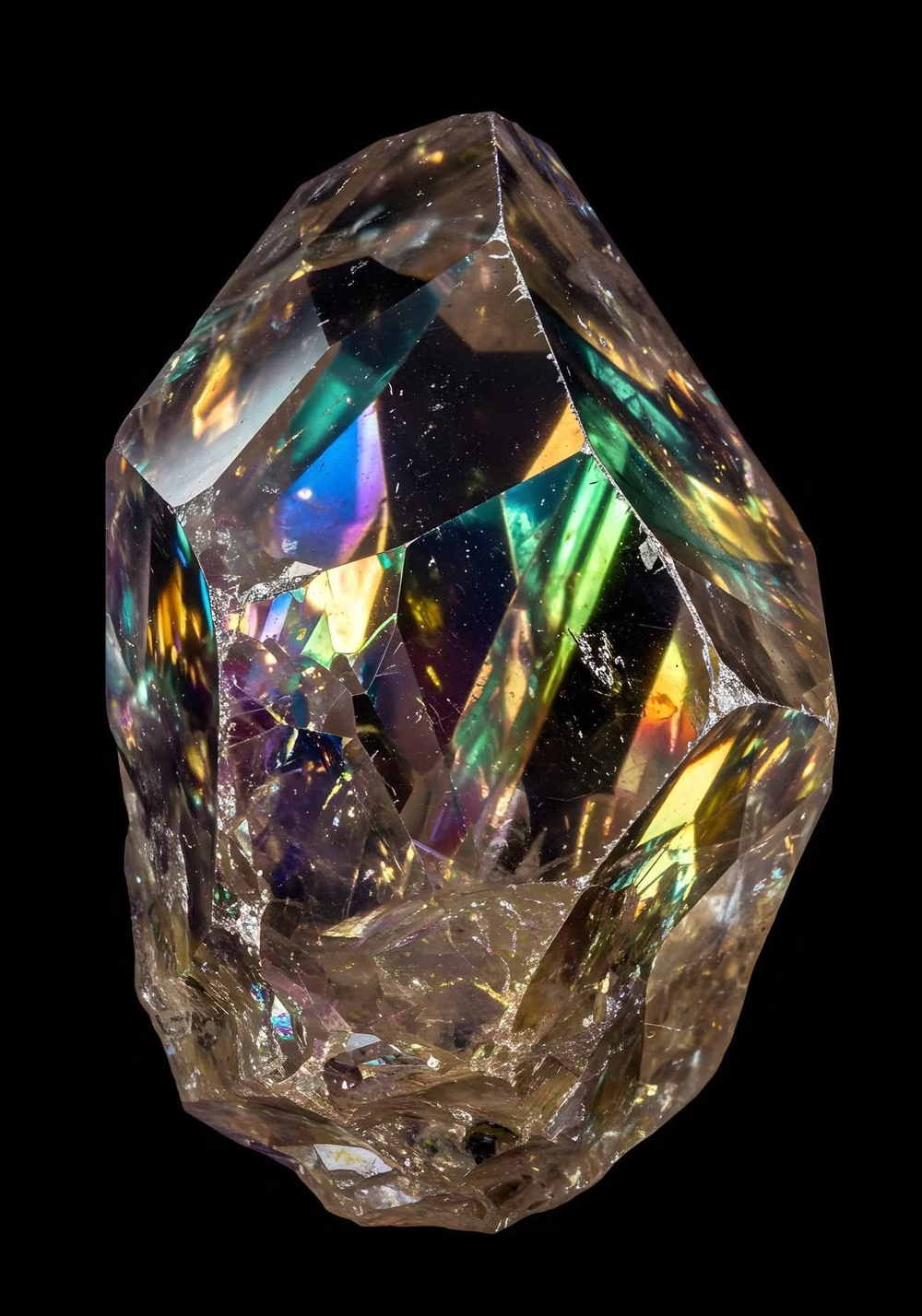
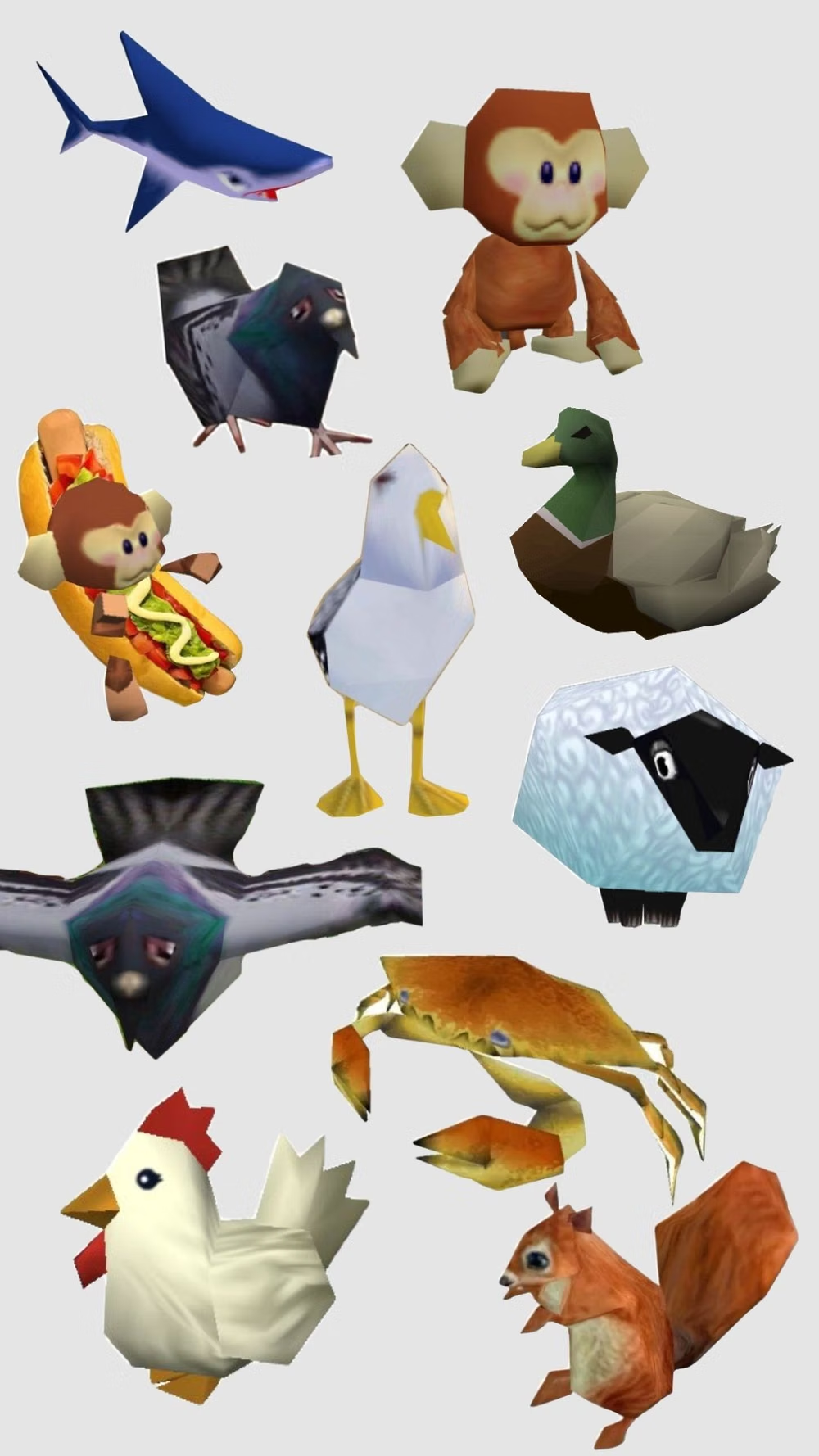
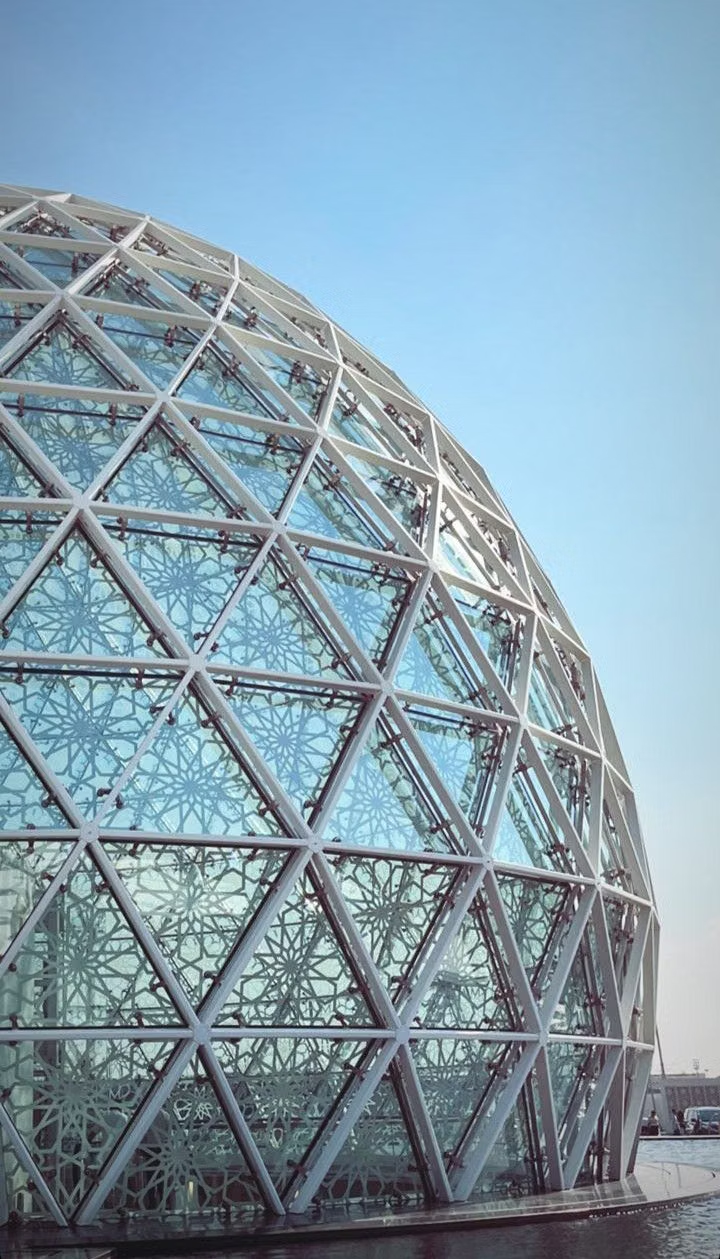
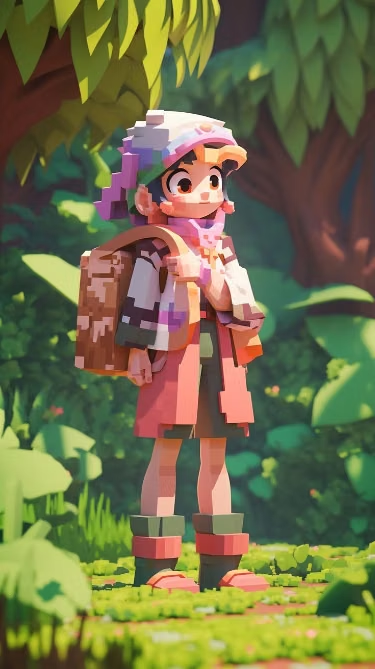
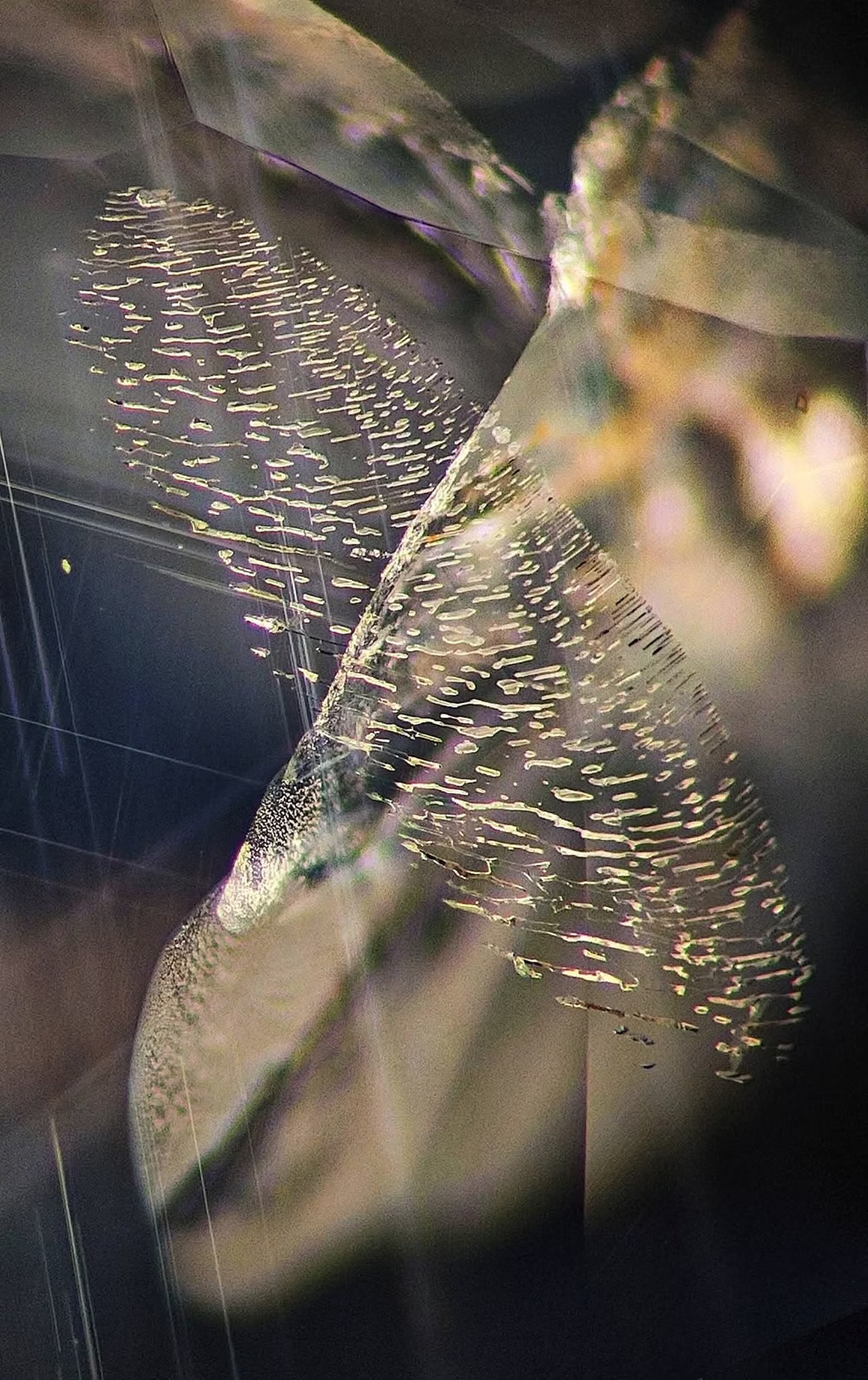
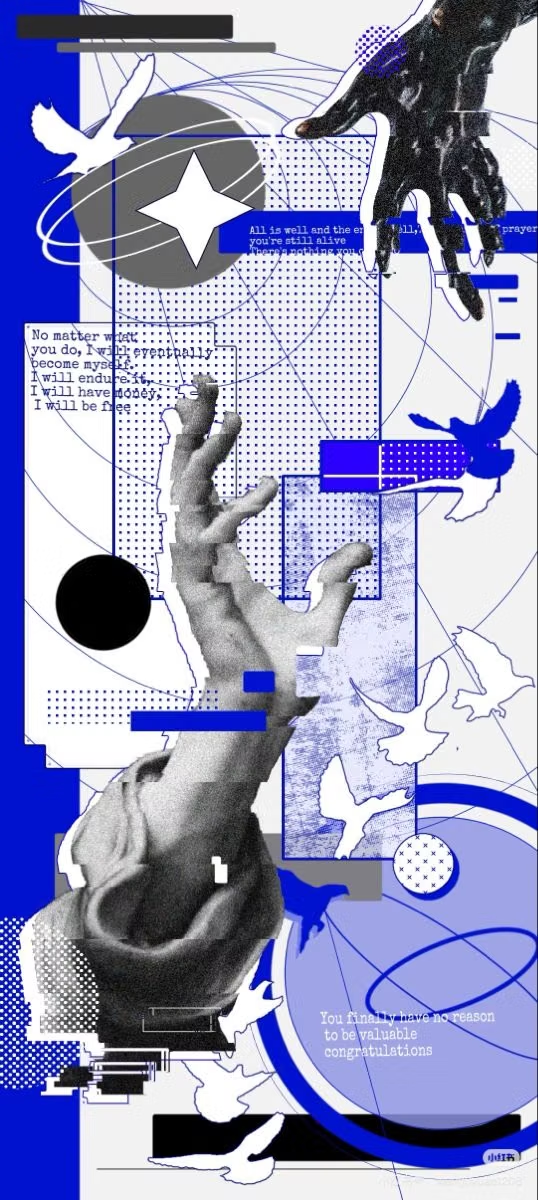
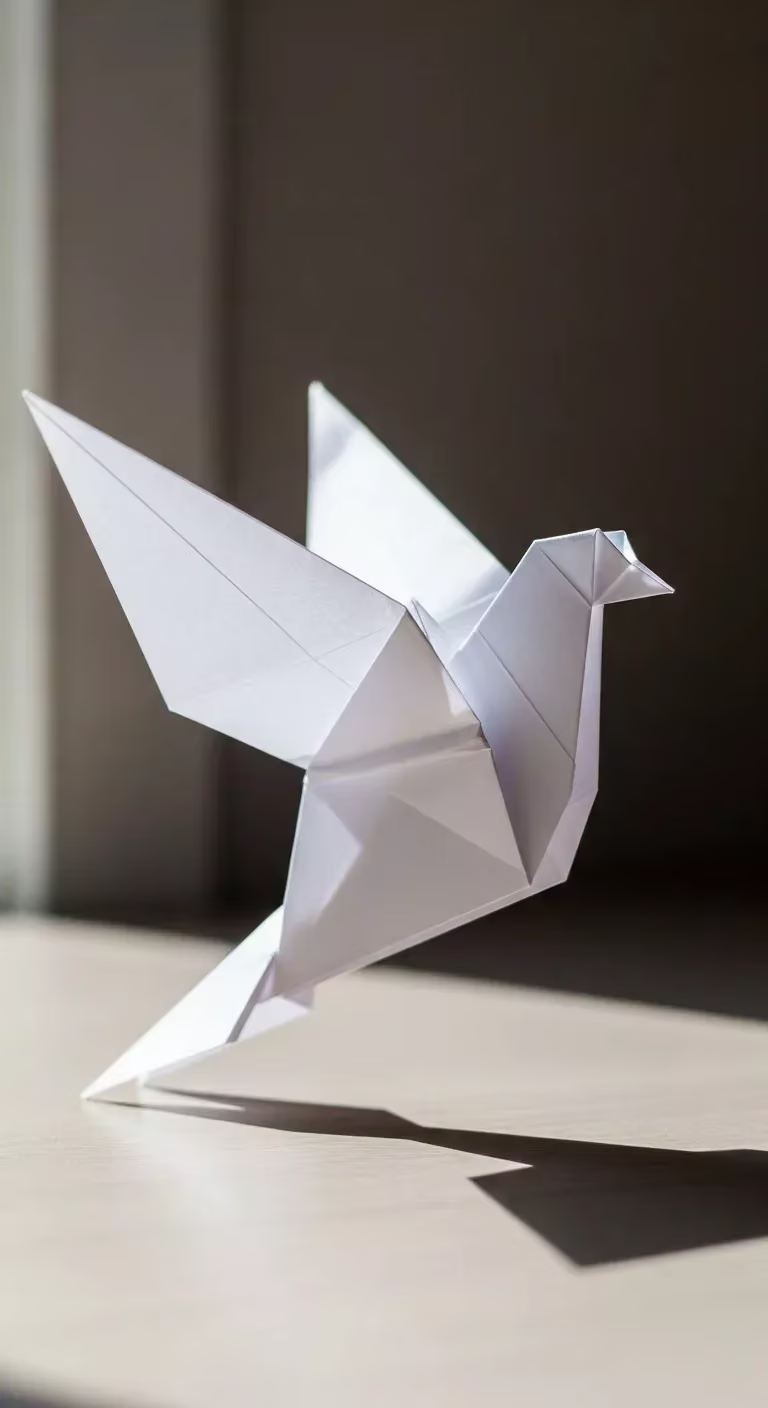
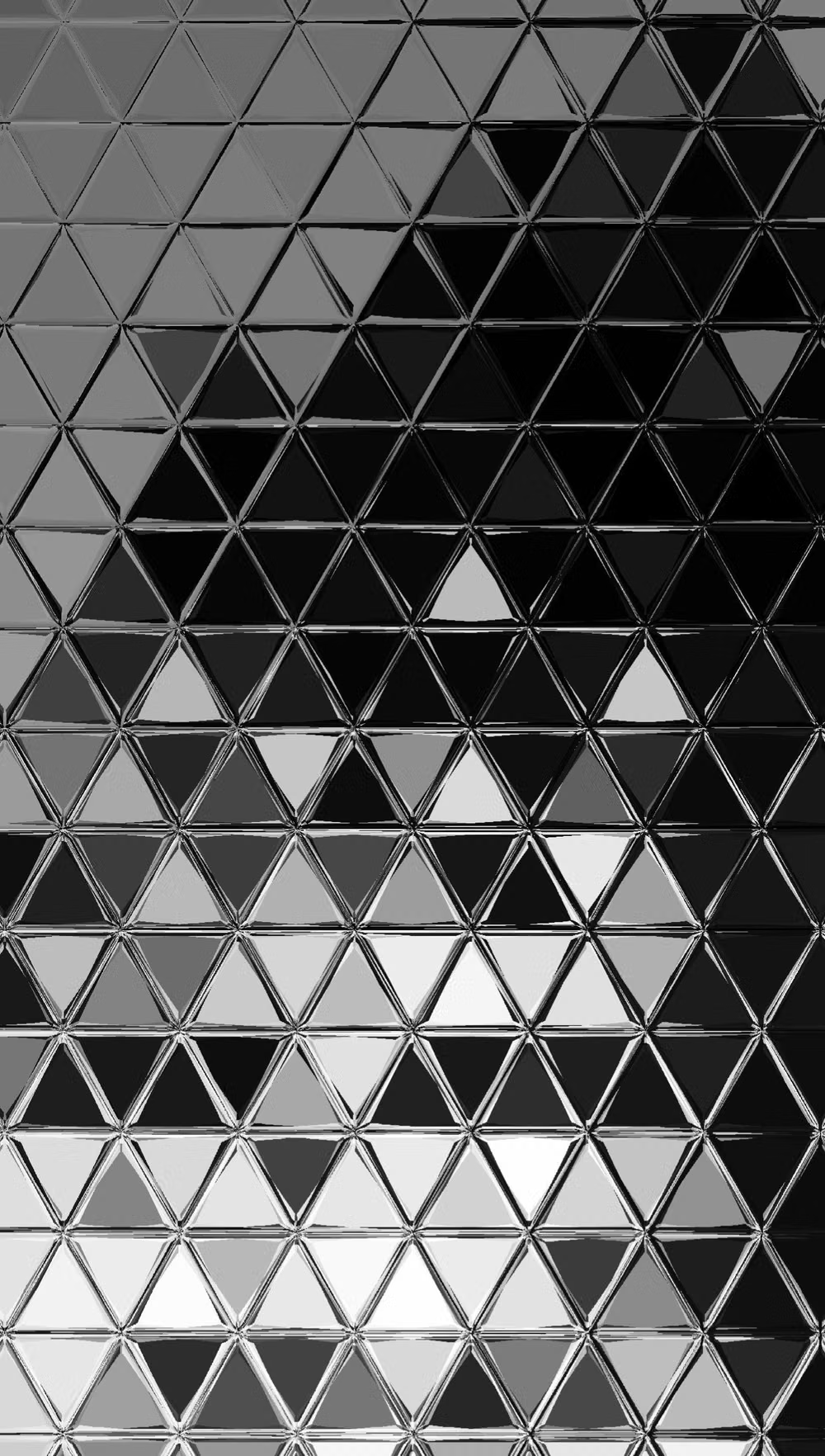
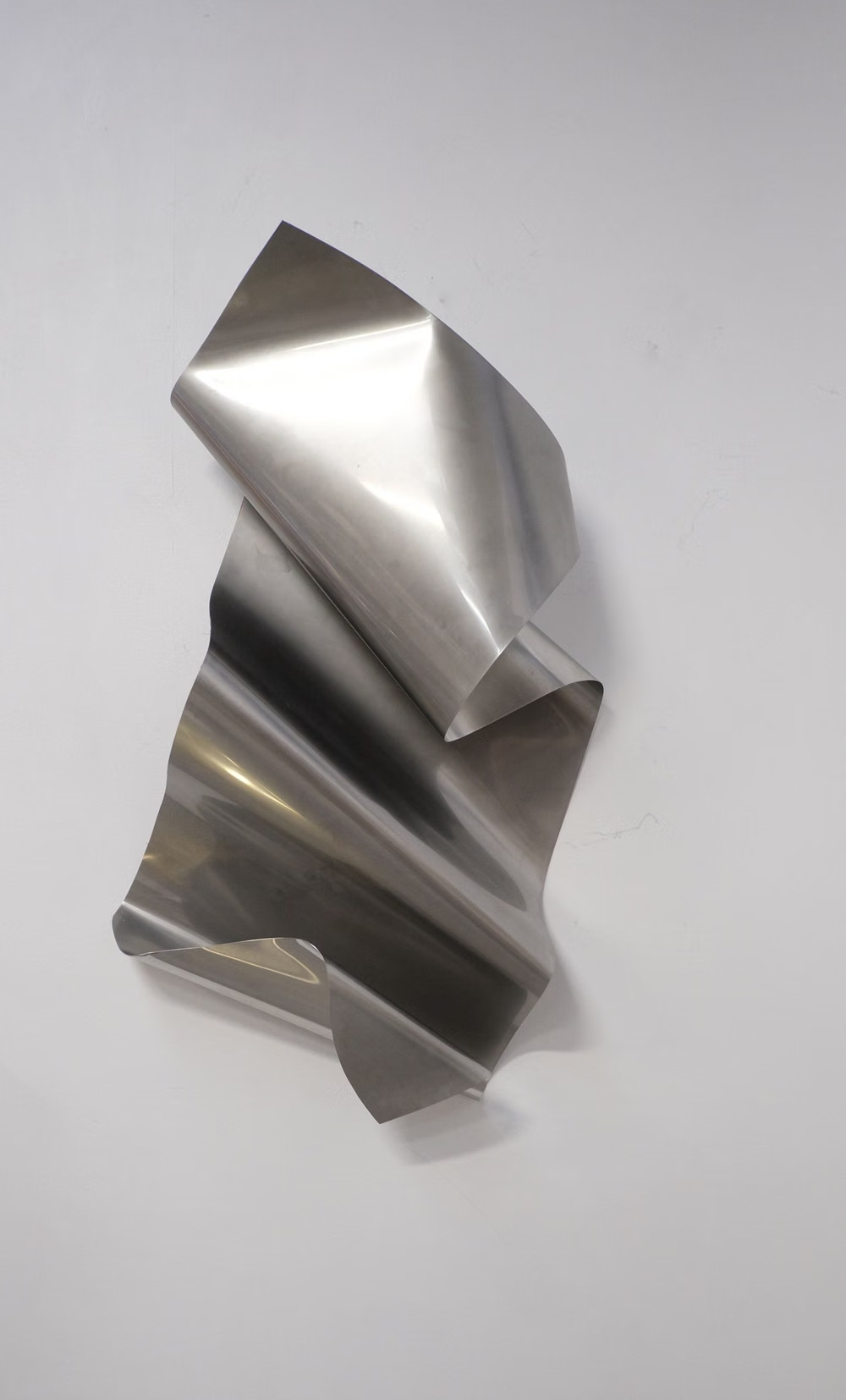
A visual study of the forms, inspirations, materials, colors, type, and cultural references associated with this UI design style.







Design principles and implementation
Use these principles to write a focused AI UI design prompt instead of asking for a vague visual treatment.
Color direction
Use a limited flat-shaded palette with distinct light, mid, and shadow faces; avoid smooth gradients that erase facet structure. In a daisyUI theme, use the hero object's dominant facet hue for `primary`, a contrasting object or environment hue for `secondary`, and map neutral light, mid, and shadow-face colors to `base-100`, `base-200`, and `base-300`.
Imagery direction
Choose polygonal characters, terrain, products, and icons with economical detail and a consistent face count and lighting model.
Content density
Keep density low to medium, using large visual regions and concise annotations rather than intricate controls over the model.
Motion direction
Rotate models in measured steps, shift lighting across facets, and transition geometry through crisp folds or controlled vertex movement.
Shape language
Favor triangles, chamfered cards, angular cutouts, and crystal-like silhouettes with deliberately visible planar changes. In daisyUI themes, set the `--radius-*` variables to `0` or `0.25rem`.
Typography rules
Use an angular geometric display face for headings, pair it with a plain sans-serif for explanation, and avoid faceting small text.
Suggested Typfaces
Jura
Fresh daisies glow in warm sunlight
Fresh daisies glow in warm sunlight
1 2 3 4 5 6 7 8 9 0
Exo 2
Fresh daisies glow in warm sunlight
Fresh daisies glow in warm sunlight
1 2 3 4 5 6 7 8 9 0
Quantico
Fresh daisies glow in warm sunlight
Fresh daisies glow in warm sunlight
1 2 3 4 5 6 7 8 9 0
Orbitron
Fresh daisies glow in warm sunlight
Fresh daisies glow in warm sunlight
1 2 3 4 5 6 7 8 9 0
Teko
Fresh daisies glow in warm sunlight
Fresh daisies glow in warm sunlight
1 2 3 4 5 6 7 8 9 0
Build a Low-Poly UI interface with daisyUI
The live example translates this direction into daisyUI components and semantic theme tokens.
To generate a full page in the same visual language, give the style name and the design rules above to Blueprint MCP.
Related UI design styles
Compare nearby visual languages that share typography, shapes, use cases, or signature elements.
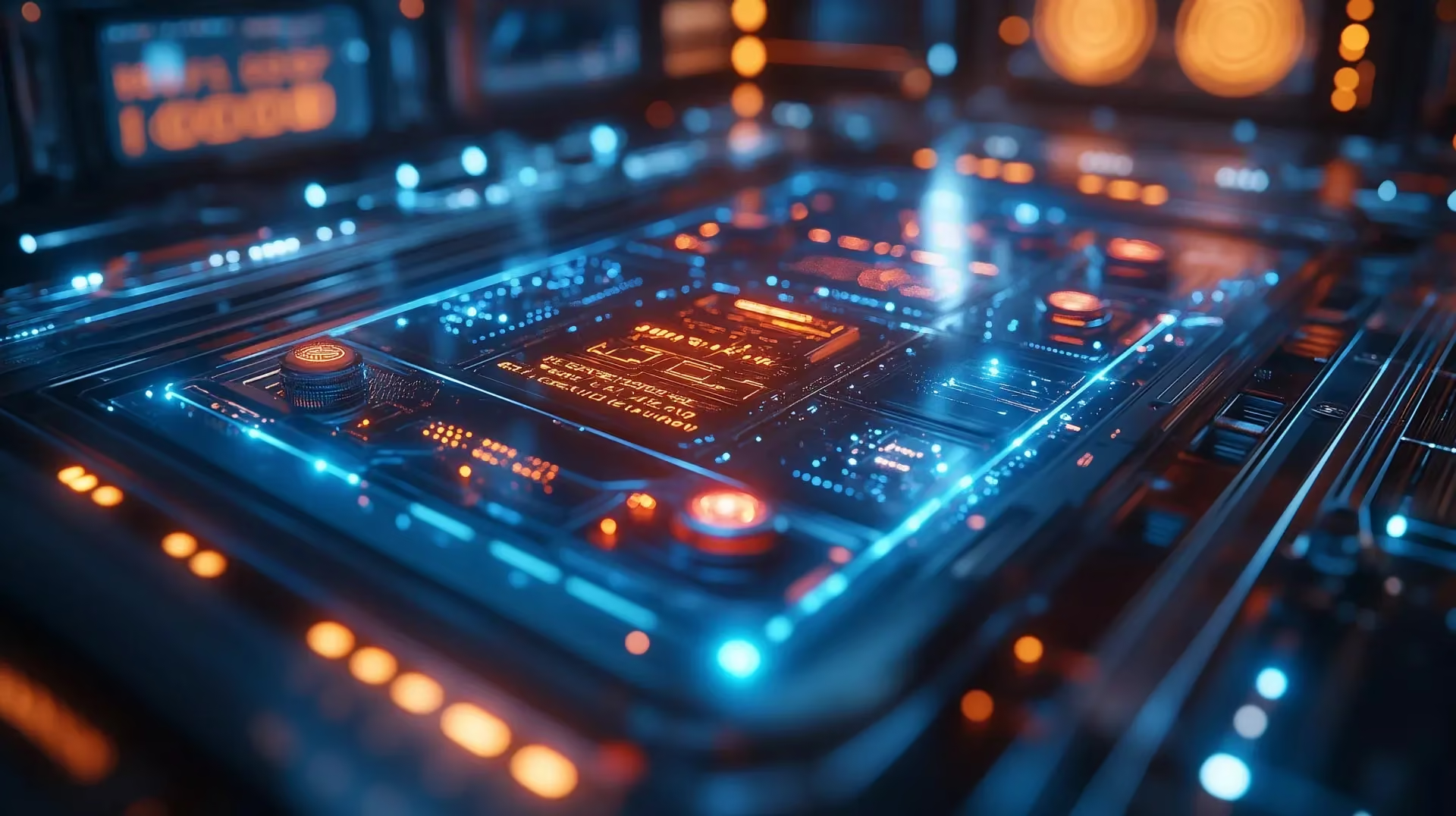
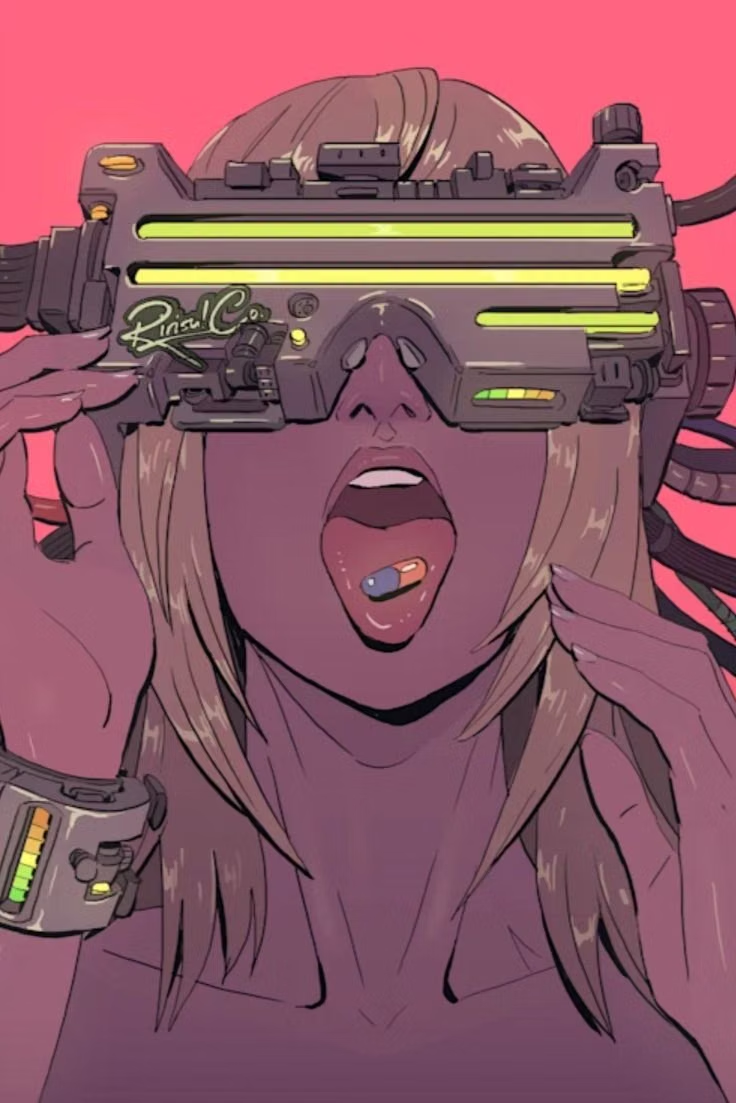
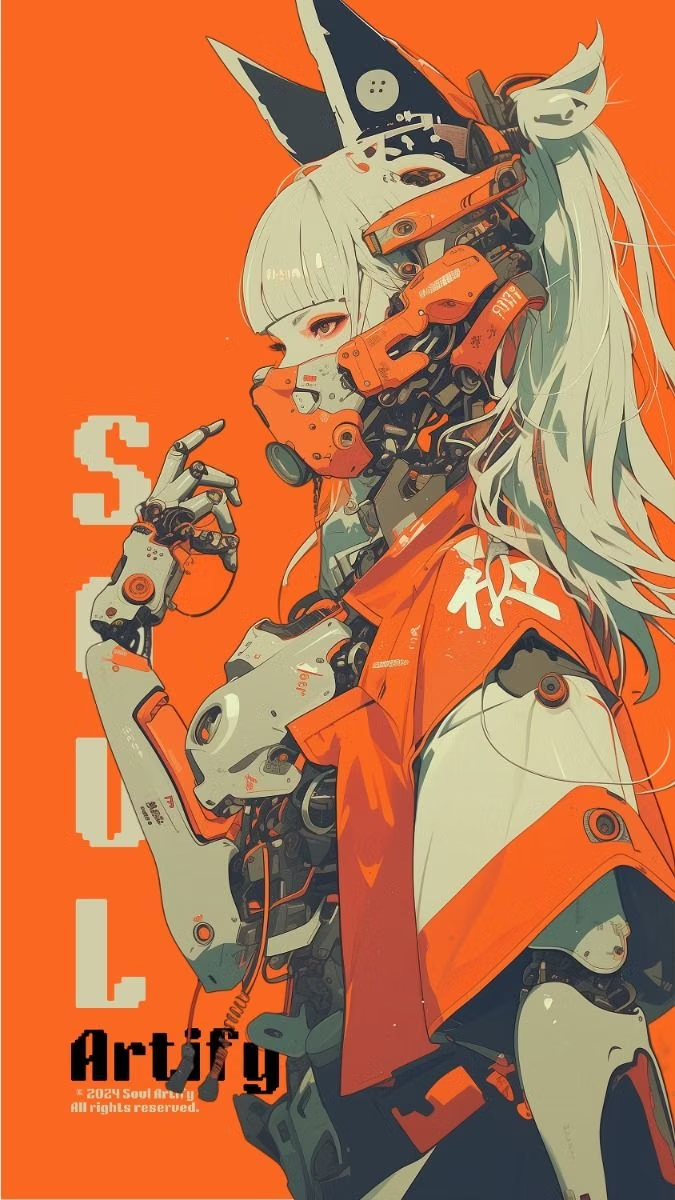
Cyberpunk UI design style
Dense dark interfaces use neon accents, glitches, terminal typography, surveillance motifs, and futuristic HUD elements.
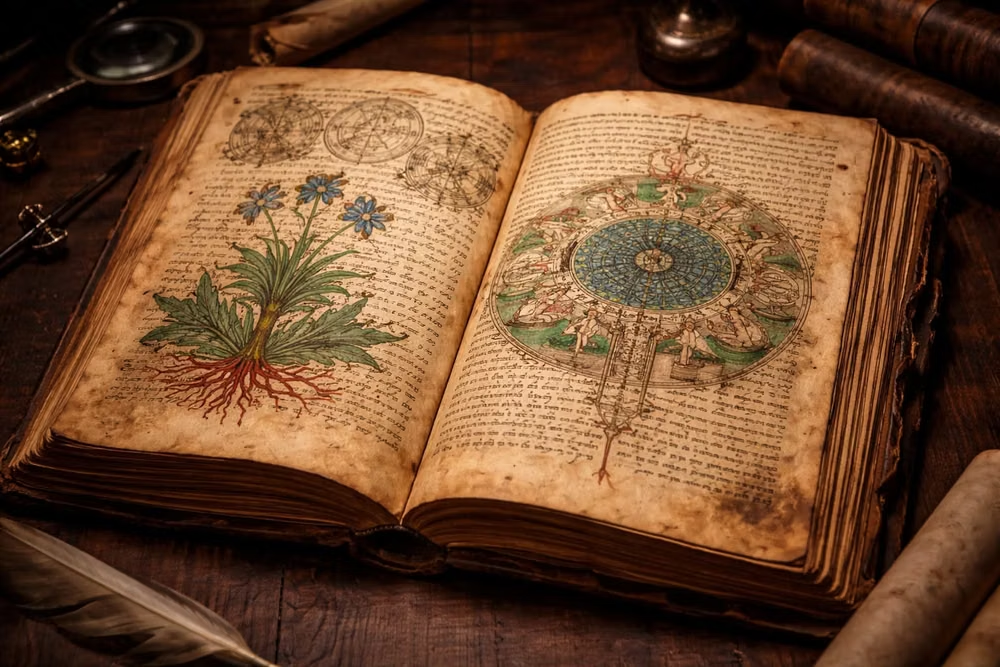
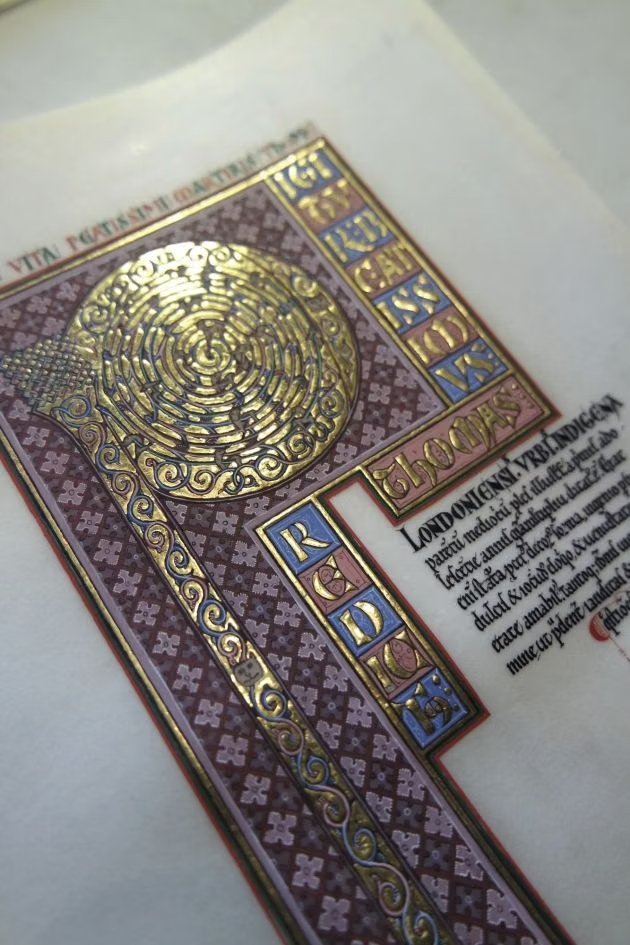
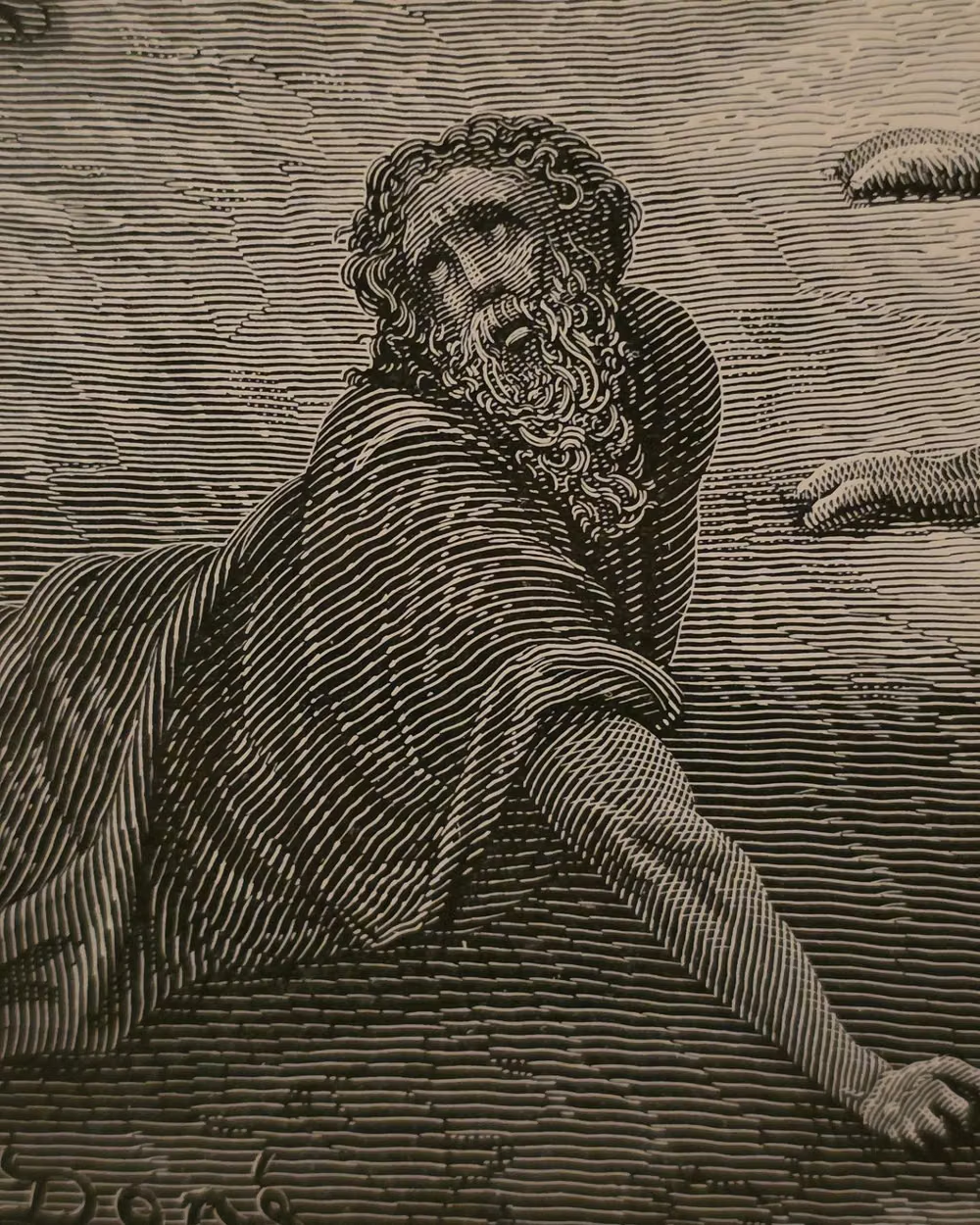
Historical Manuscript Skeuomorphism UI design style
A tactile interface style that makes digital UI feel like a physical artifact from an older era, using the visual language of parchment, ledgers, bound folios, and ceremonial documents. It belongs to the broader skeuomorphic tradition, but with a specifically archival, literary, and old-world character.
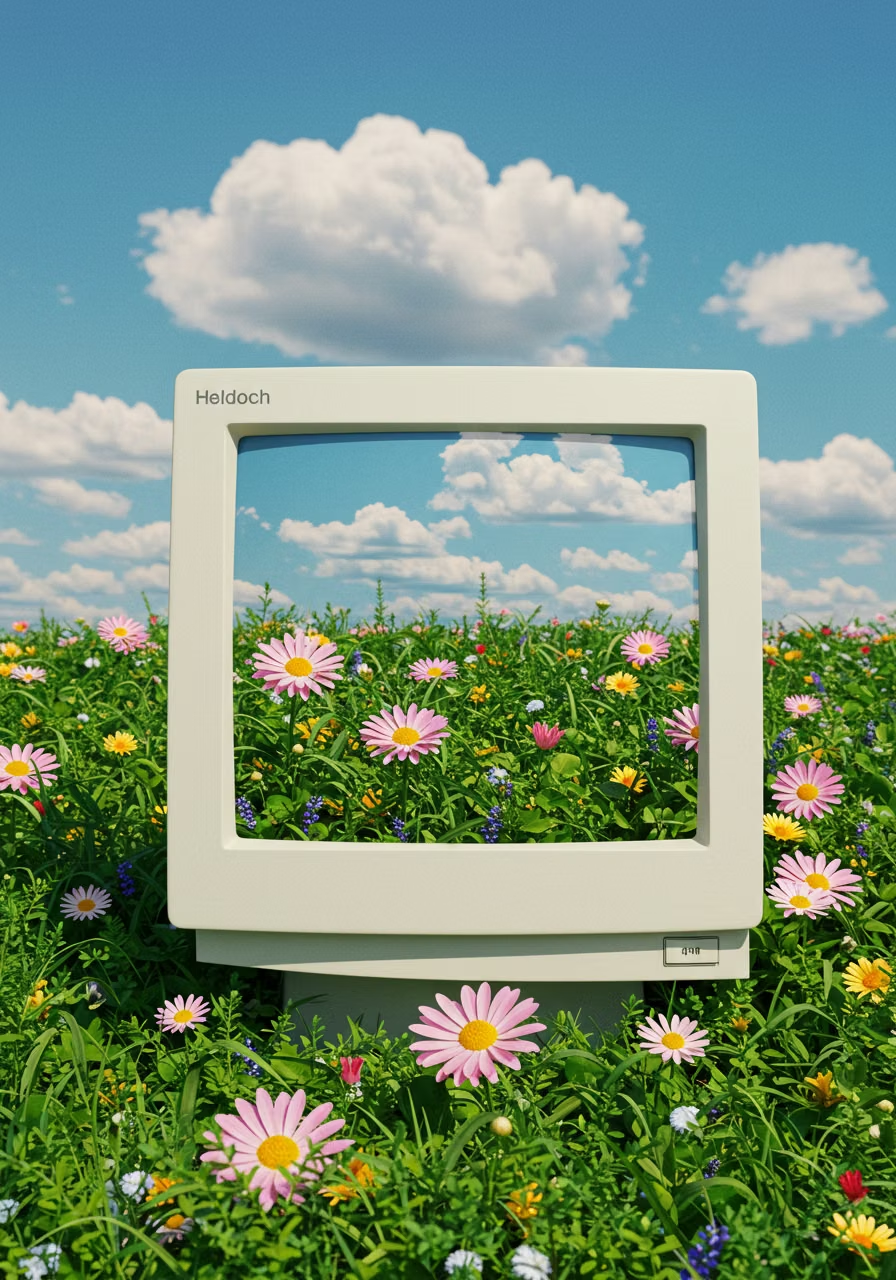
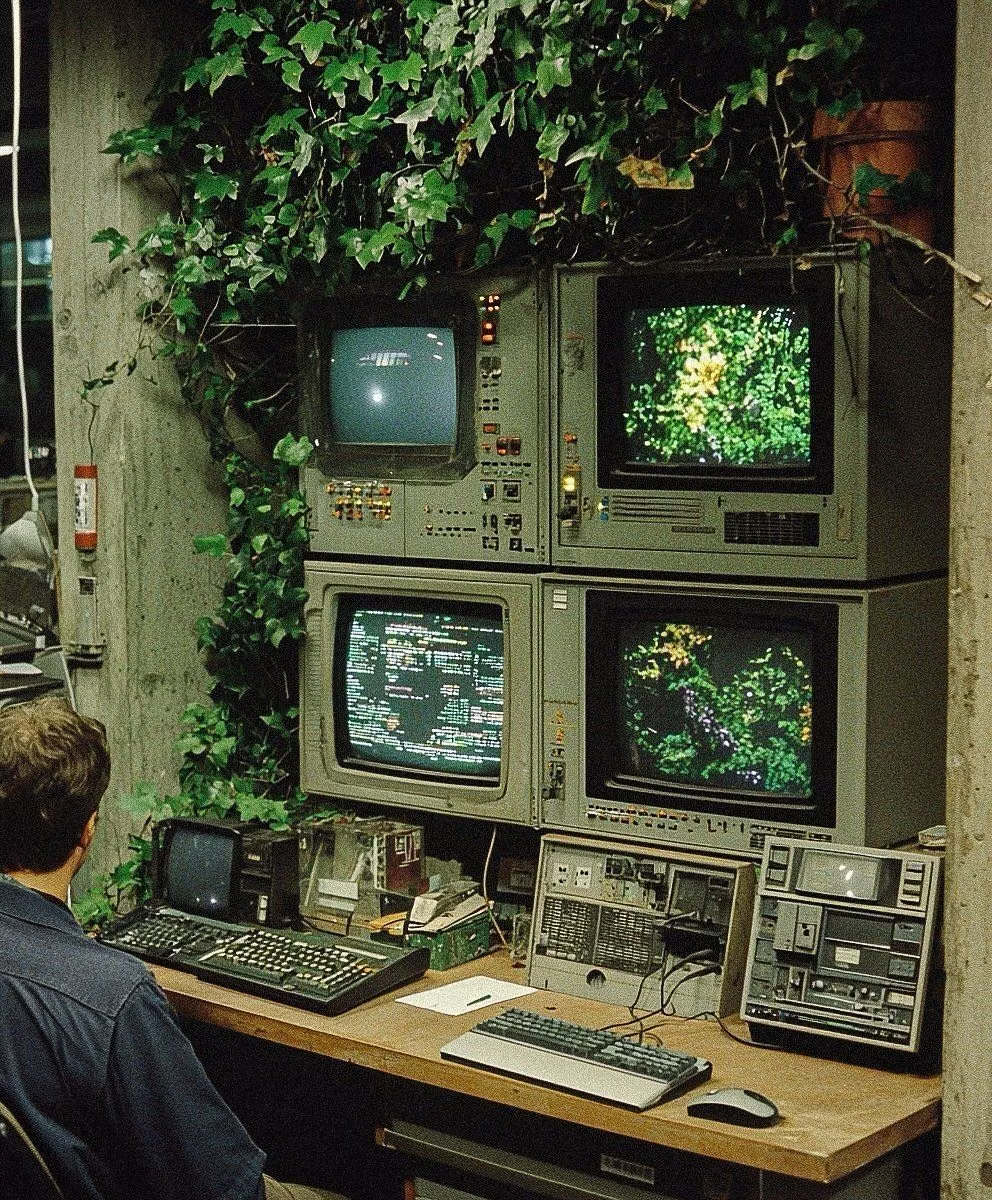
Retro Computing UI design style
CRT glow, bitmap fonts, window chrome, limited palettes, scanlines, floppy-disk motifs, and vintage operating-system conventions.