Y2K Techno-Skeuomorphism UI design style
Early-2000s skinnable media-player interfaces model software after futuristic audio equipment; the style is also recognized as Y2K Media Player UI, Chrome Futurism, Skinnable UI, Techno Skeuomorphism, or Millennium Futurism.
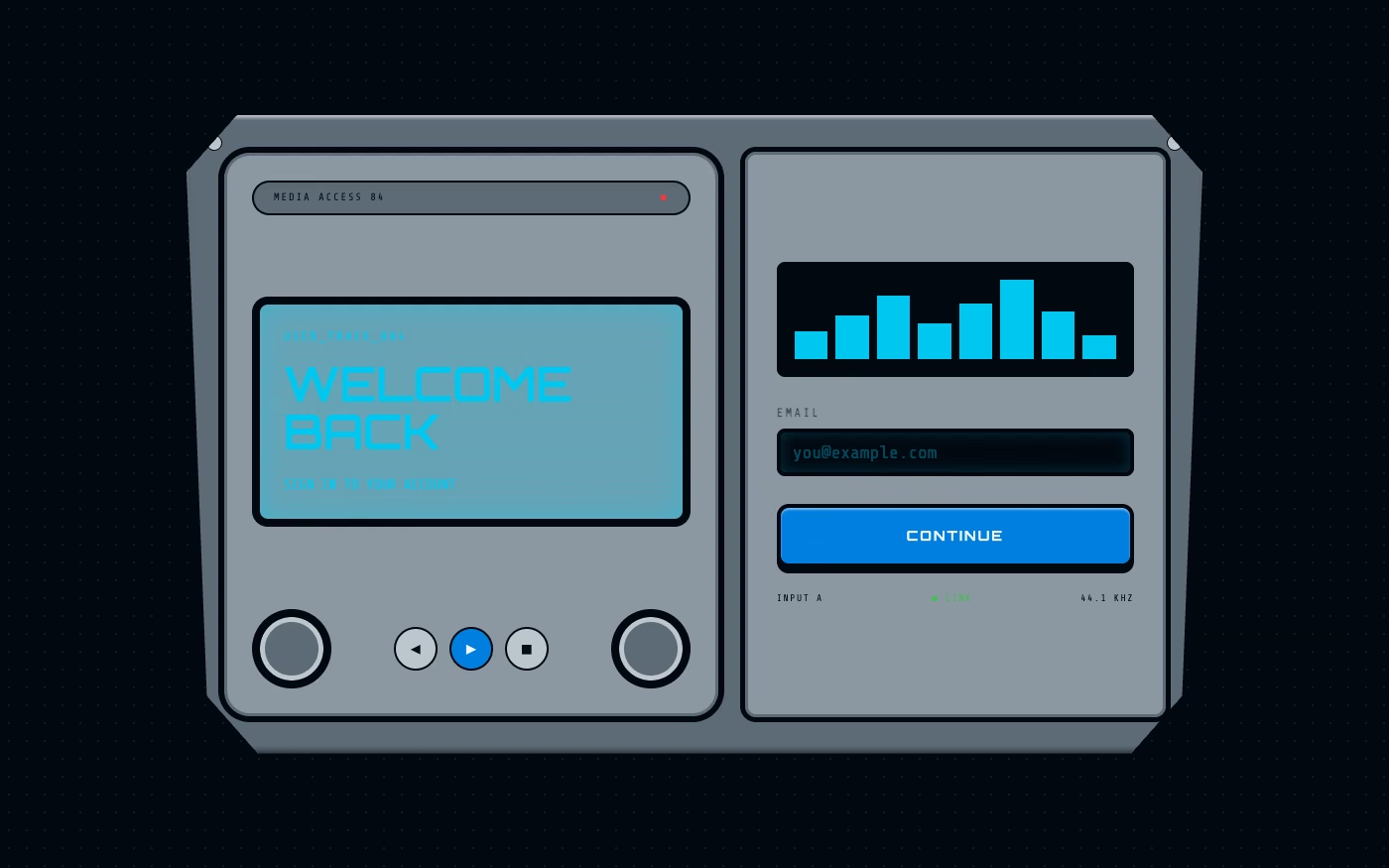
Design overview
- Signature elements
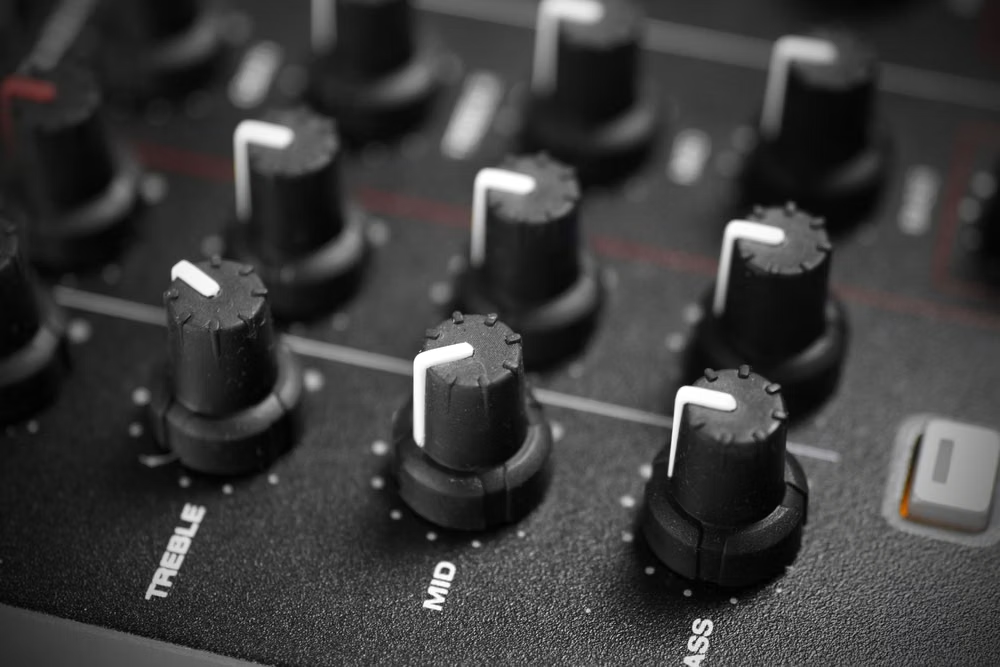
- brushed silver shells, blue LCD displays, beveled transport buttons, rotary controls, equalizer sliders, custom-shaped windows. In daisyUI themes, set `--noise: 1;` and `--depth: 1;`.
- Best suited to
- Music products, audio tools, games, retro utilities, hardware controllers, and highly themed entertainment interfaces.
- Layout principles
- Build one compact custom-contoured console from a dominant display, transport cluster, rotary controls, equalizer bank, and docked subpanels, attaching labels directly to their hardware-like functions.
History and origins
A fact-checked account of where this visual language came from, with links to the references used.
- Period
- Late 1990s–early 2000s source period; named retrospectively
- Origin
- Consumer electronics, music software, games, and technology advertising
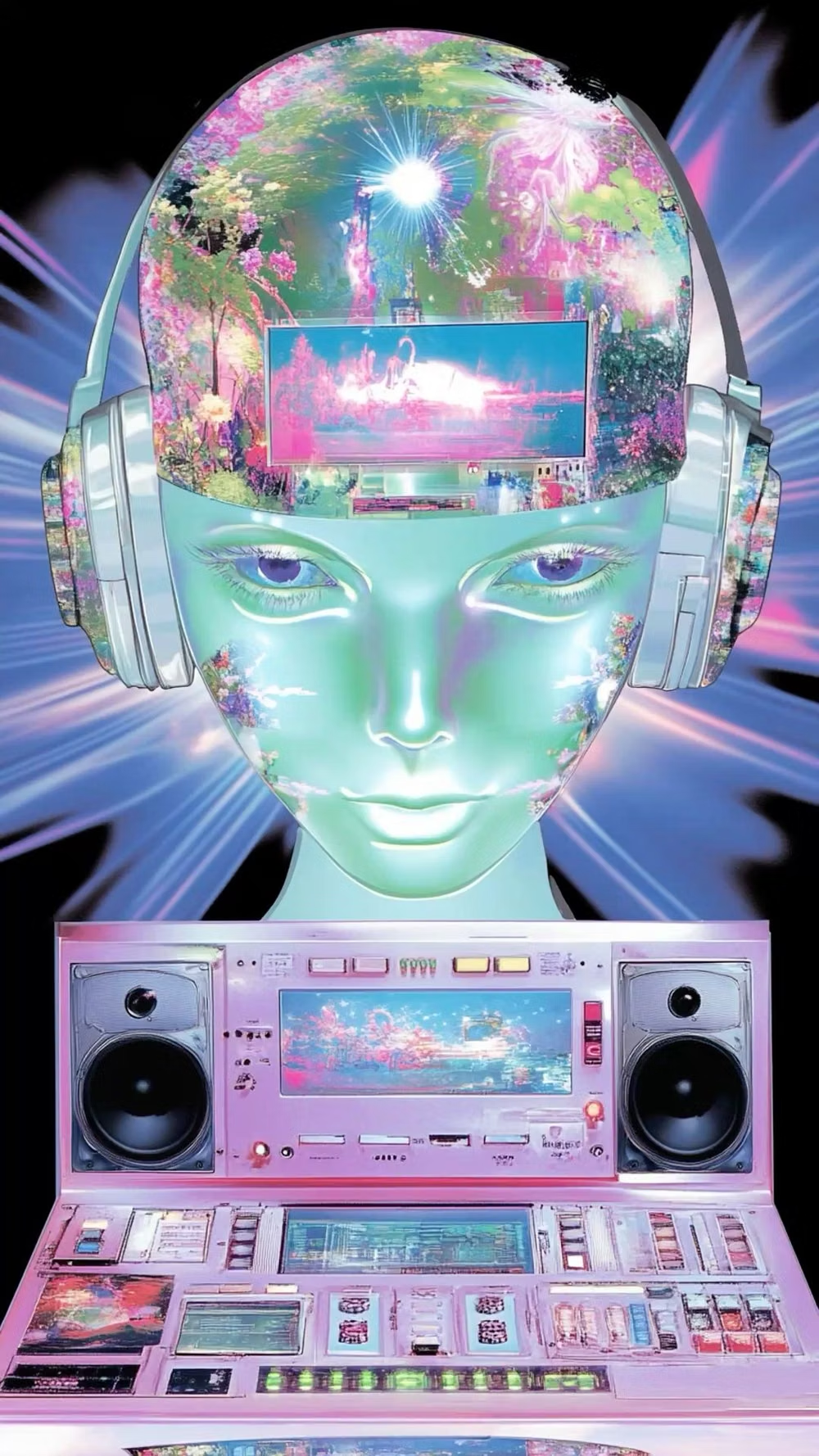
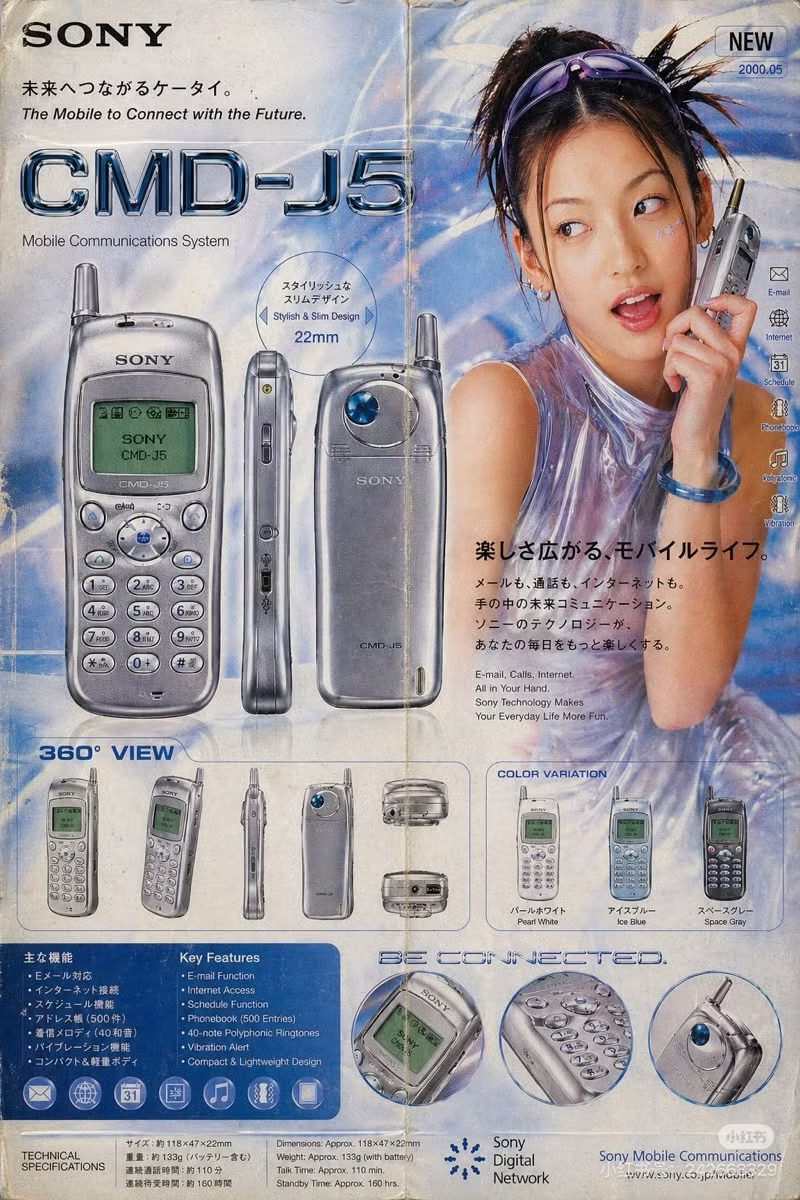
Y2K Techno-Skeuomorphism is a contemporary composite label rather than a documented movement name from the period. It isolates the Y2K interfaces that rendered translucent plastic, chrome hardware, cables, dials, decks, and imaginary machines in detail, joining the millennium’s cyber-futurism with the older interface strategy of making digital controls resemble physical equipment.
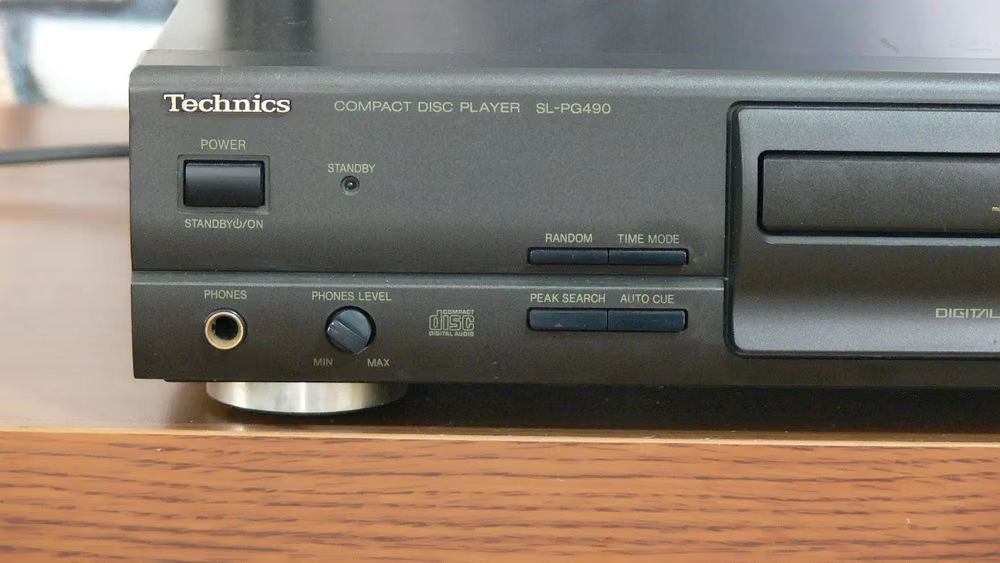
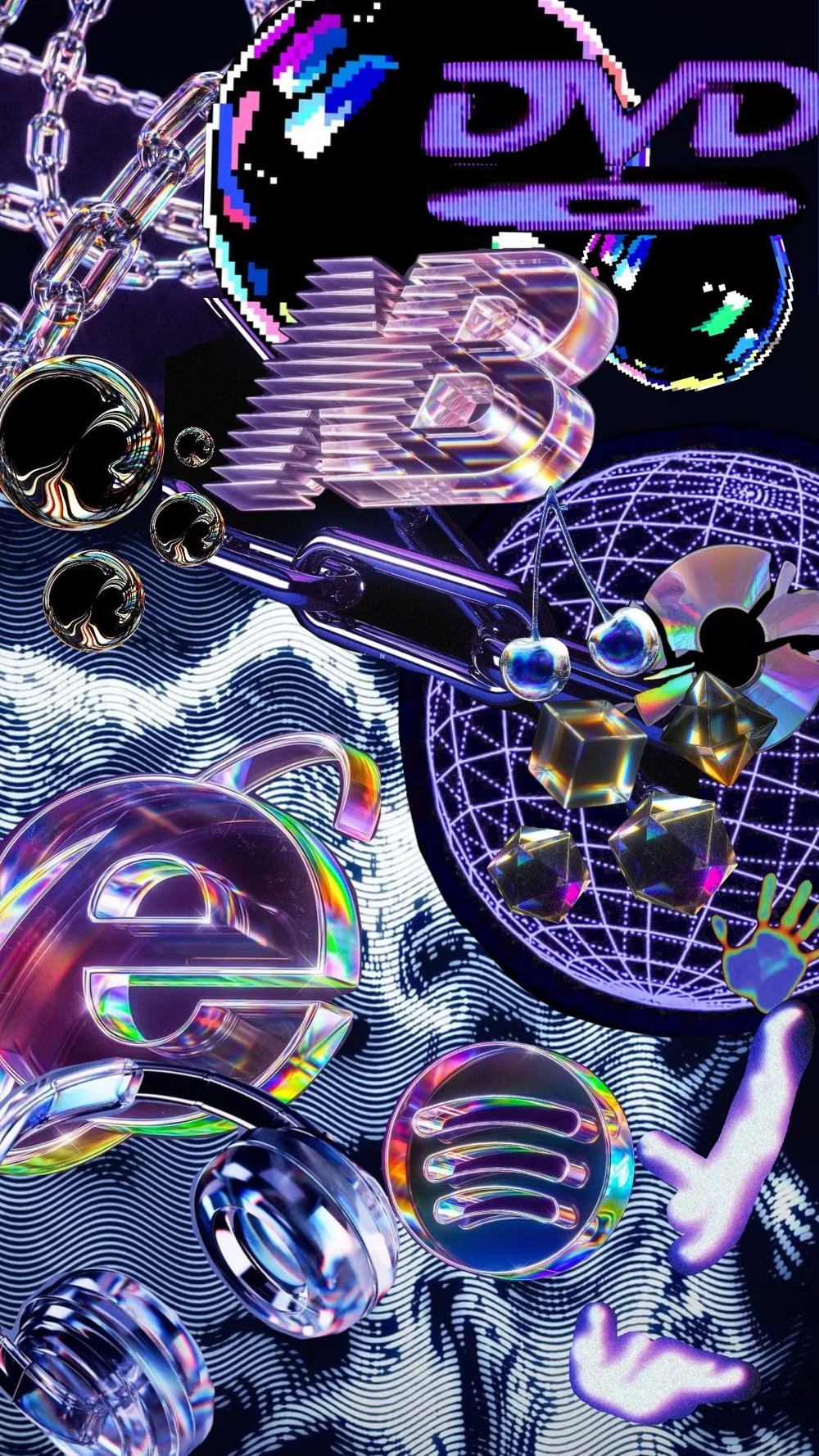
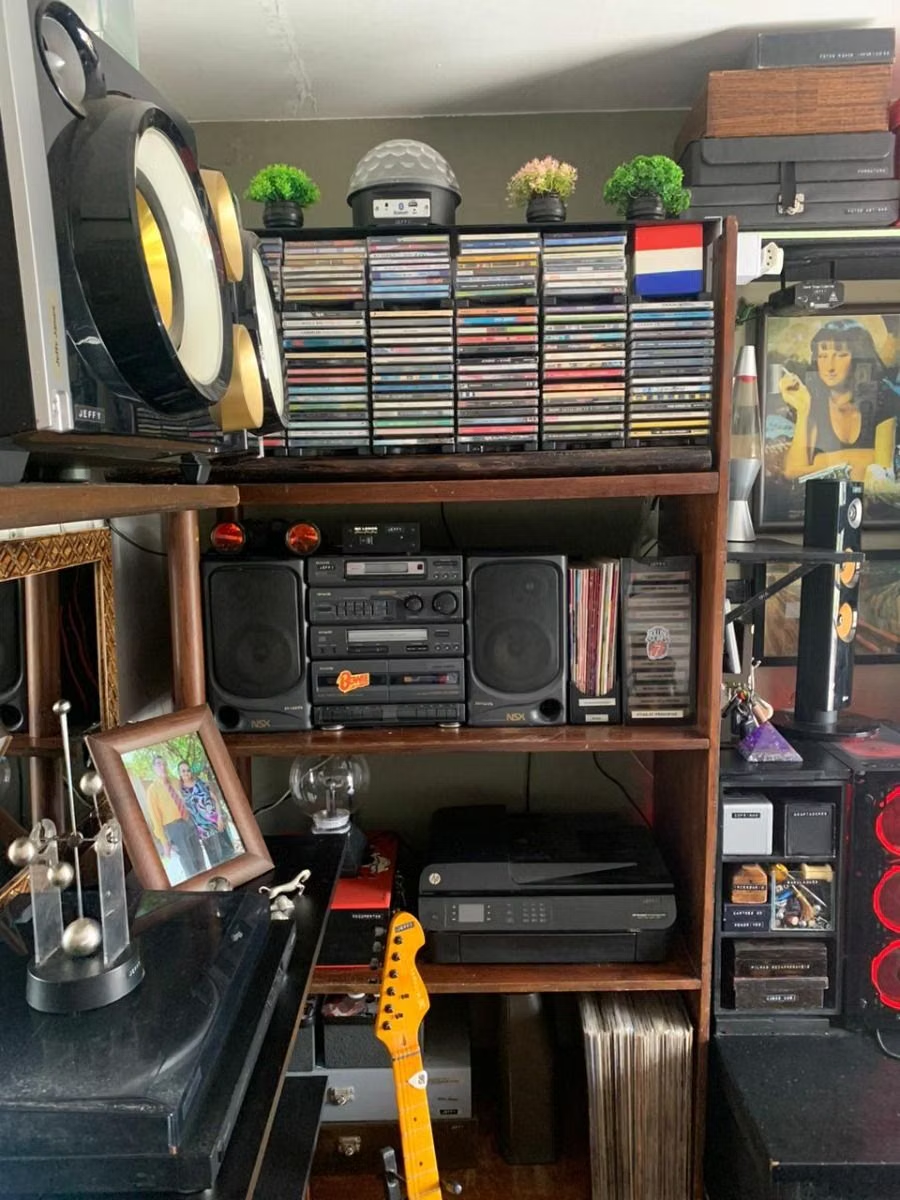
Moodboard and visual references
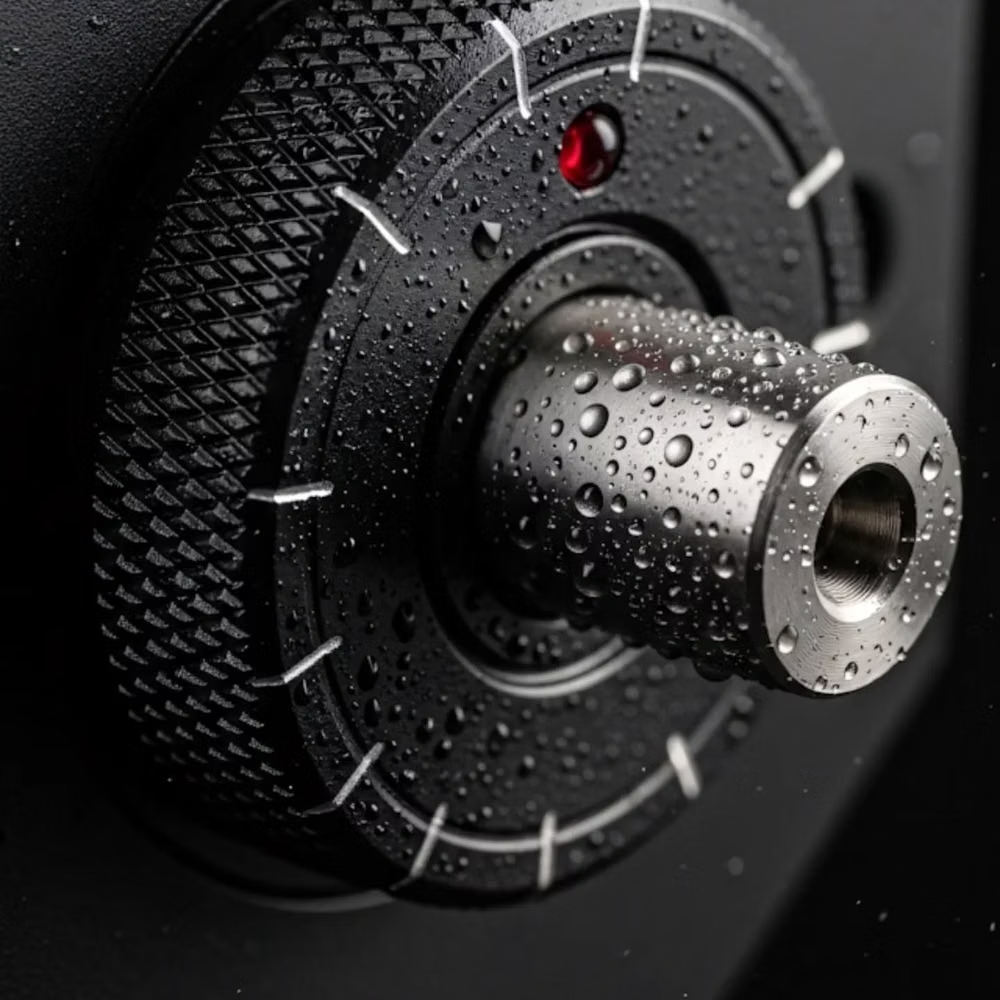
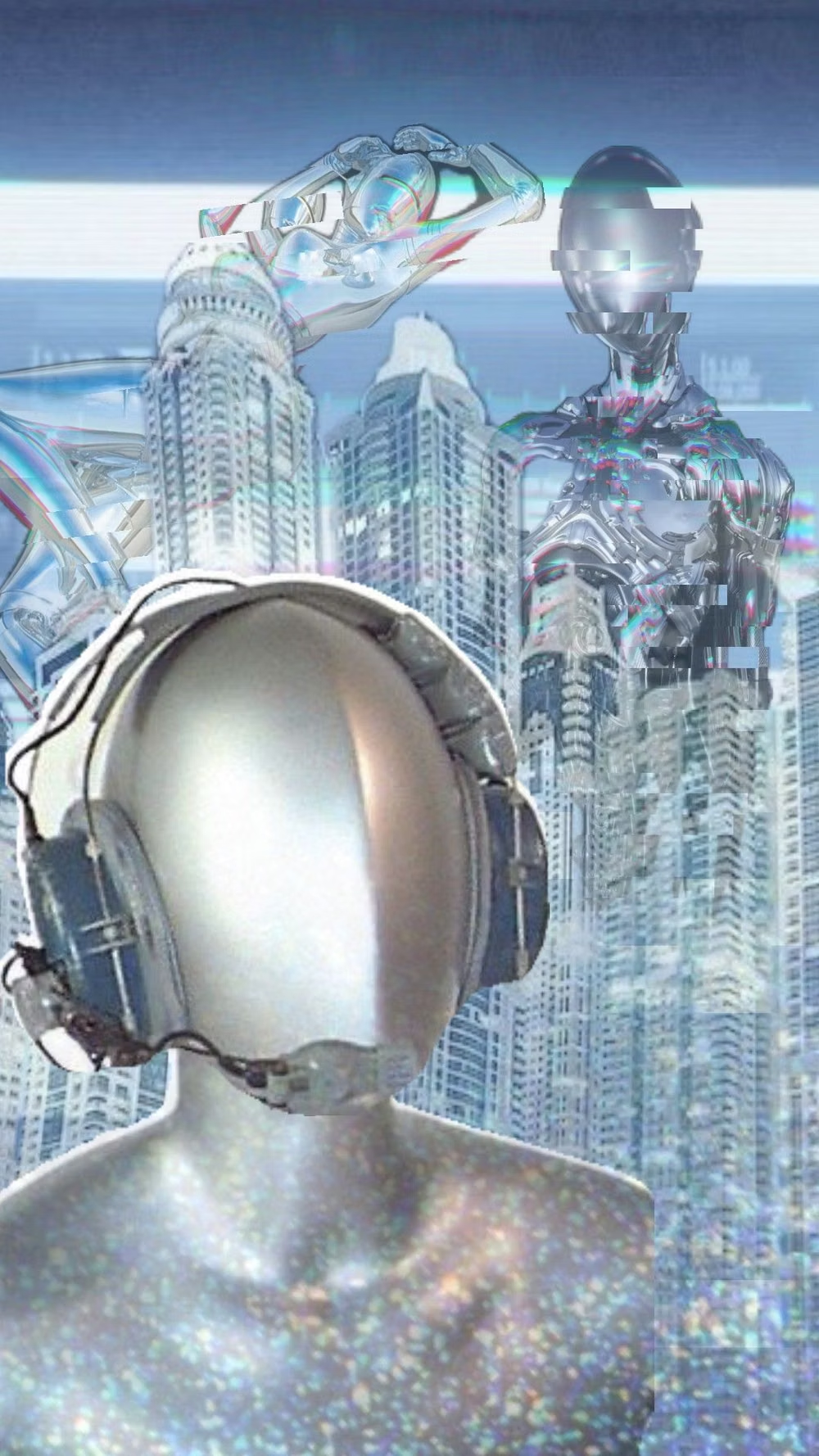
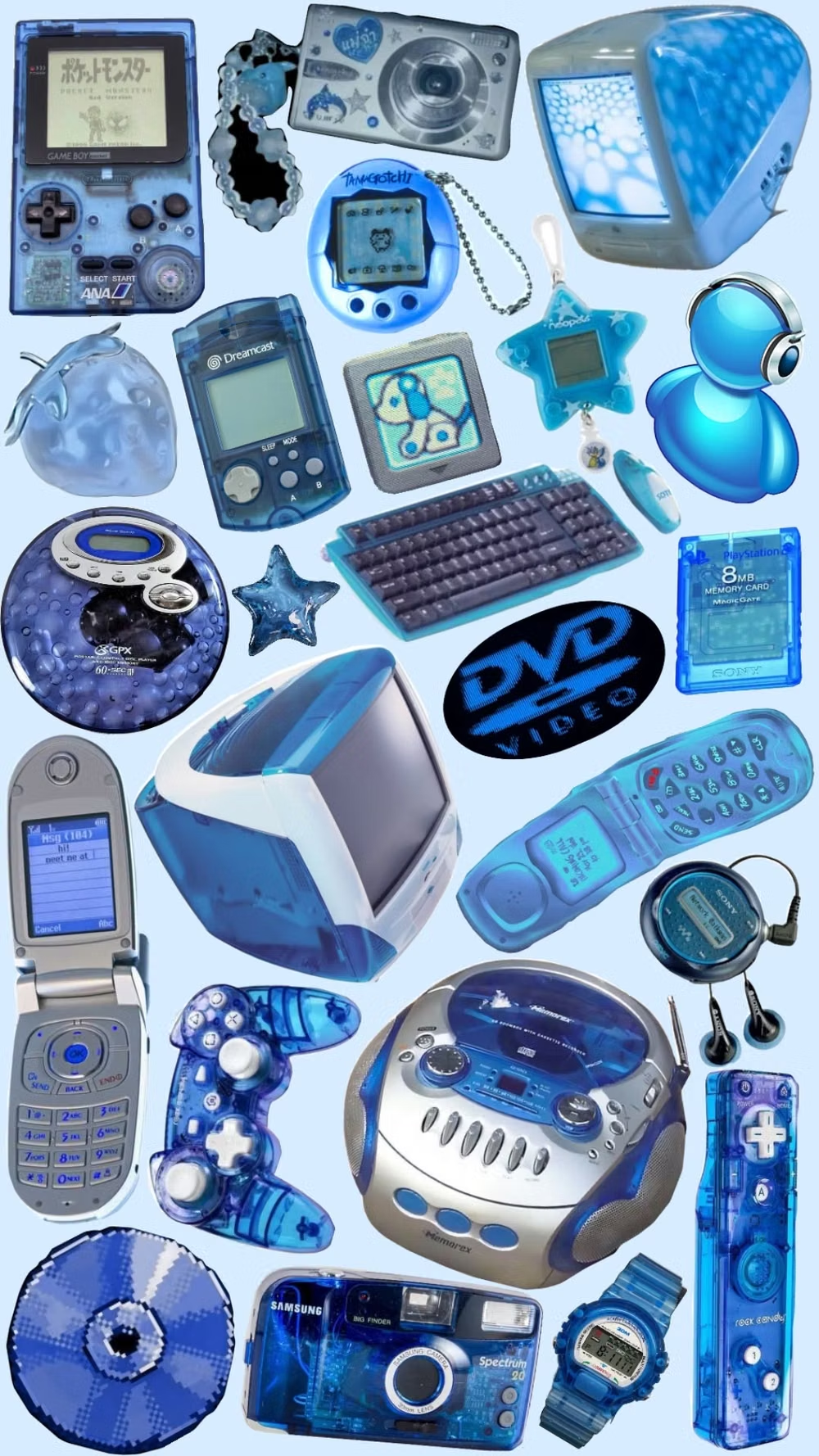
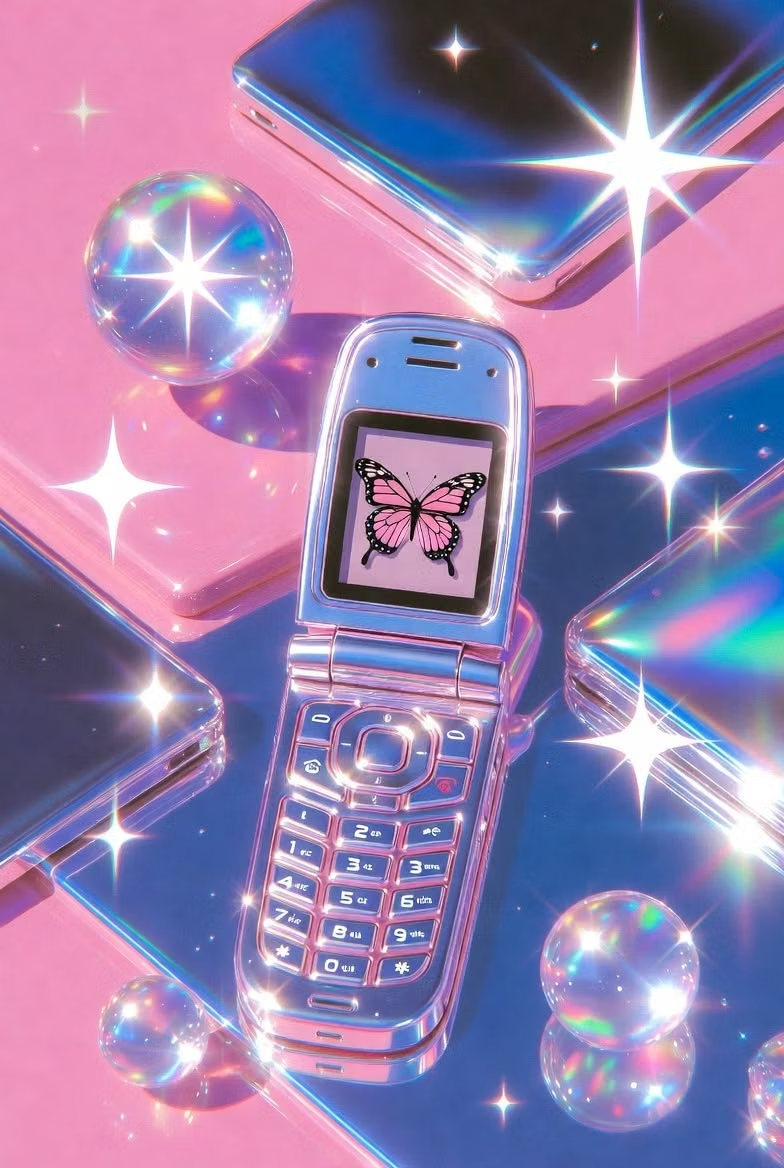
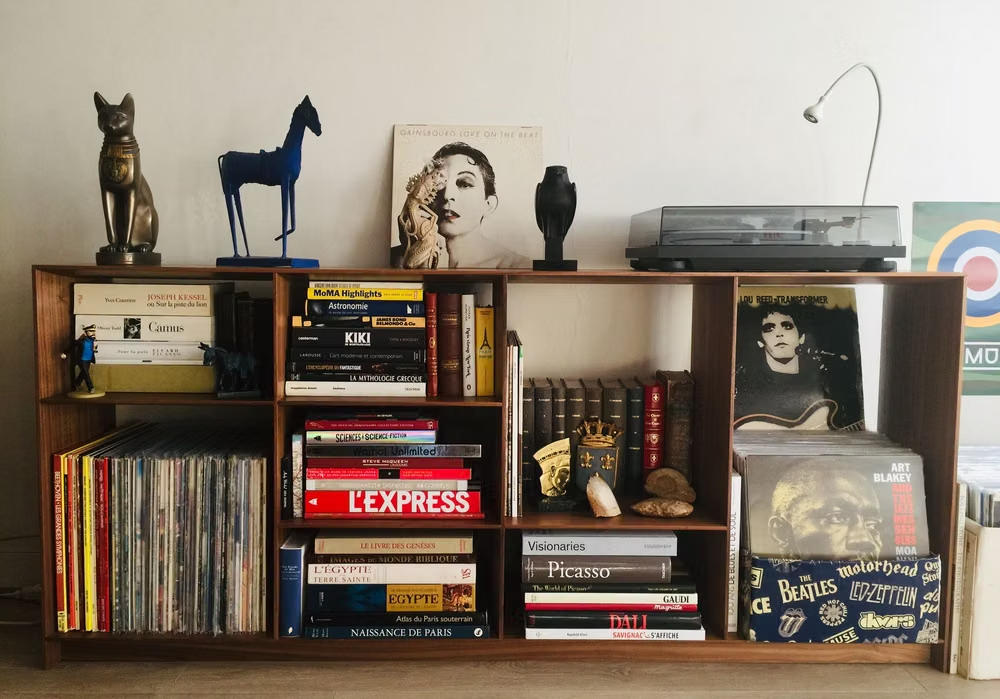
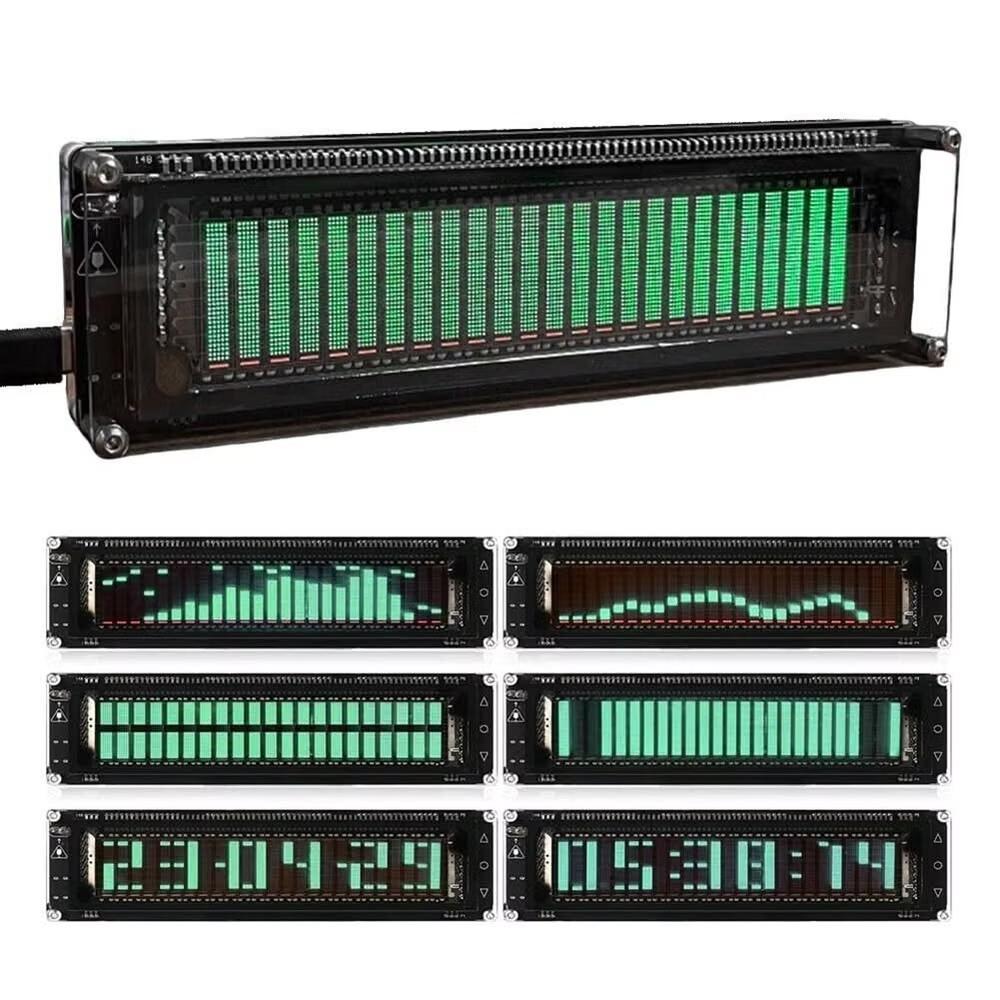
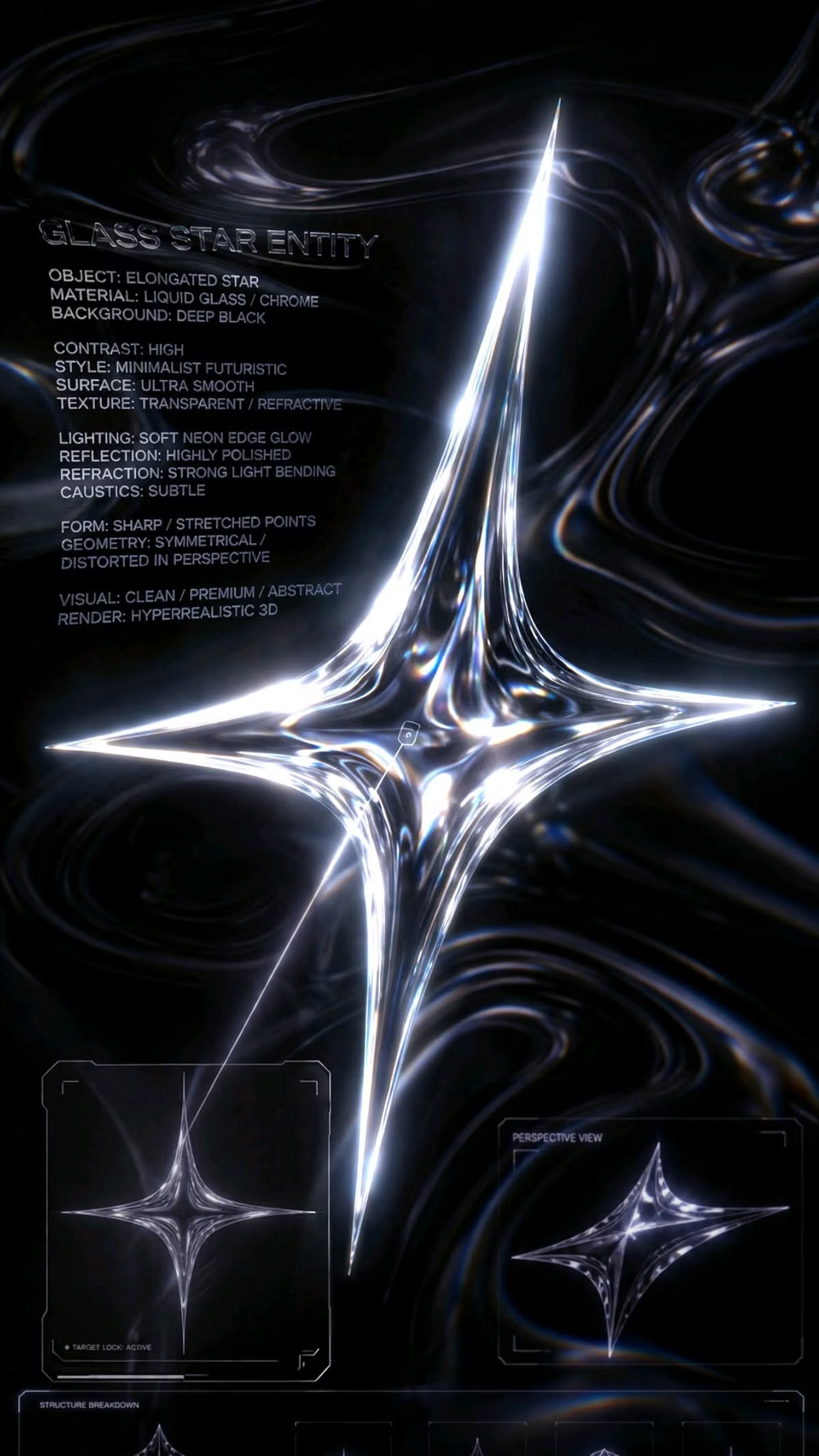
A visual study of the forms, inspirations, materials, colors, type, and cultural references associated with this UI design style.
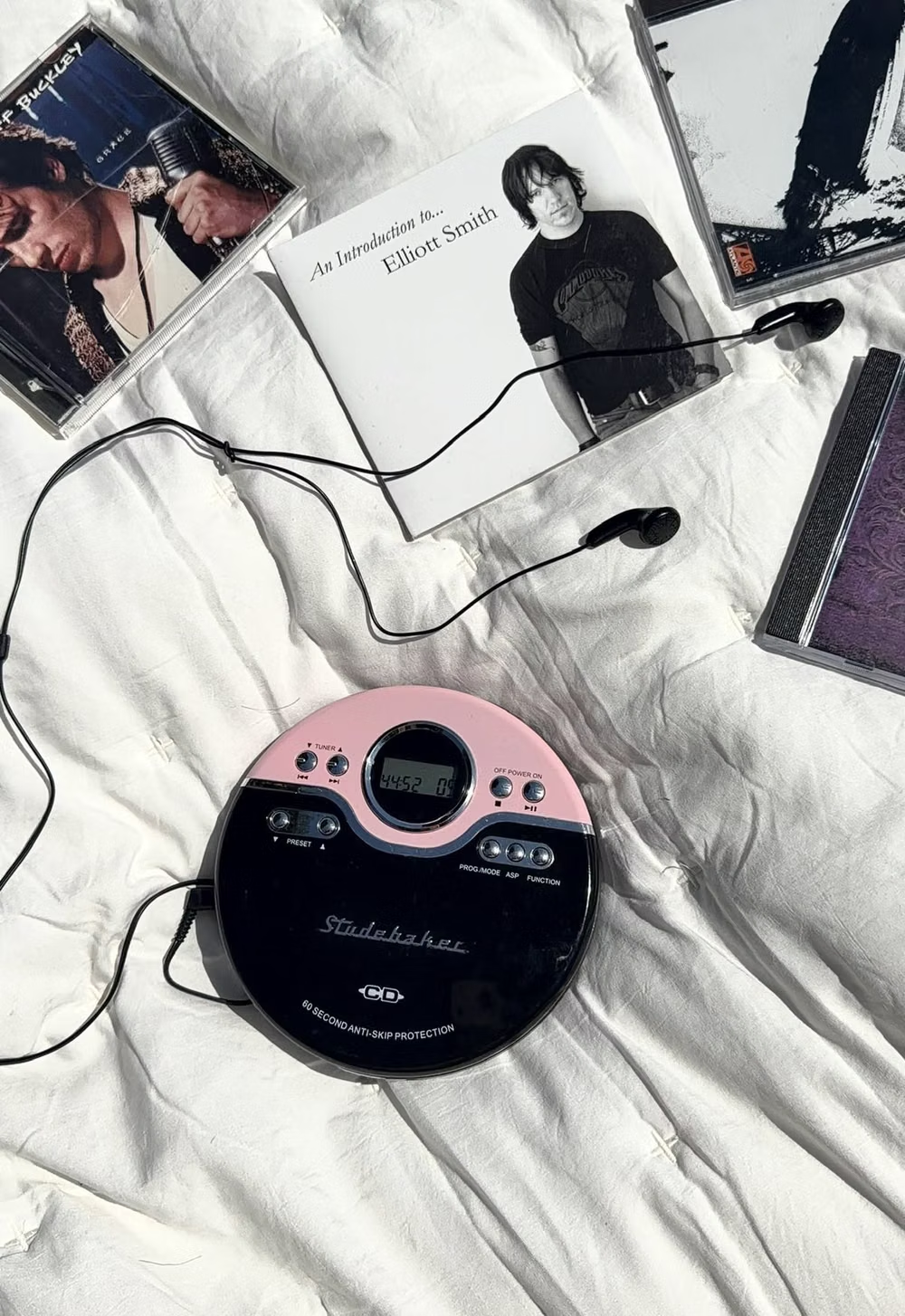
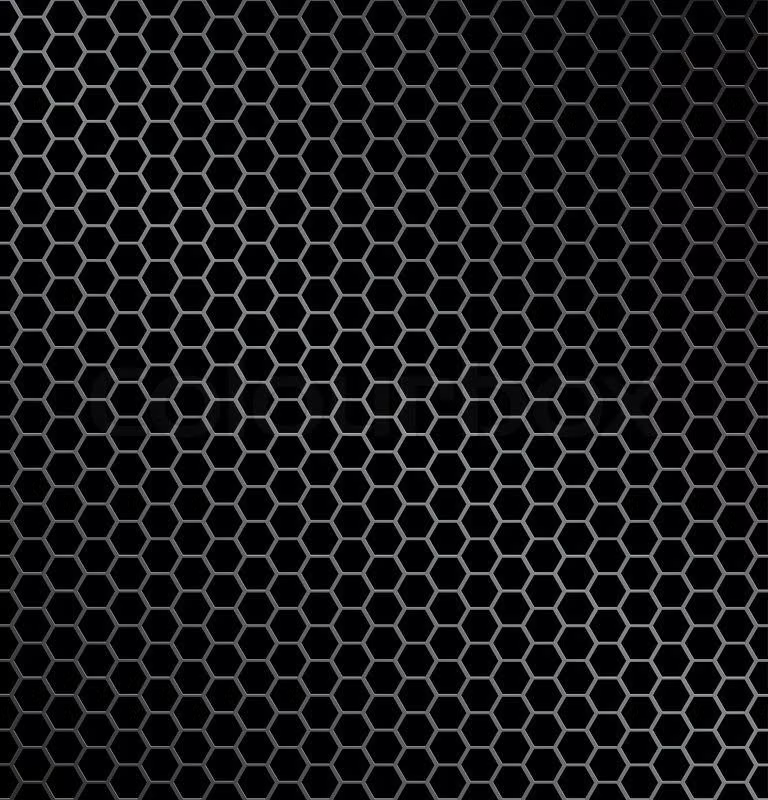
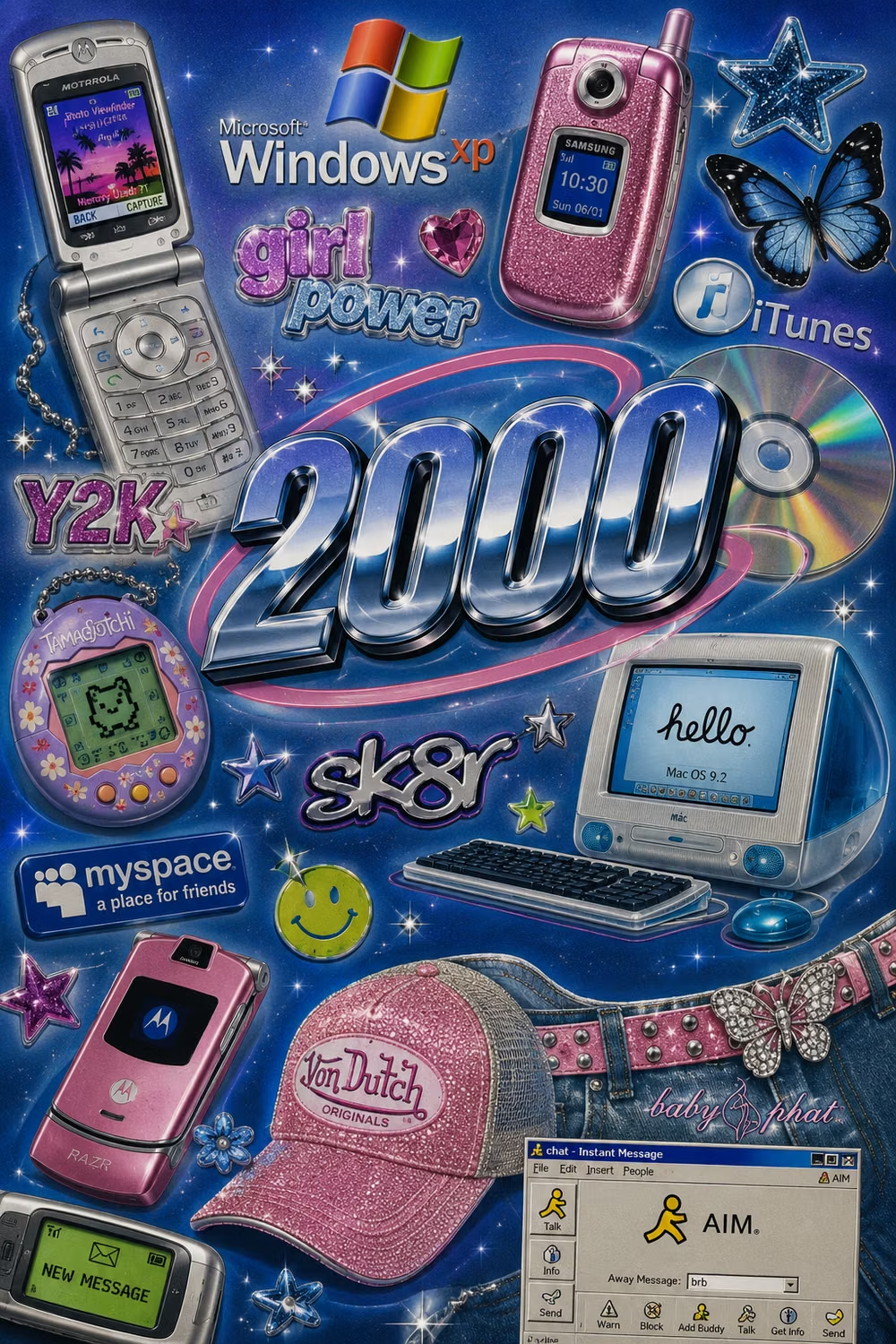
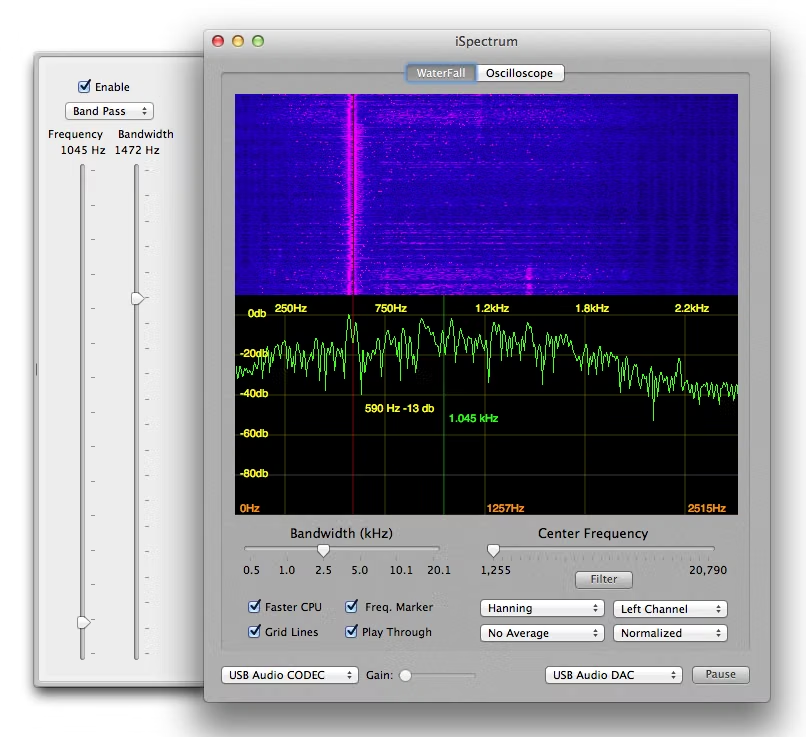
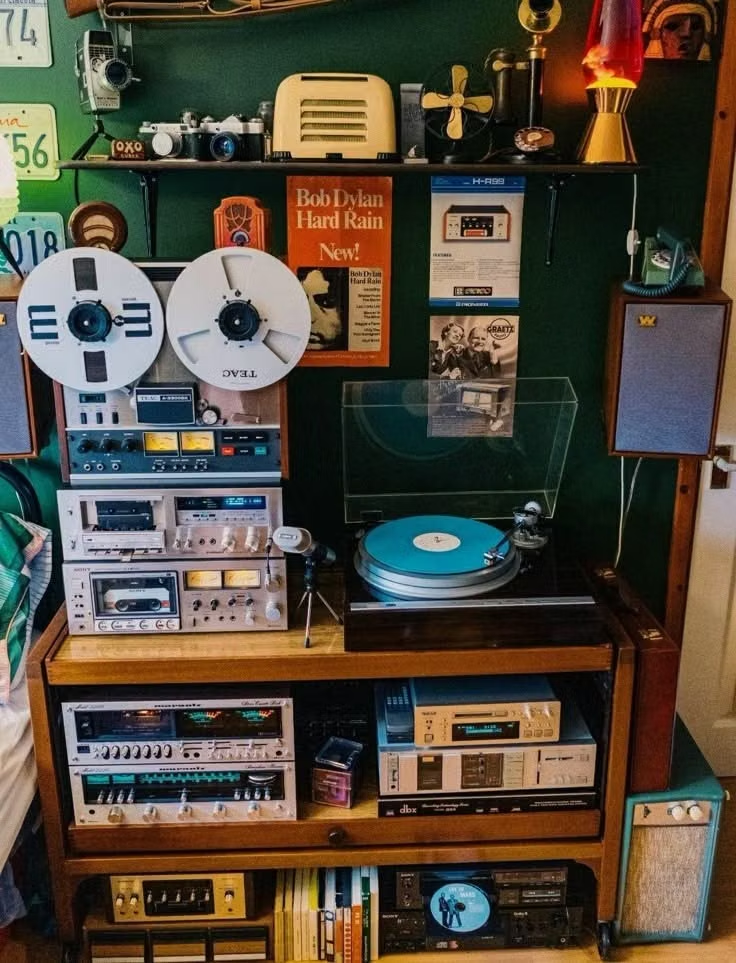
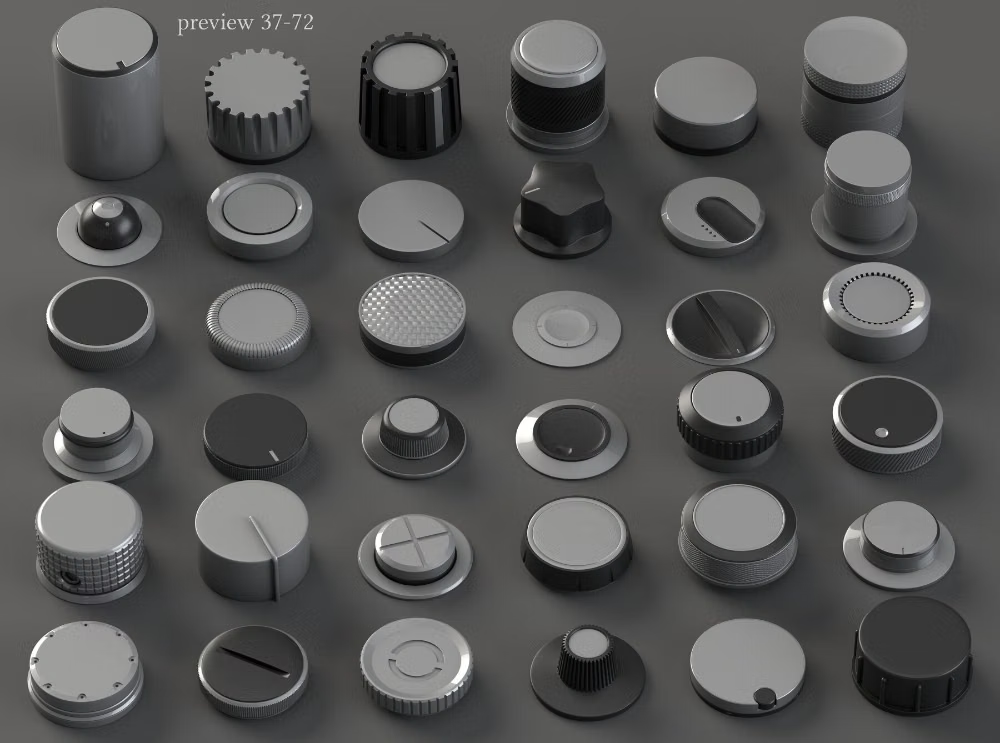
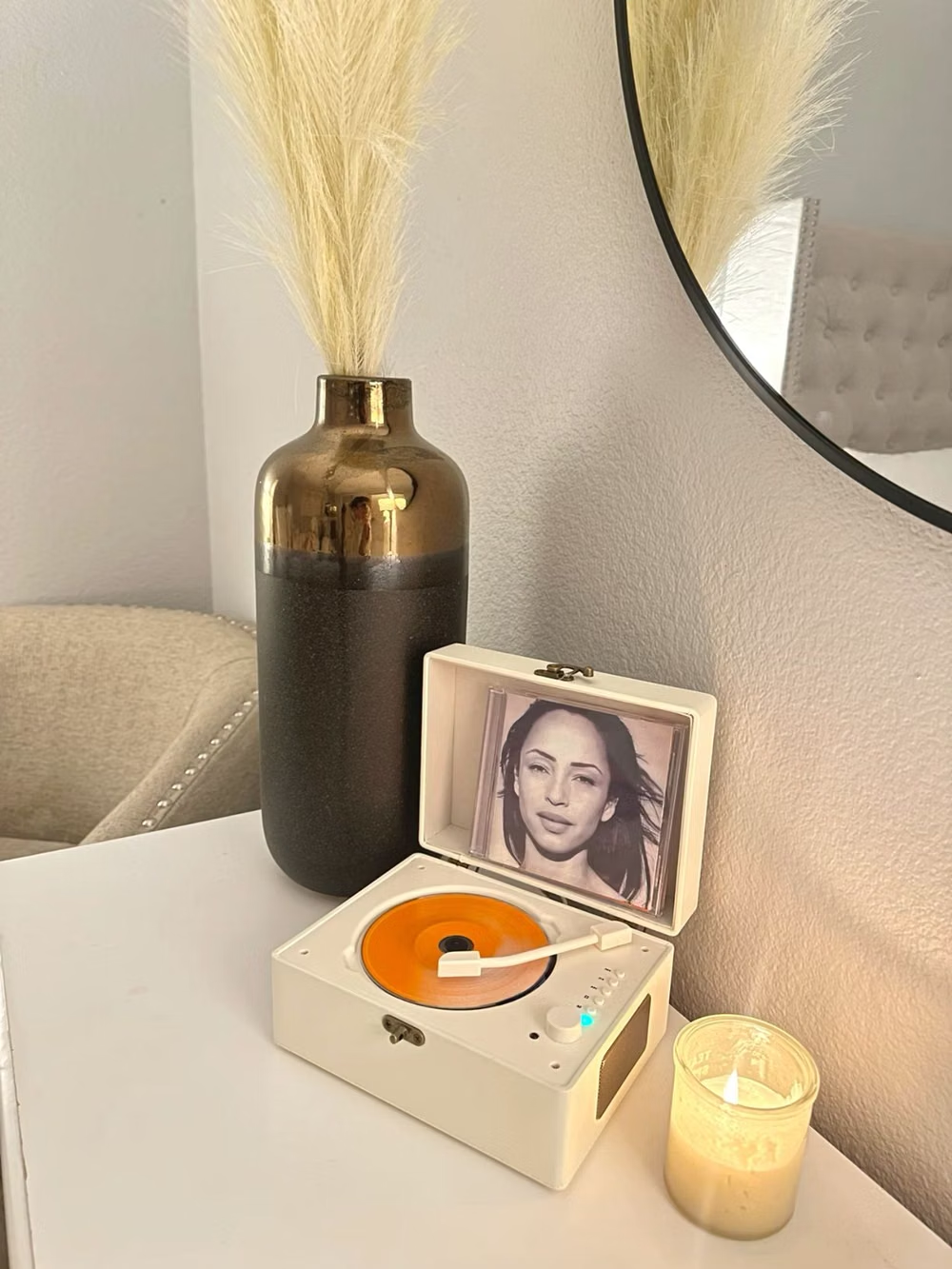
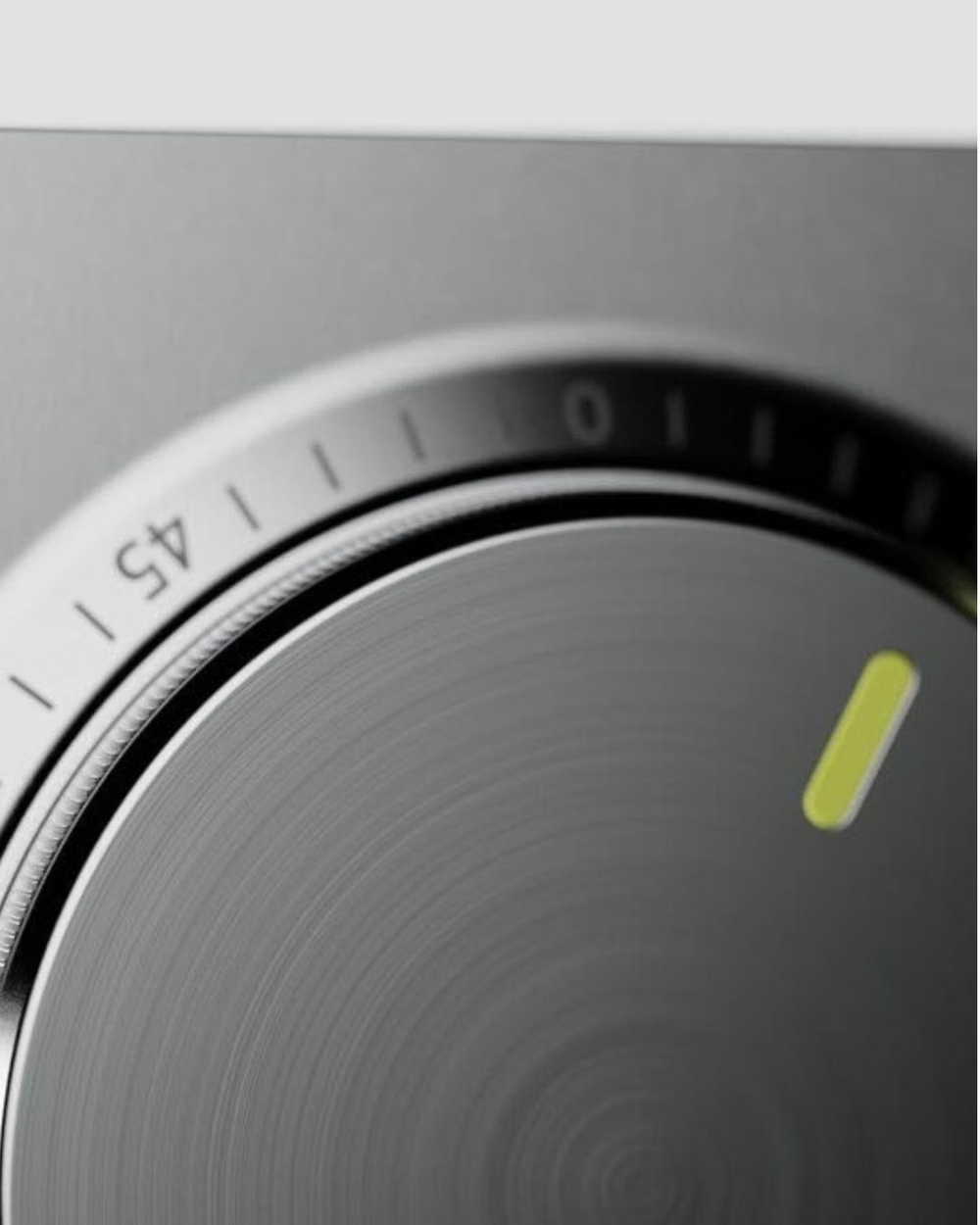
Design principles and implementation
Use these principles to write a focused AI UI design prompt instead of asking for a vague visual treatment.
Color direction
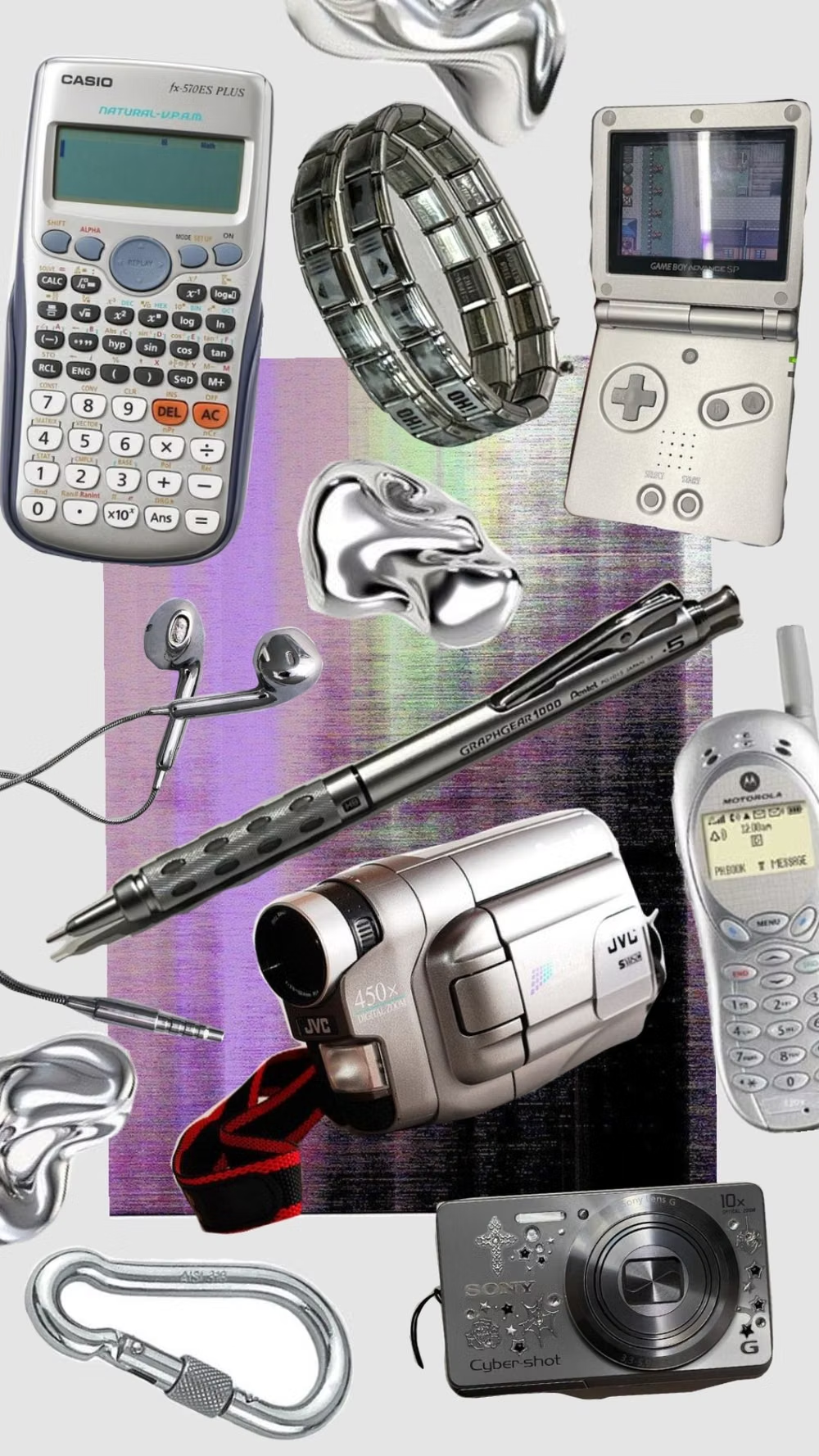
Use brushed silver, graphite, gunmetal, and black around electric or icy blue LCD fields, then add tiny red, green, or amber status lights and strong bevel highlights. In a daisyUI theme, use electric or icy LCD blue for `primary`, muted silver for `secondary`, and step `base-100`, `base-200`, and `base-300` through graphite, gunmetal, and black.
Imagery direction
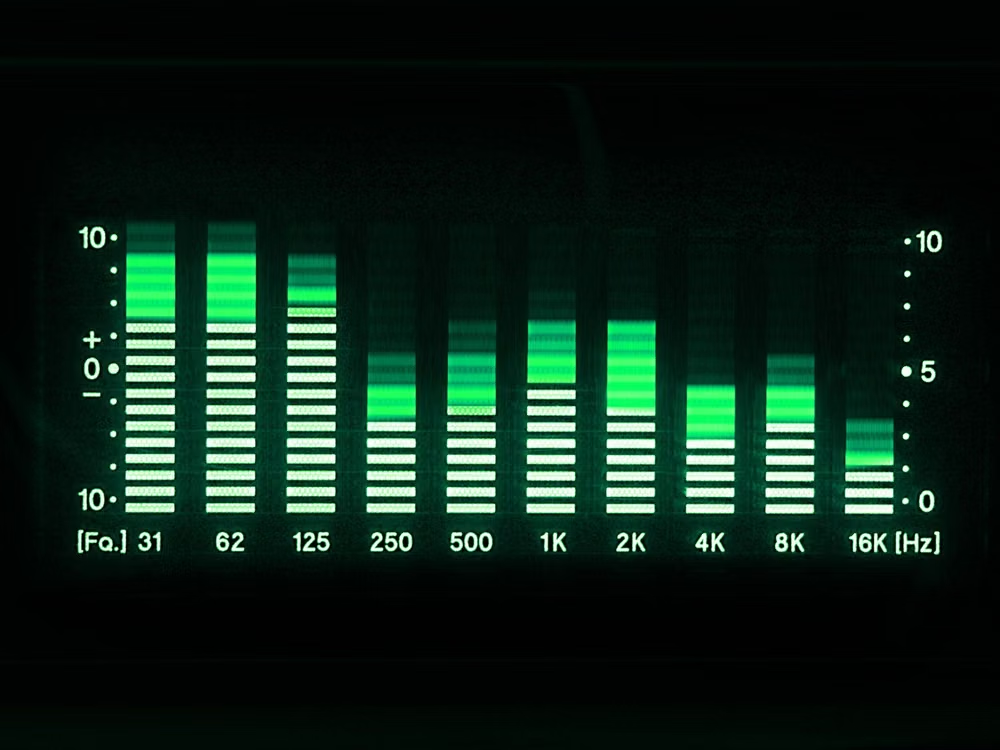
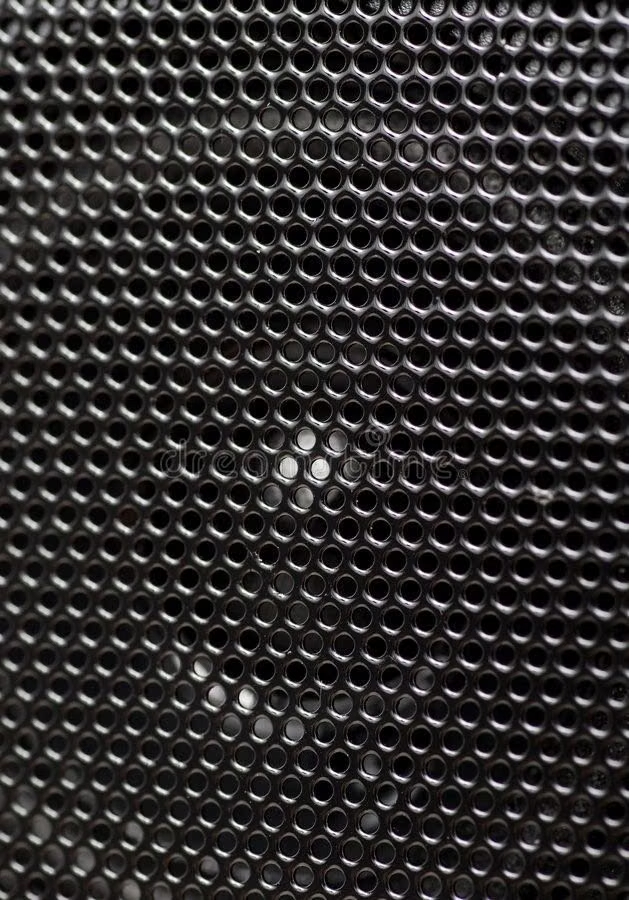
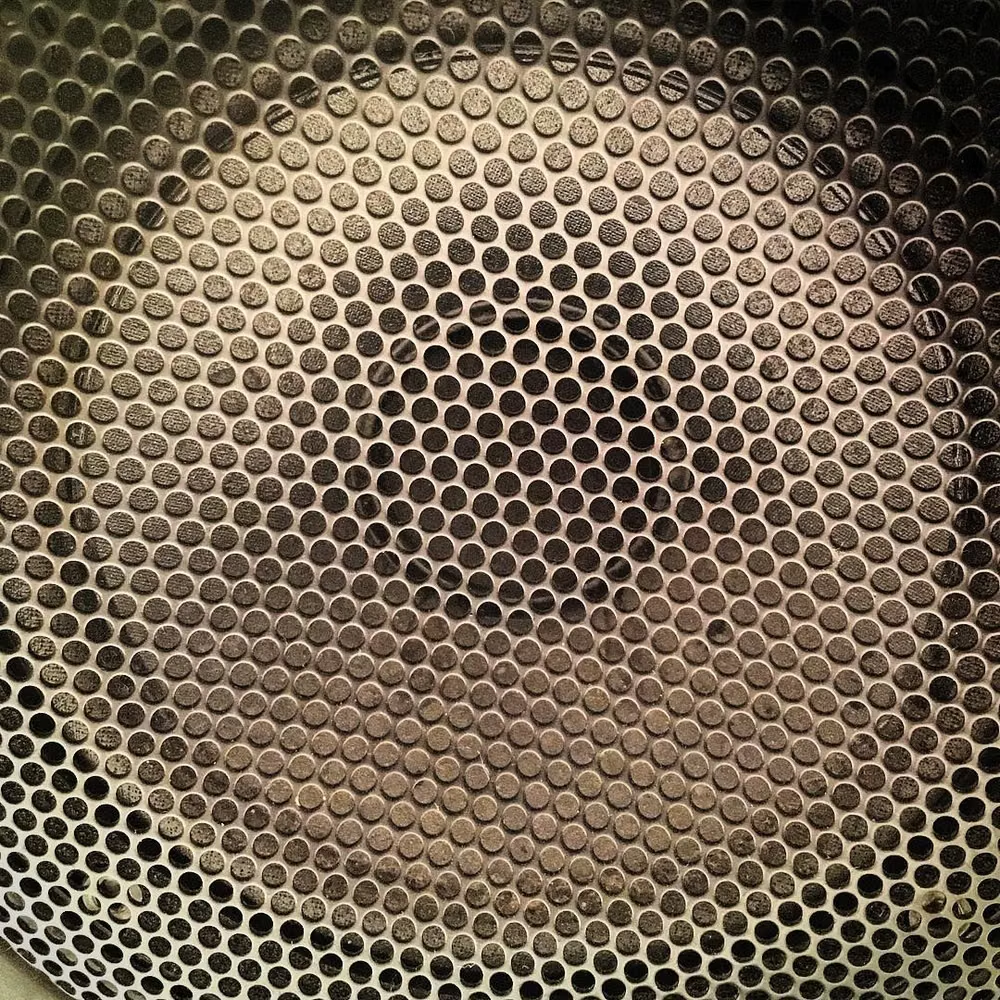
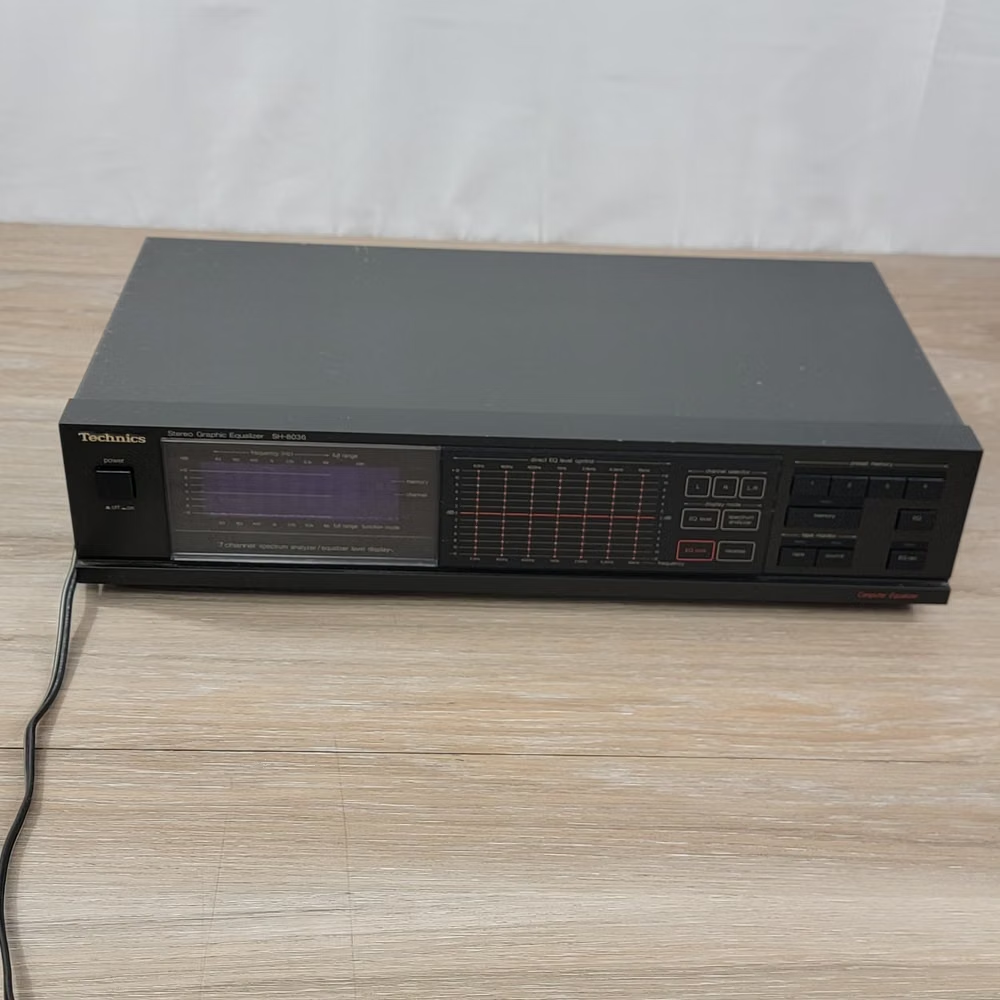
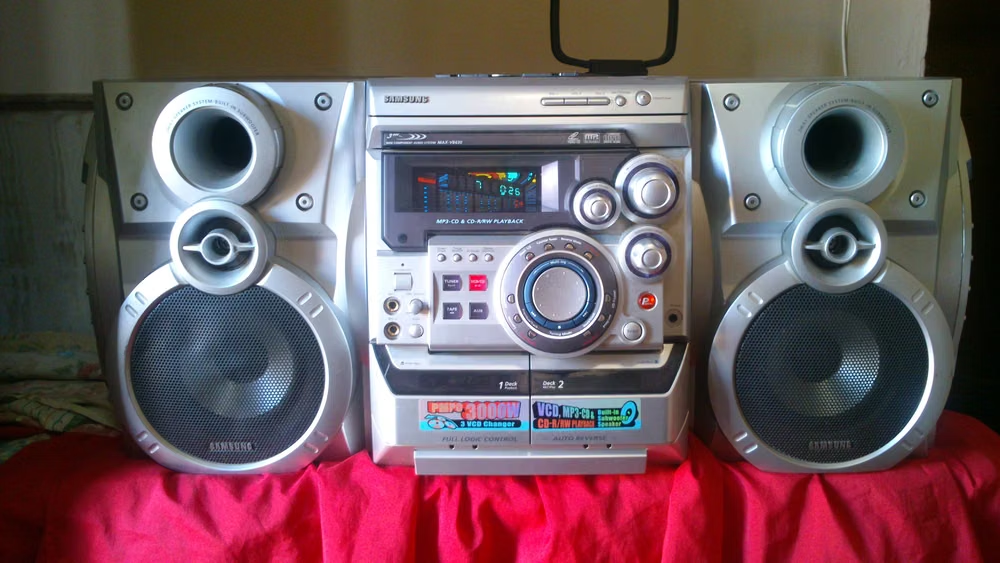
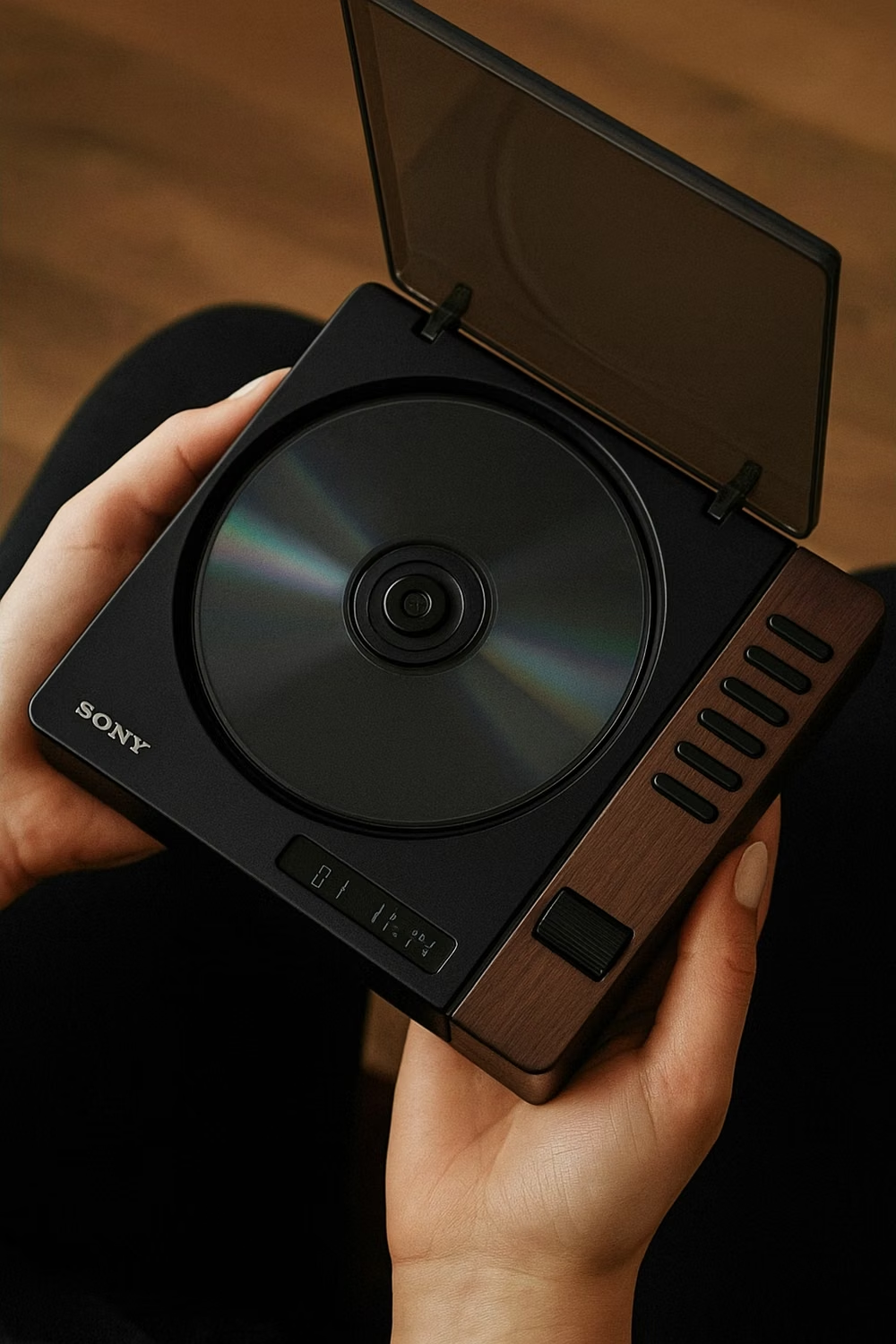
Reference shelf stereos, CD trays, speakers, spectrum analyzers, waveforms, machined faceplates, screws, vents, cables, and industrial consumer electronics rather than generic science fiction.
Content density
Embrace dense control surfaces and terse labels, but center hierarchy on one legible track or system display and group advanced adjustments into recognizable equipment bays. Use the `*-sm` size variants for daisyUI components to preserve this compact working density.
Motion direction
Rotate knobs, snap sliders, pulse level meters, scroll LCD text, spin discs, depress transport keys, and illuminate indicators with believable device feedback.
Shape language
Use irregular aerodynamic housings, beveled shells, recessed wells, machined rims, circular dials, segmented displays, and tightly fitted removable modules. In daisyUI themes, set the `--radius-*` variables between `0.75rem` and `1.5rem`.
Typography rules
Set small controls in a condensed techno sans or mono, use segmented or bitmap numerals for readouts, and keep every abbreviation crisp at the console's dense scale.
Suggested Typfaces
Share Tech Mono
Fresh daisies glow in warm sunlight
Fresh daisies glow in warm sunlight
1 2 3 4 5 6 7 8 9 0
Orbitron
Fresh daisies glow in warm sunlight
Fresh daisies glow in warm sunlight
1 2 3 4 5 6 7 8 9 0
Chakra Petch
Fresh daisies glow in warm sunlight
Fresh daisies glow in warm sunlight
1 2 3 4 5 6 7 8 9 0
Audiowide
Fresh daisies glow in warm sunlight
Fresh daisies glow in warm sunlight
1 2 3 4 5 6 7 8 9 0
Michroma
Fresh daisies glow in warm sunlight
Fresh daisies glow in warm sunlight
1 2 3 4 5 6 7 8 9 0
Build a Y2K Techno-Skeuomorphism interface with daisyUI
The live example translates this direction into daisyUI components and semantic theme tokens.
To generate a full page in the same visual language, give the style name and the design rules above to Blueprint MCP.
Related UI design styles
Compare nearby visual languages that share typography, shapes, use cases, or signature elements.
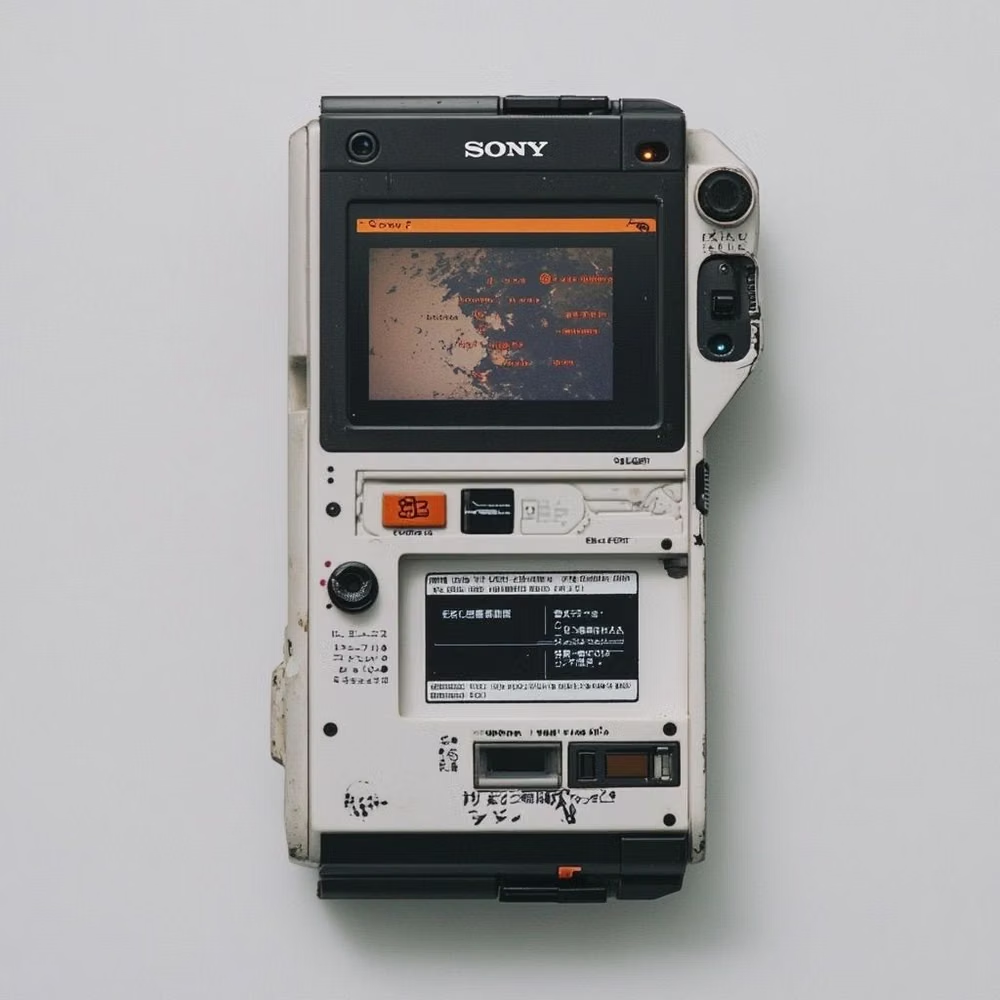
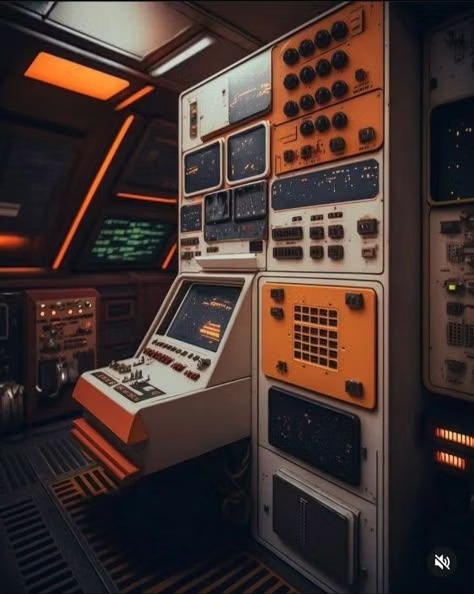
Cassette Futurism UI design style
Chunky analog controls, CRT displays, industrial panels, physical switches, amber or green screens, and late-20th-century science-fiction technology.
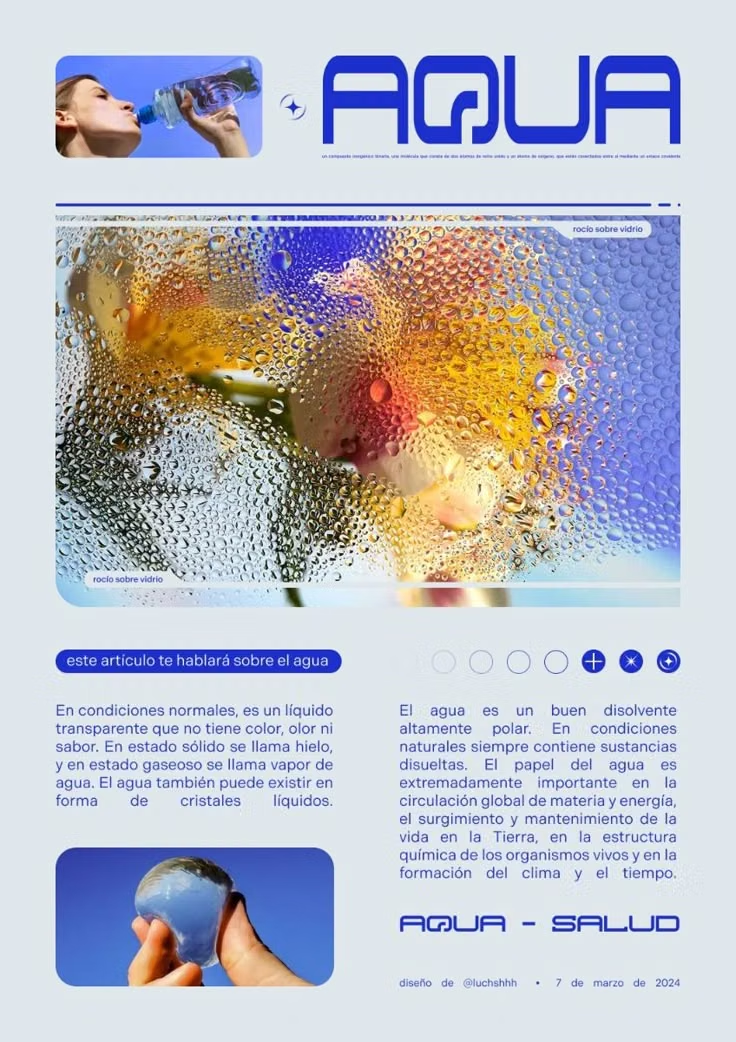
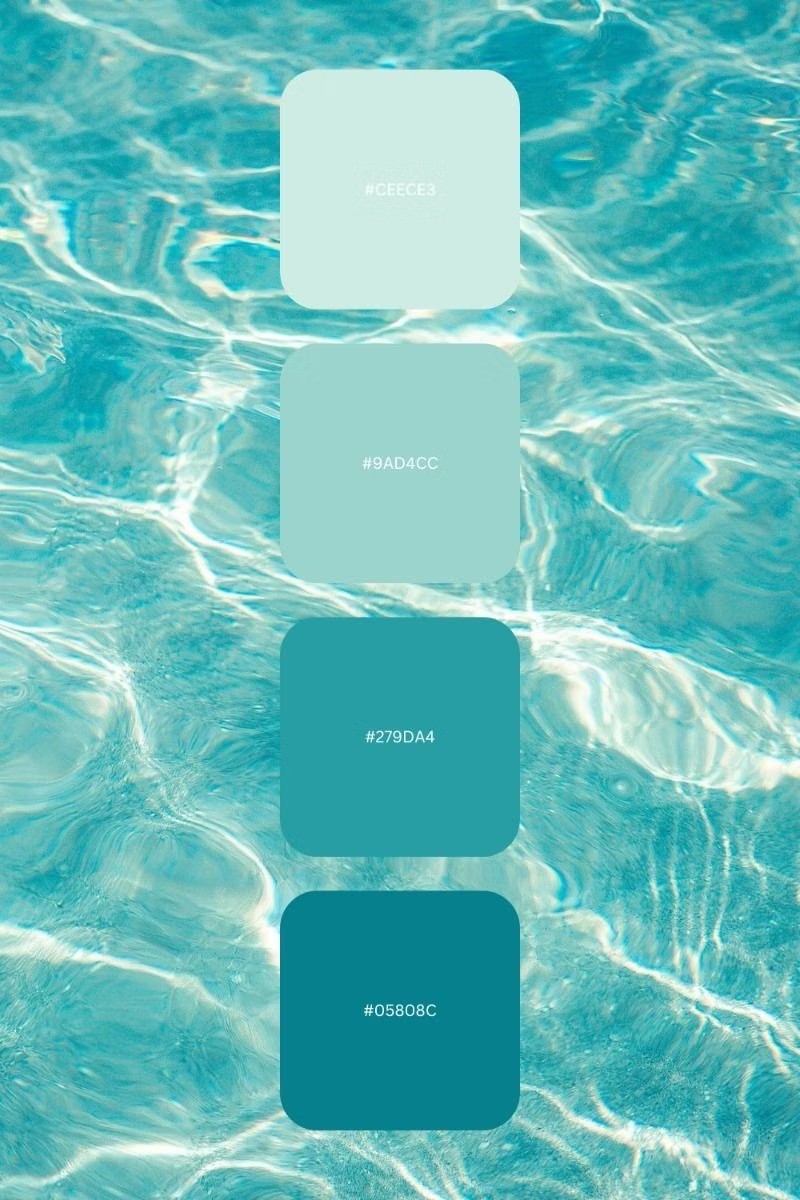

Aqua UI design style
Glossy gel-like controls, candy colors, translucent highlights, pinstripes, and vivid dimensional icons.
Luminous Eco-Skeuomorphism UI design style
A glossy, tactile interface style that combines early-2010s skeuomorphism with futuristic ecological-tech aesthetics. Controls resemble illuminated physical hardware, with intense inner glows, radiant edges, and soft light bloom making interactive elements appear electrically powered.